

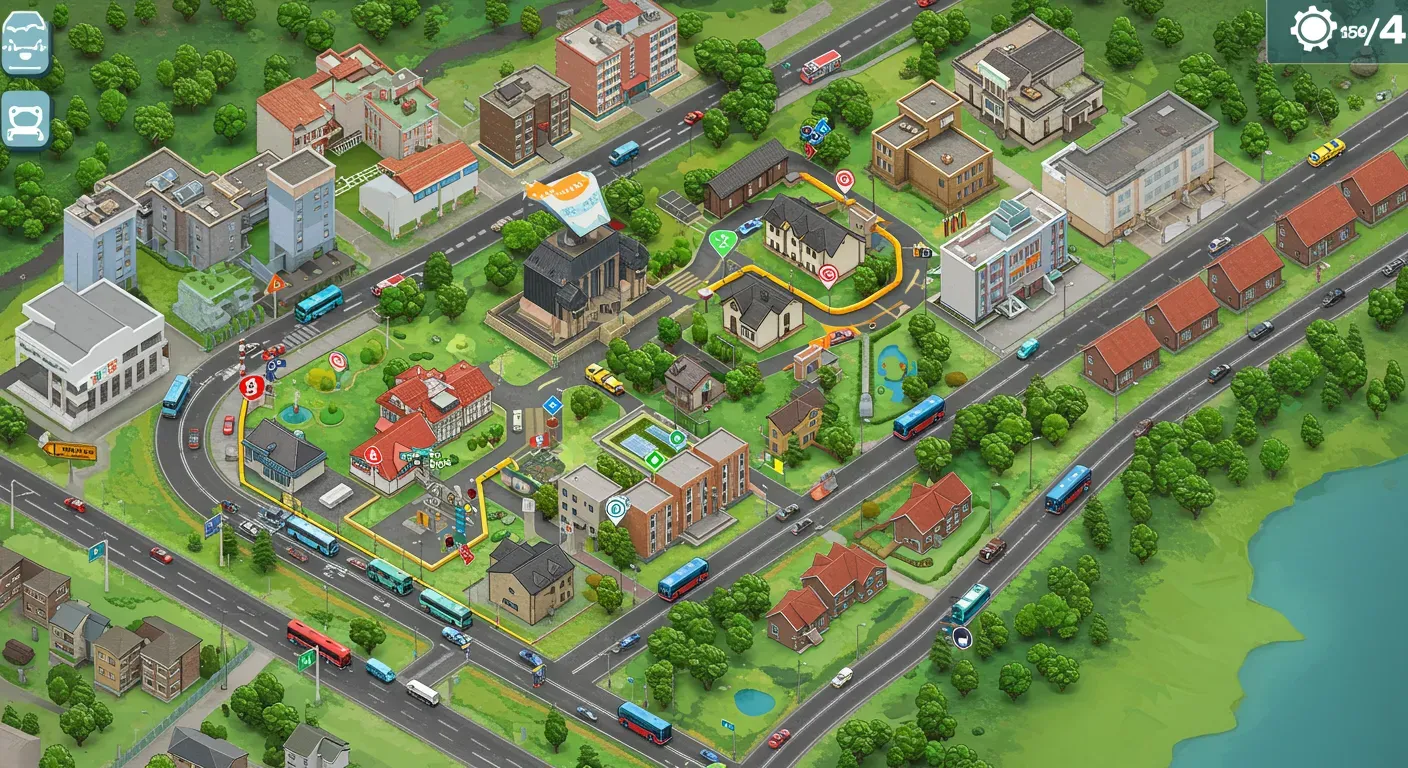
Creating realistic routes in Bus Simulator 21 Next Stop can significantly enhance your gaming experience, making it both immersive and enjoyable. Whether you're a seasoned player or a newcomer to the world of bus simulation, these tips will help you design routes that reflect real-life public transport systems. Let's dive into the essentials of crafting realistic bus routes!
Understand the Basics of Route Design
Before you start building routes, familiarize yourself with the fundamental aspects of route design. In real-world public transportation, routes are often determined by:
- Population Density: High-density areas require more frequent stops.
- Key Destinations: Include landmarks, schools, hospitals, and shopping centers.
- Traffic Patterns: Consider peak hours and typical traffic congestion.
By incorporating these elements, you can create routes that mimic real-life bus services.
Use Real-World Maps for Inspiration
One of the best ways to create realistic routes is to study existing public transportation maps. Websites like Google Maps or local transit authority websites provide route maps that can serve as excellent references.
Example:
If you're designing a route in a city resembling San Francisco, look at the Muni bus routes. Notice how they navigate the city's hills and major attractions. Use this information to inform your bus route design, including the direction of travel and the number of stops.
Incorporate Realistic Timing and Scheduling
Timing is crucial in bus simulation. To make your routes realistic:
- Calculate Travel Times: Use the in-game tools to measure how long it takes to travel between stops.
- Consider Stop Durations: Factor in the time buses spend at each stop for passengers to board and alight.
- Create a Schedule: Align your routes with realistic schedules, including peak and off-peak timings.
By paying attention to timing, you enhance the realism of your routes, creating a more engaging experience for players.
Prioritize Safety and Accessibility
When designing routes, it's important to consider safety and accessibility for all passengers. Here are some ethical considerations:
- Design for All Abilities: Ensure that routes are accessible for those with disabilities, including appropriate stop locations and bus designs.
- Safety Features: Include well-lit bus stops and safe crossing points for pedestrians.
Incorporating these elements not only enhances realism but also aligns with ethical standards in public transportation.
Test and Iterate Your Routes
Once you've designed your routes, it's time to test them. Play through your routes multiple times to identify any issues, such as:
- Traffic Bottlenecks: Are there areas where buses frequently get stuck?
- Stop Locations: Are some stops too close together or too far apart?
- Passenger Feedback: In the game, pay attention to passenger satisfaction ratings.
Use this feedback to refine your routes, making adjustments as necessary to improve the overall experience.
Creating realistic routes in Bus Simulator 21 Next Stop can be a rewarding challenge. By understanding the fundamentals of route design, using real-world maps, and prioritizing safety and accessibility, you can craft engaging and realistic bus routes. As the game continues to evolve, keep an eye on community feedback and updates that may influence route design.
Embrace your creativity while respecting the principles of public transportation, and you'll not only enhance your gameplay but also contribute positively to the simulation community.