

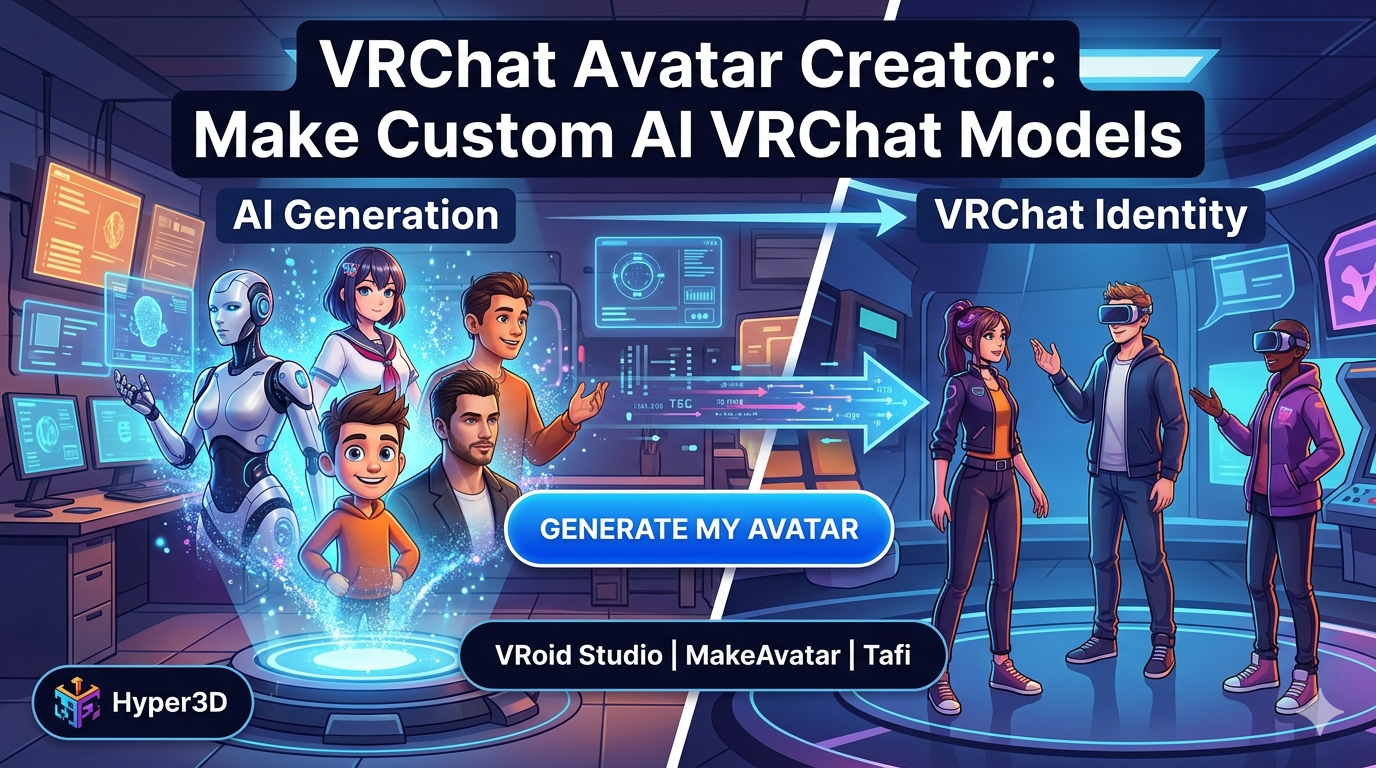
VRChat Avatar Creator: Make Custom AI VRChat Models
In the sprawling digital universe of VRChat, your avatar is your identity. It?? how you express yourself, how you connect with others, and how you experience the virtual world. While VRChat offers a selection of default avatars, the real magic happens when you bring a custom creation to life. A unique avatar helps you stand out in a crowd and truly embody the persona you want to project. But how do you get one? You could commission an artist, learn 3D modeling from scratch, or use a VRChat avatar creator. These tools, especially AI-powered ones, have made it easier than ever to design and build a personalized VRChat model.
What is a VRChat Avatar Creator?
A VRChat avatar creator is a tool or platform that simplifies the process of making a custom avatar for VRChat. Instead of needing deep knowledge of complex 3D modeling software like Blender or ZBrush, these creators offer more intuitive interfaces and streamlined workflows. They come in various forms, from web-based applications and standalone software to advanced AI platforms. The main advantage is efficiency. You can generate and customize an avatar in a fraction of the time it would take to build one from the ground up, and often at a lower cost. This accessibility opens up the world of custom avatars to a much broader audience, from casual players to aspiring creators.
Top VRChat Avatar Creator Tools in 2026
The landscape of avatar creation is always evolving. Here?? a look at some of the top tools available for making your own VRChat avatars, each with its own strengths.
Hyper3D (AI-Powered)
Hyper3D offers a suite of AI-driven tools that work together to create custom avatars. The main components are ChatAvatar, our AI avatar generator; Rodin, for generating 3D models from text or images; and OmniCraft, for editing and format conversion. This integrated system allows you to generate a unique character with a simple text prompt or by using an image as a reference. You can then refine the model, adjust its textures, and export it in VRChat-ready formats like FBX or GLB. The power of AI makes it possible to create a high-quality, original avatar without any prior 3D modeling experience.
VRoid Studio (Anime-Style)
For those who love the anime aesthetic, VRoid Studio is a popular choice. It?? a free 3D character creation tool that specializes in anime-style models. It provides a high degree of customization for features like hair, face, body, and clothing. You can draw textures directly onto your model, giving you fine-grained control over the final look. While it has a steeper learning curve than some other tools, it?? a powerful option for creating expressive, stylized characters.
MakeAvatar (Beginner-Friendly)
MakeAvatar is designed for simplicity. It uses a template-based system that lets you mix and match different body parts, clothes, and accessories to assemble an avatar. Its most significant advantage is the direct upload feature to VRChat, which bypasses the need for Unity. This makes it an excellent starting point for beginners who want to get a custom avatar into the game quickly without getting bogged down in technical details.
Tafi (High-Quality)
Tafi is a platform known for producing high-quality, professional-grade avatars. It offers a vast library of assets and a powerful customization engine. Tafi avatars are highly detailed and optimized for performance in VRChat. The platform integrates with Unity, providing a clear path for uploading your creations. While it's a premium service, the quality of the avatars often justifies the cost for those who want a polished and professional look.
My First-Hand Experience with Hyper3D's VRChat Avatar Creator
As a 3D artist, I was curious to see how an AI-powered VRChat avatar creator would stack up against traditional methods. I decided to take Hyper3D for a spin. I started by using the ChatAvatar tool to generate a base face from a text description. I typed in
'a futuristic android with glowing blue eyes and silver hair.' The AI generated a few options, and I picked one that looked promising.
Next, I moved to the Rodin tool to generate the body. I used the prompt 'a sleek, athletic android body in a black and silver suit.' The result was a detailed 3D model that matched my description. I then brought both the head and body into OmniCraft, Hyper3D?? editing tool. Here, I was able to merge the two models, refine the textures, and make some minor adjustments to the geometry. The image-to-3D feature in OmniCraft was particularly useful for adding some custom decals to the suit.
Finally, I used OmniCraft's format conversion capabilities to export the model as an FBX file, ready for VRChat. The entire process, from initial concept to a game-ready model, took me less than an hour. For someone used to spending days or even weeks on a single character, this was a remarkable experience. The AI handled the heavy lifting of modeling and texturing, leaving me with the creative task of directing the design.
Objective Comparison of VRChat Avatar Creators
Choosing the right VRChat avatar creator depends on your skills, budget, and desired art style. Here?? a comparison to help you decide:
| Feature | Hyper3D | VRoid Studio | MakeAvatar | Tafi |
|---|---|---|---|---|
| Ease of Use | Very Easy (AI-driven) | Moderate (Requires some learning) | Very Easy (Template-based) | Easy (Intuitive interface) |
| Customization | High (AI generation + manual editing) | Very High (Detailed control) | Low (Limited to templates) | High (Extensive asset library) |
| Art Style | Realistic, Stylized, Any | Anime/Manga | Toon-style | Realistic, Stylized |
| Cost | Subscription-based | Free | Free (with paid options) | Premium (Subscription or per-avatar) |
| VRChat Integration | Manual (Export to FBX/GLB) | Manual (Requires Unity) | Direct Upload | Manual (Requires Unity) |
Pros & Cons:
- Hyper3D: Best for those who want to create unique, high-quality avatars quickly without modeling skills. The AI-powered workflow is its biggest strength. The subscription cost might be a factor for some.
- VRoid Studio: Ideal for anime fans who want deep customization. It?? free and powerful, but be prepared to invest time in learning the software.
- MakeAvatar: The perfect choice for beginners who want a simple, no-fuss way to get a custom avatar in VRChat. The trade-off is limited creativity.
- Tafi: A great option for users who prioritize quality and are willing to pay for it. The avatars are professional and performant, but it comes at a premium price.
How to Upload Your Custom Avatar to VRChat
Once you have your avatar model, you??l need to upload it to VRChat. Here?? a simplified guide:
1. Download the VRChat Creator Companion: This is the official tool for managing your VRChat projects.
2. Create a New Avatar Project: The Creator Companion will set up a Unity project with all the necessary VRChat SDKs.
3. Import Your Avatar: Import your FBX or GLB file into the Unity project.
4. Set Up the Avatar Descriptor: Add the VRChat Avatar Descriptor component to your model in Unity. This is where you??l set up things like your viewpoint, lip sync, and animations.
5. Build & Upload: Use the VRChat SDK control panel to build and upload your avatar to your VRChat account.
This process can seem daunting at first, but there are many tutorials available to guide you. The VRChat community is also very helpful to newcomers.
Frequently Asked Questions (FAQ)
Can I create a VRChat avatar for free?
Yes, you can. Tools like VRoid Studio are completely free, and MakeAvatar offers a free tier. You can also find free avatar bases online to customize. However, for more advanced or unique creations, you might need to use paid tools or assets.
What is the best VRChat avatar creator for beginners?
For absolute beginners, MakeAvatar is the most straightforward option due to its template-based system and direct upload feature. Hyper3D is also a strong contender for beginners, as its AI-powered character design generator does most of the heavy lifting.
How do I make my VRChat avatar Quest compatible?
Making an avatar Quest compatible involves optimizing it to run on the standalone headset. This means reducing the polygon count, texture size, and number of materials. Most avatar creator tools have specific export settings or guides for creating Quest-compatible avatars.
Can I use my own 3D model in VRChat?
Absolutely. If you have a 3D model you??e created or commissioned, you can import it into Unity and set it up for VRChat using the Creator Companion. You??l need to make sure it?? properly rigged and meets VRChat?? technical specifications.
What are the technical requirements for a VRChat avatar?
VRChat has specific performance ranks for avatars, from Excellent to Very Poor. These are determined by factors like polygon count, material slots, and bone count. It?? a good practice to aim for a Good or Medium performance rank to ensure your avatar works well for everyone.
Your Unique Identity Awaits
Creating a custom VRChat avatar is a rewarding experience that allows you to express your creativity and stand out in the virtual world. Whether you??e a complete beginner or an experienced 3D artist, there?? a VRChat avatar creator that?? right for you. Tools like Hyper3D?? AI avatar generator are making it easier than ever to bring your unique vision to life.
So, what are you waiting for? Dive in, experiment with different tools, and start building the virtual you. The VRChat community is waiting to meet you.