

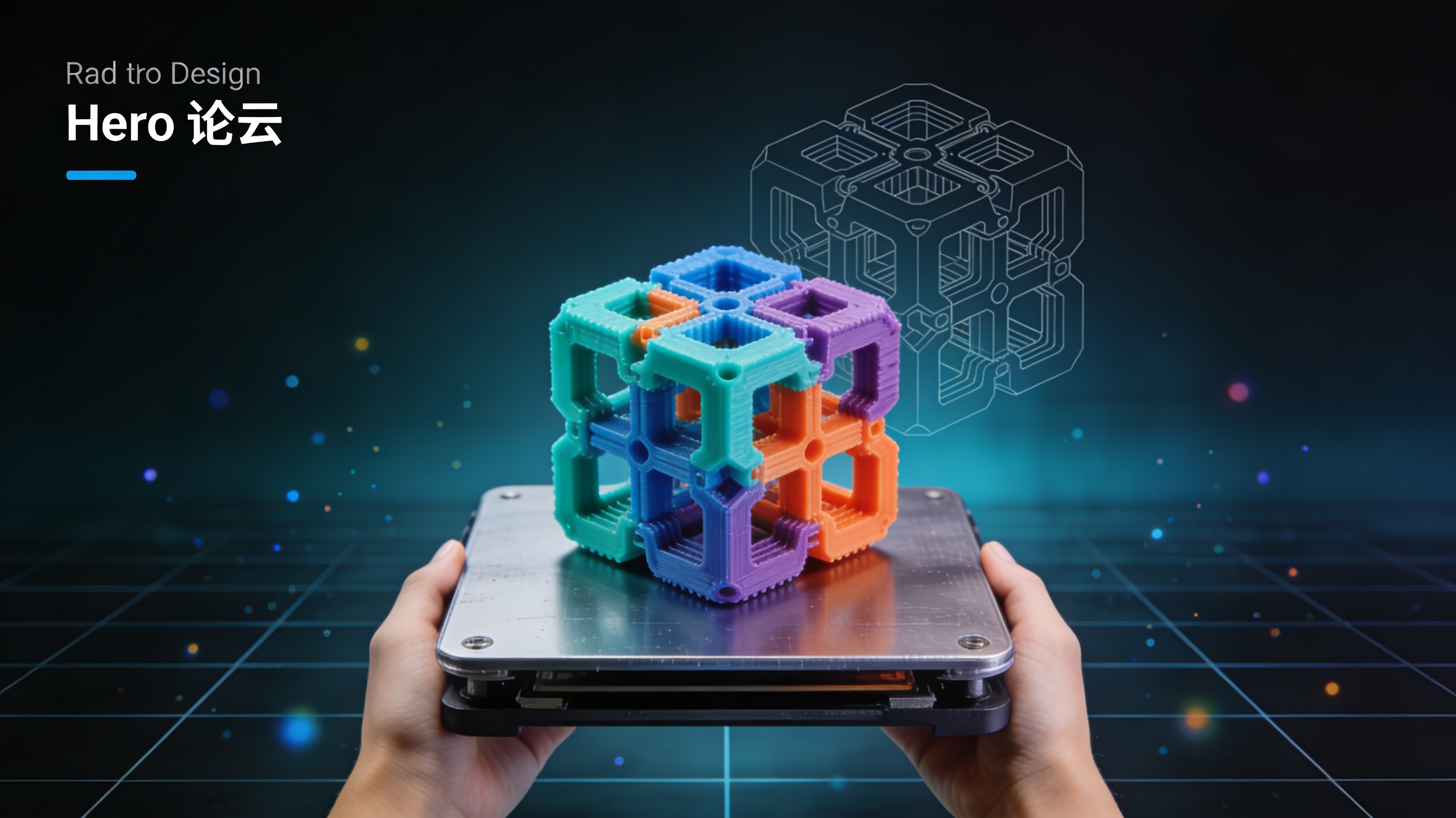
What Is 3MF File? Next-Gen 3D Printing Format
'''# What Is a 3MF File? Next-Gen 3D Printing Format
When you first get into 3D printing, you hear a lot about STL files. They have been the standard for a long time. But as technology moves forward, so do the file formats that support it. Today, anyone serious about 3D printing needs to understand the answer to the question, what is 3mf file? This newer format was designed to overcome the limitations of older file types and provide a much richer 3D printing experience. Whether you are using a desktop printer at home or professional-grade equipment, the 3MF format offers a more efficient and capable alternative.
So, What is a 3MF file? A Deeper Look
The 3MF (3D Manufacturing Format) is an open-source file format created specifically for additive manufacturing. It was developed by the 3MF Consortium, a group of leading companies in the 3D printing industry, including Microsoft, HP, and Autodesk. Their goal was to create a format that could store all the necessary information about a 3D model in a single, compact file. This means that a 3MF file can contain not just the 3D geometry of an object, but also its colors, materials, textures, and other properties. This is a significant step up from formats like STL, which can only store the surface geometry of a model. The core of what is 3mf file is its ability to be a complete package for a 3D model.
What Is 3MF File: Key Features of the 3MF Format
The 3MF format has several key features that make it a superior choice for modern 3D printing. These features address many of the shortcomings of older formats and provide a more streamlined workflow for designers and engineers.
All-in-One Package
One of the most significant advantages of the 3MF format is its ability to bundle all the information about a 3D model into a single file. This includes not only the mesh geometry but also materials, colors, textures, and even print ticket information. This means you no longer need to manage multiple files for a single project. Everything is contained within the 3MF file, making it much easier to share and manage your 3D models.
Human-Readable XML
Under the hood, a 3MF file is essentially a zip archive containing a set of files, including a 3D model part, and an XML-based file that describes the model. This human-readable XML structure makes it easy for developers to parse and create 3MF files. It also means that the format is extensible, allowing for new features and properties to be added in the future without breaking compatibility with older files. This XML-based structure is a key part of what makes 3MF so flexible and future-proof.
Clear and Unambiguous
Another major benefit of the 3MF format is that it is designed to be clear and unambiguous. It has strict rules about how geometry should be defined, which helps to avoid the kind of errors that are common in STL files, such as non-manifold edges and flipped normals. This means that 3MF files are more reliable and less likely to fail during the printing process. The format includes features for detecting and preventing these issues, ensuring a smoother printing experience.
Support for Modern 3D Printing
The 3MF format was designed with modern 3D printing in mind. It has built-in support for features like multi-material and multi-color printing, which are becoming increasingly common in new 3D printers. This allows designers to create more complex and realistic models without having to resort to complicated workarounds. The ability to handle these advanced features is a core aspect of what is 3mf file.
3MF vs. STL: A Head-to-Head Comparison
To better understand the advantages of the 3MF format, it is helpful to compare it directly with the older STL format. The following table highlights the key differences between the two:
| Feature | 3MF | STL |
|---|---|---|
| Color Support | Yes (full color) | No |
| Material Support | Yes (multi-material) | No |
| File Size | Smaller | Larger |
| Human-Readable | Yes (XML-based) | No (binary) |
| Extensibility | Yes | No |
| Error Prevention | Yes | No |
As you can see, the 3MF format is superior to STL in almost every way. It is more efficient, more capable, and more reliable. While STL is still widely used, the 3MF format is the clear choice for anyone who wants to take full advantage of modern 3D printing technology. If you need to view your old STL files, a good STL file viewer can be very helpful.
My First-Hand Experience with 3MF Files
I recently worked on a project that involved creating a detailed architectural model for a client. The model had multiple components, each with different colors and materials. In the past, using STL for such a project would have been a nightmare. I would have had to save each colored component as a separate STL file and then painstakingly align and assign them in the slicer software. The risk of human error was high, and managing dozens of files was cumbersome. For this project, I decided to use the 3MF format instead. The difference was night and day. I was able to export the entire assembly from my CAD software as a single 3MF file. All the colors, materials, and part orientations were preserved within that one file. When I opened it in my slicer, the model appeared exactly as I had designed it, ready to print. This saved me hours of tedious work and eliminated the possibility of misaligning components. I also had to share the model with a colleague who was using a different 3D printer. I was worried about compatibility issues, but the 3MF file worked perfectly on their machine as well. When I needed to provide a version for an older machine that only accepted STL, I used a 3MF to STL converter, which made the process simple. This experience really drove home for me the importance of this format and how it streamlines complex projects.
How to Open and Use 3MF Files
Opening and using 3MF files is straightforward, as many modern 3D modeling and slicer applications support the format. Tools like Hyper3D's OmniCraft are designed to work with 3MF files, allowing you to import, edit, and prepare your models for printing. If you work with various 3D formats, a good 3D format converter is an essential tool. These converters allow you to easily switch between formats like 3MF, STL, OBJ, and FBX. For those who want to create 3D models from scratch, there are amazing new tools available. You can turn a simple picture into a detailed model with an image to 3D tool, or even generate complex models from text prompts using an AI 3D model generator. Knowing what is 3mf file is the first step to using these powerful tools effectively.
The Future of 3D Printing and the Role of 3MF
The 3D printing industry is constantly evolving, and the 3MF format is a big part of that evolution. As printers become more advanced, with the ability to print in multiple colors and materials, the need for a file format that can support these features will only grow. The 3MF format is well-positioned to become the new standard for 3D printing, replacing older formats like STL. Its open-source nature and the backing of major industry players make it a strong contender. We are seeing its adoption in critical fields like aerospace, where part traceability and metadata are crucial, and in the medical field for creating patient-specific models with complex material properties. For anyone involved in 3D printing, from hobbyists to professionals, understanding what is 3mf file is essential for staying current with the latest technology and unlocking new possibilities.
Frequently Asked Questions (FAQ)
What is a 3MF file used for?
A 3MF file is used to store all the information about a 3D model for 3D printing. This includes the model's geometry, colors, materials, and other properties. It is a modern alternative to older formats like STL.
Is 3MF better than STL?
In most cases, yes. 3MF offers many advantages over STL, including smaller file sizes, support for colors and materials, and better error prevention. It is a more capable and reliable format for modern 3D printing.
What programs can open a 3MF file?
Many 3D modeling and slicer programs can open 3MF files, including Hyper3D OmniCraft, Microsoft 3D Builder, and Ultimaker Cura. As the format becomes more popular, more programs are adding support for it.
Can I convert a 3MF file to another format?
Yes, you can convert a 3MF file to other formats like STL or OBJ using a 3D format converter. This is useful if you need to use the file with an older program that does not support the 3MF format.
Why is understanding 'what is 3mf file' important for 3D printing?
Understanding what is 3mf file is important because it is the future of 3D printing. As the technology continues to advance, the 3MF format will become increasingly important for creating high-quality, complex 3D models. Knowing how to use it will give you a significant advantage.
'''