3D Printing Miniatures: How to Create Custom Minis
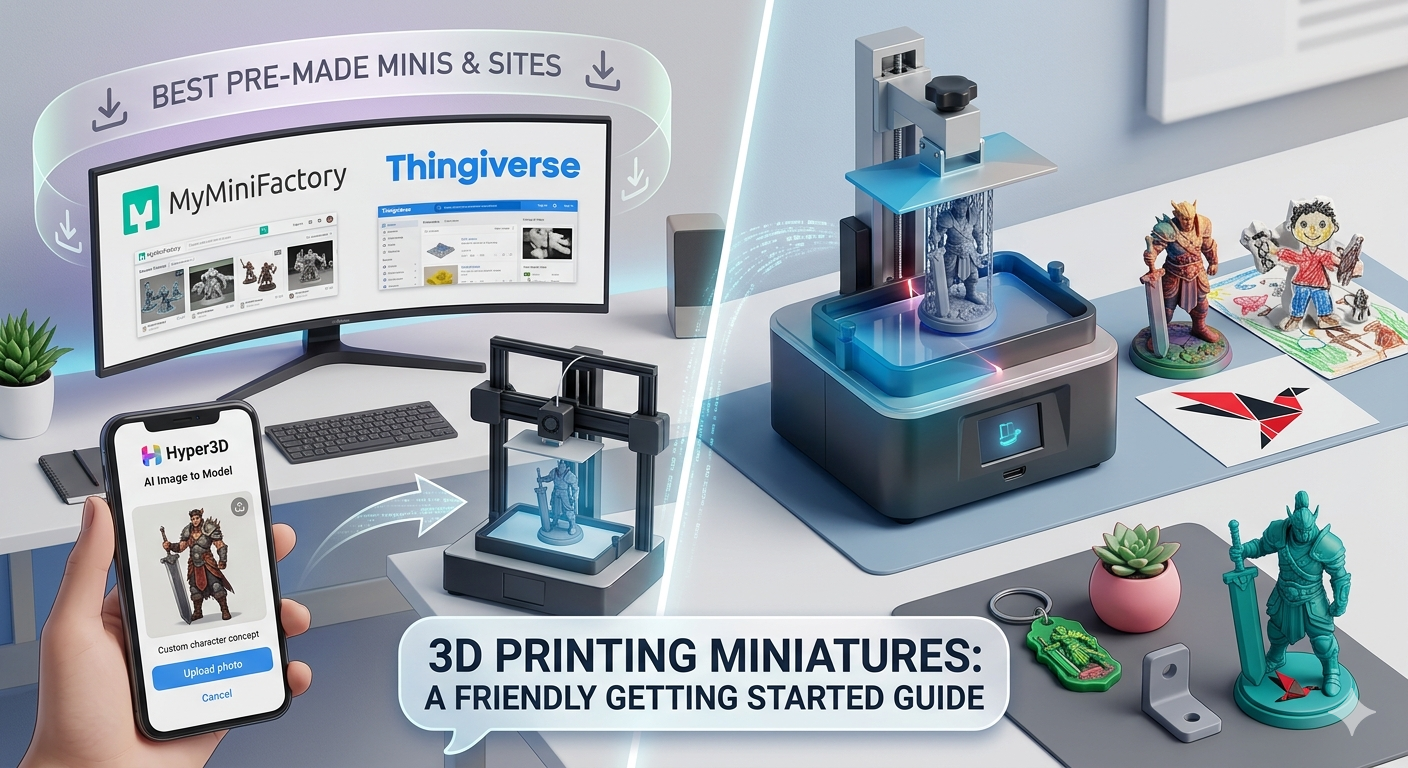
3D printing has opened up a world of possibilities for hobbyists and creators, and one of the most exciting applications is the ability to create custom miniatures. This guide will walk you through everything you need to know about 3d printing miniatures. Whether for tabletop gaming, dioramas, or simply for the joy of collecting, 3D printing allows you to bring your unique creations to life. While you can find a vast library of pre-made models on platforms like MyMiniFactory and Thingiverse, the real magic happens when you design your own. Tools like Hyper3D's AI 3D model generator and image to 3D converters are making it easier than ever to get started.
Choosing the Right 3D Printer for Miniatures
The first step in your 3d printing miniatures journey is selecting the right printer. The two most common types of 3D printers for miniatures are Fused Deposition Modeling (FDM) and Stereolithography (SLA). Each has its own strengths and weaknesses, and the best choice for you will depend on your budget, desired level of detail, and willingness to post-process your prints.
FDM vs. SLA: What's the Difference?
FDM printers work by melting and extruding a thermoplastic filament, building up the model layer by layer. They are generally more affordable and easier to use, making them a popular choice for beginners. However, the layer lines can be more visible, which may not be ideal for highly detailed miniatures. SLA printers, on the other hand, use a laser to cure liquid resin into a solid object. This process results in a much higher level of detail and a smoother surface finish, making SLA the preferred choice for professional-quality miniatures. While SLA printers and materials are typically more expensive, the results are often worth the investment for serious hobbyists.
Recommended Printers for Miniatures
For those just starting, an entry-level FDM printer can be a great way to learn the ropes of 3D printing without a significant financial commitment. As you gain experience and want to achieve a higher level of detail, you may consider upgrading to an SLA printer. Many manufacturers offer a range of printers at different price points, so you can find one that fits your budget and needs. When choosing a printer, it's also important to consider the availability and cost of materials, as well as the software compatibility.
Finding and Creating Your 3D Miniature Models
Once you have your 3D printer, you'll need models for 3d printing miniatures. You have two main options: finding pre-made models online or creating your own.
Where to Find Pre-made Miniature Models
There are numerous online platforms where you can find a vast collection of 3D models, many of which are free to download. Websites like MyMiniFactory, Thingiverse, and Cults are popular choices for finding miniatures for tabletop games, historical figures, and more. These platforms offer a wide range of quality, from simple designs to highly detailed and intricate models. When downloading pre-made models, be sure to check the licensing agreements, as some may have restrictions on commercial use.
Creating Your Own Miniatures from Scratch
For those who want to create truly unique miniatures, designing your own models is the way to go. There are several software options available, each with its own learning curve. For beginners, tools like Tinkercad and Meshmixer offer a user-friendly introduction to 3D modeling. More advanced users may prefer software like ZBrush or Blender for creating highly detailed and complex models. Additionally, innovative tools like Hyper3D's 3D printing model generator and image to STL converter are making it easier than ever to turn your ideas into 3D printable models. These tools can be a great starting point for creating custom miniatures without extensive modeling experience.
Preparing Your Model for 3D Printing
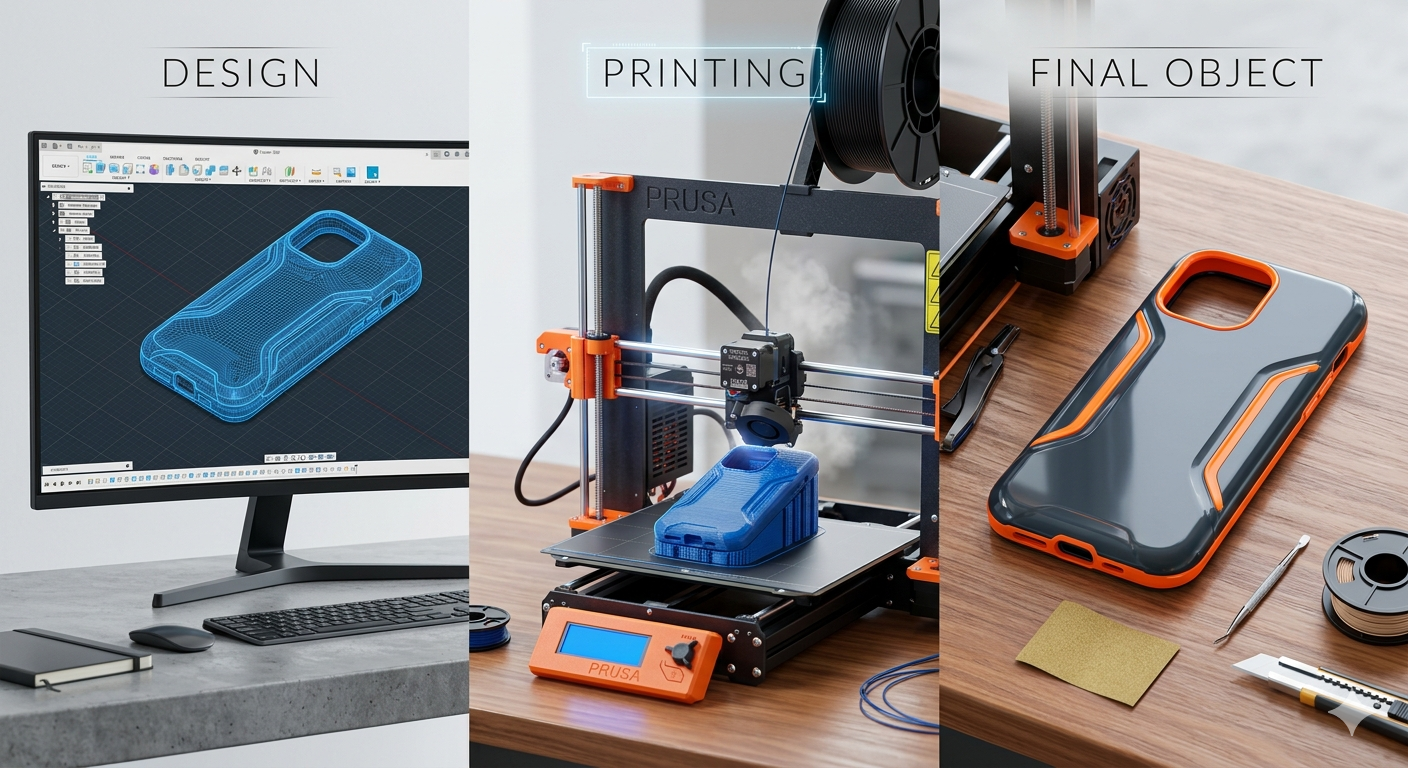
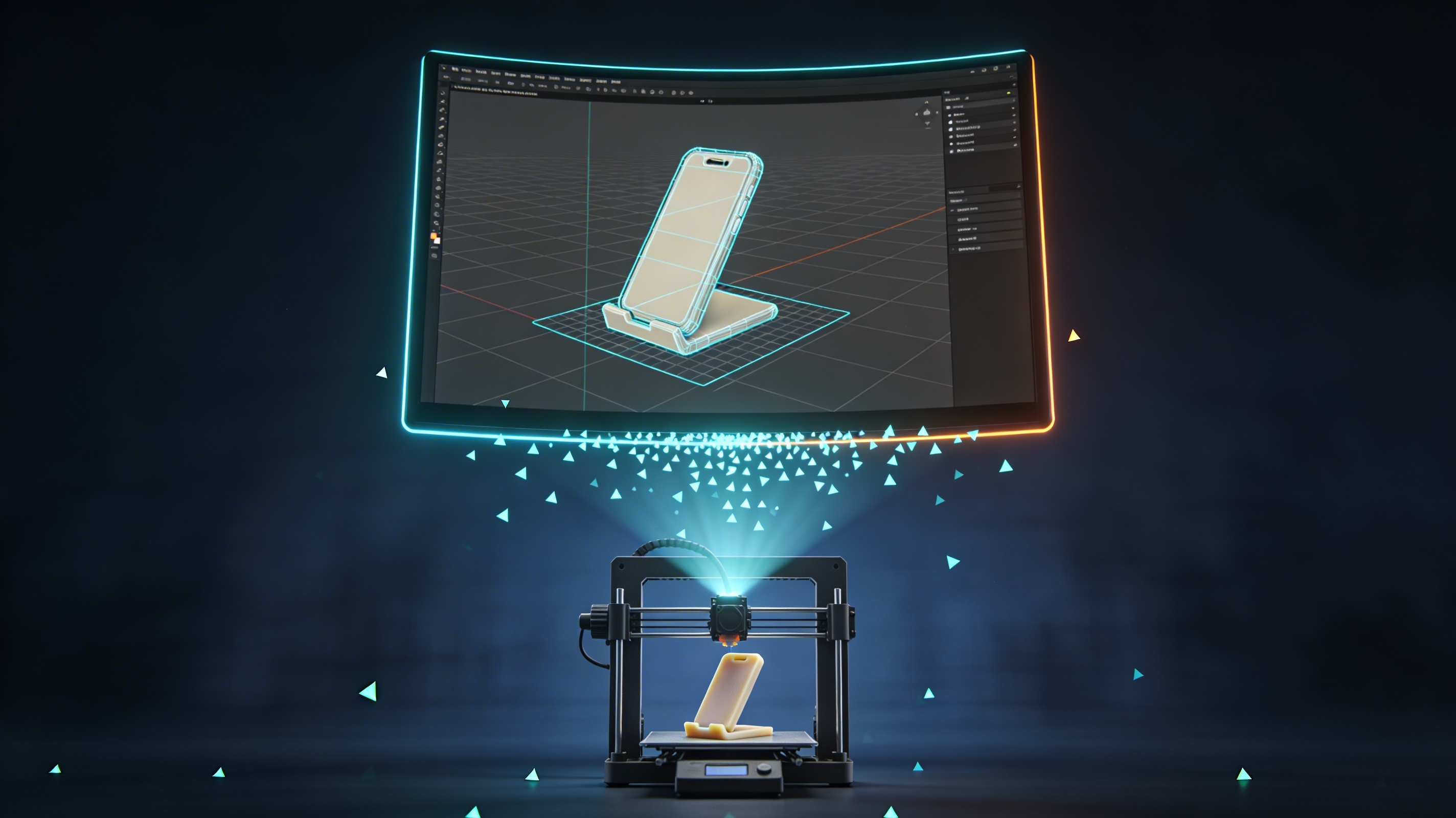
Before you can start 3d printing miniatures, you need to prepare the 3D model file. This process, known as slicing, involves converting the model into a format that the 3D printer can understand. It also involves adding supports to ensure that the model prints correctly.
Slicing Your Model
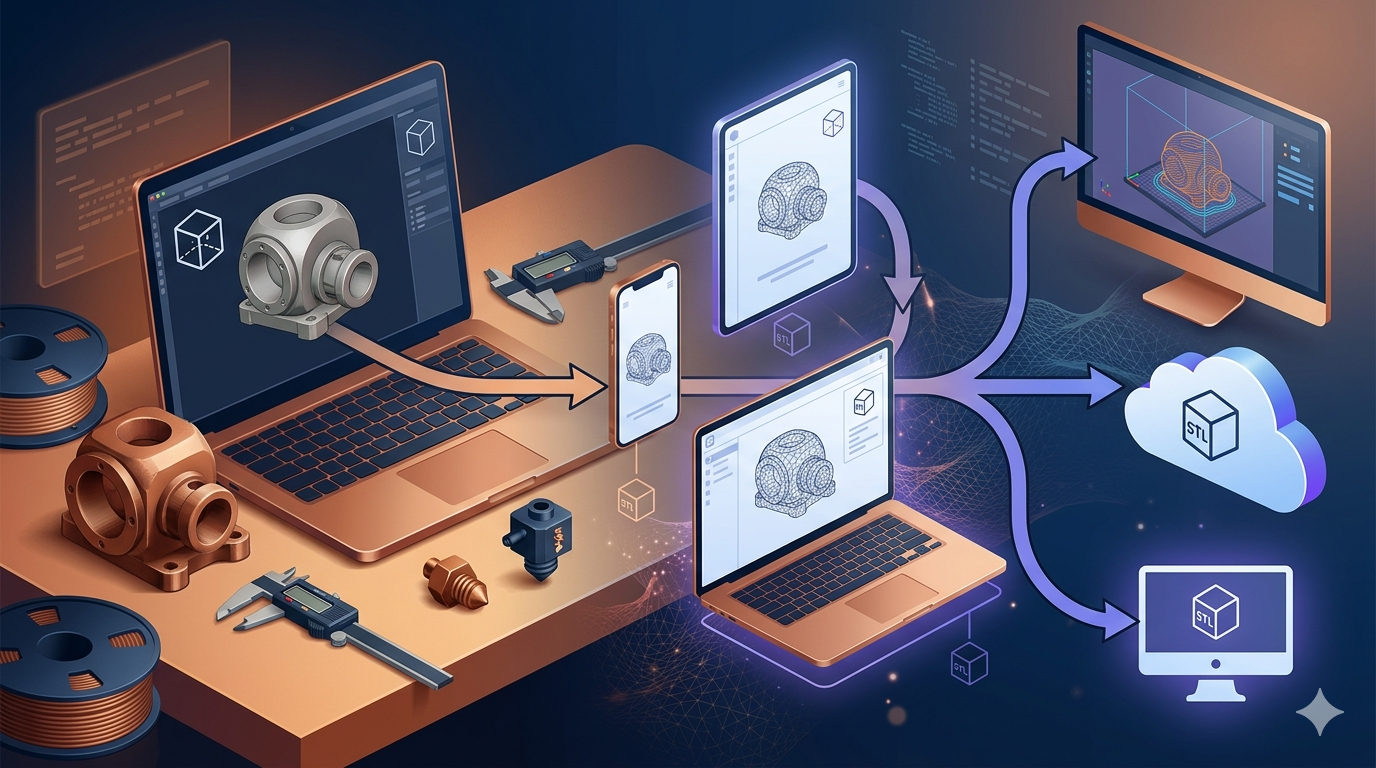
Slicing software, such as Cura or Chitubox, takes your 3D model (usually in STL or OBJ format) and slices it into thin horizontal layers. The software then generates a G-code file that contains the instructions for the 3D printer to follow. During the slicing process, you can adjust various settings, such as layer height, print speed, and infill density, to optimize the print quality and time. For miniatures, a lower layer height is generally recommended to capture fine details. If your model is in a different format, you can use a 3D format converter to convert it to a compatible format.
Hollowing and Supports
For resin prints, hollowing out the model can help to reduce the amount of resin used and prevent issues like cracking. When hollowing a model, it's important to add drainage holes to allow the uncured resin to escape. Supports are also crucial for successful 3D printing, especially for models with overhangs or delicate parts. The supports provide a scaffold for the model to build upon, preventing it from collapsing during the printing process. Most slicing software can automatically generate supports, but you may need to add or remove them manually to ensure the best results.
My First-Hand Experience with 3D Printing Miniatures
As an avid tabletop gamer, the idea of creating my own custom miniatures for 3d printing miniatures was always appealing. I decided to dive in and document my experience. I started with an entry-level FDM printer, which was a great learning tool. I printed a few pre-made models from Thingiverse, and while they were decent, I longed for something more unique. That's when I discovered Hyper3D's AI 3D model generator. I used a simple text prompt to describe a fantasy warrior I had in mind, and the AI generated a 3D model in minutes. The level of detail was impressive, and I was able to export the model as an STL file, ready for printing. I also experimented with the image to 3D tool, which allowed me to turn a 2D concept art of a monster into a 3D model. The process was surprisingly straightforward, and it opened up a whole new world of possibilities for creating custom miniatures.
Objective Comparison of 3D Miniature Creation Tools
When it comes to creating models for 3d printing miniatures, there are a variety of tools available, each with its own set of pros and cons. For those who are new to 3D modeling, AI-powered tools like Hyper3D's are a great starting point. They are incredibly easy to use and can generate impressive results with minimal effort. However, they may not offer the same level of control and customization as traditional 3D modeling software. For those who want to create highly detailed and unique models, learning a program like ZBrush or Blender is a worthwhile investment. These programs have a steeper learning curve, but they offer unparalleled creative freedom. For converting between different 3D file formats, a dedicated 3D format converter is an essential tool. Ultimately, the best tool for you will depend on your skill level, budget, and creative goals.
Frequently Asked Questions about 3D Printing Miniatures
What is the best type of 3D printer for miniatures?
For the highest level of detail, SLA printers are generally considered the best choice for 3d printing miniatures. However, FDM printers are more affordable and can still produce great results, especially for larger miniatures or terrain pieces.
Do I need to be a 3D modeling expert to create my own miniatures?
Not at all! While learning a 3D modeling program like Blender or ZBrush can give you more creative control, there are many user-friendly tools available that can help you create custom miniatures for 3d printing miniatures without any prior experience. AI-powered tools like Hyper3D's 3D printing model generator are a great example.
Where can I find 3D models for miniatures?
There are many websites where you can find 3D models for miniatures, both free and paid. Some of the most popular platforms include MyMiniFactory, Thingiverse, and Cults.
What is the difference between STL and OBJ files?
STL and OBJ are both common file formats for 3D models. STL files are simpler and more widely supported by 3D printers, while OBJ files can contain more information, such as color and texture data. If you need to convert between formats, you can use a 3D format converter.
How do I get a smooth finish on my 3D printed miniatures?
Achieving a smooth finish on your miniatures often requires some post-processing. For FDM prints, this may involve sanding and filling to remove layer lines. For SLA prints, the surface is generally smoother to begin with, but you may still want to do some light sanding and priming before painting.