Best 3D Printing Software & Slicers in 2025
Navigating the world of 3D printing can feel complex, with a steep learning curve associated with its hardware and software. The software, in particular, is a critical component that transforms a digital concept into a tangible object. From intricate 3D modeling applications to precise slicers, the tools you choose will directly impact the quality of your prints. This article explores some of the best 3D printing software available, examining top-tier modeling programs and slicers to help you find the perfect fit for your projects. We will help you find the best 3d printing software for your needs, whether you're a beginner just starting or a professional pushing the boundaries of what's possible.
What is 3D Printing Software?
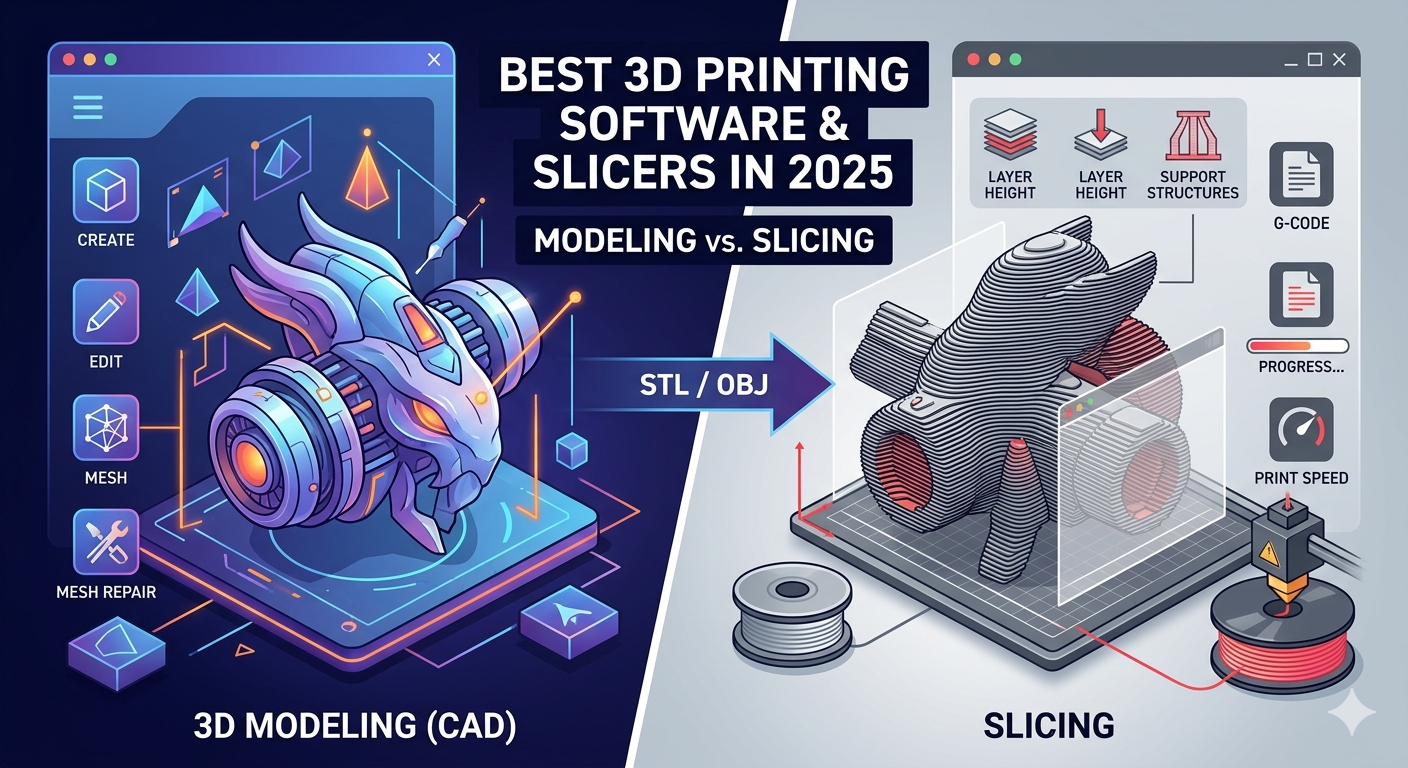
fundamentally, 3D printing software is the bridge between your digital design and the physical 3D printer. The overall process involves a few key types of software. First, you have 3D modeling software, also known as Computer-Aided Design (CAD) software, where you create or modify your 3D design. Once your model is ready, it's exported, typically as an STL or OBJ file. This file is then imported into a slicer. The slicing software cuts the model into hundreds or thousands of horizontal layers and generates the G-code, a set of instructions the printer understands. Finally, printer control software sends this G-code to the printer, managing the printing process itself, although this is often handled directly by the slicer or the printer's firmware.
What is the Best 3D Printing Software for Modeling?
Choosing the right 3D modeling software is fundamental to finding the best 3d printing software for your workflow. The market offers a wide range of options, from simple, user-friendly tools for beginners to highly sophisticated programs for professional designers and engineers. The best 3D printing software for modeling depends heavily on your skill level and the complexity of the objects you intend to create.
For Beginners
For those new to 3D design, it's wise to start with software that has a gentle learning curve. These tools are often web-based and provide intuitive interfaces to get you started without feeling overwhelmed.
- Tinkercad: Owned by Autodesk, Tinkercad is a free, browser-based application that is arguably the most recommended starting point for beginners. It uses a simple block-building concept, allowing you to create complex models by combining and subtracting basic shapes. Its simplicity is its greatest strength, making it perfect for educational purposes or for hobbyists taking their first steps.
- SelfCAD: SelfCAD offers a more integrated experience by combining modeling, sculpting, and slicing capabilities into one platform. It has a user-friendly interface but includes more advanced features than Tinkercad, providing a good pathway for users to grow their skills. It operates on a subscription model but provides a free version with limited features.
For Advanced Users
Experienced users require more powerful and versatile tools that offer greater control and a wider array of features for creating complex, high-fidelity models.
- Fusion 360: Another product from Autodesk, Fusion 360 is a cloud-based platform that offers professional-grade parametric, freeform, and direct modeling tools. It's a favorite among engineers and designers for its comprehensive feature set, including simulation and CAM capabilities. It's available for a subscription fee, but a free license is available for hobbyists and startups.
- Blender: Blender is a free and open-source 3D creation suite that is incredibly powerful. It supports the entirety of the 3D pipeline??odeling, rigging, animation, simulation, rendering, compositing, and motion tracking. While its extensive capabilities come with a steeper learning curve, it has a massive, active community and a wealth of free tutorials.
- SolidWorks: A staple in the professional engineering world, SolidWorks is a solid parametric modeling software. It's known for its precision and is the industry standard for product design. Its high cost makes it less accessible for hobbyists, but it is an essential tool for commercial applications.
Finding the Best 3D Printing Software for Slicing
Once you have a 3D model, the next critical step is slicing. A slicer converts your model into a language your 3D printer can understand (G-code). The quality of your slicer and its settings can have as much impact on the final print as the printer itself, making it a crucial part of the best 3d printing software setup. Many consider this category to contain the best 3d printing software because of its direct influence on print quality.
- UltiMaker Cura: Cura is one of the most popular open-source slicers, and for good reason. It's compatible with a vast range of 3D printers and is known for its user-friendly interface. While it's simple to use for beginners with its recommended settings, it also offers over 400 settings for advanced users to fine-tune.
- PrusaSlicer: Developed by Prusa Research, PrusaSlicer is another open-source powerhouse. It's based on the earlier Slic3r and has grown into a feature-rich application. It includes profiles for Prusa printers but is fully compatible with other machines. Features like paint-on supports and variable layer height make it a favorite among advanced users.
- OrcaSlicer: A fork of Bambu Studio (which itself was forked from PrusaSlicer), OrcaSlicer has rapidly gained popularity. It offers a clean interface and introduces useful features like calibration tests, multi-plate project management, and first-class support for Klipper firmware. It's a great all-around choice that balances ease of use with powerful features.
- Bambu Studio: While designed for Bambu Lab printers, this slicer is also compatible with other machines. It shares a common heritage with PrusaSlicer but is tailored for speed and multi-material printing, integrating smoothly with Bambu's hardware ecosystem.
My First-Hand Experience
As someone who spends a lot of time with 3D printers, I've worked with most of the tools on this list. I started my journey with Tinkercad, creating simple parts and custom organizers. Its simplicity was a great confidence booster. As my ambitions grew, I moved to Fusion 360 for more complex mechanical parts. The transition was challenging, but the parametric modeling capabilities were a revelation for creating precise, functional prints.
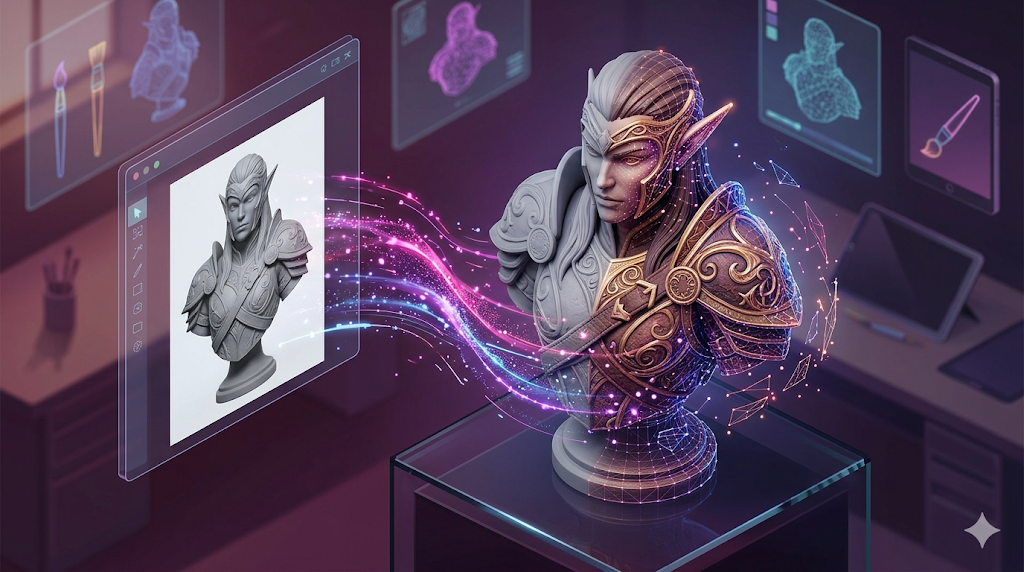
On the slicing front, I used Cura for years and it never let me down. However, I recently switched to OrcaSlicer and have been incredibly impressed. The built-in calibration tools have helped me dial in my printer settings perfectly, and the project-based workflow is fantastic for managing complex assemblies. For a recent project, I needed a custom 3D model with a unique texture. I used an AI 3D printing tool to generate the base mesh from a text prompt, which was a huge time-saver. The ability of an AI 3D model generator to create complex geometries from simple inputs is a fascinating development in the field. After generation, I imported the model into Blender for some final sculpting touches before sending it to OrcaSlicer. The final print came out perfectly.
Objective Comparison of Top 3D Printing Software
Choosing the right software can be daunting. Here?? a table to help you compare some of the top options at a glance.
| Software | Type | Best For | Pros | Cons |
|---|---|---|---|---|
| Tinkercad | Modeling | Absolute Beginners | Extremely easy to learn, free, web-based | Very limited features, not for complex models |
| Fusion 360 | Modeling | Hobbyists & Prosumers | Powerful parametric modeling, free for hobbyists | Steep learning curve, cloud-based |
| Blender | Modeling | Artists & Designers | Incredibly versatile, free and open-source | Very steep learning curve |
| Cura | Slicer | All Users | Easy to use, highly configurable, large community | Can be slow with very complex models |
| PrusaSlicer | Slicer | Advanced Users | Rich features, great for fine-tuning | Interface can feel cluttered |
| OrcaSlicer | Slicer | Enthusiasts | Excellent calibration tools, modern UI | Newer, so smaller community than Cura |
Frequently Asked Questions (FAQ)
What is the easiest 3D printing software to learn?
For 3D modeling, Tinkercad is hands-down the easiest software to learn. For slicing, UltiMaker Cura has a very friendly interface and pre-configured profiles that make it easy for beginners to get started.
Is there any free 3D printing software?
Yes, there are many excellent free options! For modeling, Blender is a professional-grade, open-source tool. For beginners, Tinkercad is completely free. On the slicing side, Cura, PrusaSlicer, and OrcaSlicer are all free and open-source.
What's the difference between 3D modeling and slicing software?
3D modeling software is like a digital workshop where you create or sculpt your 3D object from scratch. Slicing software is the intermediary step that takes your finished model and converts it into instructions (G-code) that your 3D printer can execute layer by layer.
Can I use my own 3D models for printing?
Absolutely! That's one of the most rewarding aspects of 3D printing. You can design your own models in CAD software, and you can also find millions of free models to download from sites like Thingiverse, Printables, and MyMiniFactory. You can even use a 3D format converter to ensure your files are in the correct format, like STL or OBJ.
How can I convert an image to a 3D model for printing?
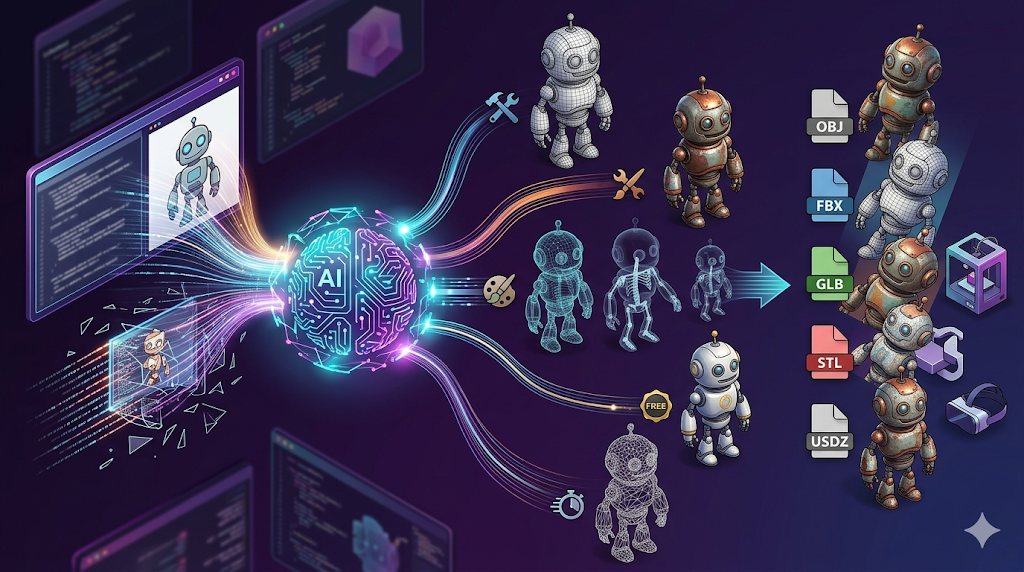
There are several tools available for this. Some software has a feature to trace an image and extrude it into a 3D shape. For more complex conversions, you can use a dedicated image to STL converter or an image to 3D tool, many of which use AI to interpret the 2D image and generate a 3D mesh.
Conclusion
The ecosystem of 3D printing software is vast and continually evolving. Finding the best 3d printing software is a journey of discovery. While we've covered some of the top contenders and slicers in 2025, the perfect tool for you will always depend on your specific needs, budget, and willingness to learn. For beginners, starting with Tinkercad and Cura is a proven path to success. As you grow, exploring the power of Fusion 360, Blender, and advanced slicers like OrcaSlicer will open up new possibilities. The key is to start creating, experimenting, and finding the workflow that best suits your creative vision.