How to Convert Image to 3D Model with AI
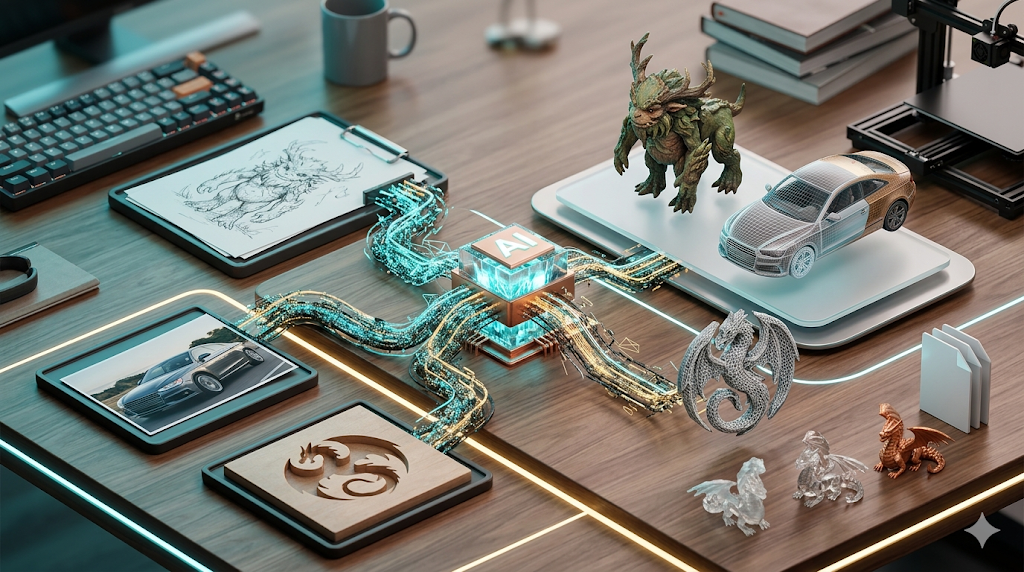
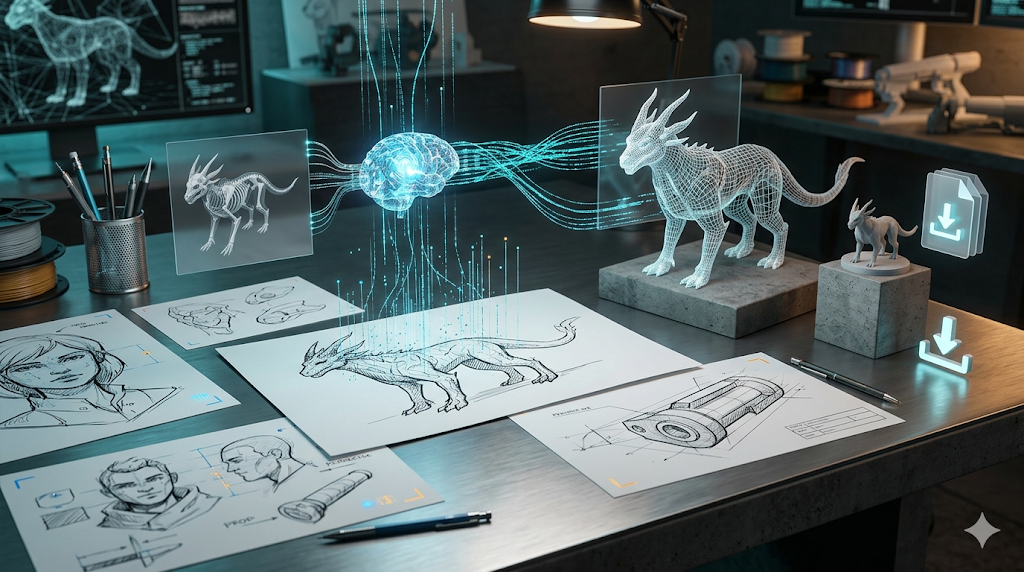
Turning a flat, two-dimensional image into a fully realized three-dimensional model used to be the domain of skilled 3D artists, requiring hours of meticulous work in complex software. Today, artificial intelligence has dramatically changed the landscape. A new generation of AI-powered tools can analyze a 2D picture and generate a 3D mesh from it in minutes, a process often called single-image 3D reconstruction. This opens up a world of possibilities for game developers, designers, 3D printing enthusiasts, and creators of all kinds.
This is where how to convert image to 3d model tools really show their value.
These AI tools, from platforms like Hyper3D, Meshy, and Tripo, use different underlying technologies like NeRFs (Neural Radiance Fields), Gaussian Splatting, and advanced diffusion models to interpret the geometry, texture, and lighting from a single photograph. While the quality and usability of the output can vary between platforms, the core promise is the same: to make 3D creation more accessible to everyone. Whether you're looking to create a quick prototype, a game asset, or a printable figure, there is likely an AI tool that fits your workflow.
For anyone exploring how to convert image to 3d model options, this matters.
This guide will walk you through how this technology works, compare some of the top tools available, and provide a step-by-step workflow for turning your own images into 3D models. We'll look at the strengths and weaknesses of each platform to help you choose the right one for your specific project.
How AI Converts an Image to a 3D Model with How To Convert Image To 3D Model
The magic of turning a single 2D image into a 3D object relies on sophisticated AI models trained on vast datasets of images and their corresponding 3D shapes. These systems learn to infer three-dimensional structure from two-dimensional cues like shading, perspective, and object contours. Several key technologies power this process.
How To Convert Image To 3D Model: Neural Radiance Fields (NeRF)
NeRFs work by creating a continuous 5D function that represents a scene. For a given camera position and viewing direction, the NeRF model predicts the color and density of the light at that point in space. By querying this function for many different viewpoints, the AI can render novel views of the object and reconstruct its underlying 3D geometry and appearance. It's like teaching the AI to imagine what an object looks like from every possible angle, even if it has only seen it from one.
3D Gaussian Splatting
A more recent and often faster technique is 3D Gaussian Splatting. Instead of a continuous function, this method represents the scene with a large number of 3D Gaussians??hink of them as soft, semi-transparent blobs. Each Gaussian has properties like position, shape (ellipsoid), color, and opacity. To render an image, these Gaussians are "splatted" or projected onto the 2D image plane and blended together. This approach can produce high-quality, photorealistic results very quickly, making it ideal for real-time applications.
Diffusion Models
Primarily known for their success in 2D image generation (like DALL-E or Midjourney), diffusion models are also being adapted for 3D. A 3D diffusion model starts with a random cloud of points (noise) and progressively refines it into a coherent 3D shape by following learned patterns from its training data. When guided by an input image, the model denoises the point cloud in a way that makes its final shape match the object in the picture. This method is particularly good at generating plausible and creative geometry, even from ambiguous or artistic images.
Top AI Image-to-3D Model Converters Compared
Choosing the right tool depends heavily on your end goal. Are you a game developer needing optimized assets, a designer prototyping ideas, or a hobbyist 3D printing a custom figure? Here?? a comparison of the leading platforms.
| Tool | Best For | Top Strength | Key Limitation |
|---|---|---|---|
| Meshy AI | Texturing & UX | Best textures | Rougher geometry |
| Tripo AI | Game dev pipelines | Auto-rigging | STL export issues |
| Hyper3D | Topology & ecosystem | Cleanest geometry | Less versatile for stylized |
| Hunyuan3D | Free/budget | 20 free/day | Chinese interface |
| Luma AI | Rapid prototyping | Speed | Triangle soup topology |
Meshy AI
Meshy is often praised for its polished user interface and its powerful AI texturing engine. If your priority is creating a model with a beautiful, detailed, and ready-to-use PBR material, Meshy is a strong contender. However, users sometimes note that the underlying geometry or mesh of the model can be less clean than some alternatives, potentially requiring cleanup for certain professional workflows.
- Pros: Best-in-class texturing, great user experience, good library of styles.
- Cons: Geometry can be rough on complex shapes.
- Best for: Artists and designers who prioritize final visual quality and texture detail.
Tripo AI
Tripo has gained popularity, especially among game developers, for its speed and game-engine-friendly features. It offers very fast generation times and includes useful tools like automatic rigging for characters, which is a huge time-saver. The platform is also generous with its free credits. The main drawback is that some users have reported issues with exported STL files having incorrect normals, which can cause problems in 3D printing.
- Pros: Very fast, built-in auto-rigging, generous free tier.
- Cons: Potential issues with STL exports, less specialized for avatars.
- Best for: Game developers and creators who need pipeline-ready assets quickly.
Hyper3D (Rodin)
Hyper3D's Rodin engine is recognized for producing some of the cleanest and most well-structured geometry, particularly for organic shapes like characters and avatars. Its integrated OmniCraft suite provides an all-in-one workflow where you can generate, texture, and edit your model in one place. While it excels at creating high-quality character models, it can be less versatile for generating highly stylized or non-organic props compared to other tools.
- Pros: Excellent topology and geometry quality, all-in-one ecosystem, strong multi-view support.
- Cons: More specialized toward characters and avatars.
- Best for: Users who need high-quality, clean meshes, especially for characters and digital humans.
My First-Hand Experience with Hyper3D Rodin
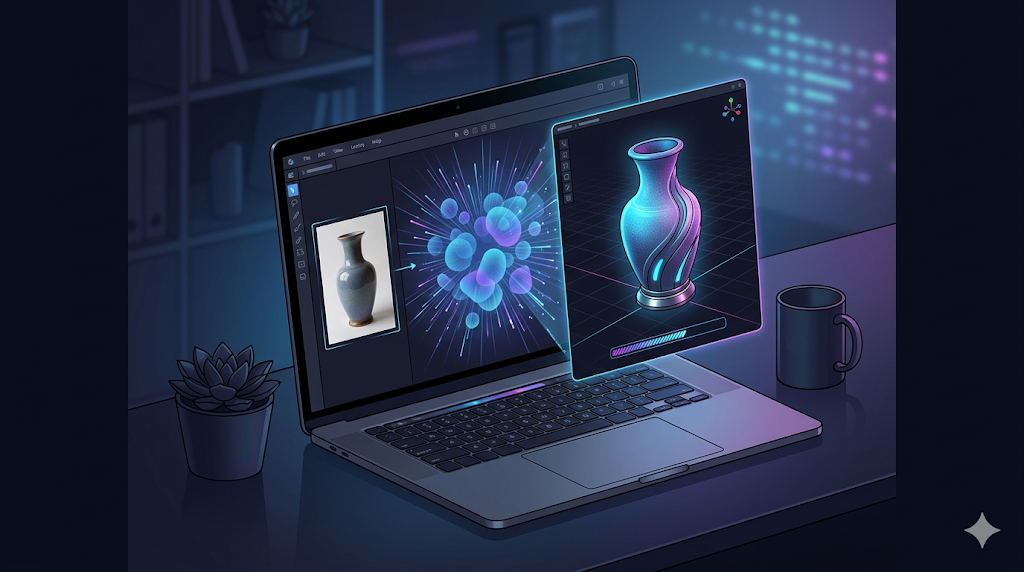
To get a feel for the workflow, I took the Hyper3D Rodin image to 3D model generator for a spin. The interface is clean, with a dark-themed workspace that puts the focus on your creation. A central upload area prompts you to drag and drop your image, and the generation settings are clearly laid out on the right-hand panel. I decided to test it with a picture of a classic ceramic vase.
I uploaded the image and chose the "Focal" generation mode, which is described as being good for detailed objects. After clicking the "Generate" button, the AI processed the image for about 45 seconds. The resulting 3D model that appeared in the browser-based GLTF Viewer was impressive. The overall shape was captured accurately, and the mesh topology was very clean with well-organized quad geometry, which is a known strength of Rodin. From there, I could have sent it to the AI Texture Generator or exported it directly as a GLB file for use in Blender.
A Step-by-Step Guide to Convert Your Image to a 3D Model
While each platform has a slightly different UI, the general workflow is consistent. Here?? a typical step-by-step process:
1. Choose Your Tool: Select a platform based on your needs (e.g., Hyper3D for clean characters, Meshy for great textures, Tripo for game assets).
2. Prepare Your Image: For best results, use a clear, well-lit image of a single object. Front-facing shots are often easiest for the AI to interpret. Some tools, like Hyper3D, also support multi-view inputs where you can upload images from several angles.
3. Upload and Generate: Drag and drop your image into the tool's upload area. Select your desired settings, such as the generation mode or output style, and start the generation process.
4. Preview and Refine: The tool will display a 3D preview of your model. Inspect it from all angles. Many platforms, including Hyper3D's OmniCraft suite, offer built-in tools for mesh editing, texturing, or converting the model to a different format like using an Image-to-STL converter.
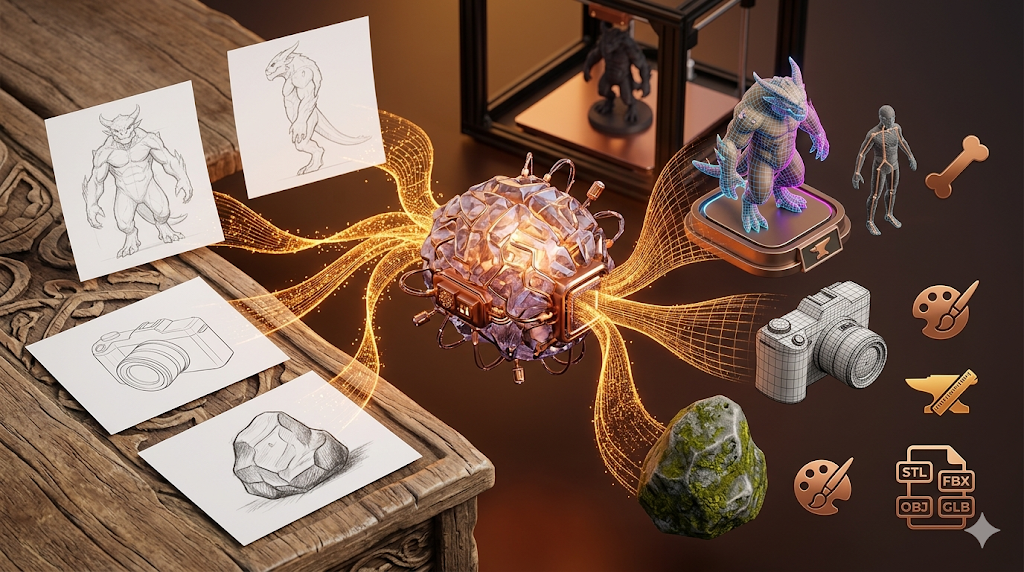
5. Export Your Model: Once you are happy with the result, export the model in your desired format. Common options include OBJ, FBX, GLB, and STL. For augmented reality applications, you might convert it from GLB to USDZ.
Common Use Cases and Applications
AI-powered image-to-3D conversion is not just a novelty; it has practical applications across many industries:
- Game Development: Quickly create 3D assets for props, environments, and characters from concept art.
- 3D Printing: Turn photos of objects, people, or pets into physical figures.
- Augmented Reality (AR): Create 3D models of products for AR shopping experiences.
- Prototyping: Rapidly generate 3D mockups of product designs from 2D sketches.
- Digital Art: Incorporate 3D elements into digital paintings, illustrations, and virtual environments.
Frequently Asked Questions (FAQ)
What is the best free AI for image to 3D model conversion?
For users looking for a free option, Tencent's Hunyuan3D is a powerful choice, offering a generous number of free generations per day with surprisingly high quality. Tripo AI also has a good free tier that is great for experimentation.
Can I turn a person's photo into a 3D model?
Yes, this is a very common use case. For best results with human subjects, especially for creating avatars, a tool like Hyper3D Rodin is often recommended due to its specialization in generating clean character geometry.
How accurate are the 3D models?
Accuracy depends on the tool, the AI model, and the quality of the input image. Tools like Hyper3D are known for high geometric accuracy, while others like Luma AI are faster but may produce "triangle soup" that is less precise and requires cleanup.
What file format should I use for 3D printing?
STL is the most common file format for 3D printing. Most image-to-3D tools can export to STL directly, or you can use a separate image to 3D model converter. Always check the model for errors in a slicer program before printing.
Do I need a powerful computer to use these tools?
No. Almost all of these AI tools are cloud-based, meaning the heavy processing is done on the company's servers. You can use them through a standard web browser on almost any computer with an internet connection.