

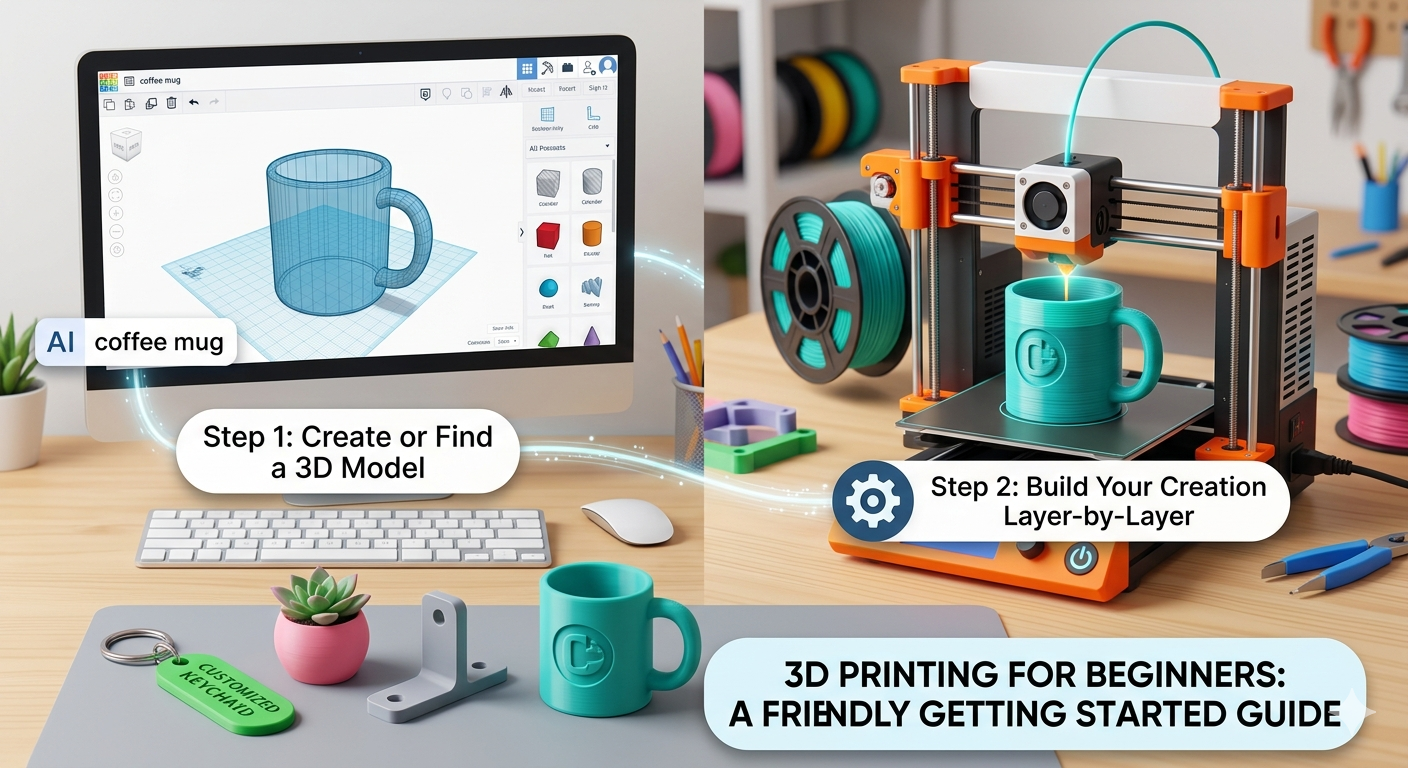
3D Printing for Beginners: Getting Started Guide
Welcome to the exciting world of 3D printing! If you've ever dreamed of bringing your digital creations to life, you're in the right place. This guide on 3d printing for beginners is designed for anyone new to the field, offering a clear path from initial curiosity to your first successful print. We'll cover everything from the basic concepts to the practical steps of creating your own 3D models. Whether you're using an AI 3D printing tool or traditional modeling software, this guide will provide the foundation you need.
What is 3D Printing?
3D printing, also known as additive manufacturing, is the process of creating a three-dimensional object from a digital file. Understanding the basics is the first step in 3d printing for beginners. Unlike traditional manufacturing methods that often involve cutting away material (subtractive manufacturing), 3D printing builds the object layer by layer. This additive process opens up a world of possibilities for creating complex shapes and intricate designs that would be difficult or impossible to produce with other methods.
How Does 3D Printing Work?
The process begins with a 3D model, which is a digital blueprint of the object you want to create. This model can be created using 3D modeling software, downloaded from an online repository, or even generated from a 2D image using an image to STL converter. Once you have your model, it's sent to a slicer program, which
cuts the model into thin horizontal layers and generates a file with instructions for the 3D printer. The printer then reads this file and begins building the object, one layer at a time, using materials like plastic, resin, or metal.
Common 3D Printing Technologies
There are several types of 3D printing technologies, but the most common for beginners is Fused Deposition Modeling (FDM). FDM printers work by melting a plastic filament and extruding it through a nozzle to build the object layer by layer. Other technologies include Stereolithography (SLA), which uses a laser to cure liquid resin into hardened plastic, and Selective Laser Sintering (SLS), which uses a laser to sinter powdered material.
Getting Started with 3D Printing: 3D Printing for Beginners
Starting your 3D printing journey is easier than you might think. This section will guide you through the essentials of 3d printing for beginners. With a few key pieces of equipment and a willingness to learn, you can be up and running in no time.
Essential Equipment for Beginners
Besides the 3D printer itself, you'll need a few other items. A computer with an internet connection is essential for finding and creating 3D models. You'll also need a slicer program to prepare your models for printing. Most 3D printers come with their own slicer software, but there are also popular third-party options like Cura and PrusaSlicer. Finally, you'll need filament, the plastic material used to create your prints.
Choosing Your First 3D Printer
The market for beginner-friendly 3D printers has exploded in recent years. Choosing the right printer is a key decision in 3d printing for beginners. When choosing your first printer, consider factors like price, ease of use, and the types of materials it can print. Some popular entry-level printers include the Creality Ender 3, the Prusa Mini+, and the Bambu Lab A1 Mini. Do your research and read reviews to find the printer that best fits your needs and budget.
Finding and Creating 3D Models
One of the most exciting aspects of 3D printing is the vast library of 3D models available online. A crucial skill in 3d printing for beginners is sourcing and creating models. Websites like Thingiverse, MyMiniFactory, and Printables offer millions of free models that you can download and print. As you gain experience, you may want to create your own models. You can use traditional 3D modeling software like Blender or Fusion 360, or you can try an AI 3D model generator to create models from text prompts or images.
The 3D Printing Process: A Step-by-Step Guide
Let's walk through the process of bringing a 3D model to life, from design to finished object. The following steps are a great overview of the process of 3d printing for beginners.
Step 1: Designing Your Model
This is where your creativity comes into play. You can design a model from scratch using 3D modeling software, or you can use an image to 3D tool to convert a 2D image into a 3D model. For beginners, starting with a simple design is a good way to learn the ropes.
Step 2: Slicing Your Model
Once you have your 3D model, you'll need to slice it. The slicer software will ask you for information about your printer, the material you're using, and your desired print quality. It will then generate a G-code file, which contains the instructions for your printer.
Step 3: Printing Your Model
Now for the fun part! Transfer the G-code file to your 3D printer, usually via a USB drive or a direct connection to your computer. Make sure your printer's bed is level and clean, then start the print. The printer will heat up and begin building your object, layer by layer.
Step 4: Post-Processing
After the print is finished, you may need to do some post-processing. This can include removing support structures, which are temporary supports that help the printer create overhanging parts of the model. You may also want to sand, paint, or assemble your print to give it a finished look.
My First-Hand Experience with AI 3D Printing Tools
As someone who has spent countless hours with traditional 3D modeling software, I was curious to see how AI-powered tools would compare. My experience highlights the potential of AI tools for 3d printing for beginners. I decided to test out Hyper3D's suite of tools, including Rodin for generation and OmniCraft for editing. My goal was to create a simple model of a coffee mug.
I started with Rodin, using the text prompt "a simple coffee mug with a thick handle." Within a minute, I had a 3D model that was surprisingly detailed. The handle was a bit thinner than I wanted, so I took the model into OmniCraft. The editing tools were intuitive, and I was able to quickly thicken the handle and add a small logo to the side of the mug. The entire process, from text prompt to finished model, took less than 10 minutes. For a beginner, this is a massive time-saver compared to the steep learning curve of traditional software.
Objective Comparison of 3D Modeling Tools
When it comes to creating 3D models, there are a variety of tools available, each with its own strengths and weaknesses. Here's an objective comparison of some popular options:
| Tool | Pros | Cons |
|---|---|---|
| TinkerCAD | Very easy to learn, web-based, great for simple geometric shapes. | Limited functionality for complex or organic models. |
| Blender | Incredibly powerful and versatile, open-source and free, huge community. | Steep learning curve, can be overwhelming for beginners. |
| Fusion 360 | Excellent for precise mechanical parts, integrated CAM and simulation. | Subscription-based, can be resource-intensive. |
| Hyper3D Rodin | Extremely fast and easy to use, generates models from text or images. | Less control over fine details compared to traditional software. |
For absolute beginners, TinkerCAD is a great starting point. If you're interested in character design or artistic models, Blender is the way to go. For engineering and product design, Fusion 360 is the industry standard. And for those who want to create models quickly and easily, an AI tool like Rodin is an excellent choice.
Common 3D Printing Materials
Your choice of material will have a big impact on the properties of your finished print. Understanding materials is a core concept in 3d printing for beginners. Here are some of the most common materials for FDM printing:
PLA (Polylactic Acid)
PLA is the most popular material for beginners, and for good reason. It's easy to print, comes in a wide variety of colors, and is biodegradable. It's a great choice for most general-purpose printing.
ABS (Acrylonitrile Butadiene Styrene)
ABS is a more durable and heat-resistant material than PLA. It's often used for functional parts that need to withstand stress. However, it can be more challenging to print with, as it's prone to warping and requires a heated print bed.
PETG (Polyethylene Terephthalate Glycol)
PETG combines the ease of printing of PLA with the strength and durability of ABS. It's a great all-around material that's suitable for a wide range of applications. It's also food-safe, making it a good choice for kitchen gadgets.
FAQ: Your 3D Printing Questions Answered
What is the easiest 3D printing software for beginners?
For absolute beginners, TinkerCAD is often recommended as the easiest 3D modeling software to learn. For an even simpler approach, an AI 3D model generator can create models from text prompts, requiring no modeling skills at all.
How much does a beginner 3D printer cost?
You can get a very capable beginner 3D printer for between $200 and $500. Prices have come down significantly in recent years, making the hobby more accessible than ever.
What are the most common problems for 3D printing beginners?
Common problems include prints not sticking to the bed, under-extrusion (not enough plastic being extruded), and stringing (thin strings of plastic between parts of the model). Most of these issues can be solved with some simple calibration and adjustments to your slicer settings.
Can I make money with a 3D printer?
Yes, many people make money with their 3D printers by selling their prints online, offering a local printing service, or designing and selling their own models. It can be a great way to turn your hobby into a side business.
What are the best online communities for 3d printing for beginners?
There are many fantastic online communities for beginners. Reddit's r/3Dprinting is a great place to ask questions and see what others are making. The PrusaPrinters and Thingiverse communities are also full of helpful users and amazing models.
What else do I need to buy with a 3D printer?
Besides the printer and filament, it's a good idea to have a set of digital calipers for precise measurements, a spatula for removing prints from the bed, and some basic tools like Allen keys and wrenches for maintenance. You might also consider a 3D format converter if you work with various file types.