

What Is Rigging in 3D Animation? Explained Simply
Bringing a 3D model from a static image to a fully animated character is a fascinating process. It?? the magic that allows characters in movies, video games, and virtual reality to move with personality and life. At the heart of this process is a crucial step known as rigging. Whether you're an aspiring animator using powerful software like Maya or Blender, or exploring the capabilities of an AI animation tool, understanding rigging is fundamental. It?? the bridge between a digital sculpture and a dynamic performance.
What is Rigging in 3D Animation?
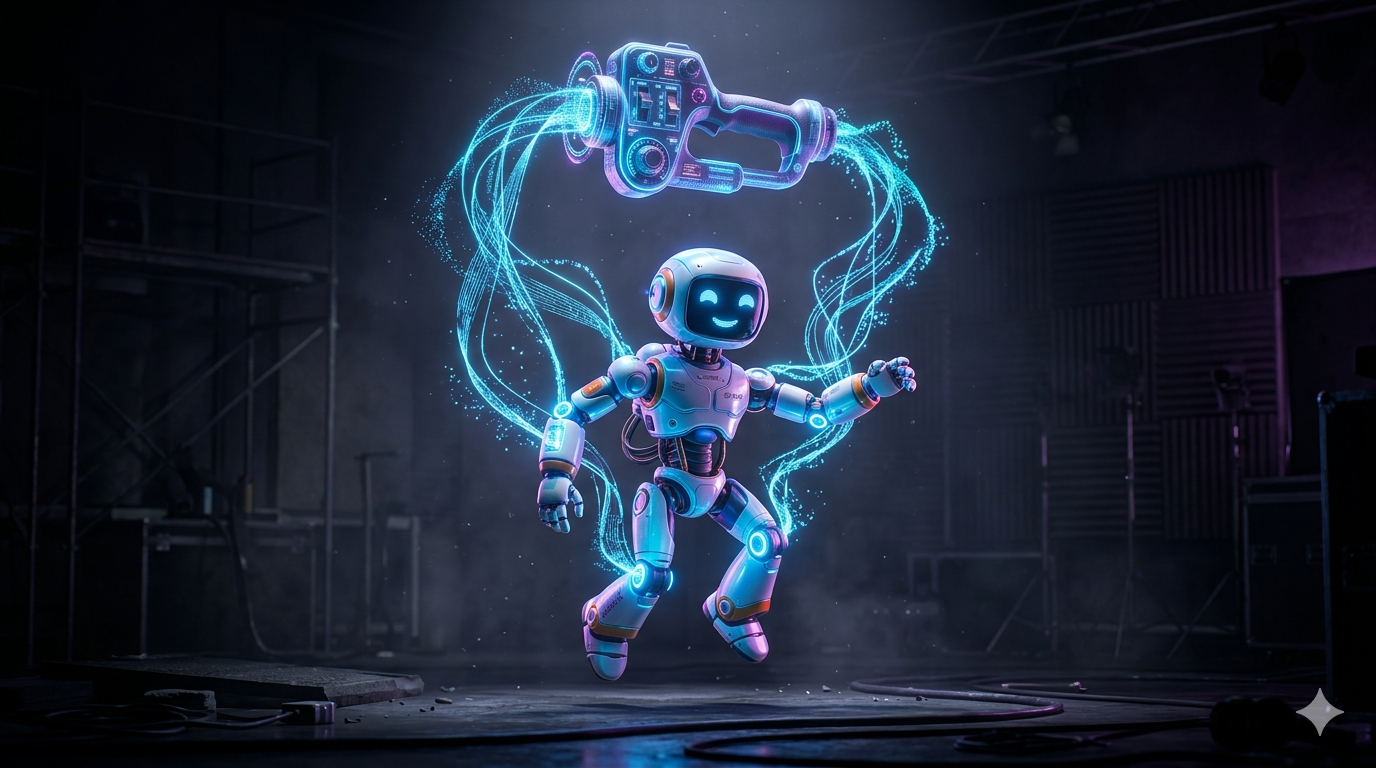
In the simplest terms, what is rigging in 3D animation is the process of creating a digital skeleton for a 3D model. This skeleton, or "rig," acts as a control system that allows an animator to manipulate the model and pose it. Think of it like a high-tech marionette. The 3D model itself is the puppet (often called the "skin" or "mesh"), and the rig is the complex system of strings and handles that gives it the ability to move.
This process is essential for nearly all forms of character animation. Without a rig, a 3D model is just a static, lifeless object. The rig provides the underlying structure that defines how it can bend, stretch, and express emotion. While the concept applies to both 2D and 3D, 3D rigging offers a full range of motion in a three-dimensional space, allowing for much greater depth and realism in the final animation.
The Core Components of a 3D Rig: What Is Rigging In 3D Animation
A functional 3D rig is composed of several key components working together to provide intuitive control for the animator. The foundational elements are the bones and joints, which are digital objects linked in a hierarchical chain to form the skeleton. The joints act as pivot points, just like in a real body, allowing parts like an arm to bend at the elbow. Animators, however, rarely touch these bones directly. Instead, they use a layer of user-friendly controls, often represented by simple shapes like circles or squares that float around the character. These provide a more intuitive way to pose the model, such as moving a single control at the wrist to position the entire hand. To ensure the model moves realistically, riggers apply constraints, which are rules that limit movement. A common example is an elbow constraint that prevents the arm from bending backward. For more organic and subtle movements, riggers use deformers. These tools allow the mesh to change shape in complex ways that bones alone cannot, creating effects like muscles bulging or cloth wrinkling.
How Does the 3D Rigging Process Work?
Creating a solid and animator-friendly rig is a methodical process that blends technical precision with an understanding of anatomy and motion. The journey from a static model to a posable character involves several distinct stages. It begins with model preparation, where the 3D model is reviewed to ensure it has clean "topology." This means its underlying wireframe is structured to deform smoothly, especially around complex joints like knees and shoulders. Following this, the rigger proceeds with skeleton creation, meticulously building and placing bones inside the 3D mesh. This requires a good grasp of anatomy to ensure pivot points are placed correctly for natural movement.
The next stage, skinning (or weight painting), is one of the most critical and often challenging steps. This is the process of binding the model's mesh to the skeleton and defining the influence of each bone on the surrounding vertices. A rigger
paints weights to dictate that vertices around the knee, for instance, are influenced by both the thigh and shin bones to create a smooth bend. After skinning, the rigger focuses on the control setup, creating the external, intuitive control system the animator will use. This often involves linking the control shapes to the bones and adding custom attributes for fine-tuned performance. The final step is rigorous testing and refinement. The rigger pushes the character into extreme poses to identify and fix any areas where the mesh deforms unnaturally, ensuring the rig is polished and production-ready.
Forward Kinematics (FK) vs. Inverse Kinematics (IK)
Within a rig, animators use two primary methods for controlling bone chains: Forward Kinematics (FK) and Inverse Kinematics (IK). Most professional rigs allow for switching between them as needed. FK is the more direct method, where you pose a character by rotating each joint in a chain from the top down. To pose an arm, you would rotate the shoulder, then the elbow, and finally the wrist. This approach is ideal for broad, arcing motions like a character waving. In contrast, IK works in reverse. An animator moves an "end-effector," such as a control at the character's hand or foot, and the software automatically calculates the necessary rotations for the other joints in the chain. This is incredibly useful for actions where a limb needs to stay planted, such as a character's feet remaining on the ground while walking or hands staying on a table.
My First-Hand Experience with 3D Rigging Tools
To get a practical feel for what is rigging in 3D animation, I decided to work with a few different types of 3D models. I started with a character I created using an AI 3D model generator. The generated model was impressive, but it was a static mesh. Taking it into Blender, I began the process of building a simple skeleton. Placing the joints at the shoulders, elbows, and knees immediately gave it a sense of structure. The skinning process was a lesson in patience, carefully painting weights to get a smooth bend at the elbow. It highlighted how much artistry goes into this technical task. Next, I experimented with an AI animation tool. I uploaded a basic character and let the AI apply a walking animation. When I exported the result and inspected the file, I could see the underlying rig the AI had created. It was a clean, efficient skeleton, perfectly optimized for that specific motion. It showed me how automated tools can handle the foundational aspects of rigging, freeing up artists to focus on the performance.
I also tried a model from an image to 3D service. The resulting mesh had a complex and sometimes unpredictable topology, which made the rigging process more challenging. It required more cleanup and careful weight painting to avoid strange deformations. Finally, I used an AI 3D model editor to refine a pre-rigged model, which was a much smoother experience. I could adjust proportions and even fix some minor skinning issues without having to rebuild the rig from scratch. For generating a quick avatar, I found that Hyper3D's ChatAvatar provided a ready-to-use rigged model, which was perfect for immediate animation.
Why is Rigging So Important in Animation?
Rigging is the unsung hero of 3D character animation. It?? a foundational pillar that makes the entire animation pipeline more efficient, creative, and believable. Without it, animators would be faced with the monumental task of moving every single vertex of a model for every frame of animation. A well-constructed rig provides immense efficiency, helping animators to work on a macroscopic level. They can focus on the character's overall performance, timing, and emotion, rather than getting bogged down in technical details. This dramatically speeds up the workflow. Also, the quality of a rig directly impacts the realism and believability of the animation. A good rig with proper constraints and deformation logic is what allows a character to move in a way that feels natural to the audience. Finally, in a production environment, reusability is key. A solid rig built for one character can often be adapted and reused for other characters with a similar body type, saving countless hours of work across a project.
Frequently Asked Questions (FAQ)
What is the difference between rigging and animation?
Rigging is the process of building the control system (the skeleton and controls) for a 3D model. Animation is the process of using that rig to pose the model over time to create the illusion of movement. In short, rigging creates the potential for movement, while animation is the movement itself.
Can you rig any 3D model?
Technically, yes. However, the quality and ease of the rigging process depend heavily on the model's topology. A model with clean, well-structured topology, especially around areas that need to bend, will be much easier to rig and will produce better deformation results than a messy or overly dense model.
How long does it take to rig a 3D character?
A simple character rig might take a few hours. However, a complex, feature-film-quality rig with advanced facial controls and muscle systems can take a team of professional riggers weeks or even months to complete. The time required depends entirely on the complexity of the character and the needs of the animation.
Do I need to learn rigging to be a 3D animator?
While not strictly necessary, having a basic understanding of rigging is extremely beneficial for a 3D animator. It helps you understand the limitations of a rig, troubleshoot problems when they arise, and communicate more effectively with the rigging department. Some animators also create their own simple rigs for personal projects.
What is the best software for 3D rigging?
Industry-standard software for professional rigging includes Autodesk Maya and Blender. Both offer powerful and extensive toolsets for creating complex rigs. However, many other 3D packages, like Cinema 4D and 3ds Max, also have solid rigging capabilities. The "best" software often comes down to personal preference and the specific pipeline of a studio.
A Final Word
Understanding what is rigging in 3D animation is to understand the very backbone of modern character performance. It is a discipline that perfectly marries the technical with the artistic, requiring both a logical mind for problem-solving and a keen eye for anatomy and movement. Whether you are an animator, a modeler, or just a fan of 3D art, appreciating the complexity and craft behind a good rig gives you a deeper insight into the magic of bringing digital worlds to life. If you're curious to see the end results, explore some of the animated models on Hyper3D and imagine the intricate skeletons working beneath the surface.