

Free AI Texture Generator
for 3D Models
Create material directions for 3D assets from text prompts or image references. Hyper3D helps artists and teams generate PBR-style texture ideas for games, product visualization, AR, and design workflows.


How to Generate AI Textures for 3D Models
Move from an untextured model to a polished material direction in a few focused steps.
Start with a 3D Model
Upload an existing model or continue from a Hyper3D image-to-3D or text-to-3D result when the geometry is ready for materials.

Describe or Reference the Texture
Write a prompt such as weathered bronze, clean ceramic, stylized wood, or use a reference image to guide color, wear, and surface detail.
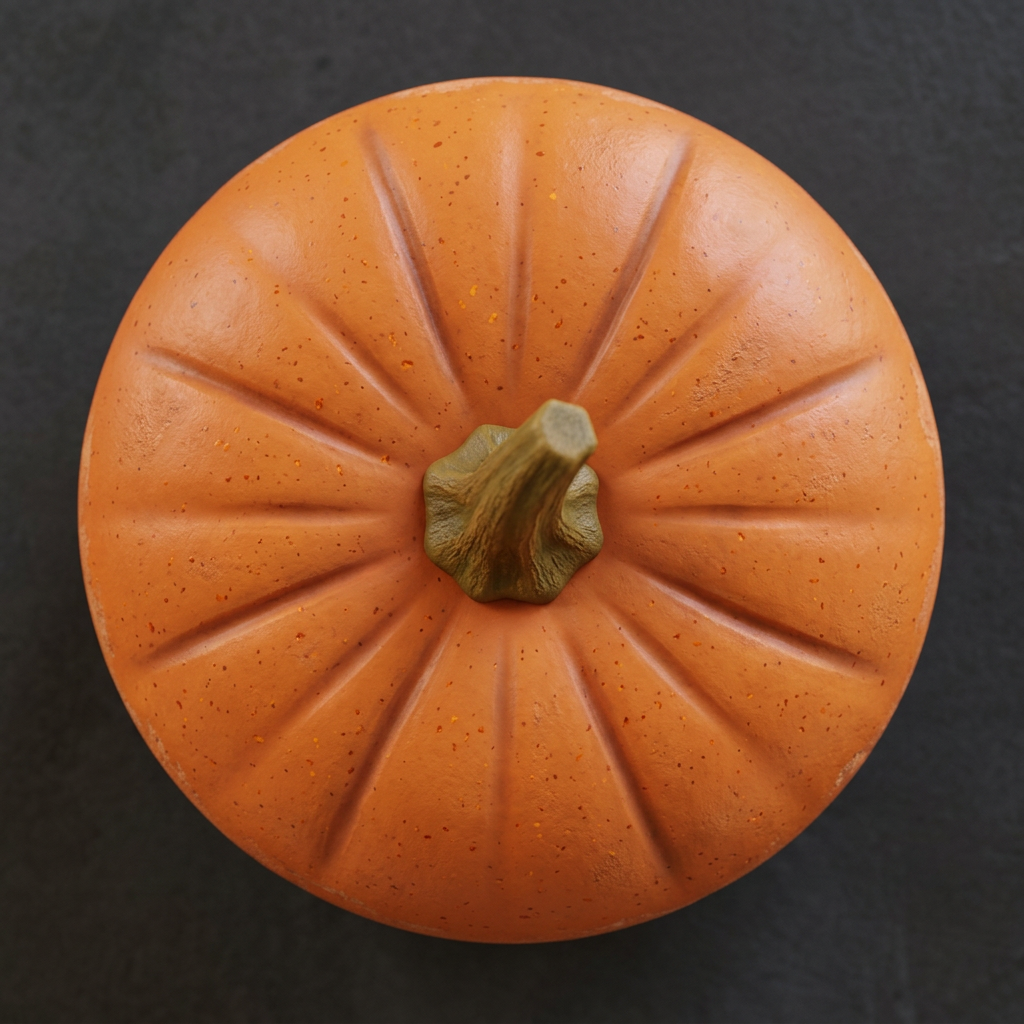
Preview, Iterate, and Export
Review the material on the asset, adjust the prompt or reference, and continue into your renderer, game engine, product view, or 3D workflow.

Why Choose Hyper3D for AI Texturing?
Hyper3D keeps texturing close to the rest of your 3D creation workflow, so teams can explore surface treatments without leaving the browser.
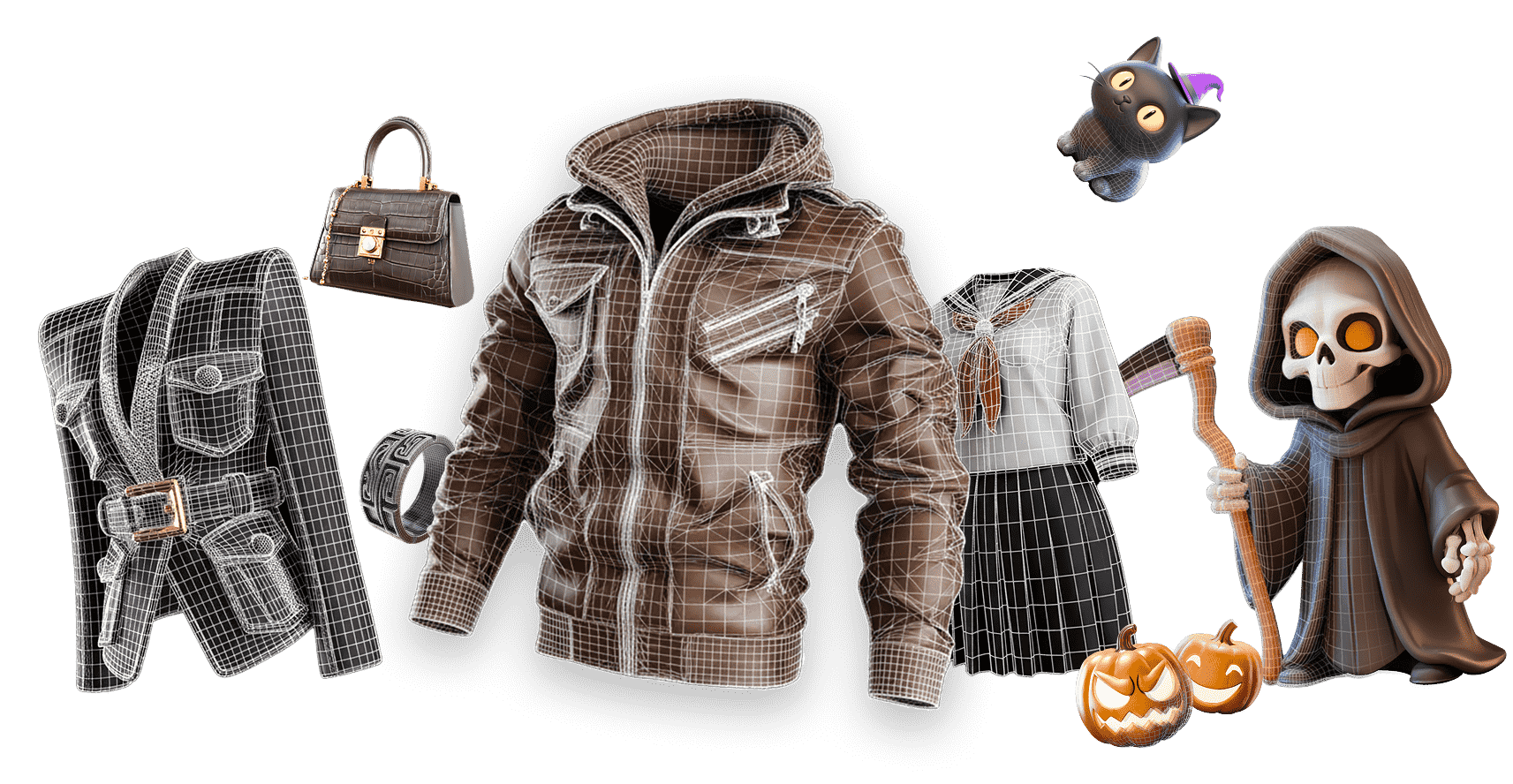
Built for Practical 3D Texture Workflows
Use AI texturing where material quality, speed, and export-readiness matter most.
Blender and DCC Workflows
Preview surface ideas before final shader setup, then continue polishing the model, UVs, lighting, and render scene in your preferred DCC tool.
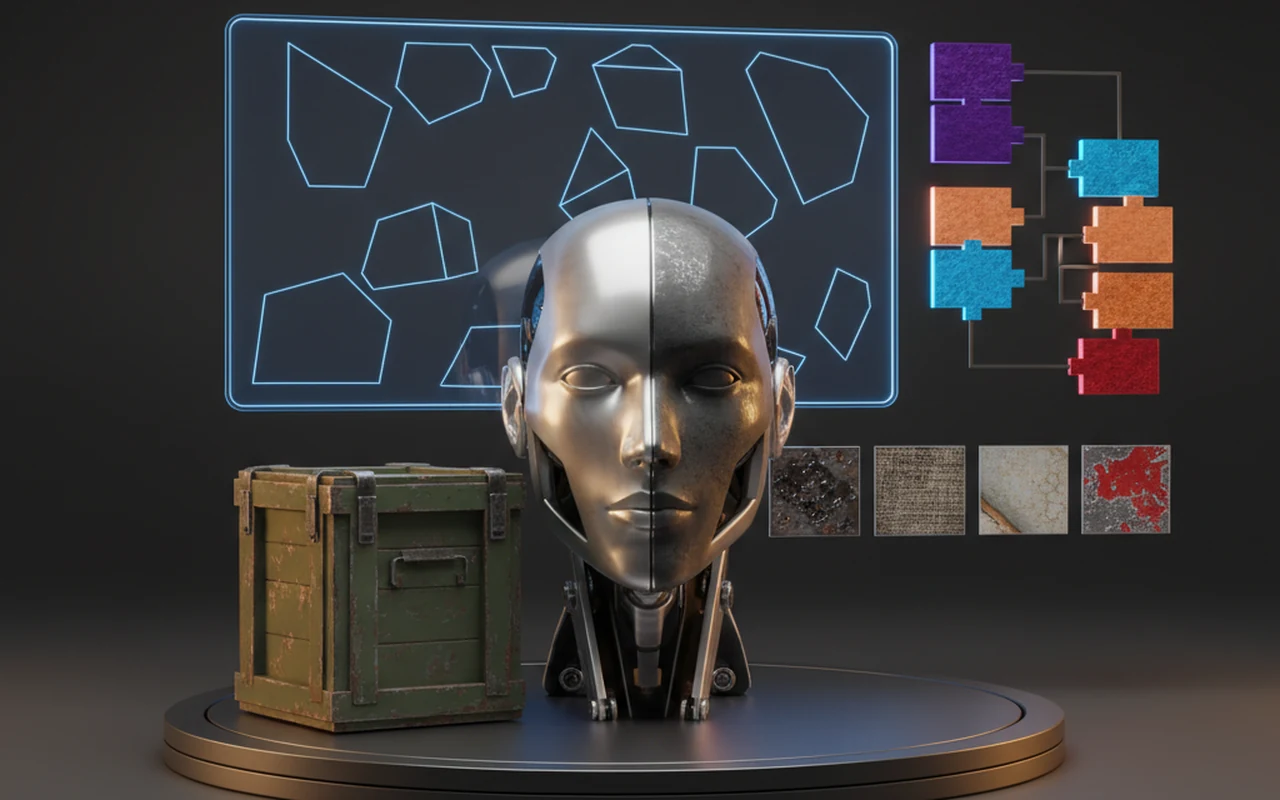
Unity and Unreal Assets
Prototype props, characters, environment pieces, and interactable objects with material directions suited for real-time lighting and game review.
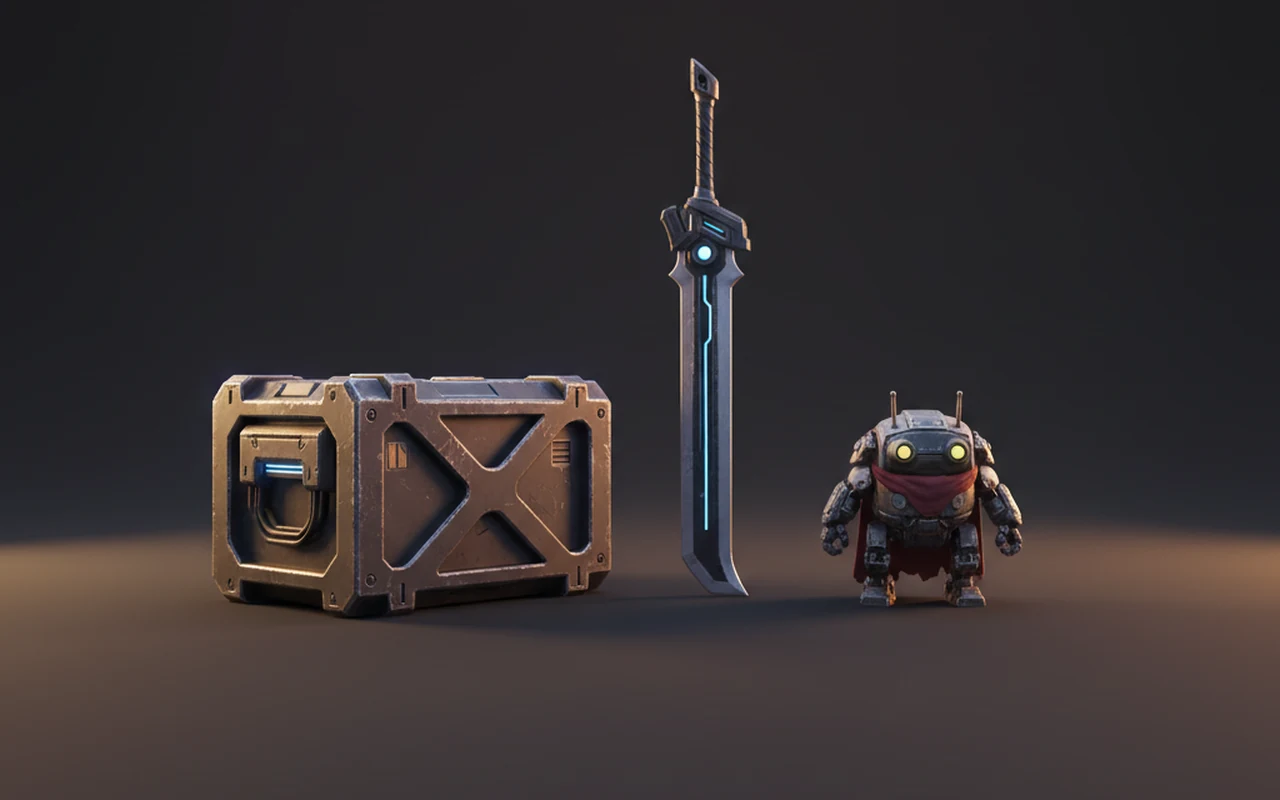
Product Visualization
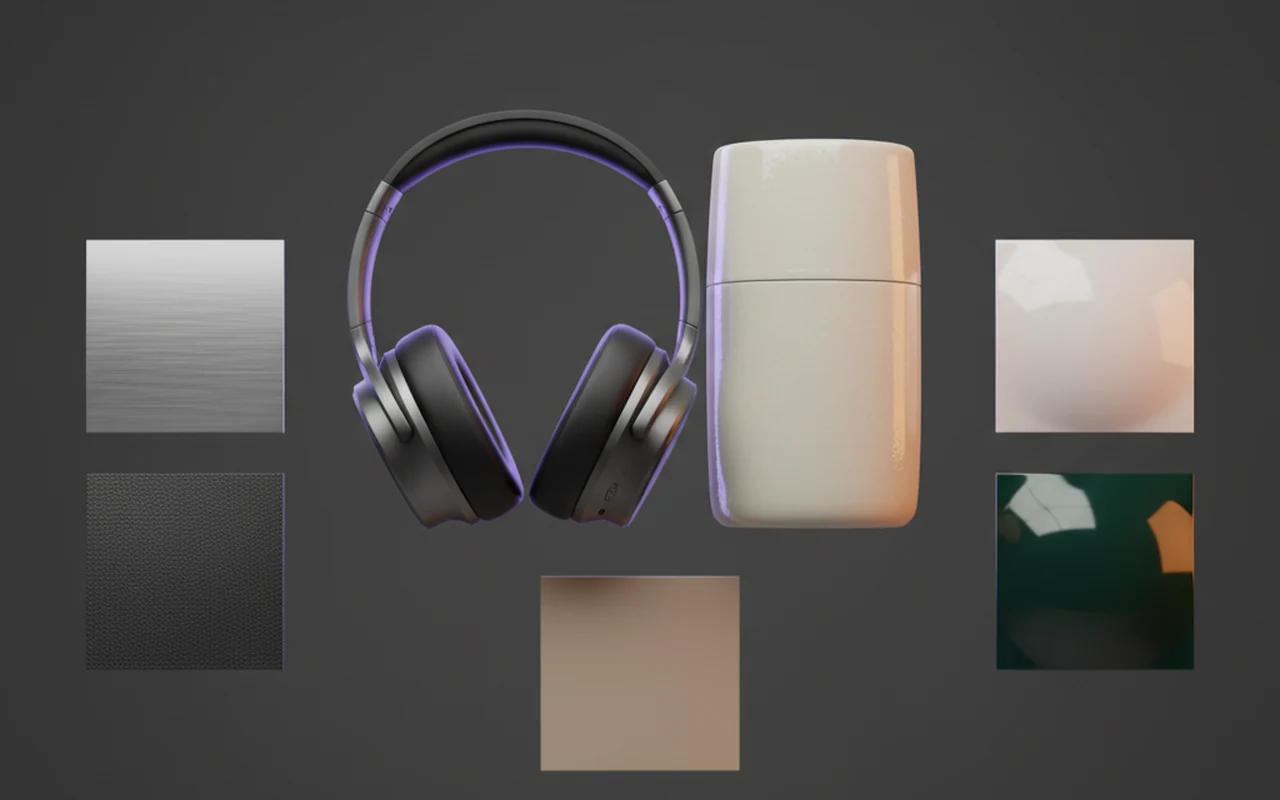
Compare finishes such as brushed metal, matte plastic, leather, paint, glass, fabric, or ceramic before creating final marketing or ecommerce renders.
AR, VR, and Web Preview
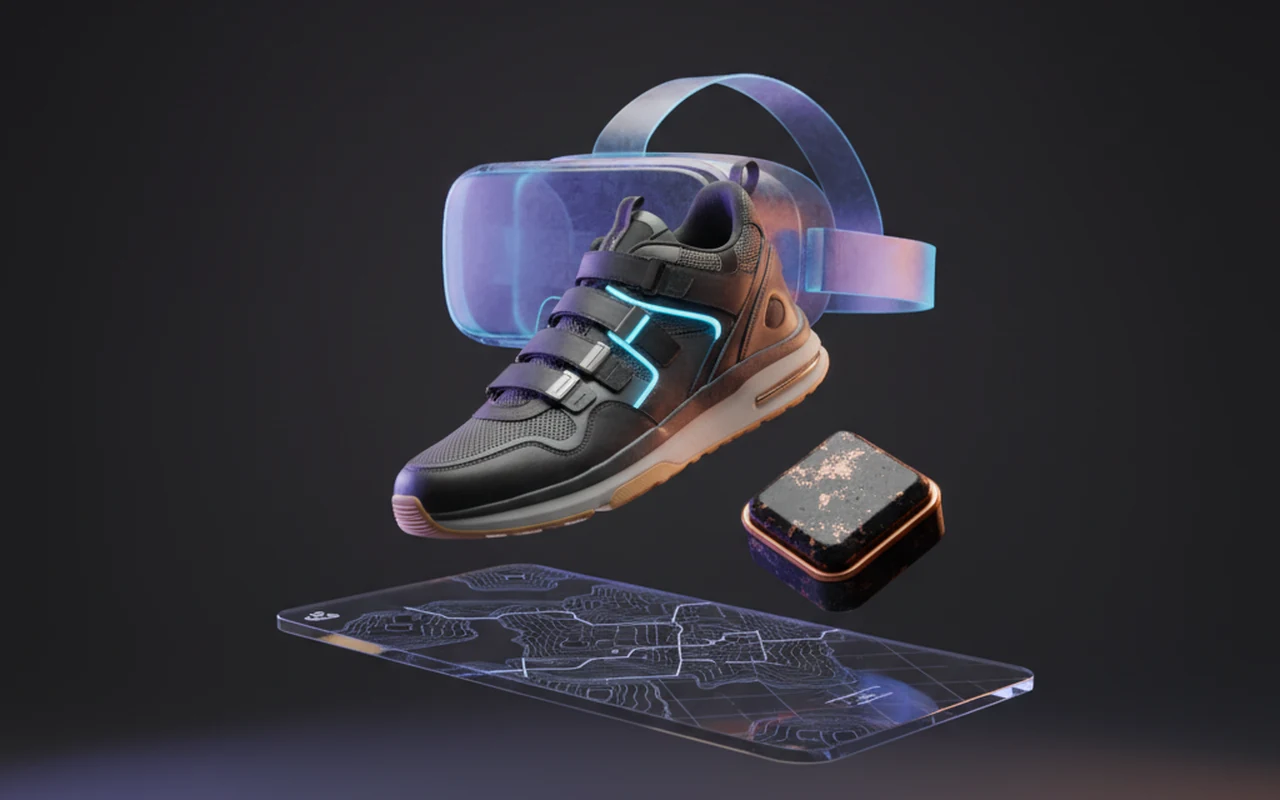
Explore readable materials for immersive or browser-based previews where clear surface detail and fast iteration are more important than hand-painting every pass.
AI Textures for Every 3D Workflow
Use Hyper3D texturing when speed, style exploration, and practical downstream assets matter.
Game Assets
Prototype prop, character, and environment materials for Unity, Unreal Engine, and real-time art direction.
Product Visualization
Explore finishes such as matte plastic, brushed metal, leather, ceramic, or painted variants for product concepts.
Stylized 3D Assets
Create hand-painted, cartoon, sci-fi, fantasy, or collectible looks without starting every texture from scratch.
AR and VR
Generate clear material directions for immersive assets that need readable surfaces and quick iteration.
Frequently Asked Questions
Answers for creators and teams evaluating Hyper3D feature workflows.
What is Hyper3D's AI texture generator?

Can I create textures from both text and images?
What kinds of materials can I generate?
Does Hyper3D support PBR-style texture workflows?
Can I use the generated textures in Blender, Unity, or Unreal Engine?
Do I need to be a UV or material expert?
When should I use AI texturing in a 3D pipeline?
How can I write better prompts for AI textures?
What if my texture looks blurry or stretched?
Why use Hyper3D instead of a generic image generator for textures?
Try Hyper3D's AI Texture Generator
Give your next 3D asset a stronger surface direction. Start with a prompt, a reference, or a model from your Hyper3D workflow.