Edit 3D Models with OmniCraft Mesh Editor
Edit meshes locally in your browser with OmniCraft Mesh Editor by importing a compatible model or adding built-in geometry, then sculpting and inspecting its surface.
Edit Meshes Locally With OmniCraft Mesh Editor
OmniCraft Mesh Editor is a separate browser-based tool for direct mesh work. Use Rodin Workspace 3D Editing when you want AI-guided Parts, Refine, or Modify operations; use OmniCraft when you want hands-on sculpting, painting, remeshing, inspection, or export controls. Compatible imports are processed on the device.
Import a mesh or start from a primitive
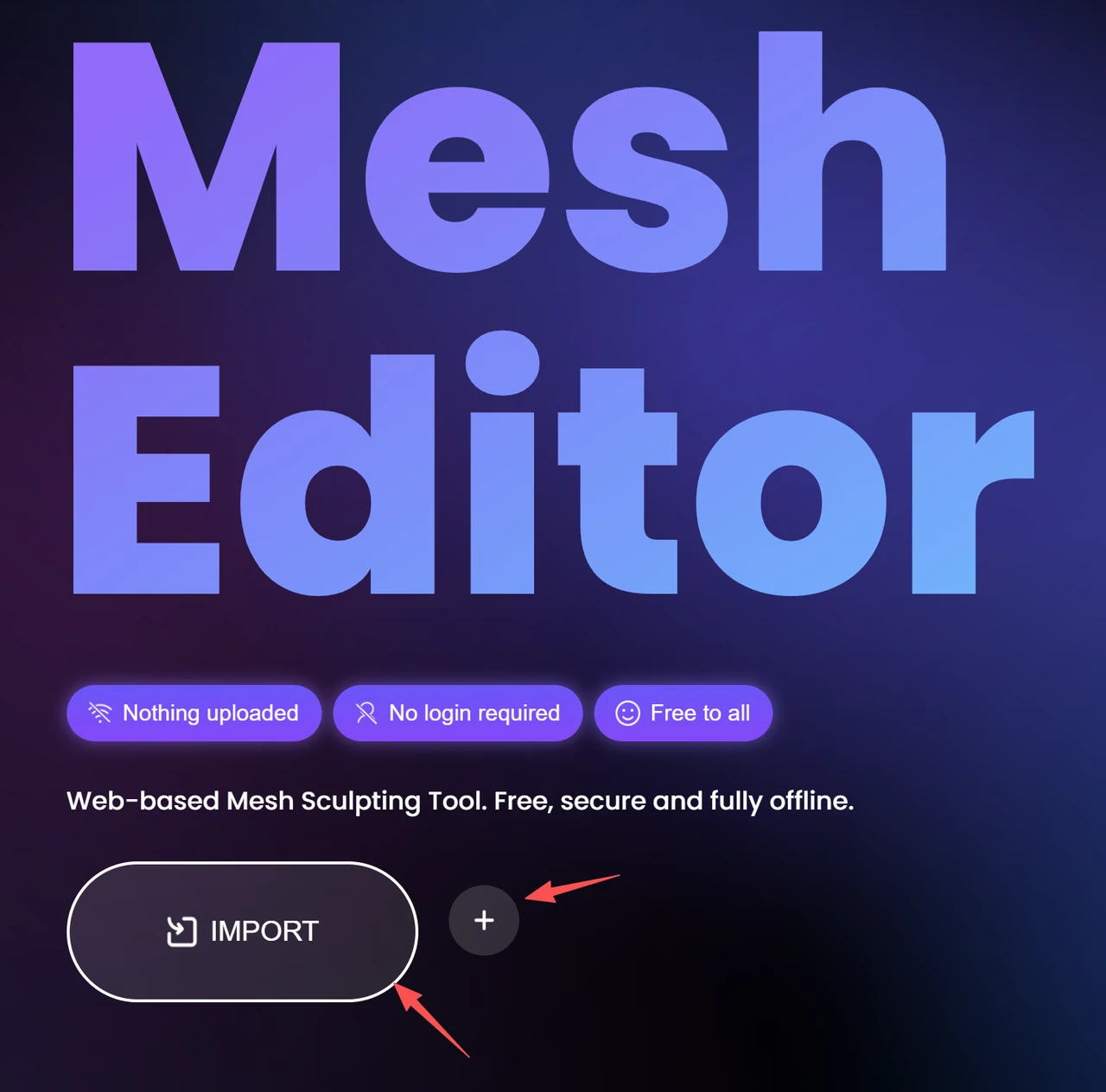
Open the OmniCraft Mesh Editor, load a compatible model, or add built-in geometry such as a sphere, cube, cylinder, cone, or torus. Check the active interface for its current file-size and format limits.
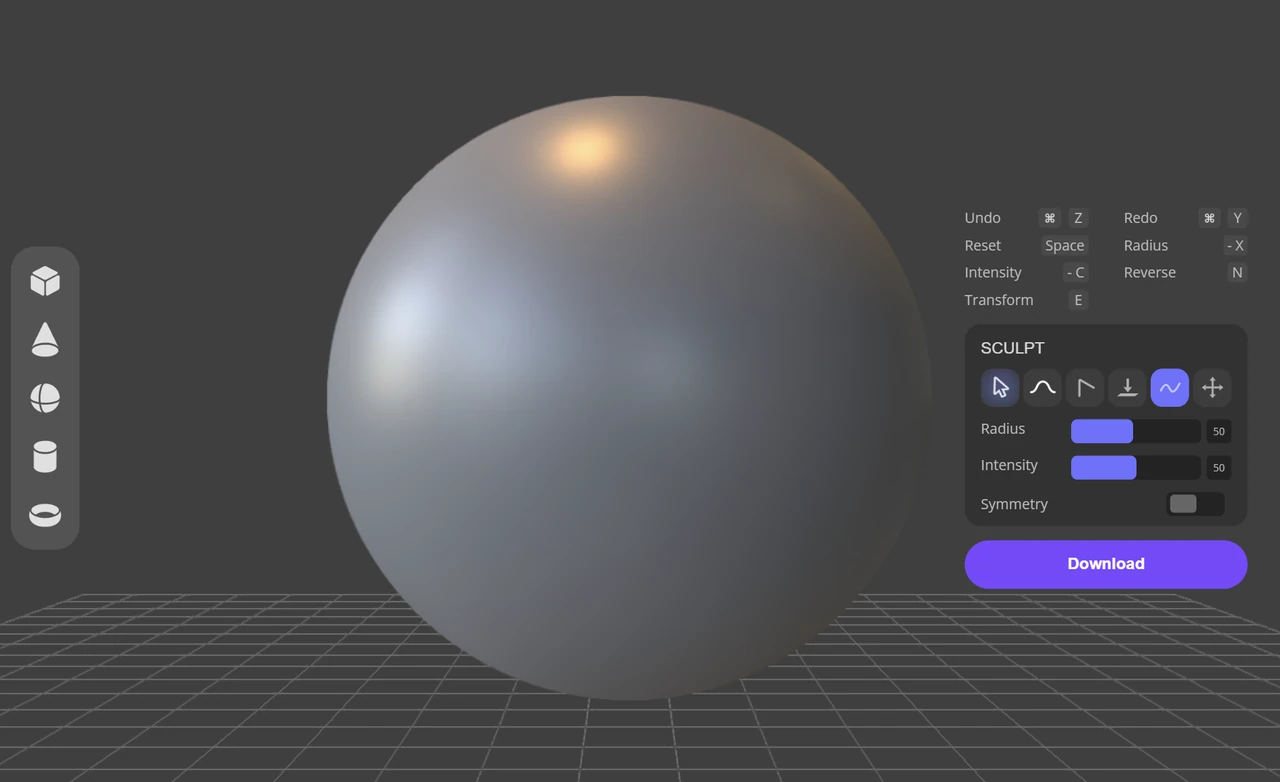
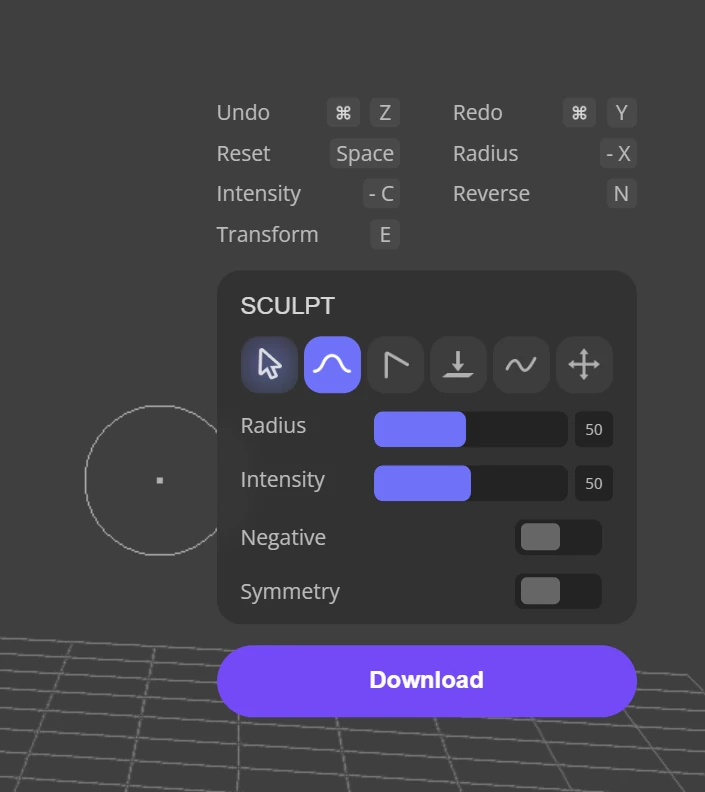
Sculpt and inspect geometry
Use tools such as Brush, Crease, Flatten, Smooth, and Moveto change the surface.