
Free AI Text to 3D Model Generator

Create a 3D model from a text prompt with Hyper3D. Describe an object, prop, product, or printable idea and generate a textured 3D asset for games, AR, design, and 3D printing.

default
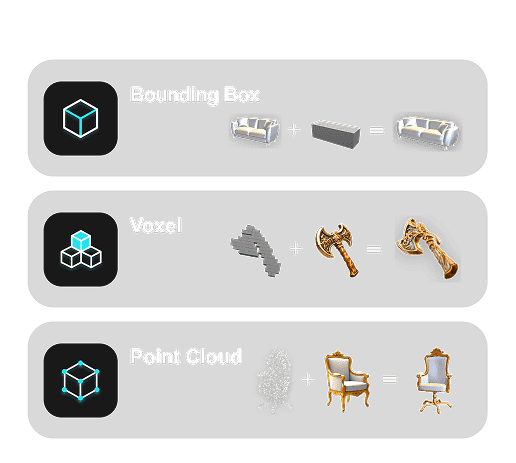
bbox
voxel
pointcloud
Text to 3D
Text to Image/3D
Remix Gen
Turbo Gen
Gen - 2

How to Generate a 3D Model from Text

Turn a prompt into a usable 3D model through a fast AI text to 3D workflow: describe, generate, preview, and export.

1

Write a Clear Text Prompt

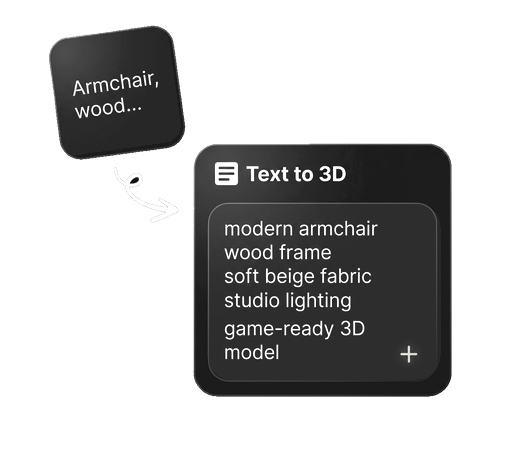
Describe the object, material, and intended use. Hyper3D text to 3D works for props, characters, product concepts, collectibles, and printable models.

Write a text prompt for AI 3D generation
2

Generate Geometry and Textures

The AI interprets your prompt into 3D shape, proportions, surface detail, and materials so you can move from text to 3D model without manual modeling.

AI generates a 3D model from text
3

Preview, Refine, and Export

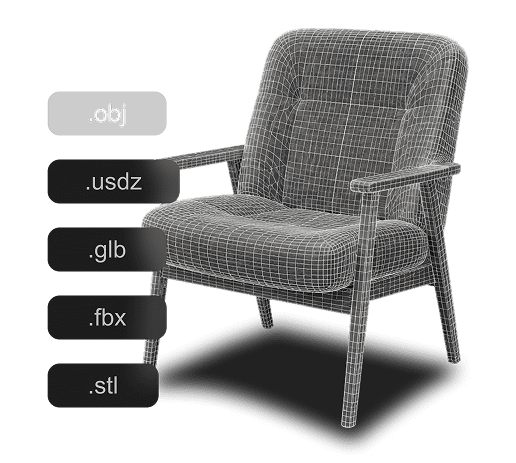
Inspect the generated model, iterate your prompt, and export text to 3D assets for GLB, OBJ, FBX, USDZ, STL, and real-time production workflows.

Export the generated text to 3D model

Why Choose Hyper3D for Text to 3D Generation?

Hyper3D helps creators turn text prompts into practical 3D assets quickly, with a browser-based workflow built for concepting, production, and iteration.

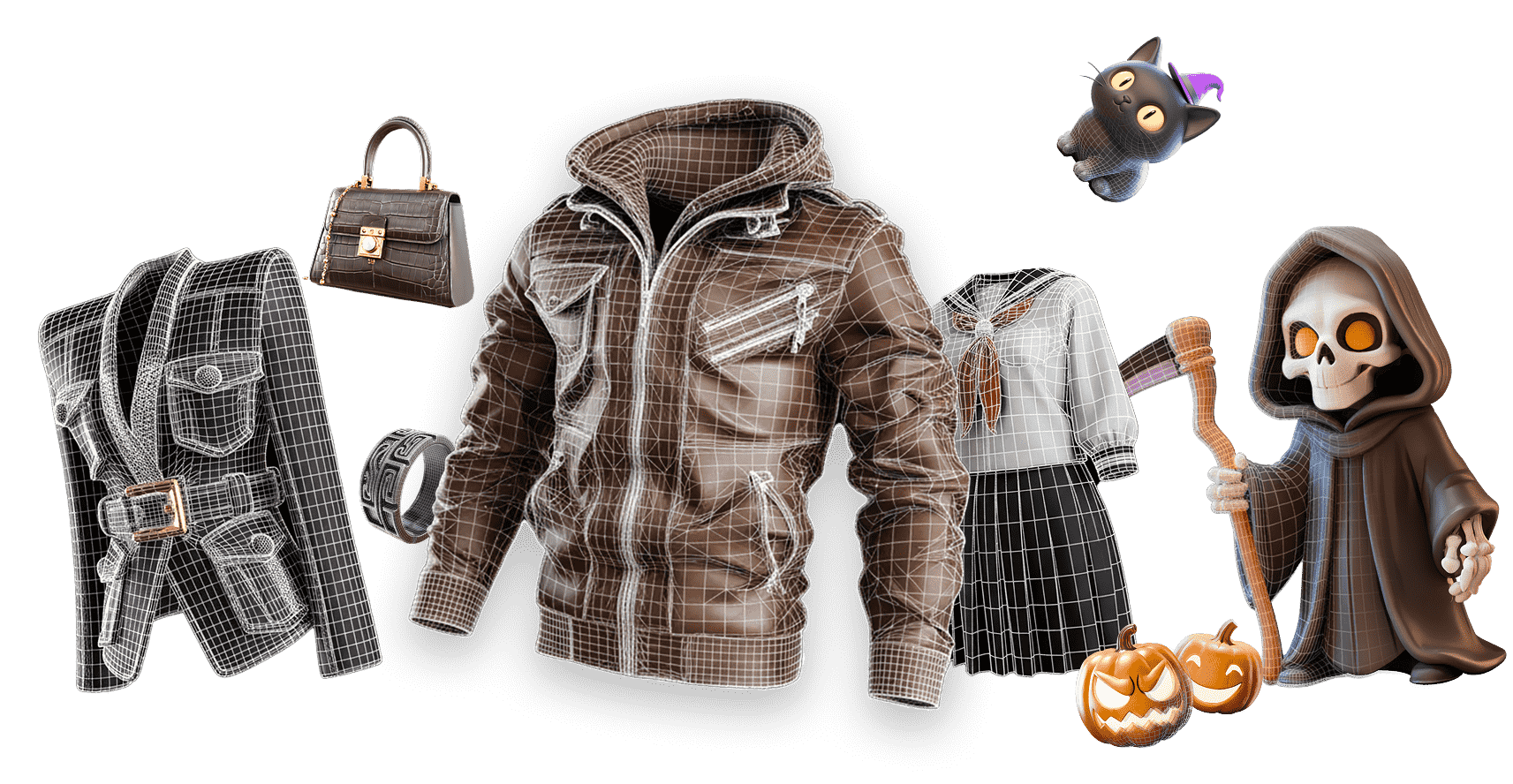
Why Choose Hyper3D for Text to 3D Generation? visual

Text to 3D Prompt Examples

Start with a specific object, style, material, and target workflow. These prompt examples show how AI text to 3D generation can support games, products, AR, and 3D printing.

Game-Ready Treasure Chest

A fantasy prop with a chunky silhouette and hand-painted material direction.

Product Concept

A minimal smart speaker with fabric texture, soft corners, and studio lighting.

3D Printing Figurine

A printable astronaut cat collectible with a clean single-piece form.

AR Product Preview

A ceramic table lamp with brass details and AR-friendly product proportions.

Who Uses an AI Text to 3D Model Generator?

AI text to 3D generation for teams and solo creators who need usable 3D assets without a long modeling cycle.

Game Developers

Generate weapons, props, characters, and environment objects from text prompts for Unity, Unreal Engine, and rapid prototyping.

Product Designers

Turn written briefs into 3D product concepts, packaging studies, AR previews, and stakeholder-ready visuals.

3D Printing Makers

Use text to STL style workflows for figurines, tabletop parts, ornaments, learning models, and printable prototypes.

Artists & Creators

Explore stylized text to 3D models for animation, concept art, social content, digital collectibles, and portfolio pieces.

AI Technology Behind Text to 3D Model Generation

Hyper3D combines prompt understanding, 3D generation, texture synthesis, and export-focused processing for practical text to 3D model creation.

Prompt Understanding

Interpret shape, scale, style, material, and use-case instructions from natural language.

3D Generation

Generate geometry and proportions from text so teams can evaluate 3D ideas quickly.

AI Texture Generation

Create surface detail and materials that make text-generated 3D models feel complete.

Production Export

Prepare text to 3D assets for games, AR, design review, and 3D printing workflows.

Better Text to 3D Results Start with Better Prompts

Generate Now

Text to 3D generation works best when the prompt focuses on one clear asset. Start with the object, shape, material, style, and target workflow, such as a game-ready prop, AR object, product preview, or printable STL model.

Use specific visual words instead of broad moods. Low-poly, realistic, ceramic, brushed metal, clean silhouette, symmetrical, and hand-painted all give the AI stronger direction.

If the first 3D model misses a detail, refine the prompt with clearer scale, pose, surface detail, and export intent. Small edits often improve text to 3D results quickly.

Frequently Asked Questions About Text to 3D

Answers for creators comparing AI text to 3D generators, text prompt to 3D model workflows, and text to STL output.

How do I generate a 3D model from text?

Write a clear prompt in Hyper3D, generate the 3D model with AI, preview the result, refine the description if needed, and export the asset for your workflow.

What is the best prompt format for text to 3D?

A good prompt usually includes the object, shape, material, style, level of detail, and intended workflow, such as game-ready low-poly prop or printable STL figurine.

Can I generate low-poly game assets from text?

Yes. Add terms like low-poly, game-ready, stylized, clean silhouette, or hand-painted texture to guide the text to 3D result toward real-time game asset use.

Can I use text to 3D models in Blender?

Yes. Export formats such as GLB, OBJ, or FBX are commonly used for bringing generated 3D models into Blender for inspection, editing, material adjustment, and scene setup.

Does text to 3D work with Unity and Unreal Engine?

Text-generated models can be used in Unity and Unreal workflows when exported in compatible formats such as FBX or GLB and optimized for the target project.

Can text to 3D models include textures?

Yes. Hyper3D focuses on textured 3D asset creation, so prompts can include material and style guidance such as ceramic, metal, fabric, realistic, low-poly, or hand-painted.

Is Hyper3D free for text to 3D generation?

Hyper3D is free to start, so you can test AI text to 3D generation before moving into larger production workflows or paid plans.

Can I export text to 3D models as STL, GLB, OBJ, or FBX?

Hyper3D text to 3D workflows are designed around practical export formats such as STL for 3D printing, GLB/GLTF for web and AR, and OBJ or FBX for professional 3D editing pipelines where supported.

Try Hyper3D's AI Text to 3D Generator Today

Your next 3D model can start as a sentence. Turn text prompts into textured 3D assets for games, AR, products, and 3D printing with Hyper3D.