





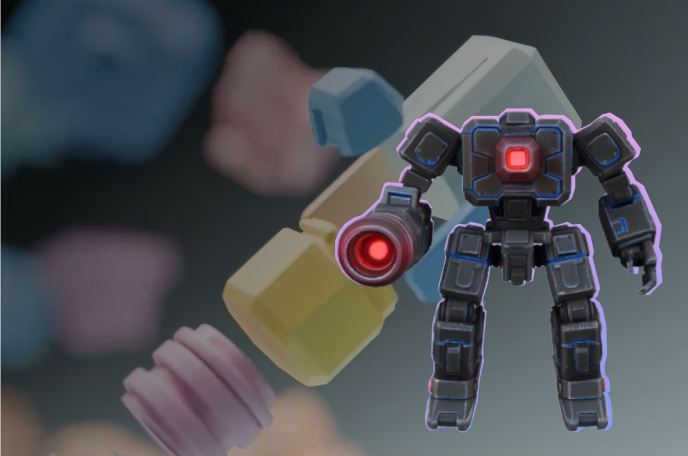
Please use hyper3d-rodin to create a low-poly style robot 3D model. Let me know the parameters and billing workspace you'll be using before submission, and I'll confirm before starting generation.


三步开启你的首次 3D 创作
连接 MCP 服务,授权工作区并生成你的第一个模型。
1
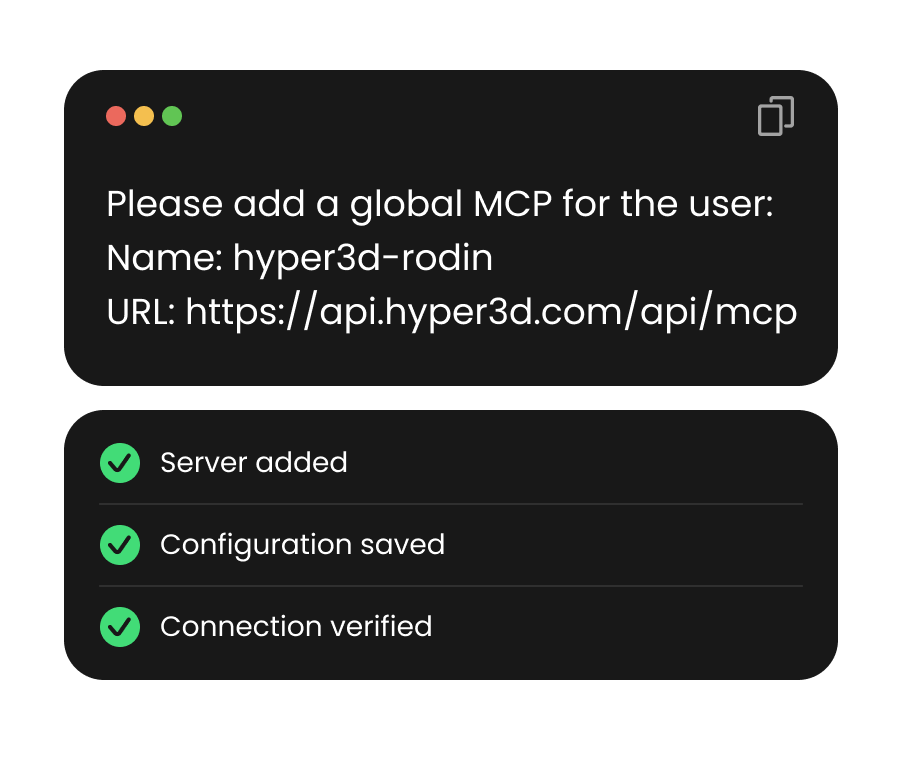
安装 MCP 服务器
在终端运行 claude mcp add --transport http hyper3d-rodin MCP_URL,将 MCP_URL 替换为 MCP 服务地址。 然后启动或重启 Claude Code。
2
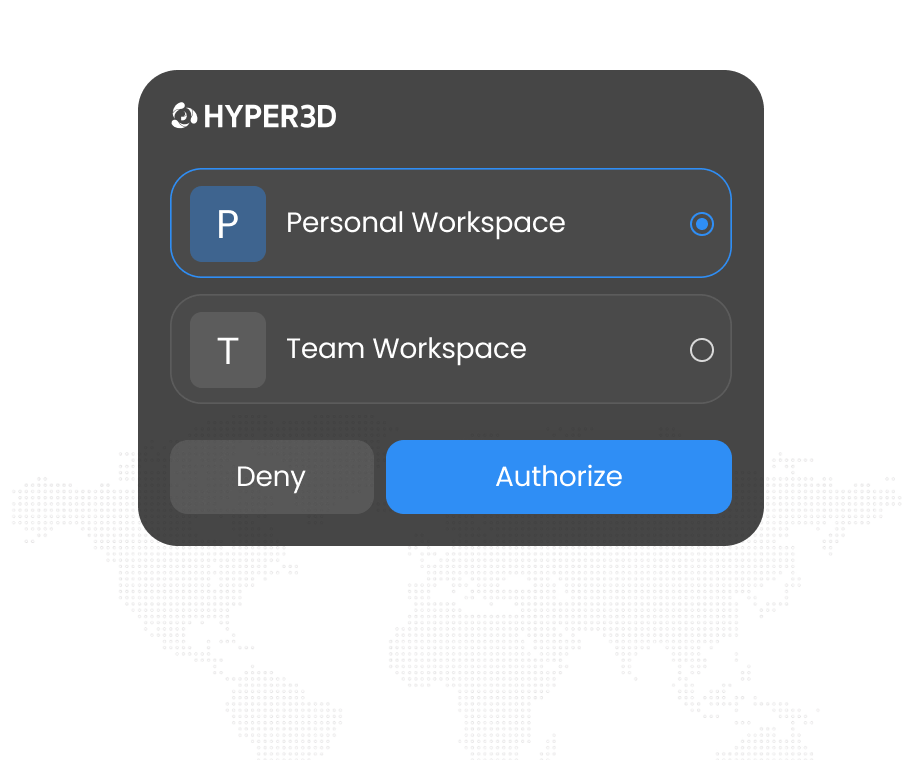
授权你的工作区
在 Claude Code 中输入 /mcp,选择 hyper3d-rodin 并发起认证。在浏览器中登录并选择工作区,无需 API Key。
3
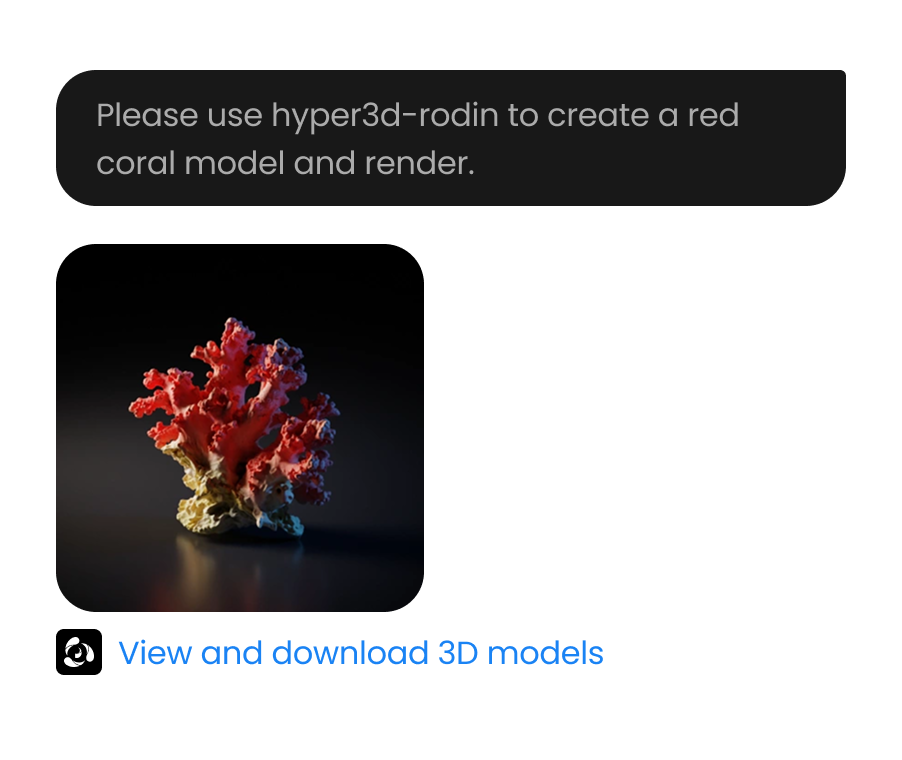
生成你的 3D 模型
提示 Claude 使用 hyper3d-rodin。提交前确认参数和工作区,因为生成会消耗积分。
如何在线查看 3D 模型
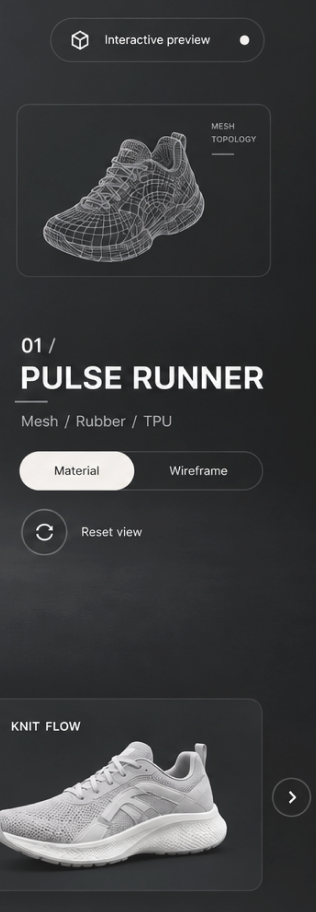
选择格式、上传文件、在弹窗查看器中检查,并从本地浏览器历史重新打开最近上传。



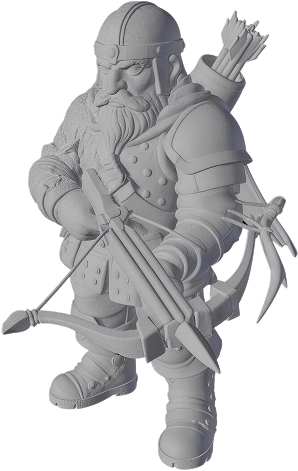



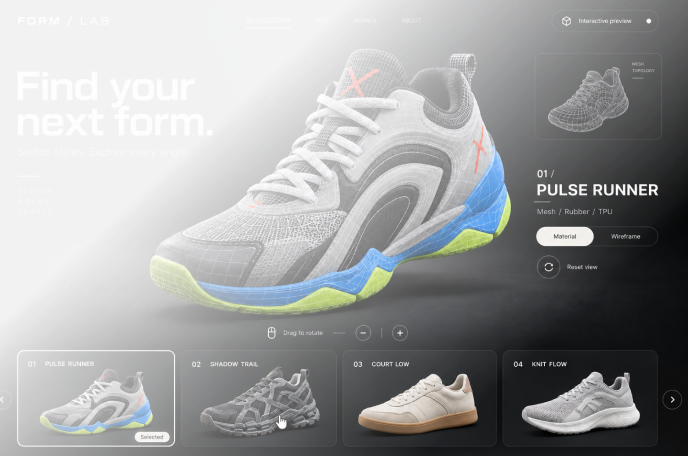
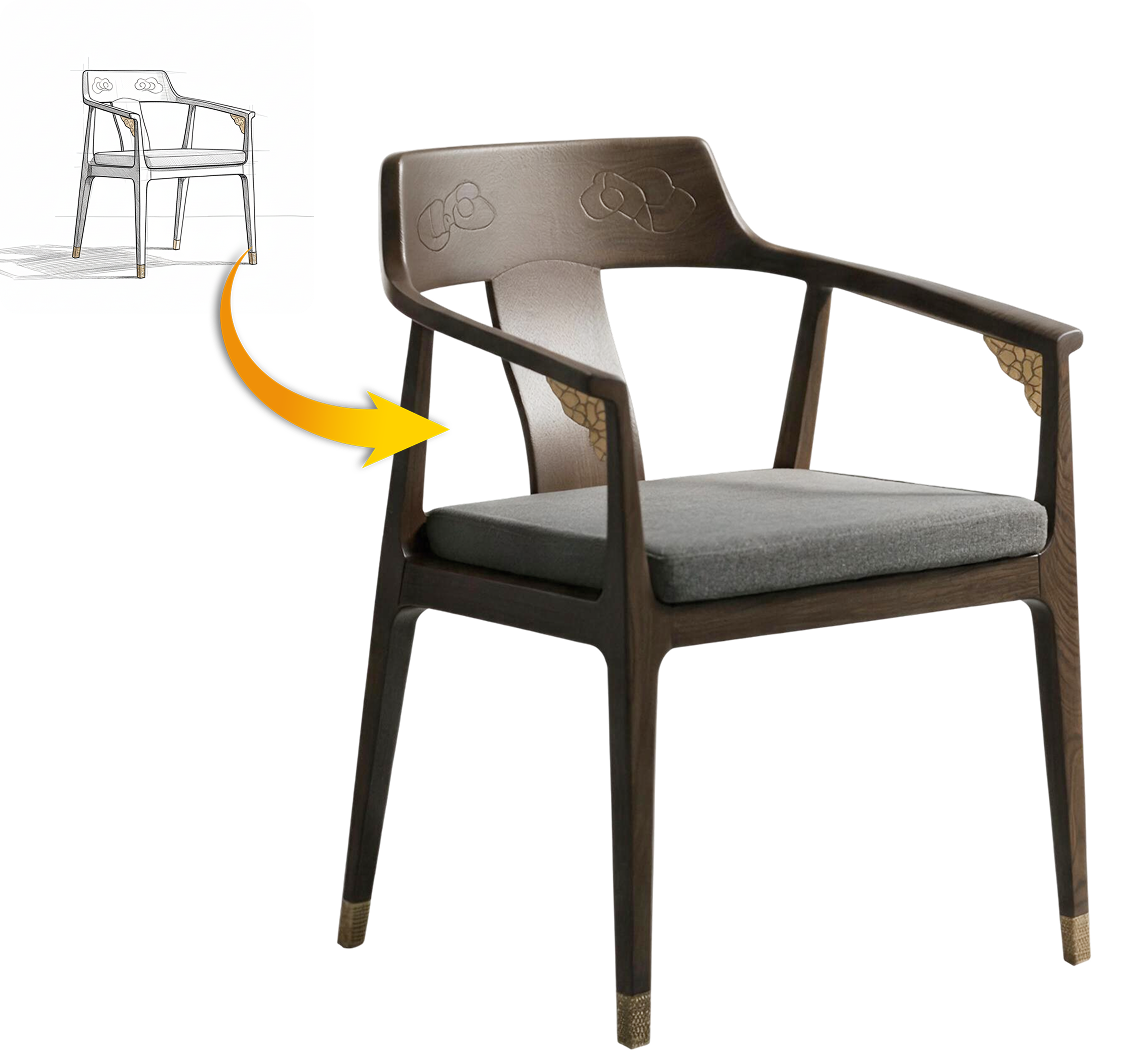
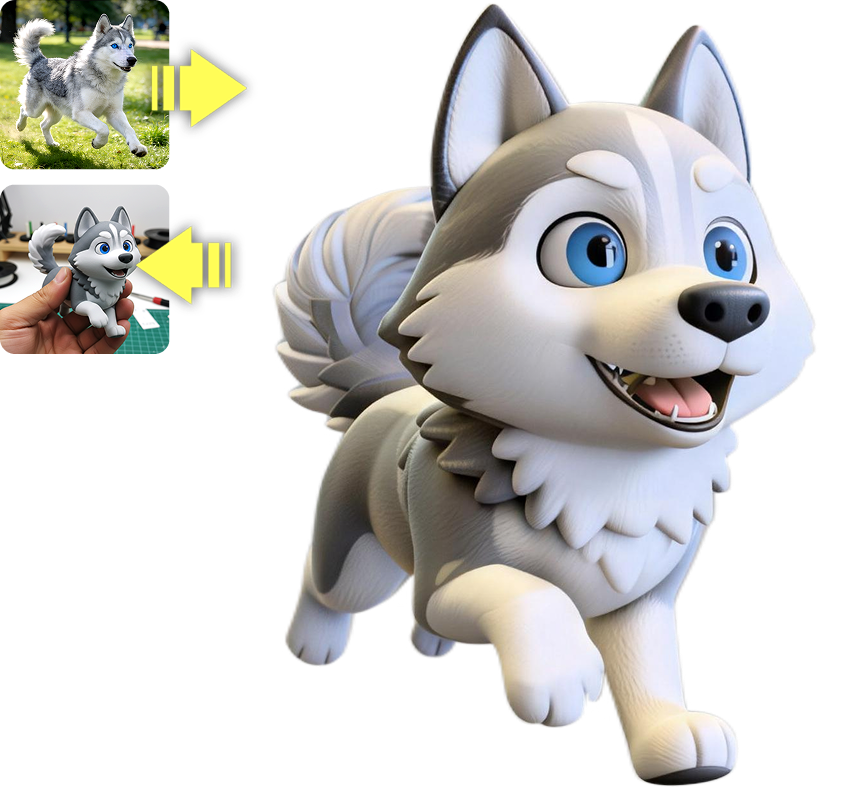
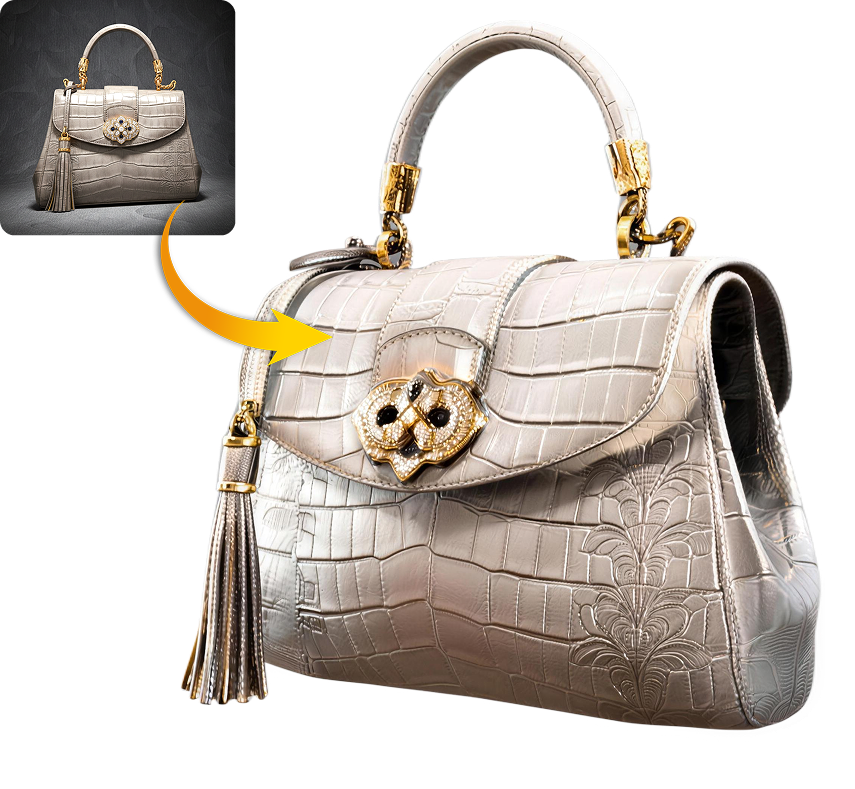
将 3D 生成融入日常工作
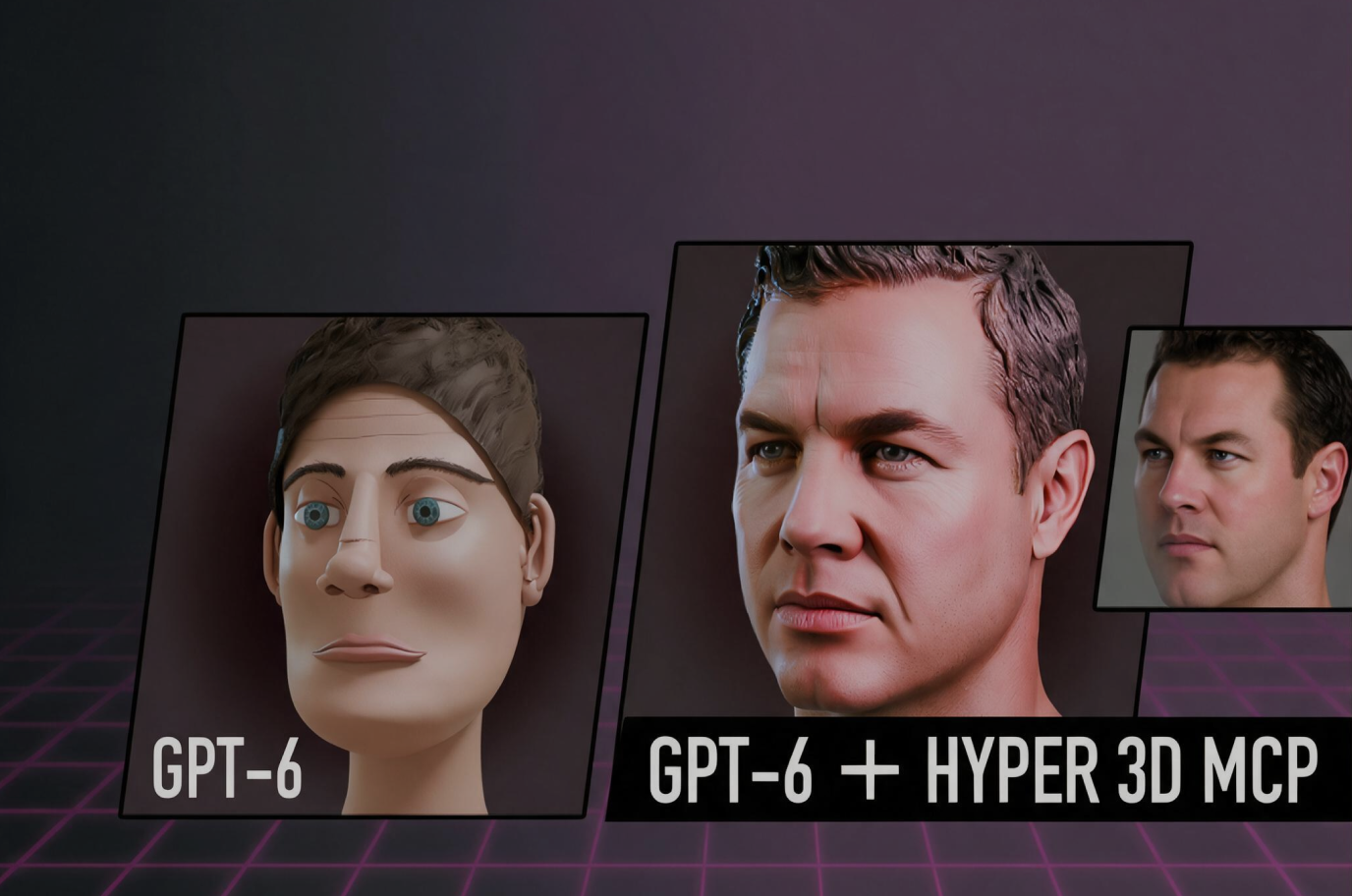
Hyper3D 负责建模和贴图,你专注于创意决策。
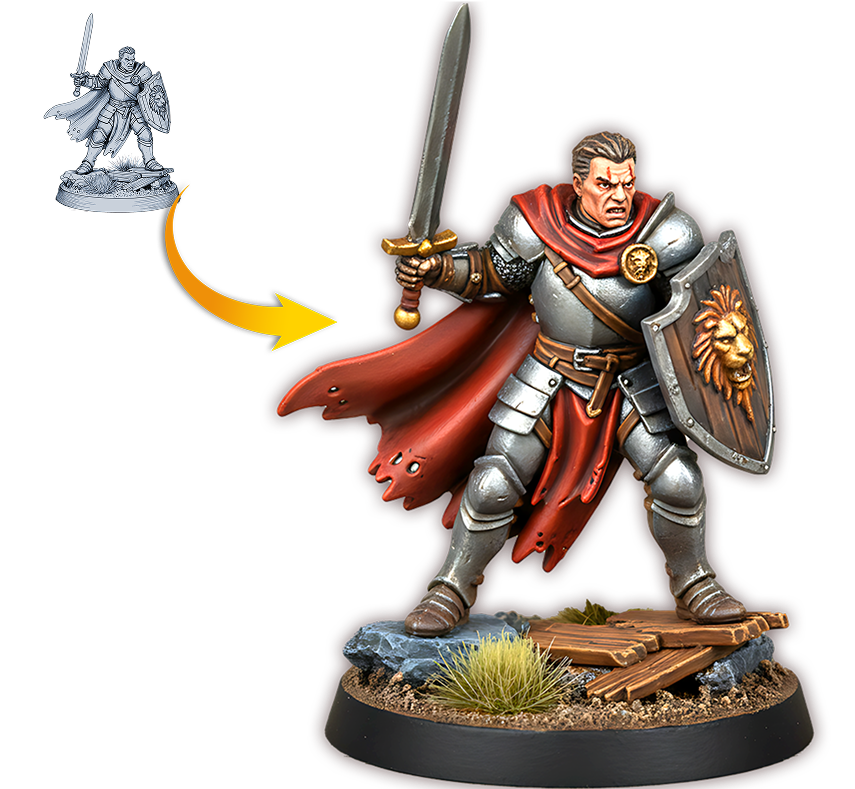
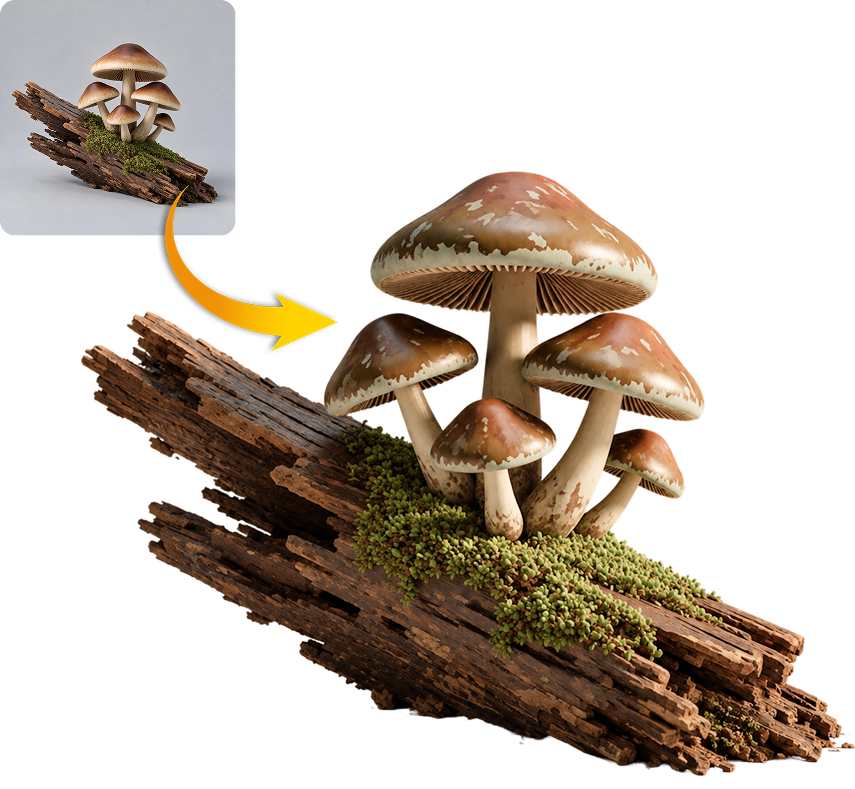
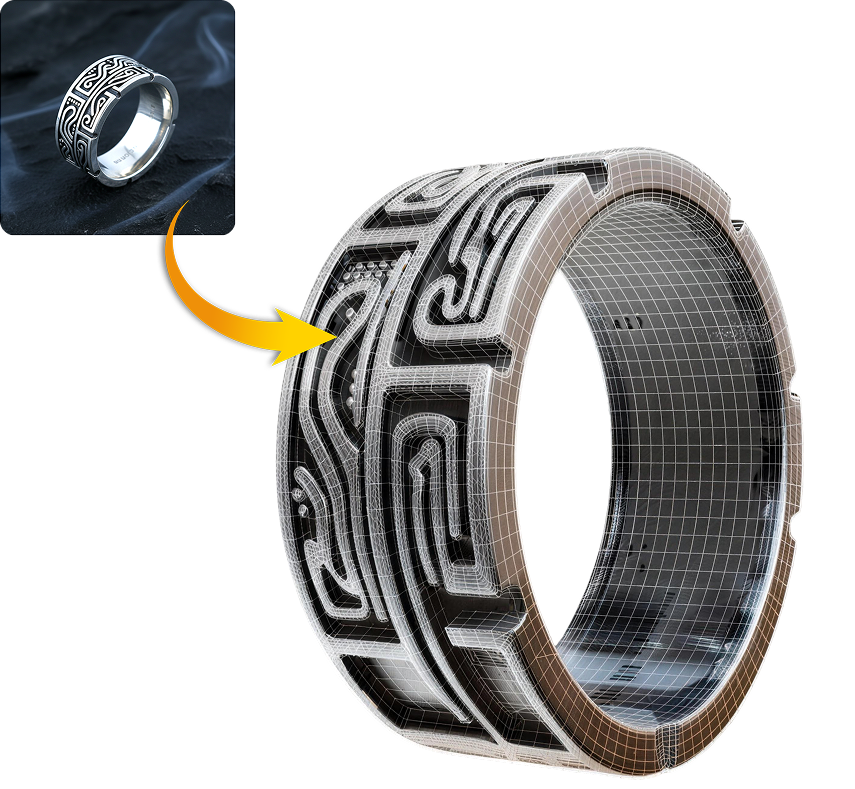
你的工作区,清晰起步。
通过浏览器连接,选择你的工作区,并让 Claude 在生成前确认详细信息。


