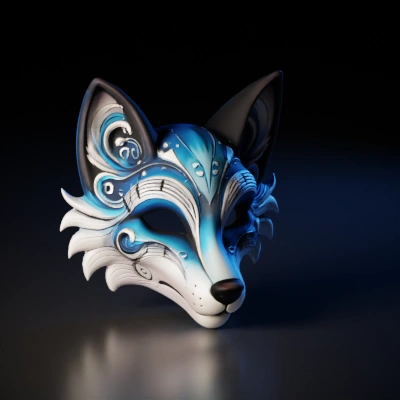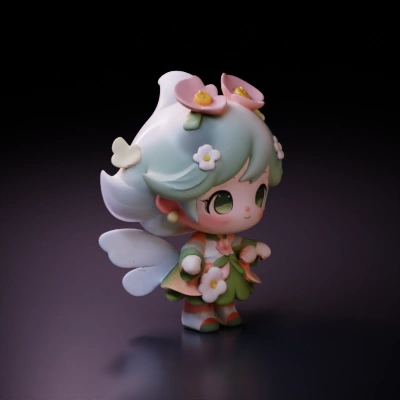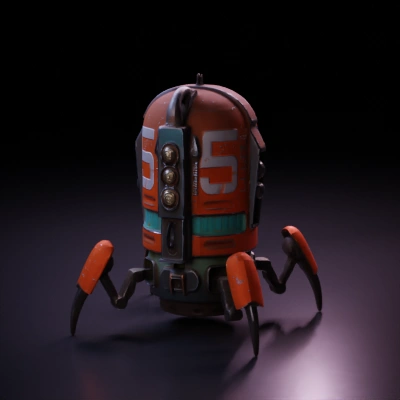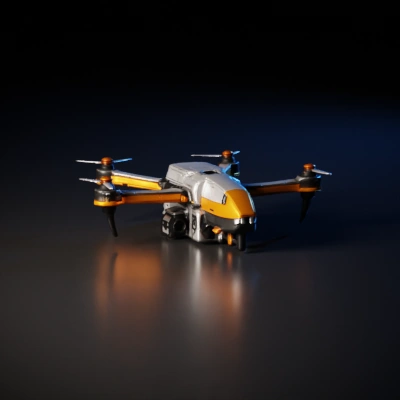
角色
eEhyQx452赞
eEhyQx452赞扭转的飘带、柔软的流体、不可能的雕塑。用一段文本提示词,生成用于动态设计、封面艺术和网页首屏视觉的抽象 3D 模型。
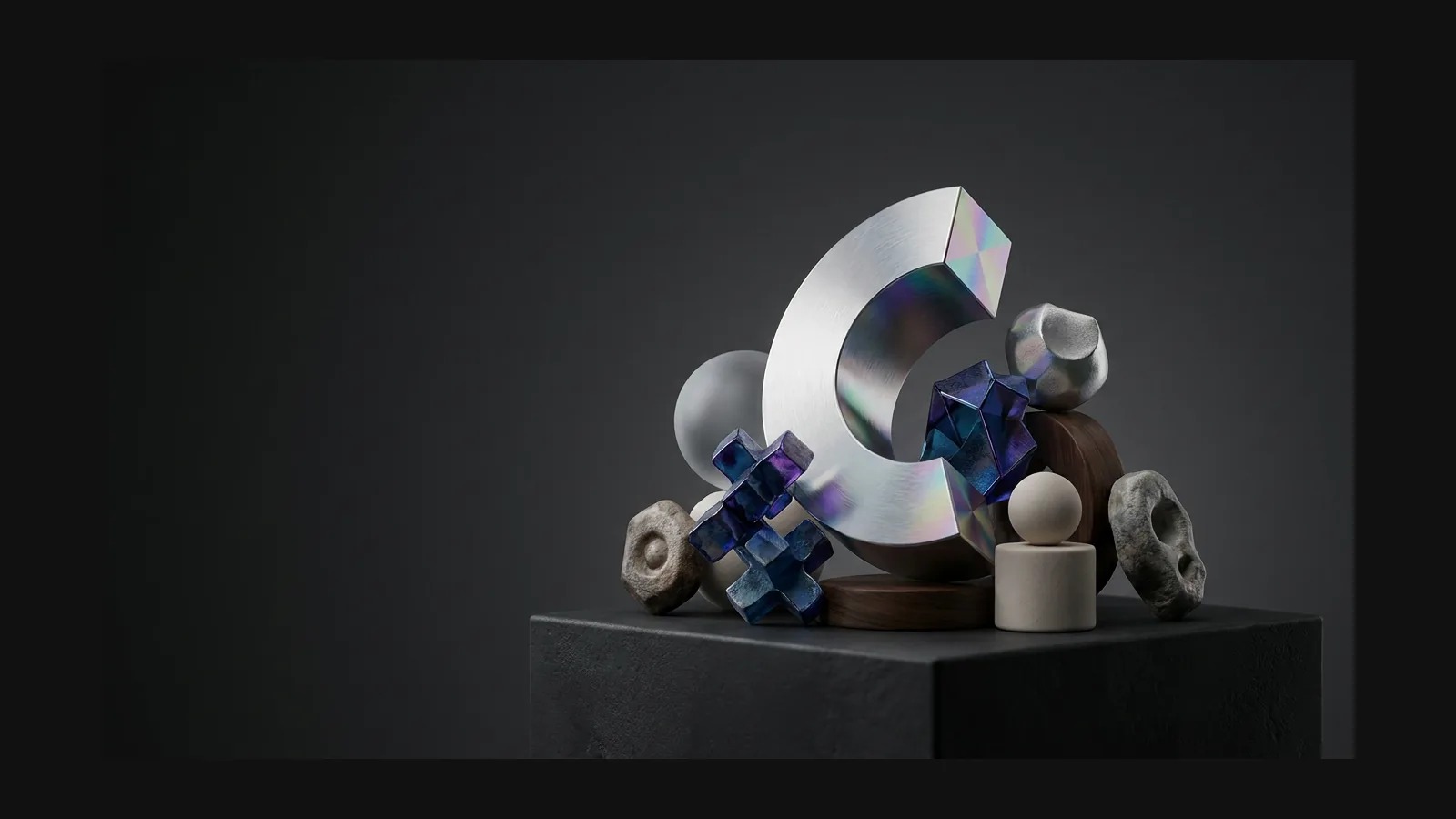
抽象创作是带存档键的探索。三个习惯,让这场搜寻更高效。
用几何词汇开头。试试:"abstract twisted ribbon sculpture, polished chrome, flowing continuous curve, studio background"。twisted、stacked、perforated、molten——形容词决定轮廓走向。

把 "polished chrome" 换成 "frosted glass" 或 "matte clay" 再生成一次,其余保持不变。只差一个词的两次结果放在一起比较,你就知道是哪个词在主导效果。

铬金属和玻璃的成败全在反射,所以先给造型配上 HDRI 环境再下判断。网页用 GLB,Cinema 4D 和 Blender 用 OBJ / FBX。

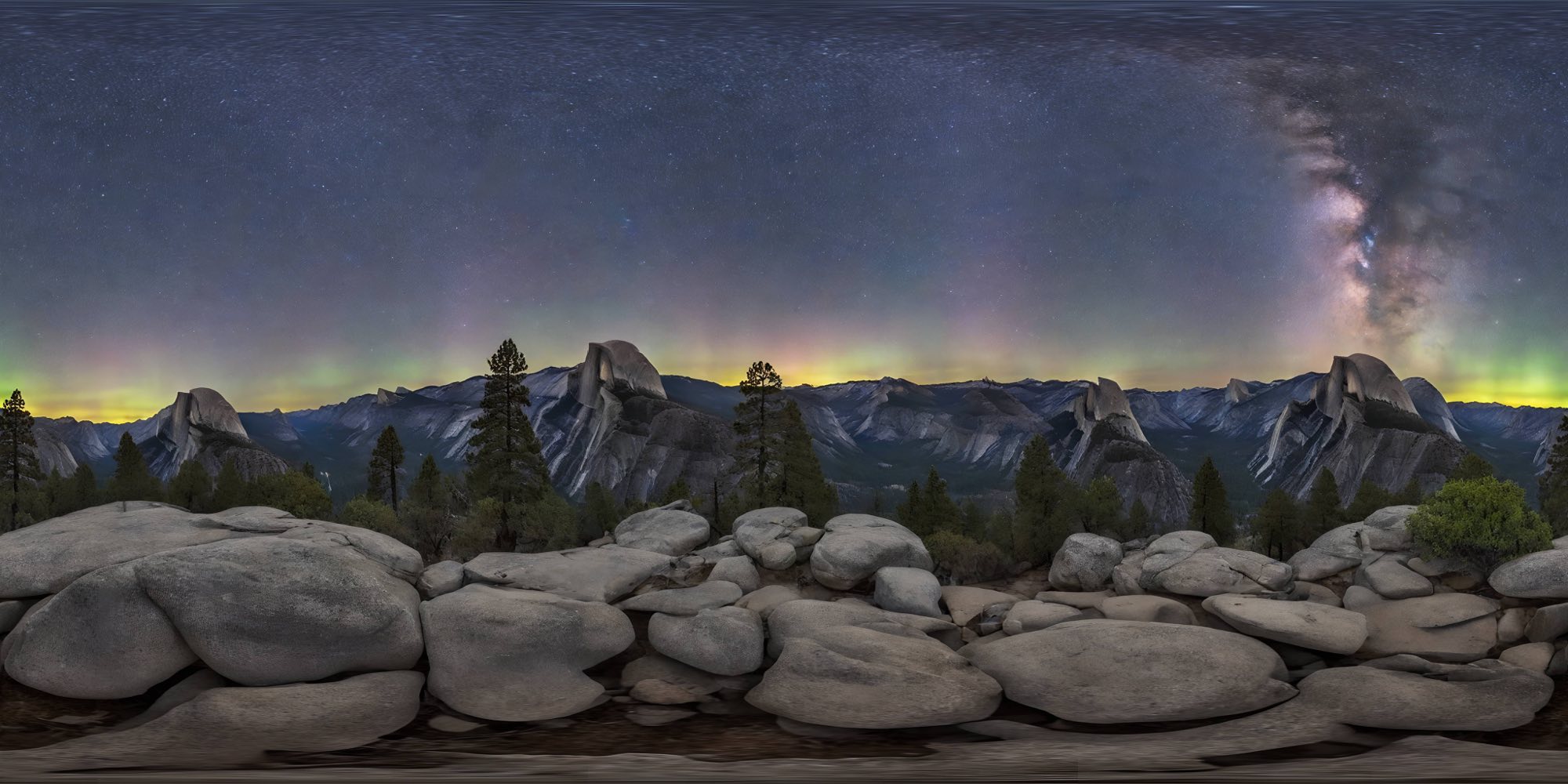
OmniCraft HDRI 生成器能从文本提示词生成 360° 全景环境。一个文件两种用法:作为基于图像的光源,让铬金属和玻璃造型有东西可反射;也作为渲染或动态图形循环背后的背景。
生成的形态是一件空白乐器。这是它登台的四个舞台。
创作者使用 Hyper3D 将抽象参考和提示词变成可编辑、可导出的真实流程 3D 模型。
AI 3D just hit a new threshold. Rodin Gen-2.5: Geometry in ~4s, full model in ~5s, 10M+ polygons, clean structure, production-ready outputs. This is the moment AI 3D becomes an actual pipeline tool.
Tested Rodin Gen-2.5 from Hyper 3D. Cleaner meshes, sharper surface detail, stronger multi-angle coherence. The results feel much closer to something you’d actually keep iterating on inside a real workflow.
Rodin Gen 2.5 is a game-changer. 10M+ polygons, 3D-native textures, and seriously good results on complex high-poly models. Production-ready assets just got a lot closer.
提示词词汇、材质、光照,以及雕塑造型在真实管线中的位置。
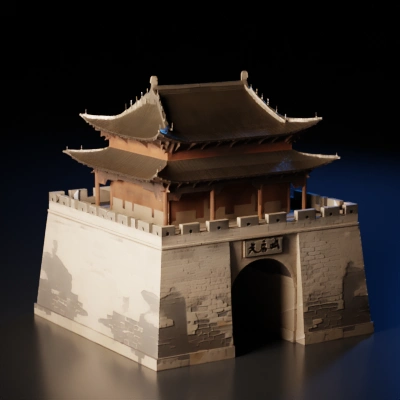
写三个几何词,挑一种材质,看看一个前所未见的雕塑形态——然后给它打光、做循环,或者打印出来。