




Make your next creation.
Turn your ideas into 3D assets. Start creating with Hyper3D.
Three.js를 사용해 단일 HTML 파일에 참고 디자인을 재현하세요. 결과를 반복해서 비교하고 차이를 수정하세요. 조명, 모델의 깊이감, 유리 같은 조작부를 다듬고 포인터에 반응하는 미묘한 효과를 추가하세요.
Download unavailable. Open the original video to save it.
Turn your ideas into 3D assets. Start creating with Hyper3D.
팔로우하기


어떤 오브젝트를 분리하고 이름을 지정하며 편집 가능한 상태로 유지해야 하는지 명시하세요. 그렇지 않으면 겉보기에는 그럴듯해도 실제로는 사용할 수 없을 수 있습니다.
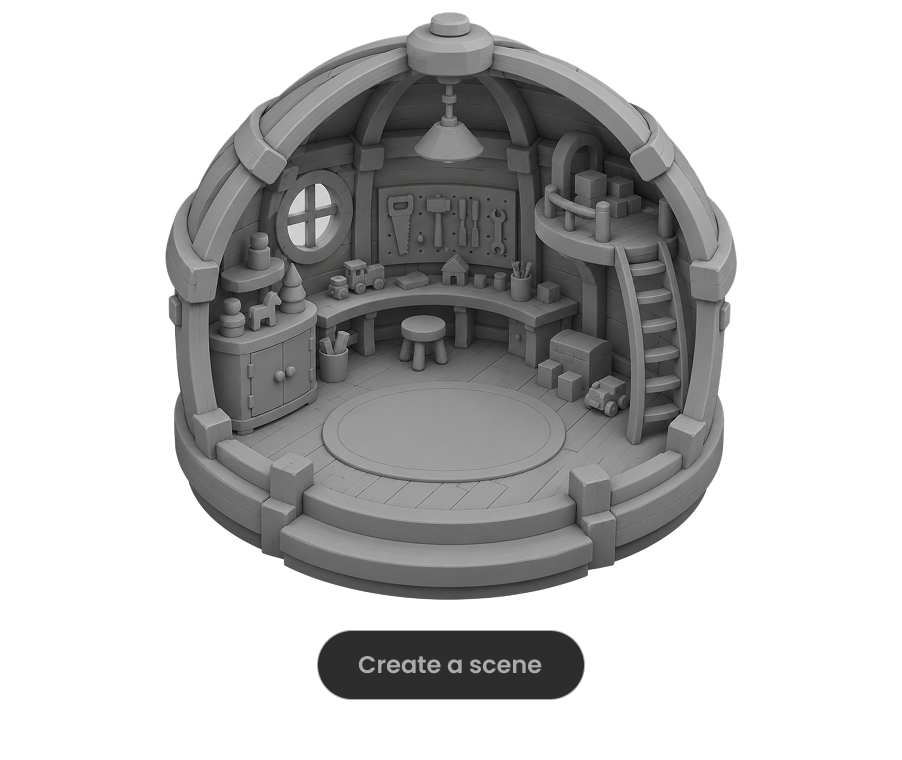
모델이 장면을 실행하고 눈에 보이는 오류를 확인하도록 요청하세요. 프레임 레이트, 상호작용, 레이아웃에 대한 구체적인 검사를 통과할 때까지 수정을 반복하게 하세요.

대규모 월드는 작업을 구역, 구성 요소 묶음 또는 마일스톤으로 나누고, 각 부분을 검수한 뒤 범위를 확장하세요.

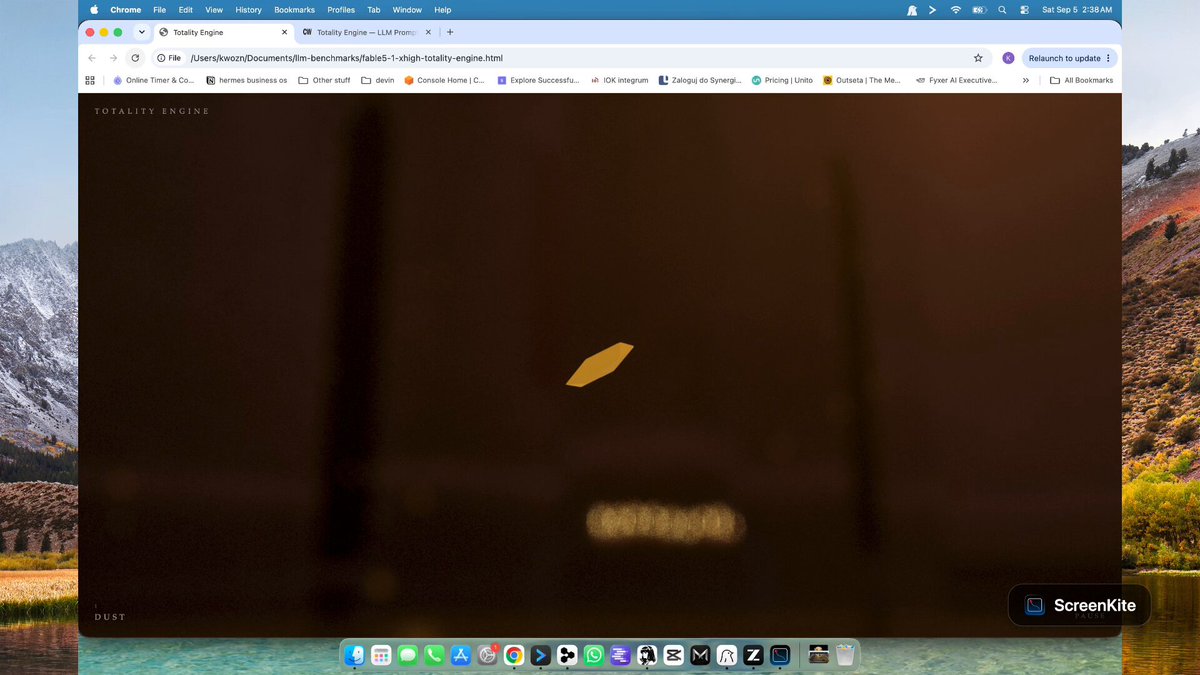
침수된 고딕 대성당을 배경으로 거대한 천문 시계, 연출된 카메라 비트, 절차적으로 생성된 물, 유리 행성, 일식 조명을 담은 32초 반복 영상을 위한 완전한 Three.js/WebGL 프롬프트입니다. Chris W는 Astra 실행 결과와 다른 모델과의 비교를 공개했습니다.
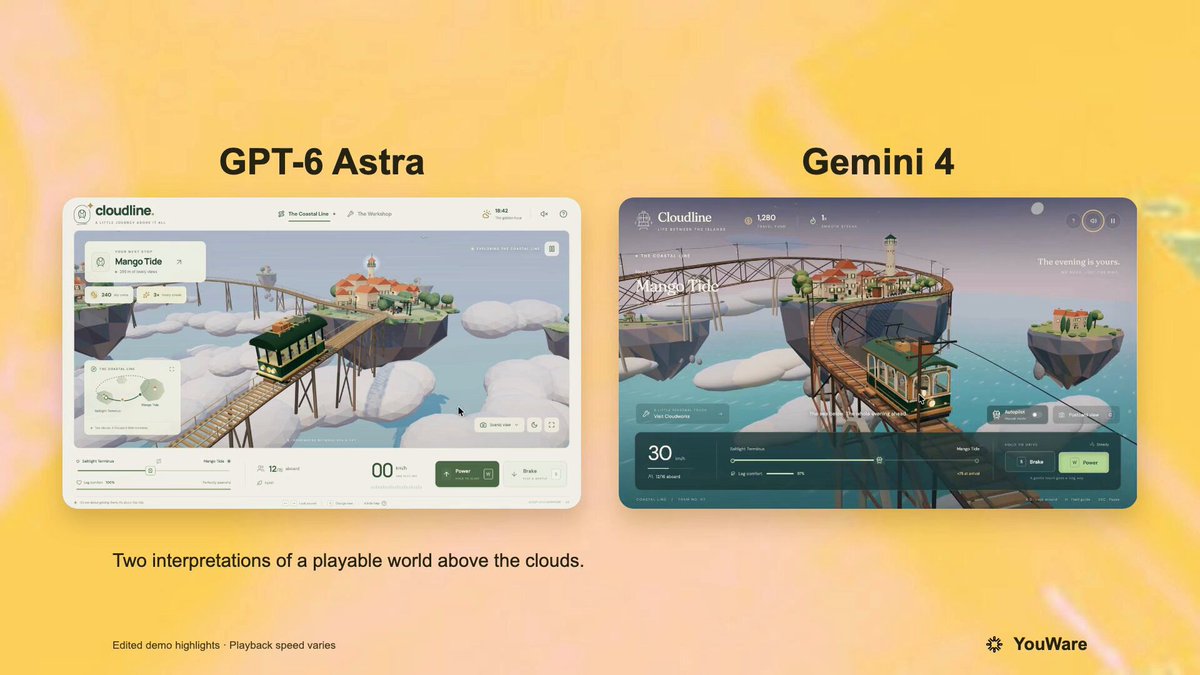
검증된 작성자 댓글이 전체 프롬프트를 공유하며, 원 게시물은 이를 GPT-6 및 Gemini 4에서 실행했다고 밝힙니다. 떠다니는 지중해풍 섬을 배경으로 운전 조작, 승객 쾌적도 점수, 정거장, 업그레이드, 모바일 지원을 갖춘 플레이 가능한 브라우저 기반 Three.js 공중 트램 게임을 요청합니다.
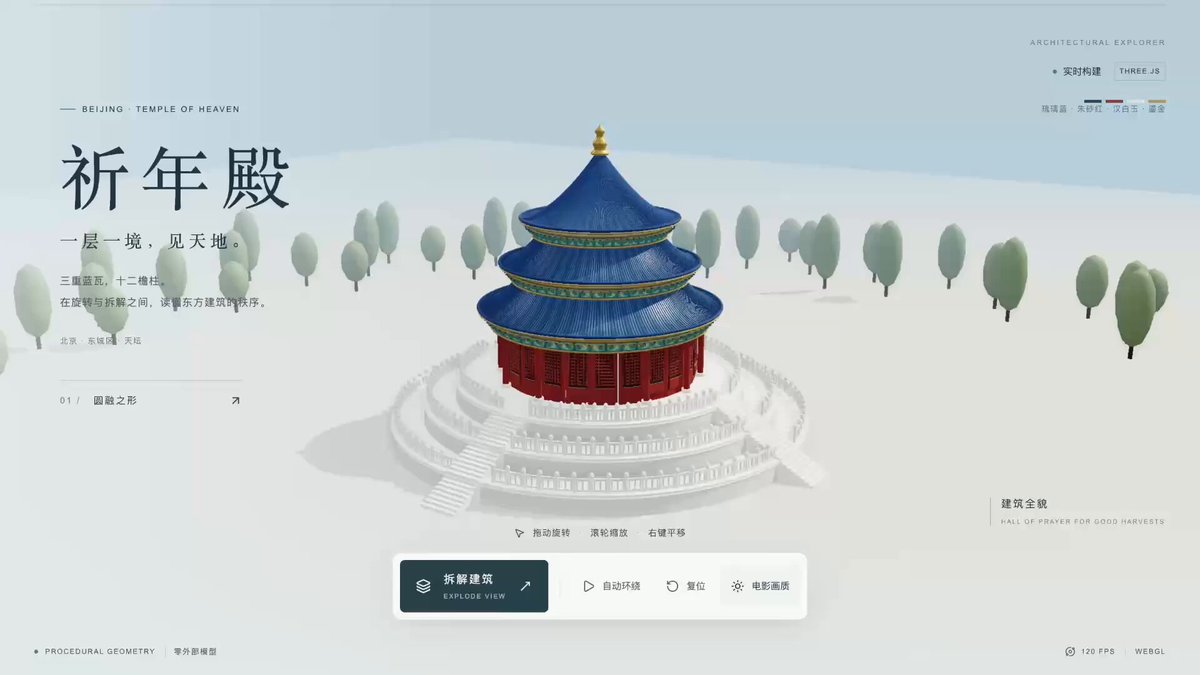
원 게시물은 GPT-6 Astra와 Three.js로 제작한 베이징 천단 기년전의 3D 모델과 웹 경험을 소개합니다. 작성자는 이후 이러한 유형의 프로젝트를 만드는 데 사용한 전체 중국어 프롬프트를 공유했습니다.
