Roblox 3D Model
# Roblox 3D Models: Create AI Assets for Roblox Games
The world of Roblox is built on creativity, and fundamentally are the countless 3D models that make up every game, character, and environment. For developers, creating custom assets is key to building unique experiences. While traditional 3D modeling software like Blender has long been the standard, a new generation of AI-powered tools is changing the game. Platforms like Hyper3D, alongside other AI solutions and established software, offer a range of options for creating your next great asset.
## What are Roblox 3D Models?
A Roblox 3D model is a digital object represented in three dimensions. These models are the visual building blocks of the Roblox world. Everything from a player's avatar to the trees in a forest or the sword they carry is a 3D model. These models are created from a mesh, which is a collection of vertices, edges, and faces that define the shape of the object. The more complex the mesh, the more detailed the model, but also the more performance-intensive it is.
### The Role of Meshes in Roblox
In Roblox, these models are often referred to as "Meshes." A MeshPart is a specific type of part in Roblox that allows you to import and use custom 3D models created in external software. This is what gives developers the power to create unique and detailed assets beyond the basic shapes available in Roblox Studio. Unlike a regular `Part`, which is limited to basic geometric shapes like cubes and spheres, a `MeshPart` can be anything you can imagine, from a detailed character to a complex vehicle.
### Supported 3D Model Formats
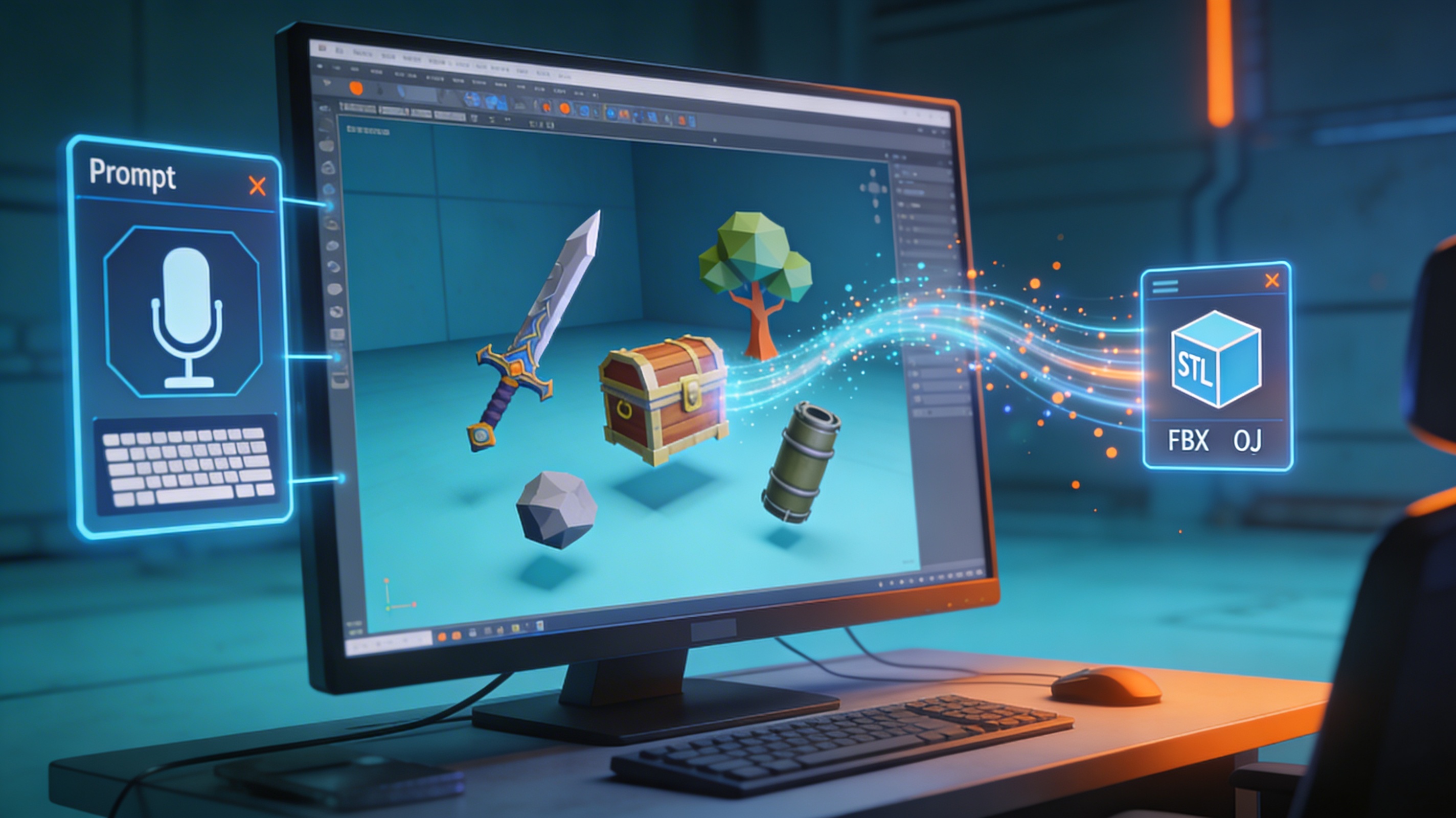
Roblox Studio primarily supports the import of `.fbx` and `.obj` file formats. This is a crucial piece of information for any creator, as the software you use must be able to export your model in one of these formats. Many tools, including AI-powered platforms, offer direct export to these formats, and for those that don't, a 3D format converter can be an essential utility. It's also worth noting that while other formats like `.stl` and `.glb` are popular in the 3D printing and web communities, they are not directly supported by Roblox and will need to be converted.
## How to Create a Roblox 3D Model
There are two primary paths for creating a Roblox 3D model: the traditional, manual approach, and the newer, AI-assisted method. Both have their strengths and are suited for different types of creators and projects.
### Traditional 3D Modeling
Traditional 3D modeling involves using software to manually create a model from scratch. This method offers the highest level of control and is the industry standard for professional 3D artists.
#### Blender
Blender is a powerful, free, and open-source 3D creation suite. It's been a favorite of Roblox developers for years, offering a high degree of control over every aspect of the model. The process generally involves:
1. Modeling: Manually creating the shape of your object by manipulating vertices, edges, and faces.
2. UV Unwrapping: Creating a 2D representation of your model to apply textures.
3. Texturing: Painting or applying image textures to your model.
4. Exporting: Saving your model as an `.fbx` or `.obj` file.
While Blender offers immense power and flexibility, it has a steep learning curve and can be time-consuming.
#### Other Traditional Software
Besides Blender, other professional 3D modeling software like Autodesk Maya and 3ds Max are also used. These are paid tools that are often used in the professional game development industry. They offer similar capabilities to Blender but with different workflows and user interfaces.
### Using an AI 3D Model Generator
AI is rapidly changing the field of 3D asset creation. An AI 3D model generator like the one offered by Hyper3D, allows you to create models from text prompts or by converting images. This process is significantly faster and more accessible for those without a background in 3D modeling.
#### Text-to-3D
With text-to-3D, you simply describe the object you want to create in plain English. For example, you could type "a vintage wooden chair with red velvet cushions" and the AI will generate a 3D model based on your description.
#### Image-to-3D
Image-to-3D, as the name suggests, allows you to upload an image and have the AI create a 3D model from it. This is a great way to create 3D versions of existing objects or characters. Hyper3D's image to 3D tool is a great example of this technology.
The general workflow for AI generation is:
1. Input: Provide a text description or an image.
2. Generation: The AI generates a 3D model based on your input.
3. Refinement: You can often refine the model, adjusting details or textures.
4. Export: Download the model in a Roblox-compatible format.
This approach is perfect for rapid prototyping and for creators who want to focus on game design rather than the intricacies of 3D modeling.
## My First-Hand Experience Creating a Roblox Asset with AI
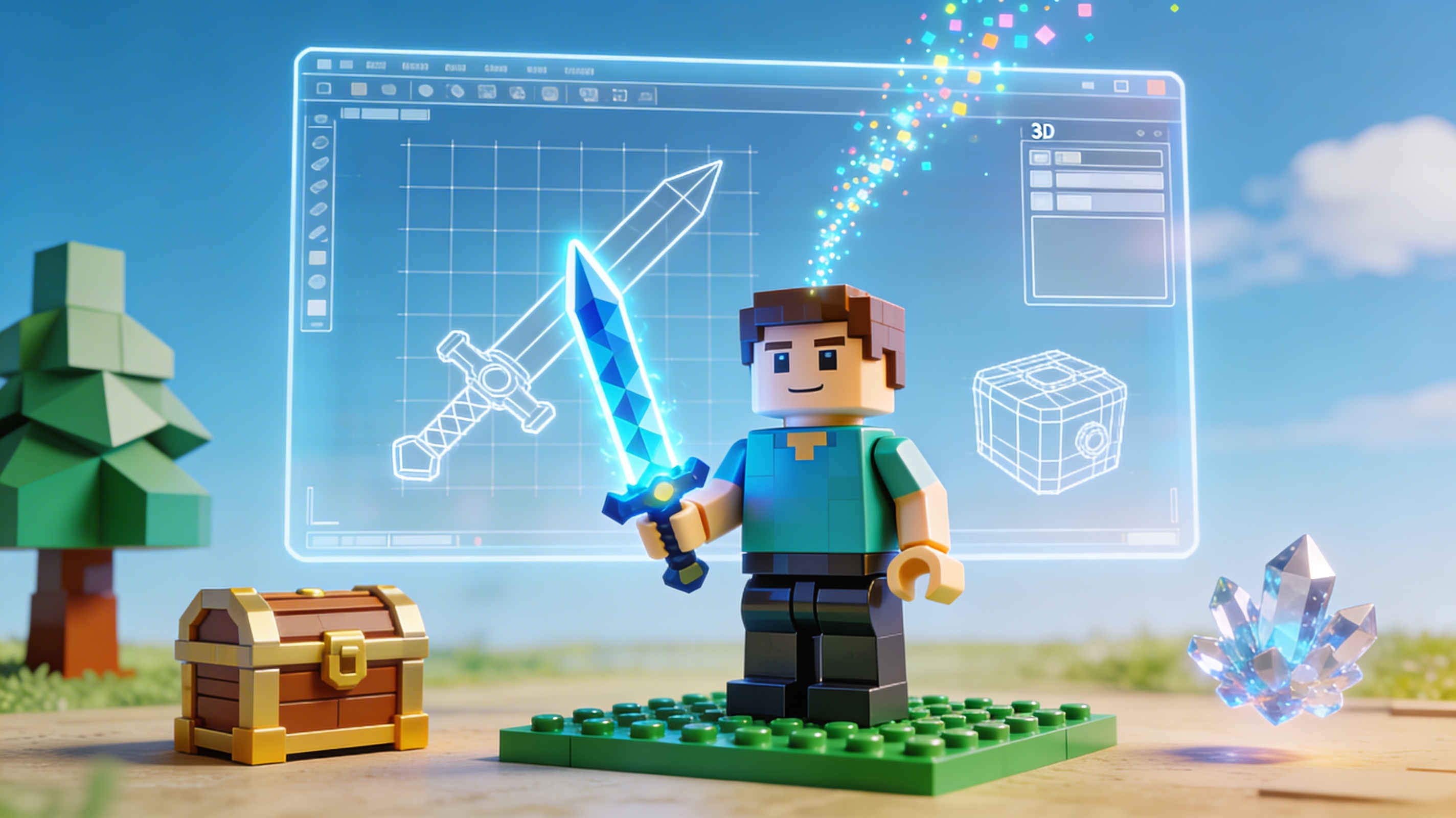
To see how an AI-powered tool would fare, I decided to create a simple asset for a hypothetical Roblox game using Hyper3D's game 3D model generator. My goal was to create a stylized, low-poly sword. I started with a simple text prompt: "A magical cartoon sword, glowing blue, simple design."
The initial results were impressive. The AI provided several variations, and one of them was very close to what I had in mind. The style was consistent, and the glowing effect was well-represented in the texture. I selected the model and moved to the export options. I was pleased to see that I could directly download the model as an FBX file, ready for Roblox Studio. The entire process, from prompt to downloadable file, took less than five minutes. For someone who has spent hours in Blender creating a single asset, this was a remarkable experience.
I did notice that the initial model had a slightly higher polygon count than I wanted for a low-poly game. However, Hyper3D's OmniCraft tool allowed me to easily decimate the mesh and reduce the polygon count without sacrificing too much detail. After a few tweaks, I had a game-ready asset that was both visually appealing and performance-friendly.
## Comparing 3D Model Creation Tools for Roblox
Choosing the right tool depends on your needs, skills, and goals. Let's compare the traditional approach with AI-powered solutions.
| Feature | Blender | Hyper3D | Maya |
| --- | --- | --- | --- |
| Price | Free | Freemium | Paid (Subscription) |
| Ease of Use | Difficult | Easy | Difficult |
| Speed | Slow | Fast | Slow |
| Control | High | Medium | High |
| Target Audience | 3D Artists, Hobbyists | Game Developers, Beginners | Professional 3D Artists |
### Which Tool is Right for You?
If you are a seasoned 3D artist or need a highly specific, complex model, Blender or Maya are likely your best bet. However, if you are a game designer, a solo developer, or just starting, an AI tool like Hyper3D can be a massive time-saver and allow you to bring your ideas to life quickly.
## Optimizing Your Roblox 3D Model
Creating a great-looking 3D model is only half the battle. You also need to make sure it's optimized for performance in Roblox. A poorly optimized model can cause lag and a poor player experience.
### Polygon Count
The polygon count, or the number of faces in your mesh, is one of the most important factors for performance. The higher the polygon count, the more work the game engine has to do to render the model. For Roblox, it's generally recommended to keep the polygon count as low as possible without sacrificing too much visual quality.
### Texture Size
The size of your textures can also have a big impact on performance. Large textures take up more memory and can cause longer loading times. It's a good idea to use the smallest texture size that still looks good in the game.
### Level of Detail (LOD)
Level of Detail, or LOD, is a technique where you create multiple versions of a model with different levels of detail. The game engine will then use the appropriate version depending on how far away the model is from the camera. This can significantly improve performance, especially in large, open-world games.
## Importing Your 3D Model into Roblox Studio
Once you have your `.fbx` or `.obj` file, the process of getting it into Roblox Studio is straightforward:
1. Open Roblox Studio and go to the "Home" tab.
2. Click on "Import 3D."
3. Select your 3D model file.
4. A preview window will appear, allowing you to adjust the scale and position of your model.
5. Click "Import," and your model will be added to your game as a `MeshPart`.
## Frequently Asked Questions about Roblox 3D Models
### What is the best software to make Roblox 3D models?
There is no single "best" software. Blender is the most popular free option for manual creation, while AI tools like Hyper3D are excellent for speed and ease of use.
### Can I use an OBJ to GLB converter for Roblox assets?
While Roblox doesn't directly support GLB, you might use an OBJ to GLB converter for other platforms or for use in web-based 3D viewers. For Roblox, you'll want to stick with FBX and OBJ.
### How do I make my 3D models low-poly for Roblox?
Keeping your models low-poly (with a low polygon count) is crucial for performance in Roblox. Both Blender and some AI tools offer features to simplify or "decimate" your mesh to reduce the polygon count.
### Can I sell the 3D models I create?
Yes, you can sell your creations in the Roblox Creator Store. This is a great way to monetize your skills and contribute to the Roblox community.
### Is it hard to create a Roblox 3D model?
It can be, but it doesn't have to be. With the rise of AI tools, creating a Roblox 3D model is more accessible than ever. You no longer need to be a 3D modeling expert to create high-quality assets for your games.
### What is the triangle limit for Roblox meshes?
Roblox has a limit of 10,000 triangles per mesh. If your model exceeds this limit, you will need to simplify it before you can import it into Roblox Studio.
### How do I texture a 3D model for Roblox?
Texturing a 3D model for Roblox is similar to texturing for any other game engine. You will need to create a 2D image texture and then apply it to your model using a process called UV mapping. Both Blender and other 3D modeling software have tools for UV mapping.
FAQ
What is the best tool for roblox 3d model?
It depends on your needs. For quick prototyping, Luma AI works well. For production-quality output, Hyper3D's Rodin and Meshy both deliver strong results. Tripo is a good pick if you need auto-rigging for game characters.
Is roblox 3d model free?
Several tools offer free tiers. Hyper3D gives you limited free generations, and Hunyuan3D is fully open-source. Most professional tools require a paid plan for production use.
How long does roblox 3d model take?
Most AI tools generate results in 10-60 seconds. Traditional methods can take hours or days depending on complexity.
Can I use roblox 3d model results commercially?
Check each platform's license terms. Most paid plans include commercial usage rights, but free tiers often have restrictions.
What file formats work best for roblox 3d model?
FBX and GLB are the most versatile. Use STL for 3D printing, USDZ for AR on Apple devices, and OBJ for general compatibility.