Godot 3D Models: Generate AI Assets for Godot Games
If you're working with the Godot engine, you know that high-quality 3D models are the building blocks of any immersive game world. Finding the right assets, however, can often feel like a quest in itself. You can spend countless hours sifting through online marketplaces hoping to find something that fits your vision, or you can embark on the steep learning curve of creating them yourself with complex 3D modeling software. This traditional path can be a significant bottleneck in the creative process. But what if there was a more efficient way to bring your unique ideas to life and populate your game with custom assets?
Today, developers have more options than ever for sourcing 3D assets. You can download pre-made models from marketplaces like Sketchfab or the Godot Asset Library, or you can use powerful 3D modeling software like Blender to build them from the ground up. A newer approach that is gaining traction is the use of AI-powered tools to generate 3D models from simple text prompts or images. This can be a great way to quickly produce unique assets that fit your game's specific aesthetic.
Where to Find Godot 3D Models
There are many places online to find 3D models that are compatible with the Godot engine. Some are free, while others require payment. Here are a few of the most popular options:
Online Marketplaces
Websites like Sketchfab and CGTrader are treasure troves for developers, hosting massive libraries of 3D models (including Godot 3D models) created by a global community of artists. Here, you can find everything from detailed characters and fearsome creatures to sprawling environments and intricate props. While many of these assets are premium and available for purchase, there is also a substantial collection of free models. It is crucial, however, to meticulously check the license agreement for each model to ensure it can be used in your project, especially for commercial purposes.
Godot Asset Library
The official Godot Asset Library is another great resource for finding free and open-source assets. The library is integrated directly into the Godot editor, making it easy to browse and import assets into your project. You can find a variety of 3D models, as well as materials, scripts, and other useful resources.
Itch.io
Itch.io is a popular platform for indie game developers to share their work. It also has a large marketplace for game assets, including a wide selection of 3D models (including Godot 3D models). Many of the assets on Itch.io are created by fellow indie developers and have a unique, handcrafted feel.
Generating Custom Godot 3D Models with AI
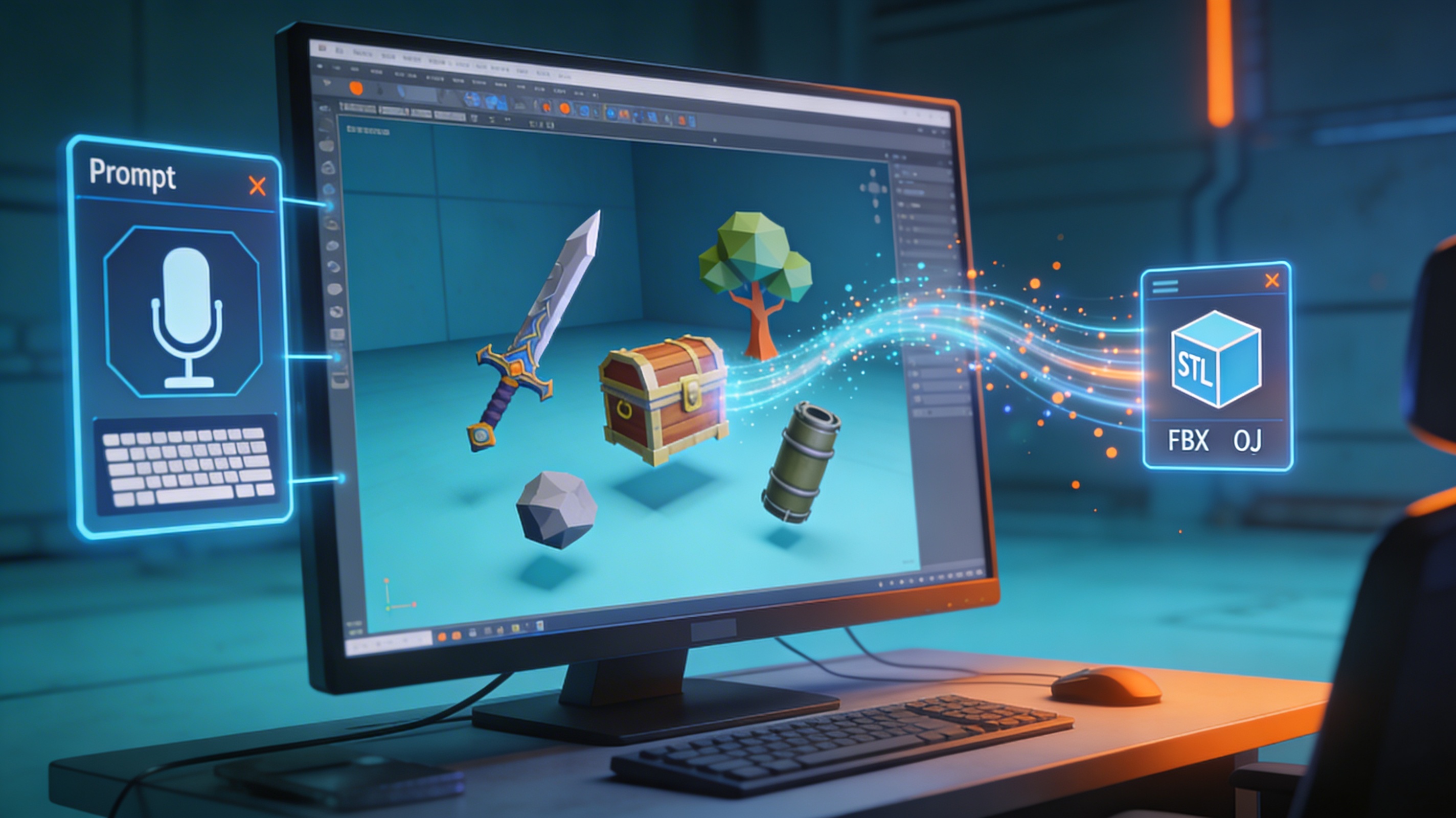
If you can't find the perfect asset on a marketplace, or if you need something truly unique, you might consider using an AI-powered tool to generate your own Godot 3D models. These tools allow you to create 3D assets from text descriptions or images, without needing any prior experience with 3D modeling software.
Hyper3D offers a suite of tools that are well-suited for this task. The game 3D model generator is designed specifically for creating assets for games. You can also use the general AI 3D model generator for a wider range of creative options. If you have a concept image you want to turn into a 3D model, the image to 3D tool can help you do that. And once you have your model, you can use the 3D format converter to make sure it's in the right format for Godot.
My First-Hand Experience with AI 3D Model Generation
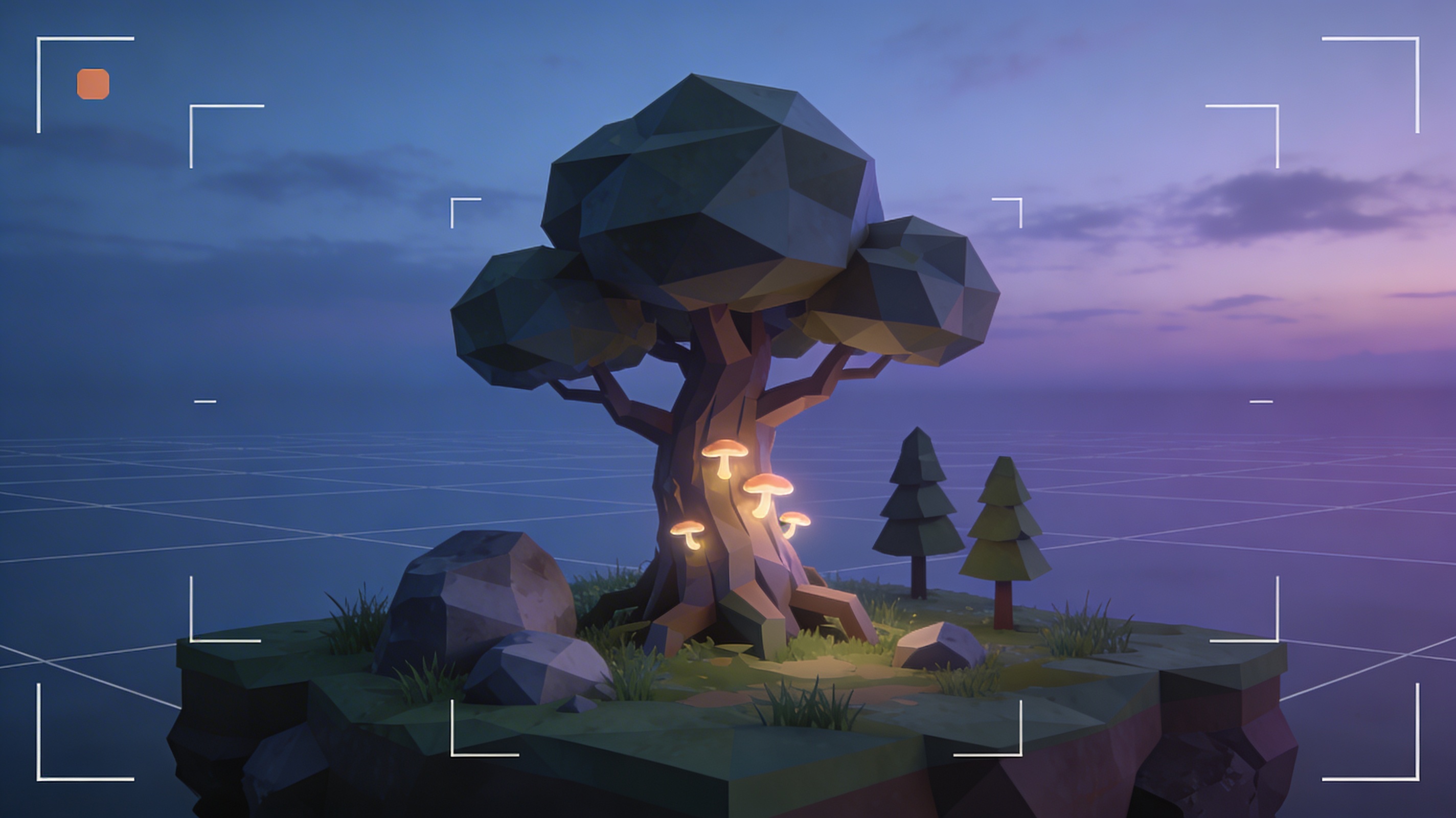
I was recently prototyping a fantasy adventure game in Godot and hit a creative wall. I needed a specific type of stylized, low-poly tree that just wasn't available on any of the usual asset stores. My vision was clear: a slightly magical, ancient-looking tree that would fit the game's aesthetic. Instead of firing up Blender and spending a day modeling, I decided to put an AI model generator to the test. My prompt was simple and descriptive: "A low-poly, stylized fantasy tree with glowing mushrooms on its trunk."
Within a few minutes, the tool had generated a 3D model that was surprisingly close to what I had imagined. The geometry was clean, and the overall shape was perfect for my game's art style. The glowing mushrooms were a nice touch that I hadn't even considered. I downloaded the model as a GLB file, which is one of the formats Godot handles best.
Importing the model into Godot was straightforward. I just had to drag and drop the file into my project folder. The materials needed a little bit of tweaking to get the glowing effect just right, but it was a simple matter of adjusting the emission settings in the material properties. Overall, I was impressed with how quickly I was able to go from a simple idea to a usable in-game asset. It saved me hours of work that I would have otherwise spent modeling the tree from scratch in Blender.
Objective Comparison: AI vs. Traditional Asset Creation
When it comes to sourcing Godot 3D models, you have several options. Here?? a look at how AI generation stacks up against more traditional methods.
| Method | Pros | Cons |
|---|---|---|
| AI Generation (e.g., Hyper3D) | Very fast, no 3D modeling skills required, great for creating unique assets. | Less precise control over the final model, may require some manual cleanup or texture work. |
| Downloading Pre-made Assets | High quality, ready to use immediately, often come with animations and materials. | Can be expensive, may not perfectly match your game's art style, licensing can be restrictive. |
| Creating from Scratch (e.g., Blender) | Complete control over every aspect of the model, can create exactly what you need. | Extremely time-consuming, requires a high level of skill and expertise in 3D modeling. |
Ultimately, the best method depends on your specific needs and resources. For quick prototypes or unique assets that don't require a high level of detail, AI generation is an excellent choice. For hero assets or characters that need to be perfect, you might be better off creating them from scratch or purchasing them from a marketplace.
Converting 3D Models for Godot
Godot works best with the glTF 2.0 format (.glb or .gltf). While it can import other formats like OBJ and FBX, you'll generally have a smoother experience if you stick to glTF. If you have a model in a different format, you'll need to convert it before you can use it in Godot.
There are many tools available for converting 3D models. Blender has a solid set of import and export options, and there are also online converters that can do the job. If you're looking for a simple and straightforward solution, Hyper3D's OBJ to GLB converter is a great option. It?? a free tool that makes it easy to convert your models to the preferred format for Godot.
FAQ about Godot 3D Models
What are the best 3D model formats for Godot?
Godot's preferred format is glTF 2.0, which comes in two flavors: .gltf (a JSON-based text file) and .glb (a binary file). The .glb format is generally recommended because it bundles all the model's data (including textures) into a single file, making it easier to manage.
How can I optimize 3D models for Godot?
To ensure good performance in your game, it's important to optimize your 3D models. This includes keeping the polygon count as low as possible, using efficient textures, and setting up levels of detail (LODs) so that simpler versions of the model are used when it's far from the camera.
Can I use animated 3D models in Godot?
Yes, Godot has excellent support for animated 3D models. You can import models with skeletal animations (also known as armatures or rigs) and control them using Godot's AnimationPlayer node. This allows you to create complex character animations and cutscenes.
Where can I find free 3D models for Godot?
There are many places to find free Godot 3D models. The official Godot Asset Library is a great place to start. You can also find free models on websites like Sketchfab, CGTrader, and OpenGameArt.org. Just be sure to check the license before using any assets in your project.
Is it hard to create my own 3D models for Godot?
Creating your own 3D models can be challenging, but it's also a very rewarding skill to learn. There are many free and open-source tools available, like Blender, that are incredibly powerful. If you're just starting out, you might want to begin with a simpler tool like an AI model generator to get a feel for the process.
Conclusion
Getting the right Godot 3D models is a critical step in the game development journey. The assets you choose will define your game's visual identity and player experience. Whether you download them from a marketplace, painstakingly create them from scratch, or use the speed of an AI-powered tool, the options available to developers today are more varied and accessible than ever. For those looking to accelerate their workflow and inject a dose of originality into their projects, AI generation tools like those from Hyper3D offer a compelling and powerful solution. If you're ready to move beyond generic assets and start building a world that is uniquely yours, it?? a great time to explore what AI can do. Give the game 3D model generator a try and see how it can transform your development process.