Text to 3D Model for Games: Asset Generation Guide
Creating 3D assets for games has traditionally been a labor-intensive process, requiring specialized skills in modeling, sculpting, and texturing. However, the rise of AI is changing the landscape. New AI-powered tools are making it possible to generate 3D models from simple text prompts, opening up new creative possibilities for game developers and artists. These tools can produce a wide range of assets, from characters and props to entire environments, dramatically speeding up the development workflow.
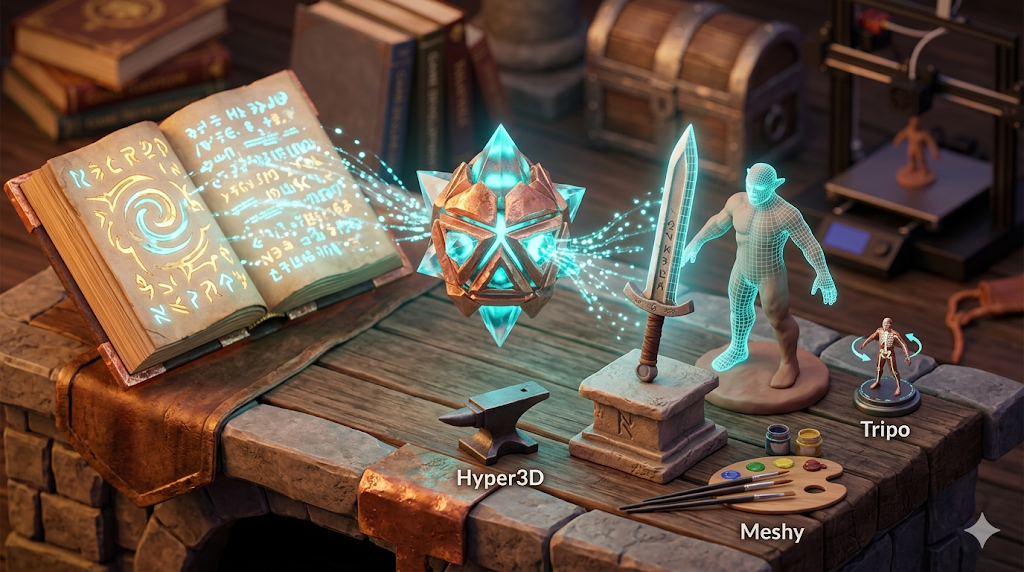
Whether you are a seasoned developer or just starting, the ability to quickly prototype and iterate on ideas is a significant advantage. With a text to 3D model generator, you can bring your concepts to life in minutes rather than days. This guide explores the world of AI-driven 3D asset generation for games, specifically how to create text to 3d game assets, comparing the top tools available and providing a practical walkthrough to get you started. We will look at platforms like Meshy, Tripo, and Hyper3D, examining their strengths and weaknesses to help you find the best fit for your project.
What are Text to 3D Game Assets?
Text to 3D game assets are 3D models created from written descriptions using artificial intelligence. This technology is a big deal for creating text to 3d game assets. Instead of manually building a model in software like Blender or Maya, a developer or artist types a prompt, such as "a rusty medieval sword with a leather-wrapped hilt," and the AI generates a corresponding 3D model. This process relies on complex algorithms, often diffusion models or generative adversarial networks (GANs), that have been trained on vast datasets of 3D shapes and their textual descriptions.
How AI Generates 3D Models from Text with Text To 3D Game Assets
The technology behind text-to-3D generation is built on deep learning. The AI model learns the relationship between words and 3D geometry. When it receives a prompt, it interprets the language to understand the object's shape, texture, and style. It then constructs a 3D representation, which can be a mesh, a point cloud, or a neural radiance field (NeRF). The resulting model can then be exported into common 3D formats like OBJ, FBX, or GLB for use in game engines.
The Impact on Game Development
The ability to generate assets from text has a profound impact on game development pipelines. It allows for rapid prototyping, enabling designers to visualize assets in-game almost instantly. This accelerates the creative process and allows for more experimentation. For independent developers and small studios, it levels the playing field by providing access to a vast library of potential assets without the need for a large art team. It also opens up possibilities for dynamic content generation within games themselves.
Top Text to 3D Tools Compared
Choosing the right AI tool for generating 3D game assets depends on your specific needs, from the desired level of detail to your technical expertise. Here?? a comparison of some of the leading platforms.
| Tool | Best For | Top Strength | Key Limitation |
|---|---|---|---|
| Meshy AI | Texturing & UX | Best textures | Rougher geometry |
| Tripo AI | Game dev pipelines | Auto-rigging | STL export issues |
| Hyper3D | Topology & ecosystem | Cleanest geometry | Less versatile for stylized |
| Hunyuan3D | Free/budget | 20 free/day | Chinese interface |
| Luma AI | Rapid prototyping | Speed | Triangle soup topology |
Meshy AI
Meshy is known for its exceptional texturing capabilities and a polished, user-friendly interface. It excels at creating models with detailed and realistic surface materials.
- Pros: Superior texturing engine, intuitive UI, and a good library of styles like voxel and low-poly.
- Cons: The geometry of the generated meshes can sometimes be less refined on complex objects.
- Best for: Artists and developers who prioritize high-quality textures and a smooth user experience.
Tripo AI
Tripo AI is a fast and efficient tool that is particularly well-suited for game developers. It offers features like auto-rigging, which is a huge time-saver for character creation.
- Pros: Very fast generation, built-in auto-rigging and segmentation, and a generous number of free credits.
- Cons: Some users have reported issues with the normals on STL exports, and it's less specialized for creating avatars.
- Best for: Game developers who need to create pipeline-ready assets quickly.
Hyper3D (Rodin)
Hyper3D, with its Rodin AI engine, stands out for its ability to produce models with clean and sharp topology, making it an excellent choice for character and avatar generation. Its integrated AI 3D generator is part of a larger ecosystem of tools.
- Pros: Produces some of the best geometry quality, offers an all-in-one ecosystem (OmniCraft Suite) for in-browser editing and texturing, and supports multi-view input.
- Cons: It is more specialized towards characters and avatars, and may be less versatile for creating stylized background props.
- Best for: Developers who need high-quality character models with clean topology and appreciate an integrated workflow.
My First-Hand Experience with Hyper3D Rodin
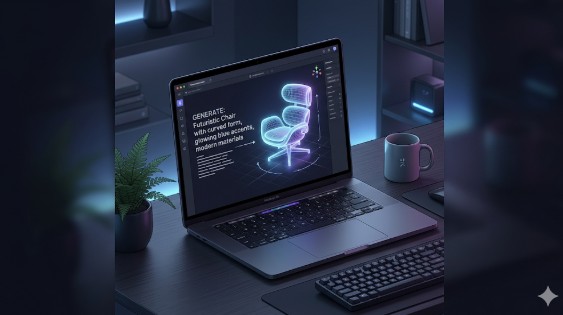
To get a feel for the workflow, I took Hyper3D's Rodin tool for a spin. The interface is clean, with a dark theme and a central area for prompts. I decided to test its capabilities by generating a game asset with the prompt: "A futuristic sci-fi crate, metallic with glowing blue lights." I used the "Focal" generation mode, which is described as being for higher detail. The model was generated in about a minute. The geometry was impressively clean, with well-defined edges. The blue lights were represented by emissive-looking materials, which was a nice touch. I then used the integrated AI Texture Generator to apply a worn metal PBR material, which worked smoothly. Exporting to GLB was straightforward, and the model was ready to be dropped into a game engine.
Step-by-Step Guide to Generating a 3D Game Asset
Here is a basic workflow for creating a text to 3d game assets using a tool like Hyper3D:
1. Write a Detailed Prompt: Be specific. Instead of "a sword," try "a double-edged Viking sword with a carved wooden handle and a glowing rune on the blade."
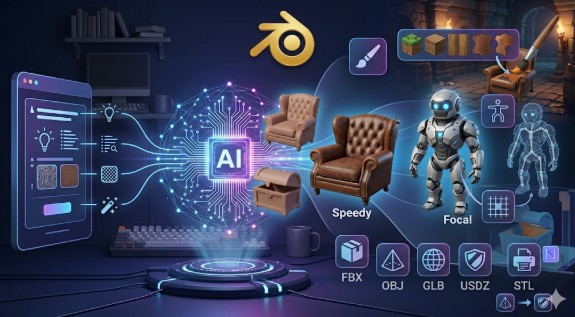
2. Choose a Generation Mode: Experiment with different modes if available (e.g., Speedy vs. Focal) to see which produces the best result for your needs.
3. Generate and Refine: Generate the model. Many tools offer the ability to refine or iterate on the result. Use these features to get closer to your vision.
4. Texture the Model: Use built-in texturing tools or export the model to apply materials in another application.
5. Export the Asset: Export the model in a format compatible with your game engine, such as FBX or GLB. The game 3D model generator from Hyper3D offers several options.
Use Cases for AI-Generated 3D Assets
- Rapid Prototyping: Quickly create placeholder assets to test gameplay mechanics.
- Concept Art: Generate 3D models to serve as a base for 2D concept art.
- Props and Environment Details: Populate game worlds with a wide variety of props and environmental details. Creating text to 3d game assets is perfect for this.
- Character Creation: Generate base meshes for characters that can then be customized and rigged.
- Indie Game Development: Small teams can create a large number of assets without a dedicated art department.
FAQ
What is the best AI for text-to-3D?
It depends on your needs. For the cleanest geometry, especially for characters, Hyper3D is a strong contender. For the best texturing, Meshy often comes out on top. For speed and game pipeline features like auto-rigging, Tripo is excellent.
Can I use AI-generated 3D models in commercial games?
This depends on the terms of service of the specific AI tool you are using. Most platforms have clear licensing terms, and many do allow for commercial use, but it is crucial to check before publishing.
How much detail can an AI text to 3D model have?
The level of detail is constantly improving. While current tools can produce impressive results, they may not always match the intricate detail of a model hand-crafted by a senior 3D artist. However, for many game assets, the quality is more than sufficient.
Do I need to know 3D modeling to use these tools?
No, that's the beauty of them. These tools are designed to be accessible to everyone, regardless of their 3D modeling experience. You can use an AI text to 3D tool without any prior knowledge.
What are the limitations of text to 3D generation?
Current limitations include occasional issues with complex geometry, difficulty in creating very specific or intricate designs, and the need for some manual cleanup in certain cases. However, the technology is advancing rapidly.
Can I create animated characters with text-to-3D?
While some tools like Tripo offer auto-rigging, creating complex animations still typically requires traditional animation skills and software. The AI 3D generator can create the model, but bringing it to life is the next step.
Is it possible to convert an image to a 3D model?
Yes, many platforms that offer text-to-3D also provide image-to-3D functionality. You can check out Hyper3D's Image-to-3D generator for this purpose.