Fine Detail for High-Quality
Resin Workflows
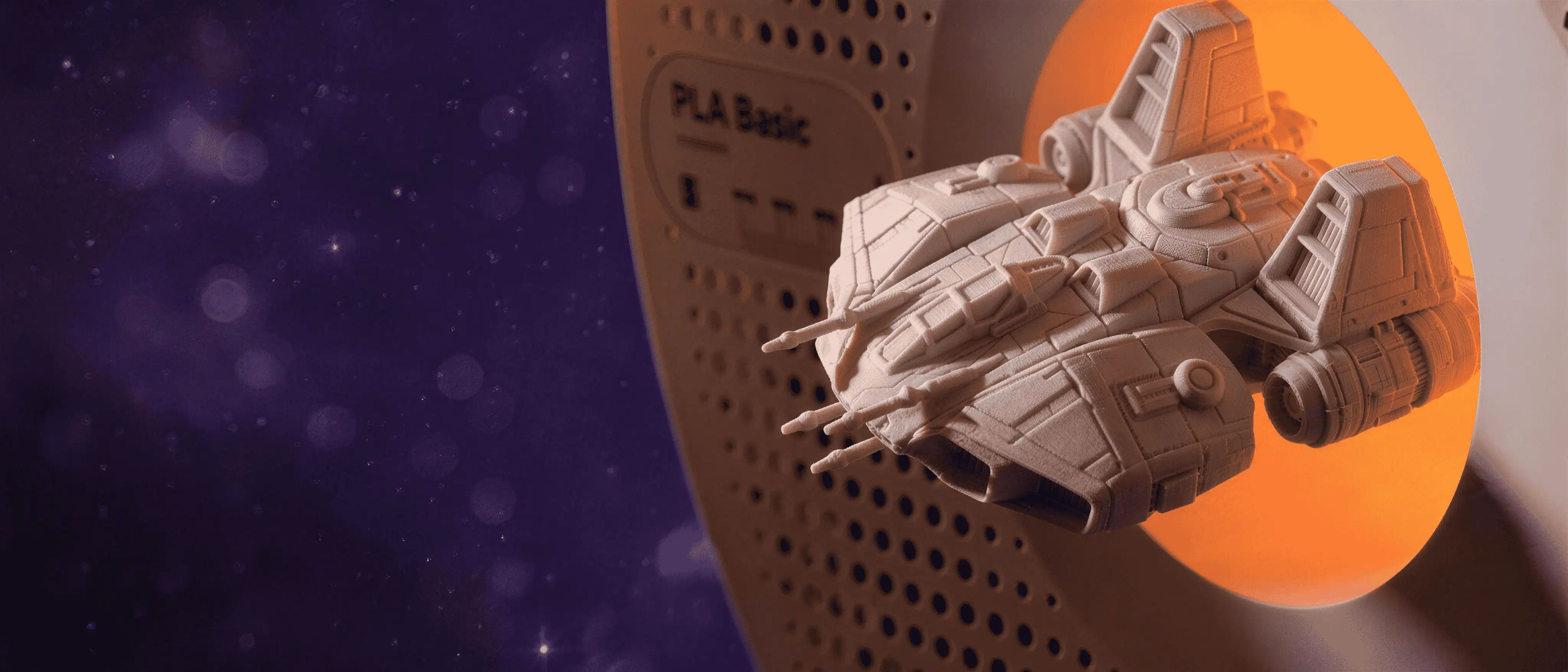
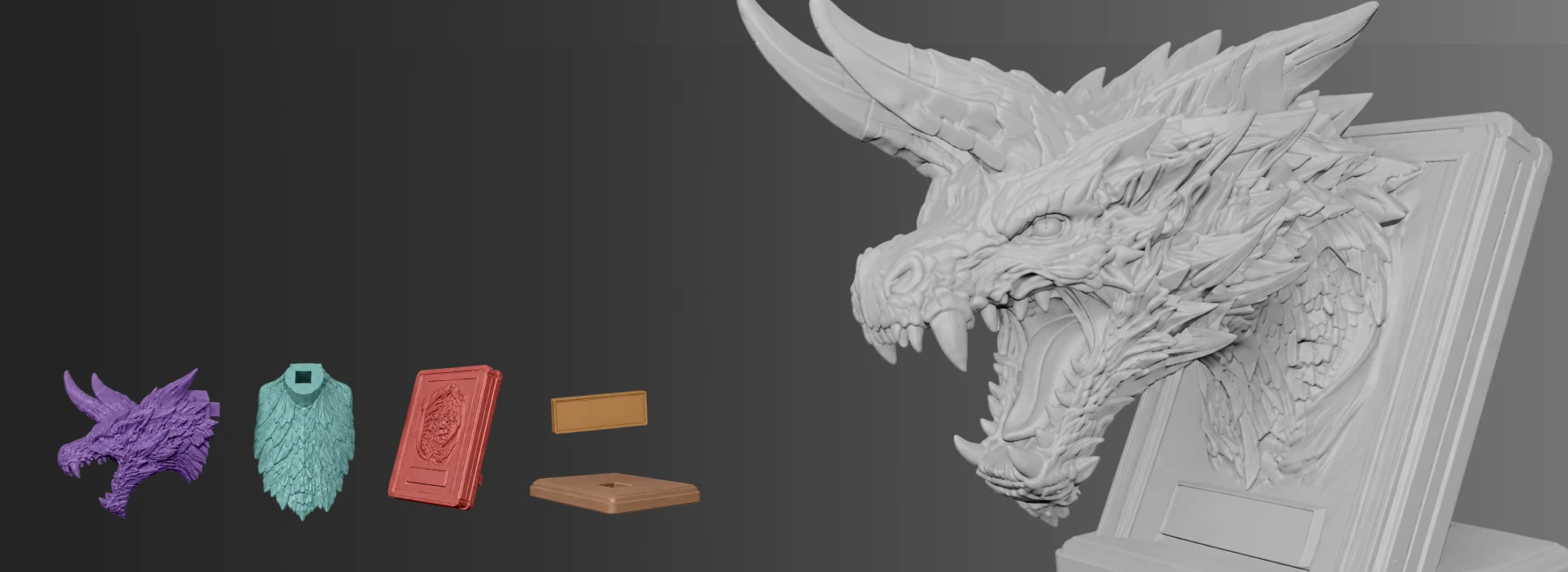
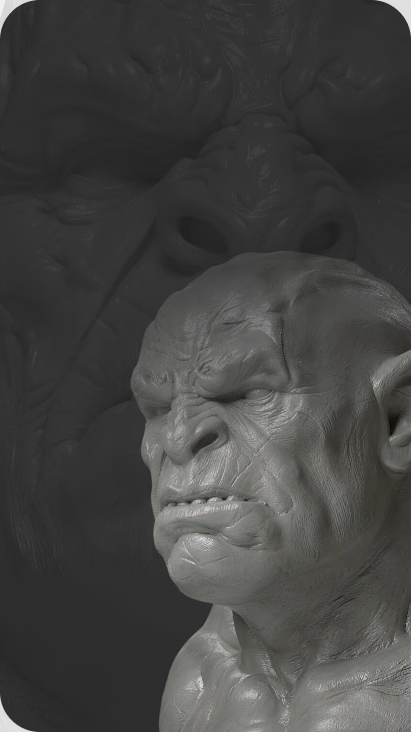
Rodin can represent fine features such as lettering, logos, threads, knurling, hair,and thin details in geometry or materials according to the asset and intended output.


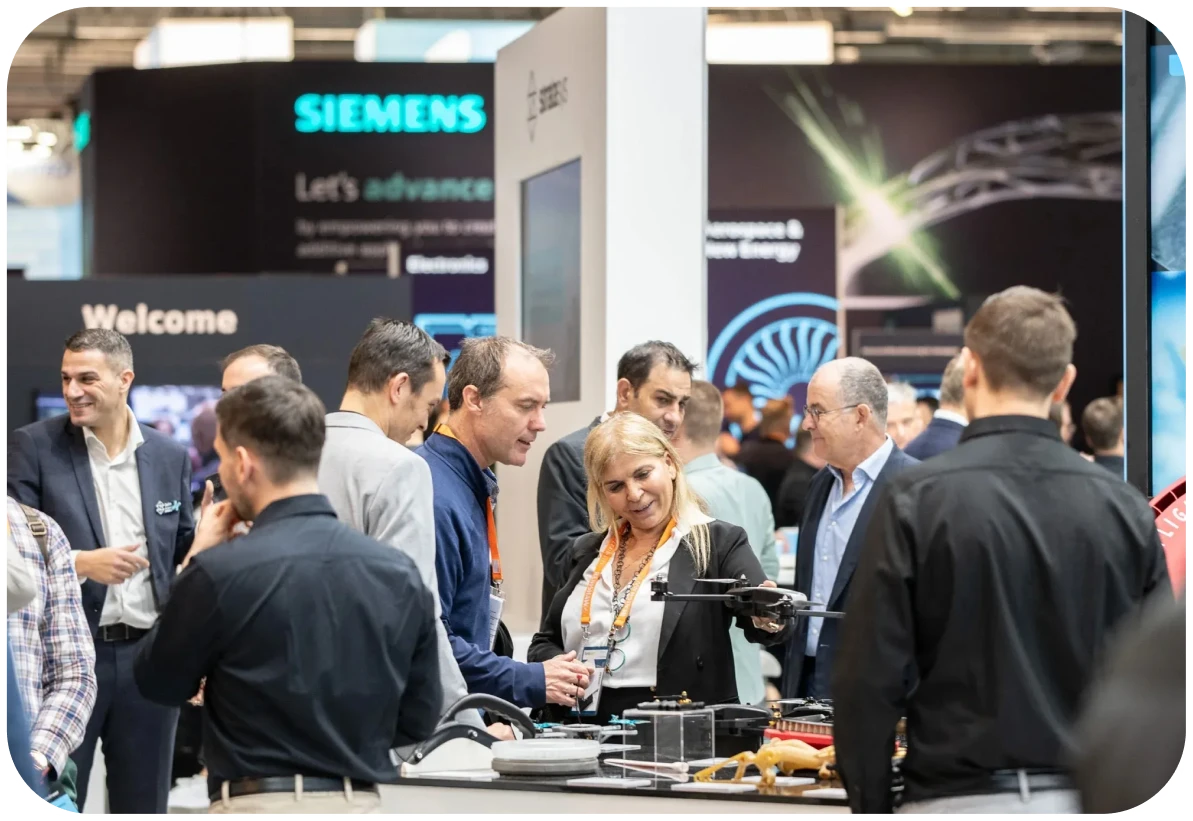
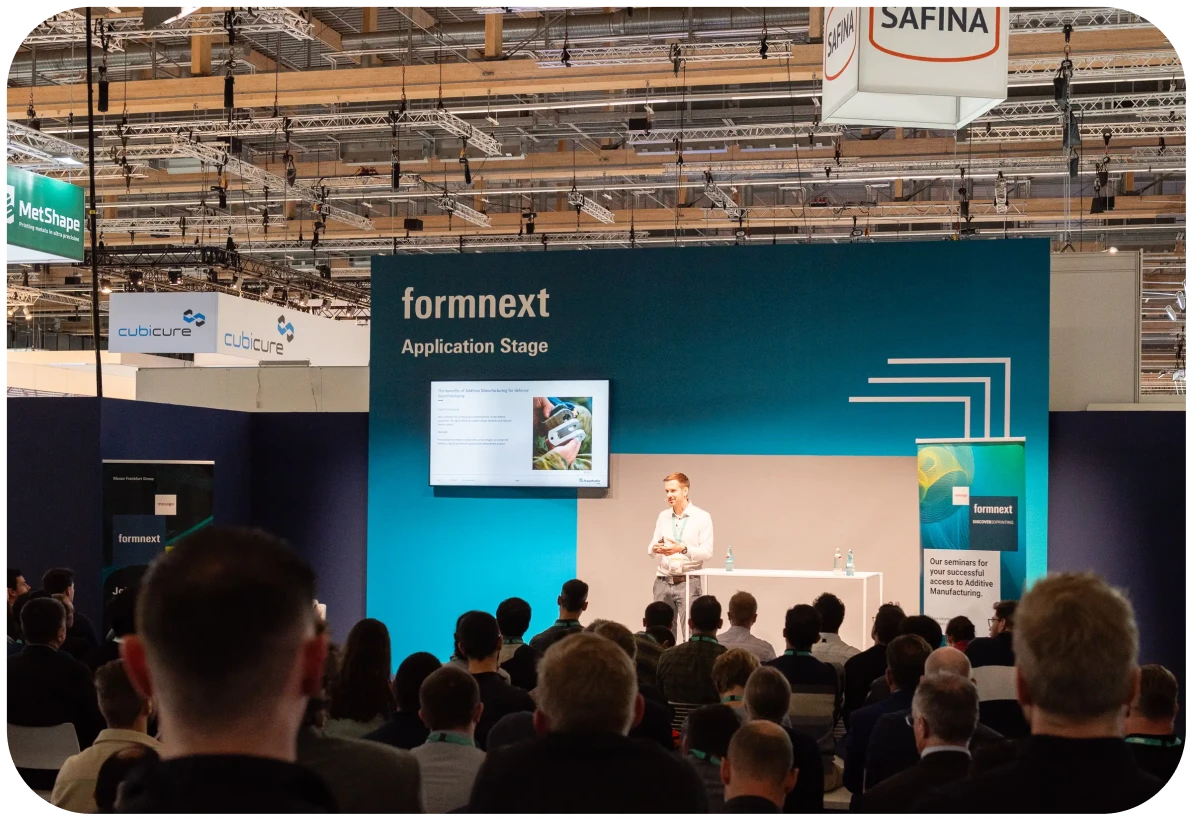
Formnext brings together the additive manufacturing community—from 3D printing technologies and materials to software and real-world applications. Join us in Frankfurt to explore what’s next in turning digital ideas into physical objects. All on-site times are Frankfurt time (CET / GMT+1).
November 17–20, 2026 · Messe Frankfurt
Hall 12.1 · Booth 121-A37
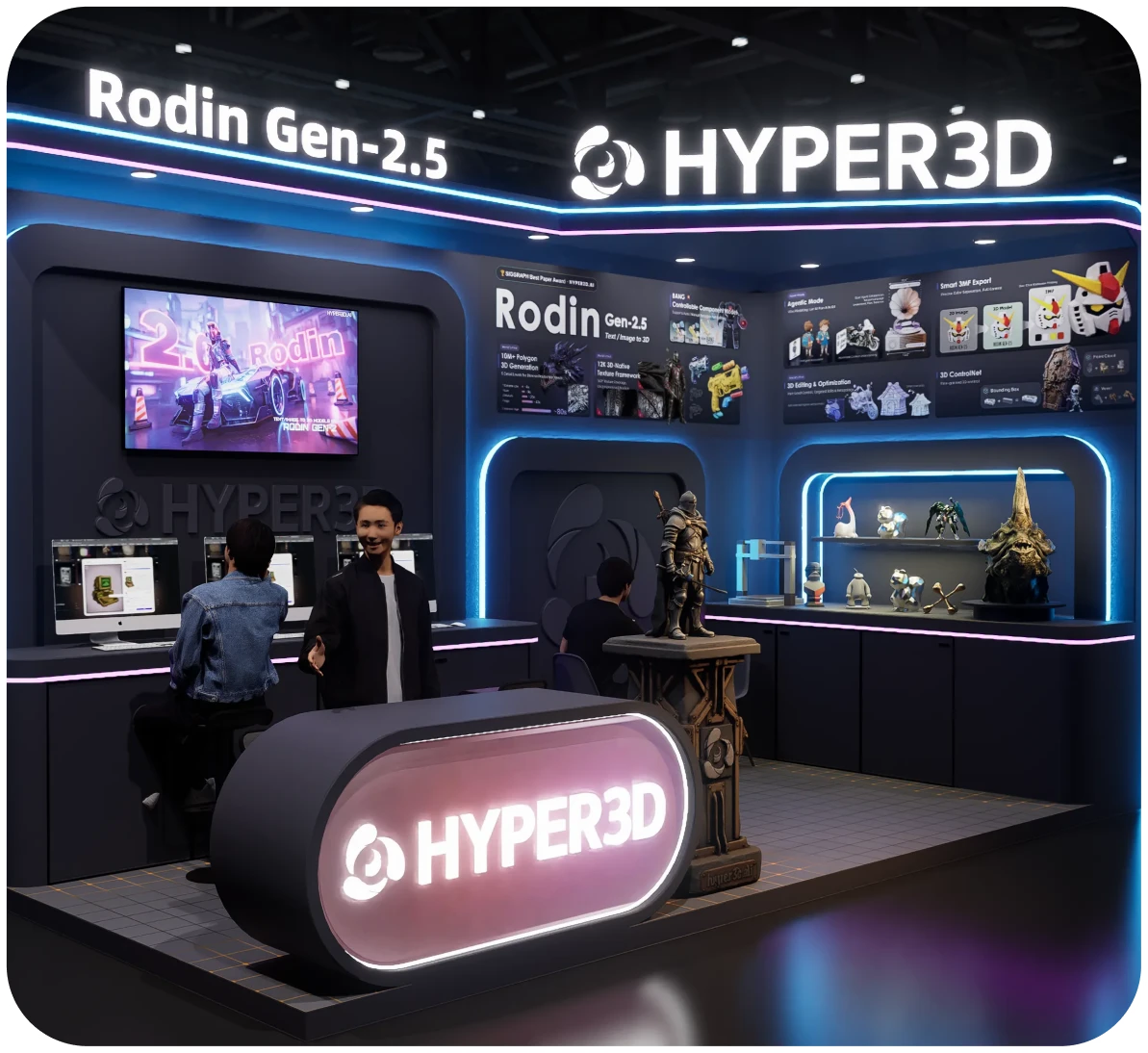
See live AI 3D demos, explore printed models, and get a first look at our upcoming connection structures for 3D printing. Talk with our team about your creative and production workflows.
Thursday, November 19, 2026 · 14:00–14:30 CET (GMT+1)
Room Prisma · Audience: Members of the press
Join Hyper3D by Deemos for a live demonstration of AI-powered 3D creation for additive manufacturing. Explore image- and text-to-3D workflows, high-detail geometry, automatic part segmentation, watertight mesh optimization, and multi-color 3D printing.
Speaker: Joel Wang · Hyper3D
Thursday, November 19, 2026 · 15:45–16:00 CET
Technology Stage · Hall 12 Level 1, B49
Exhibitor Presentation · Software and digitalization solutions.
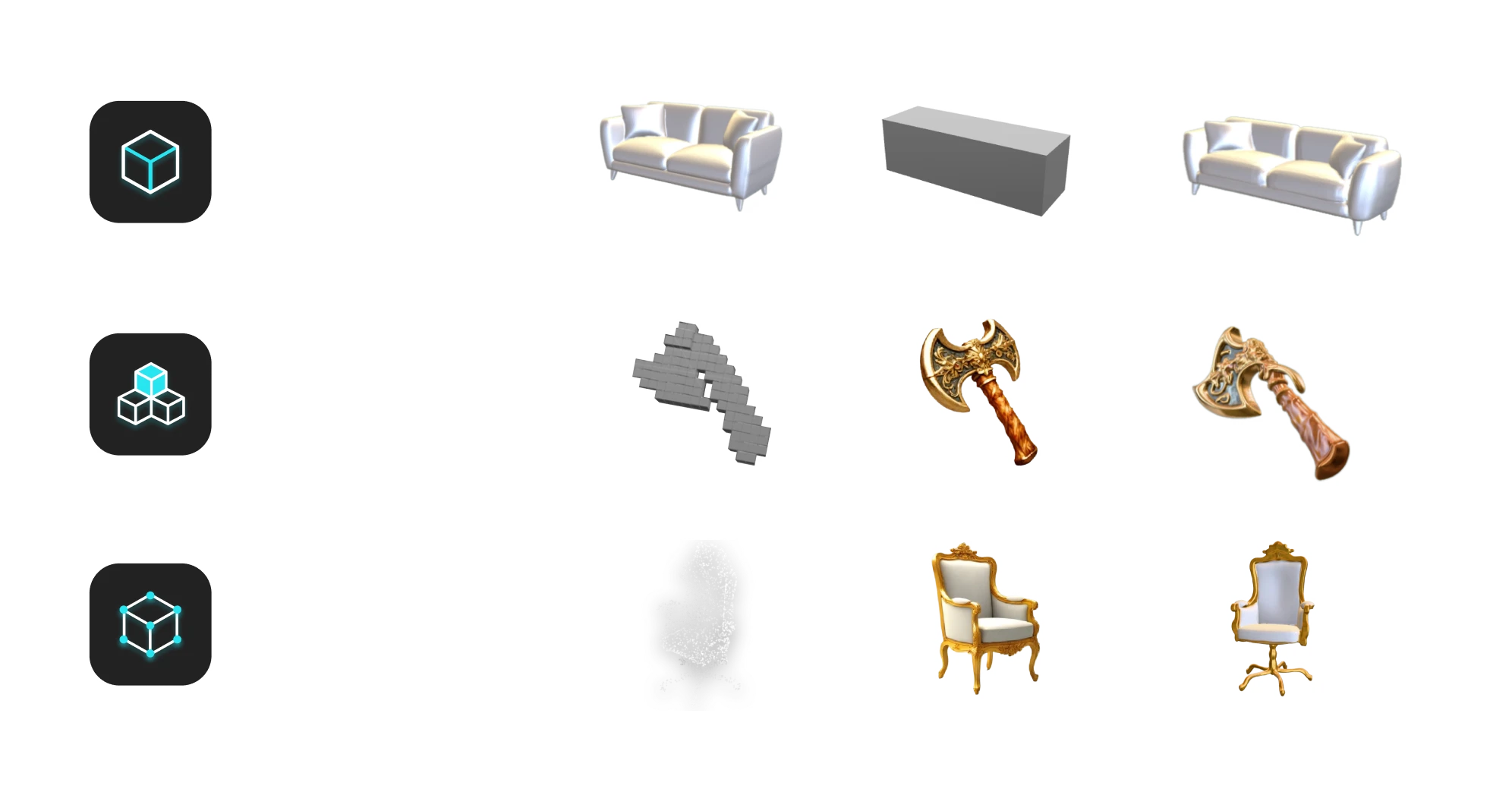
Three differences you will see from your very first model.
If close-up detail matters to your work, Hyper3D gives you more headroom: up to 10M faces at Extreme-High and textures up to 12K, where Meshy and Tripo list 8K. Rodin generates at your target polycount instead of reducing a dense mesh, so sharp edges and smooth curves hold together, and quad topology goes up to 200K.
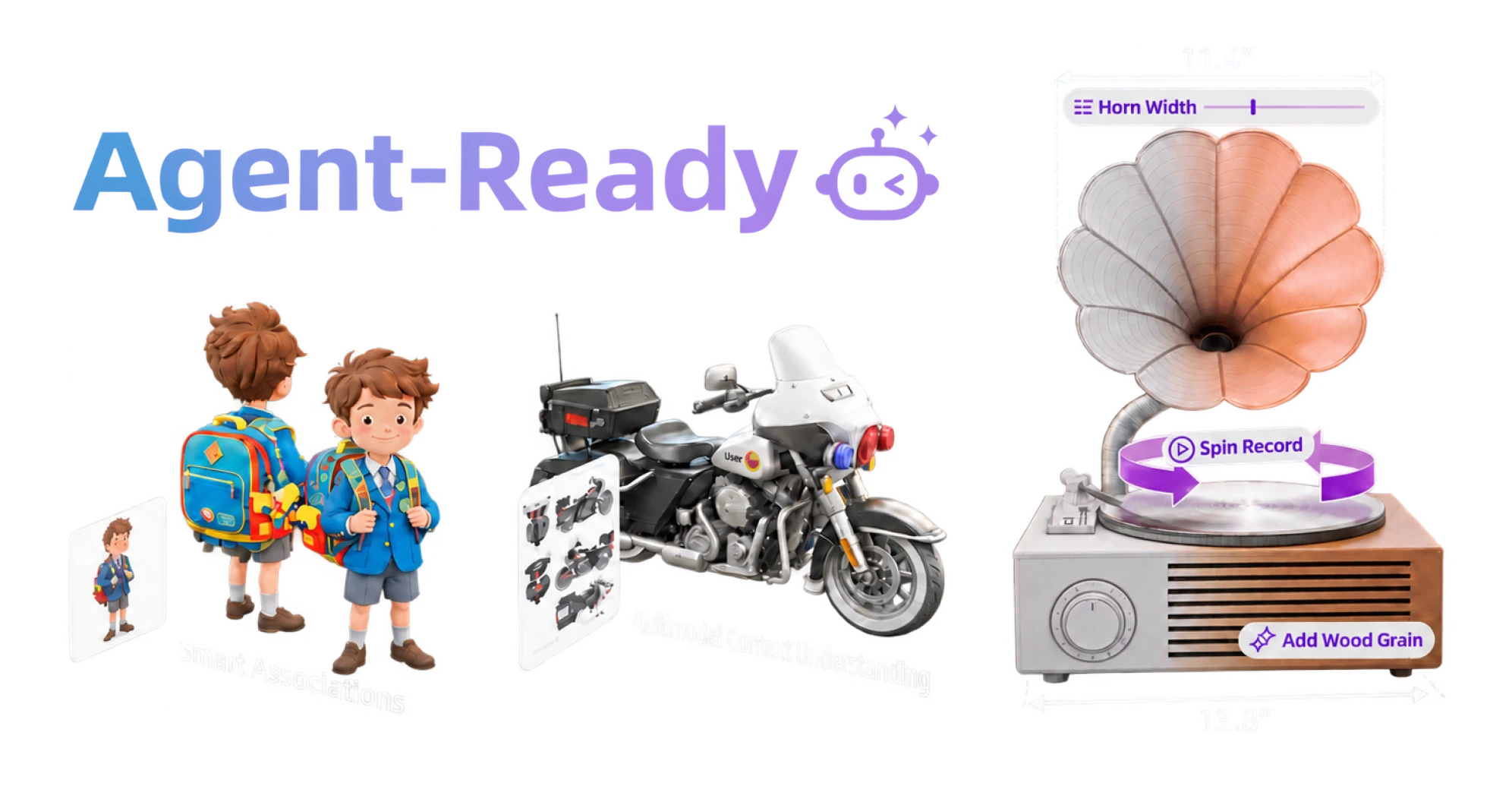
If you shoot references freehand, Hyper3D takes up to 5 images from any angle, while Meshy and Tripo accept up to 4 views, typically front, back, left, and right. You can also set shape and size with our 3D Control Net, pick any target from 500 to 2M faces, and keep editing existing models with text prompts.
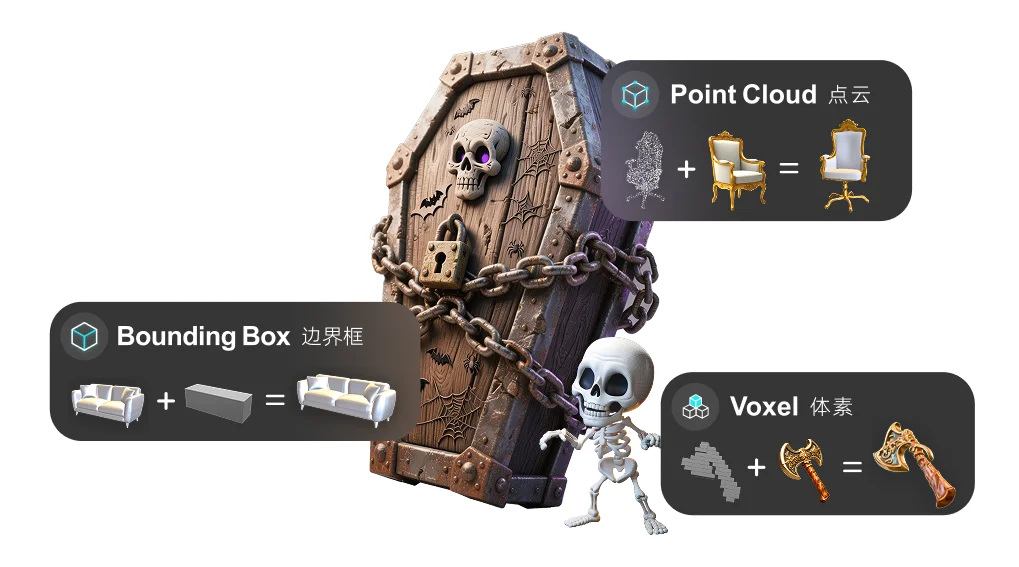
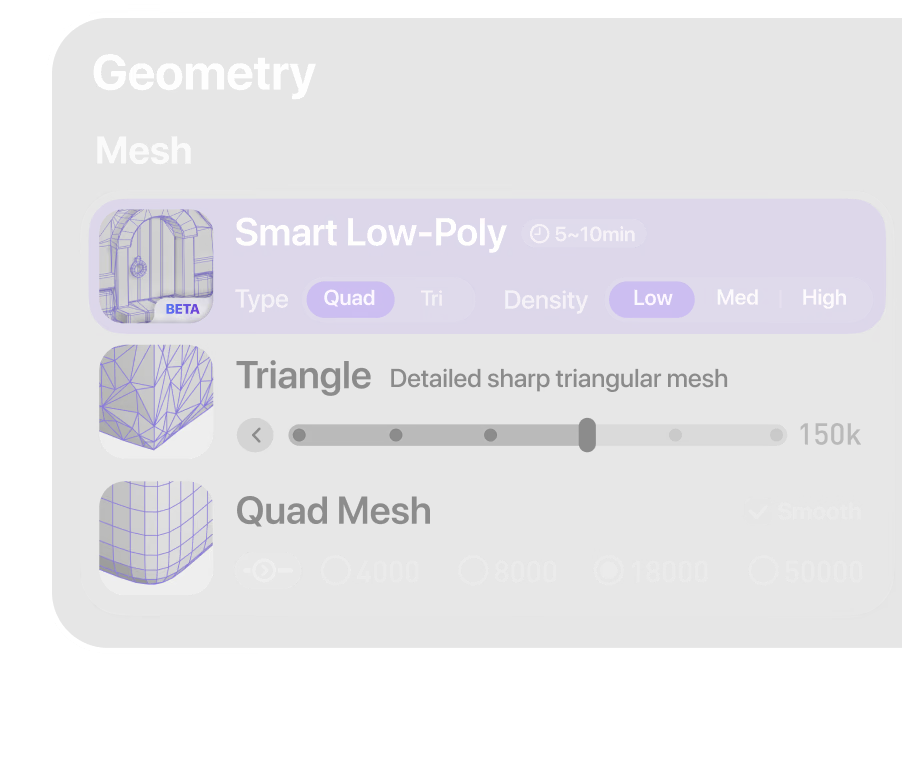
If your projects move from rough drafts to final assets, Hyper3D lets you choose from five quality tiers, from Extreme-Low drafts in about 4 seconds to Extreme-High detail. 21 style presets set the look in one step, smart low poly retopology prepares real-time assets, and scene generation builds a full environment from a single image.
Rodin generates watertight, closed, manifold meshes with consistent normals for high-quality downstream workflows. OmniCraft is a separate, optional toolkit for creative editing and destination-specific optimization.
Rodin can represent fine features such as lettering, logos, threads, knurling, hair,and thin details in geometry or materials according to the asset and intended output.
Rodin generates clean topology across supported workflows. OmniCraft separately provides optional retopology, voxel remeshing, decimation, and smoothing controls for creative changes or destination-specific optimization.
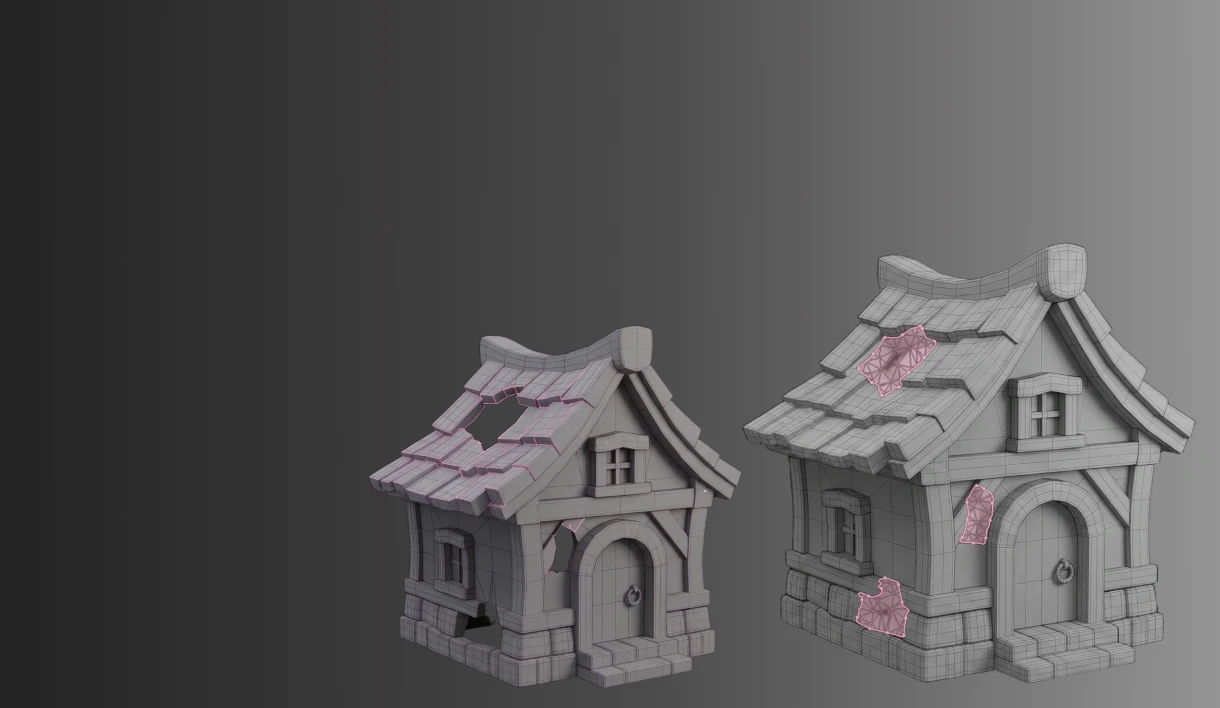
Rodin generates watertight, closed, manifold meshes with consistent normals for high-quality downstream workflows. OmniCraft is a separate, optional toolkit for creative editing and destination- specific optimization.
Export watertight STL for common slicing workflows, with additional standard 3D formats available for other creative uses.

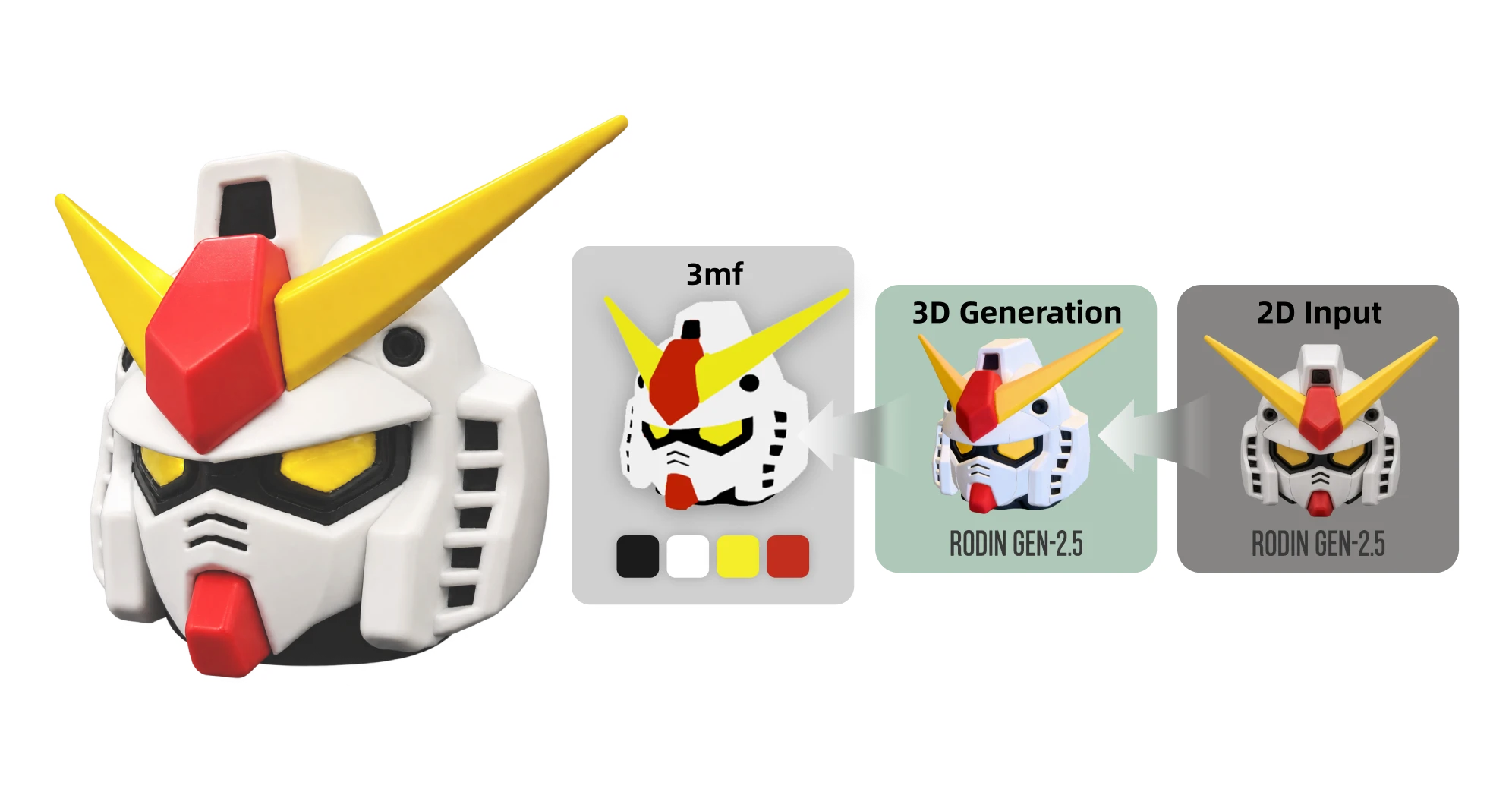
Follow the workflow from an input reference to a generated model, part editing and color preparation, slicing, and the finished object. Explore printed models and live demos at our booth.
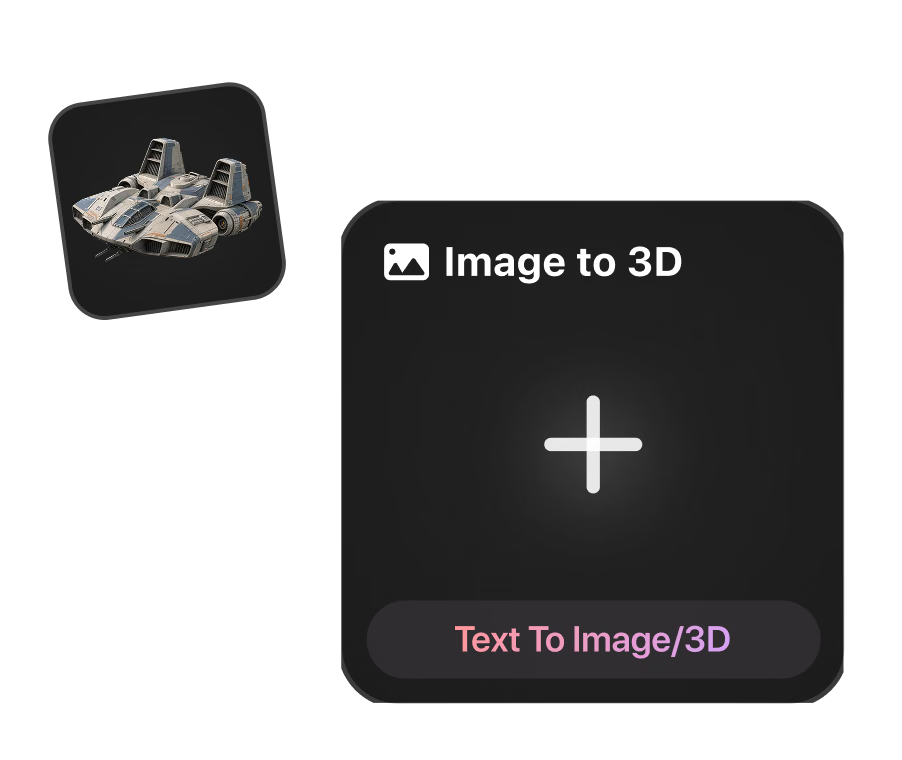
Bring a reference image or describe your idea to generate a 3D model.
Inspect the generated geometry, split and refine parts, and prepare colors for your intended print.
Export the model, configure your slicer, and print with your chosen material and settings.
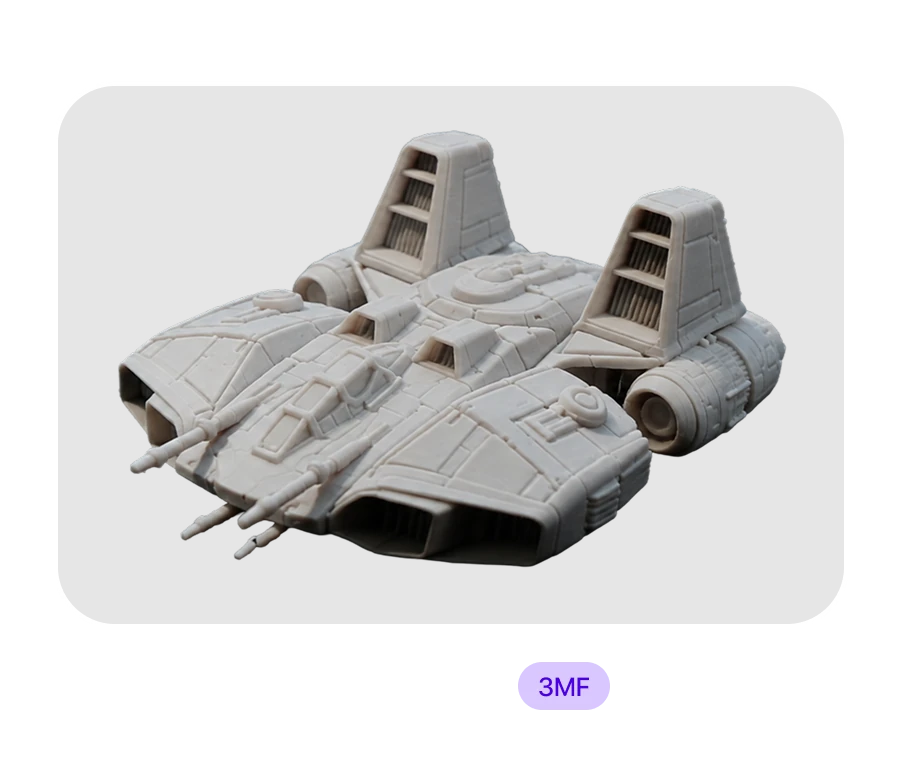
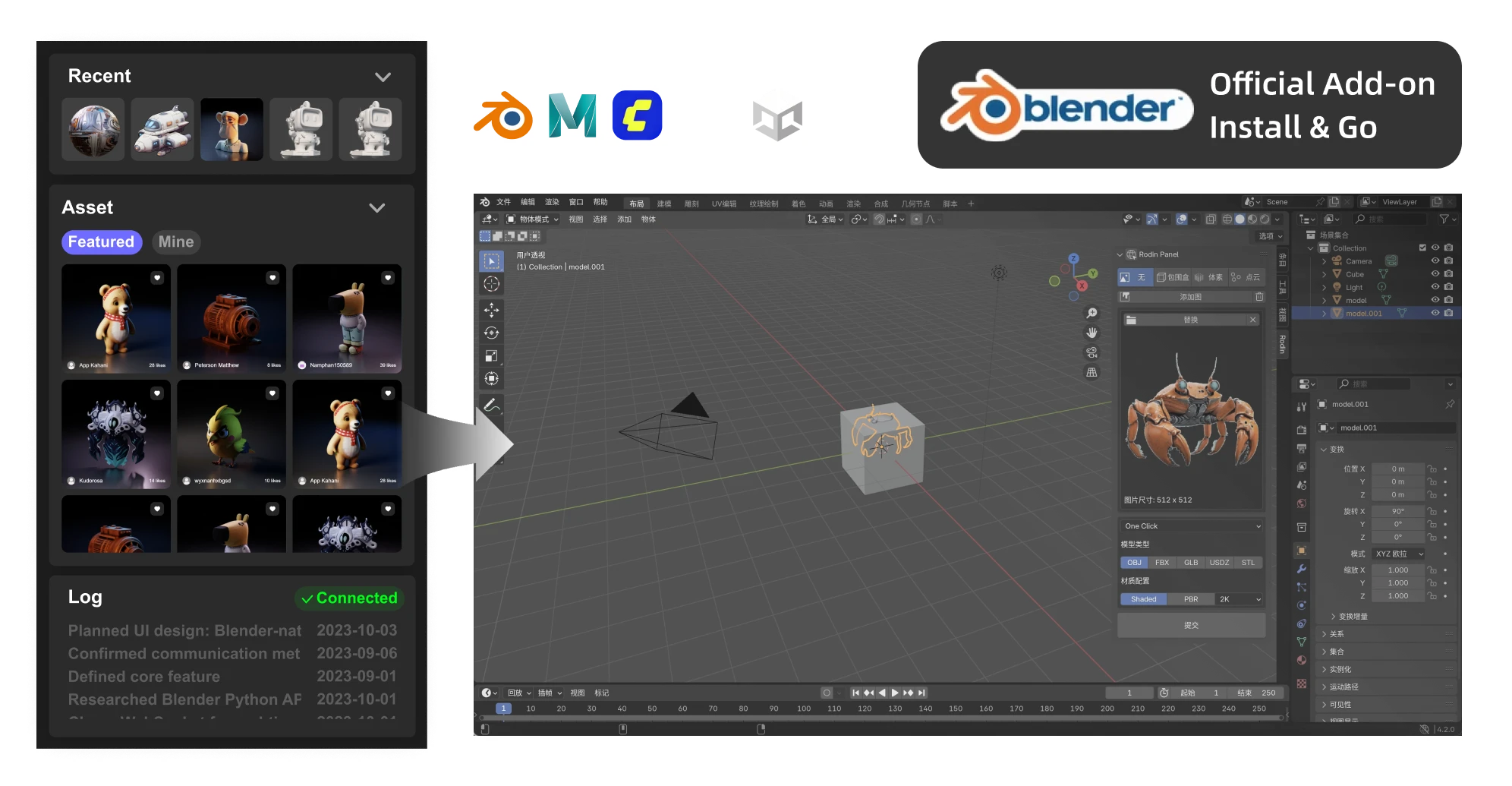
Extend your workflow with AI-assisted creation, shape guidance, rich surface detail, and your existing 3D tools. Free previews for some models.
Secure · Scalable · Tailored
Discuss data privacy, licensed content, and your organization’s security requirements with our enterprise team.
Enable SSO and shared credits for your team, and explore self-hosted deployment for your organization.
Managed asset delivery for creative and production teams.
Discuss fine-tuning and API integration for your workflow.
Free 4-Day Expo Pass · One invitation per person. Complete official registration to receive your entry ticket.