




Switching from Meshy or Tripo?
Get up to 6 months of Hyper3D free
Paste your profile link to see your exact offer. After the free period, Hyper3D Creator and Business plans are 50% off for 12 billed months.





Your switch offer
Create a free Hyper3D account or log in to claim it. Keep this tab open and we will continue here automatically.
Next, you will confirm the profile is yours with a short code.
Confirm this profile is yours
- Copy your code.
- Add it anywhere in your profile bio and save.
- Come back and verify. You can remove the code afterwards.
Choose your plan
 Secure payment by Stripe. Cancel anytime before your intro period ends.
Your offer is reserved
Create your free Hyper3D account to activate it. Taking you to sign up now…


How to Claim Your Switch Offer
Check your offer, confirm your profile if needed, and start exploring Hyper3D at your own pace.
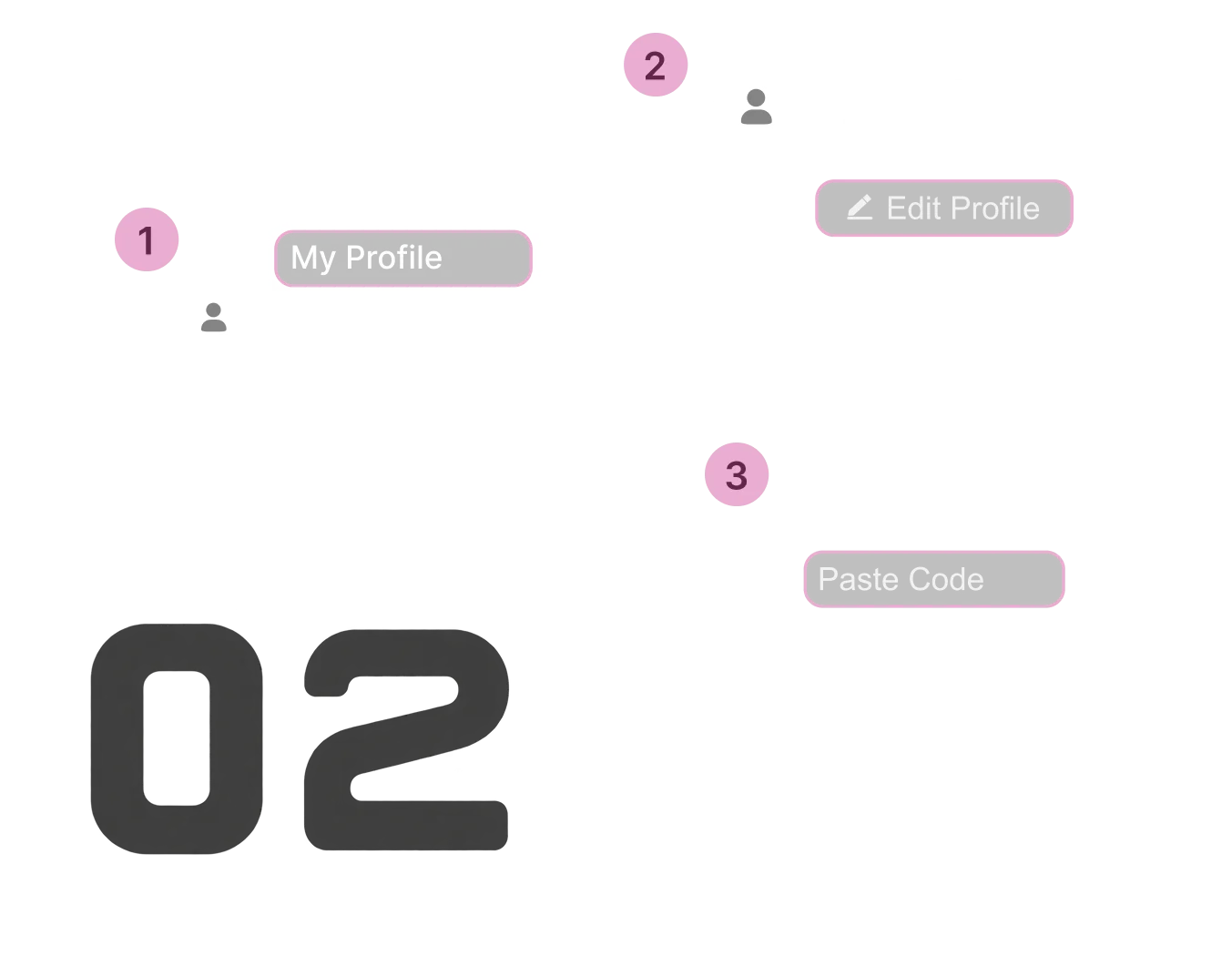
Paste your profile link
Copy your Meshy or Tripo profile link, paste it above, and click Check My Offer.

Verify it’s your account
If verification is required, add the one-time code to your Meshy or Tripo profile and click Verify. You can delete it afterwards.
Choose Your Plan and Start Creating
Select Creator or Business and complete your purchase. Your free period starts immediately after activation.



Compare Hyper3D, Meshy, and Tripo
Here is how the three tools line up on geometry, control, and workflow. The best way to decide is to try Hyper3D on your own models during your free period.
 |  |  | ||
|---|---|---|---|---|
| More Flexible Task Options Pick the generation mode that fits the work, from quick drafts to high detail and low poly. | Pay only for approved results | Pay only for models you confirm, on select tiers | Credits charged per generation | Credits charged per generation |
| Quality tiers | 5 (Extreme-Low → Extreme-High) | 2 | 3 | |
| Fastest Generation with Texture | 15s | 120s | 60s | |
| Scene generation |  |  | | |
| More Precise Generation Control Guide the result with more reference input for fewer regenerations. | 3D ControlNet | | | |
| Any angle multi-view input | ✓ up to 5 images | Fixed views only | Limited | |
| Prompt-based model editing | | | | |
| Custom target polycount | 2M | Limited | Limited | |
| Clearer Geometry and Materials Every silhouette, surface, structural detail, and material holds up under close inspection. | Max polycount | 10M | 2M | 300K |
| Max texture resolution | 12K | 8K | 8K | |
| Material output | PBR / Shaded / Emissive | PBR / Shaded | PBR / Limited Emissive | |
| Smart low-poly topology | |  | Limited | |
Data based on publicly available information as of October 15, 2026. Features and pricing may change.
Reasons to Choose Hyper3D
Three differences you will see from your very first model.
Clearer Geometry and Materials
If close-up detail matters to your work, Hyper3D gives you more headroom: up to 10M faces at Extreme-High and textures up to 12K, where Meshy and Tripo list 8K. Rodin generates at your target polycount instead of reducing a dense mesh, so sharp edges and smooth curves hold together, and quad topology goes up to 200K.
- faces
- 10M
- textures
- 12K
- quad topology
- 200K
More Precise Generation Control
If you shoot references freehand, Hyper3D takes up to 5 images from any angle, while Meshy and Tripo accept up to 4 views, typically front, back, left, and right. You can also set shape and size with our 3D Control Net, pick any target from 500 to 2M faces, and keep editing existing models with text prompts.
- faces
- 500-2M
- reference views
- 5
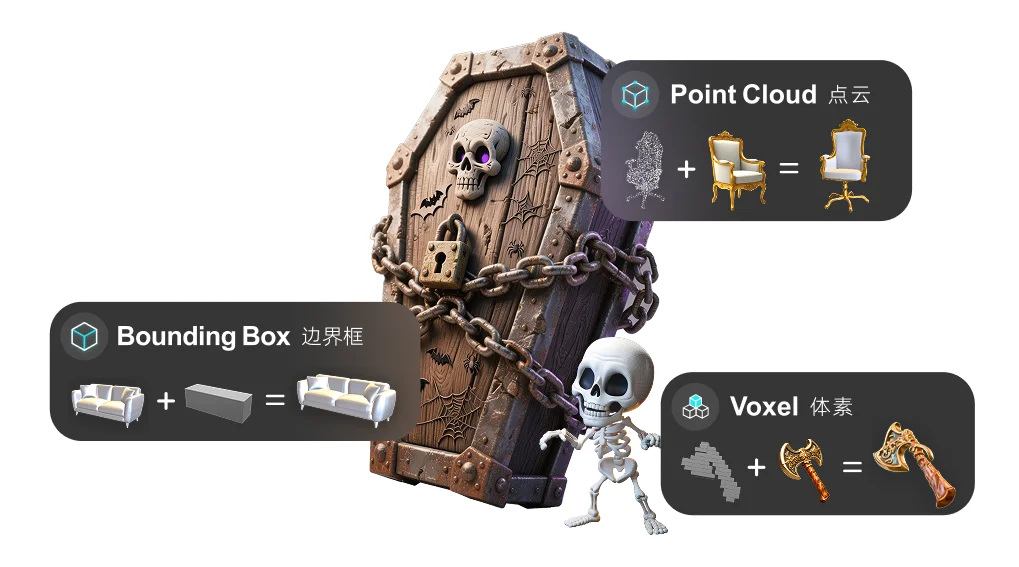
More Flexible Task Options
If your projects move from rough drafts to final assets, Hyper3D lets you choose from five quality tiers, from Extreme-Low drafts in about 4 seconds to Extreme-High detail. 21 style presets set the look in one step, smart low poly retopology prepares real-time assets, and scene generation builds a full environment from a single image.
- quick drafts
- ~4s
- quality tiers
- 5
Backed by Research, Tested by Creators
See the award-winning research behind Rodin and what creators say after using it.
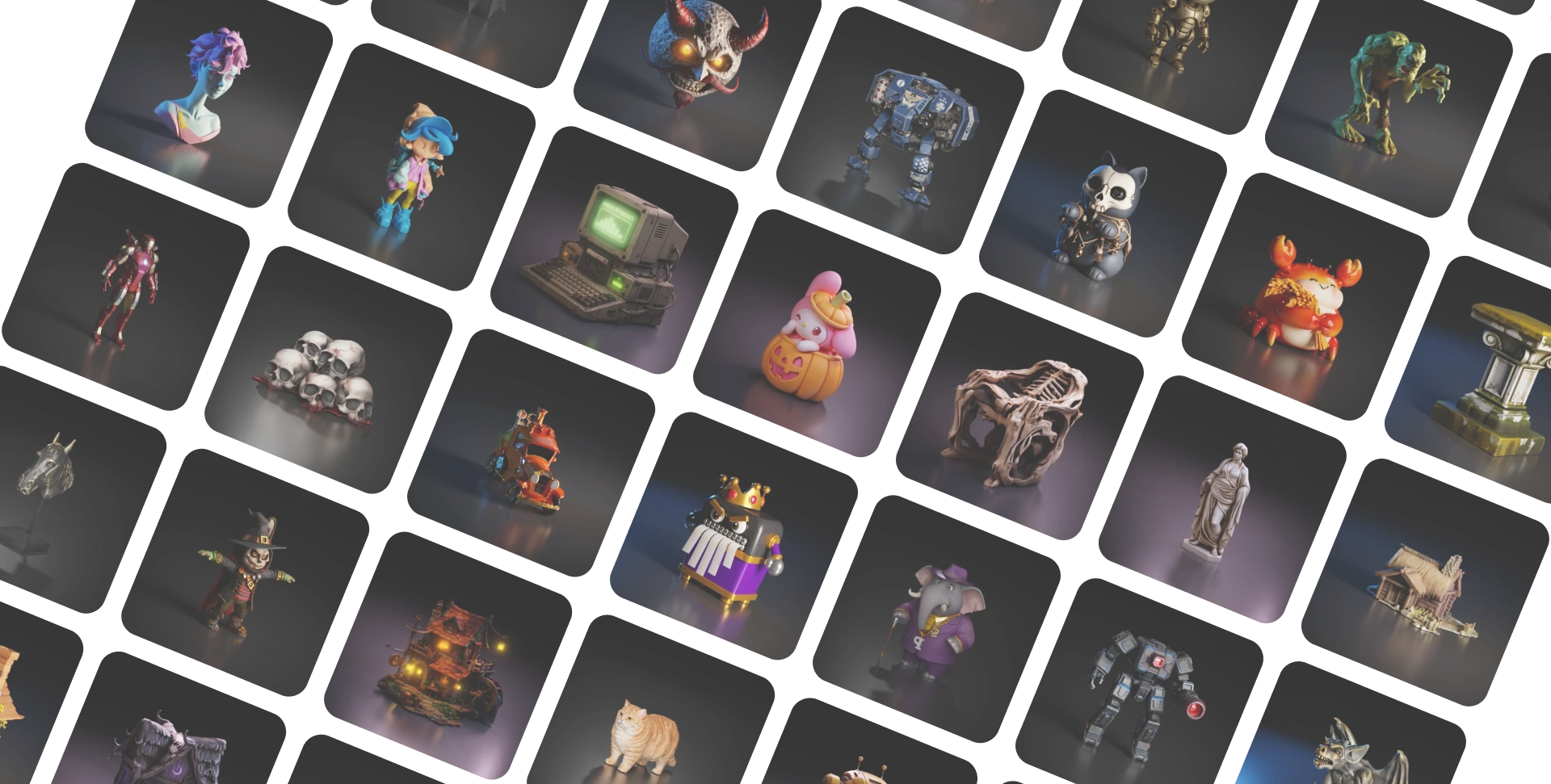
From SIGGRAPH Stage to Your Workspace
Three years in a row, from 2024 to 2026, the research team behind Rodin has been recognized at top conferences, including SIGGRAPH, the leading event for computer graphics. The papers below power features you use in Hyper3D today.
Best Paper

SIGGRAPH 2025
CAST
A Physics- and Occlusion-Aware Scene Reconstruction Method
Best Paper Honorable Mention
SIGGRAPH 2024
CLAY
The First Controllable Large-Scale 3D Generative Model
Top 10 Fast Forward
SIGGRAPH 2025
BANG
A New Paradigm For 3D Asset Decomposition
Best Paper Honorable Mention
SIGGRAPH 2024
DressCode
A Text-Driven 3D Garment Generation Framework
Outstanding Award Finalist

RSS 2026
CuNRTO
GPU-Accelerated Nonlinear Robust Trajectory Optimization


Loved by 1,000,000,000+ Creators Worldwide

I tried Hyper3D Agentic Mode by @DeemosTech for 3D assets for my own games. I have to say, I was pleasantly surprised by how good the models turned out.
Alexey Fateev@superaleshaI made a learning site for grades 1–7 with books for math, English, and science. My kids loved it. … What stood out was the speed and quality. Rodin gave me richly detailed, high-quality, production-ready assets for the site. You can see the detail in the metalwork on the candelabra and lantern.
Mengto@MengtoQuestions About Switching to Hyper3D
What to know before you move your 3D workflow from Tripo or Meshy to Hyper3D.
I’ve been messing around with AI 3D tools lately, and I honestly didn’t expect this to work as well as it did. It feels less like “generate a 3D model and download it” and more like having something you can actually keep iterating on.
J.JJOY JULIET@JoyJuliet_AI