










Detail That Survives the Print
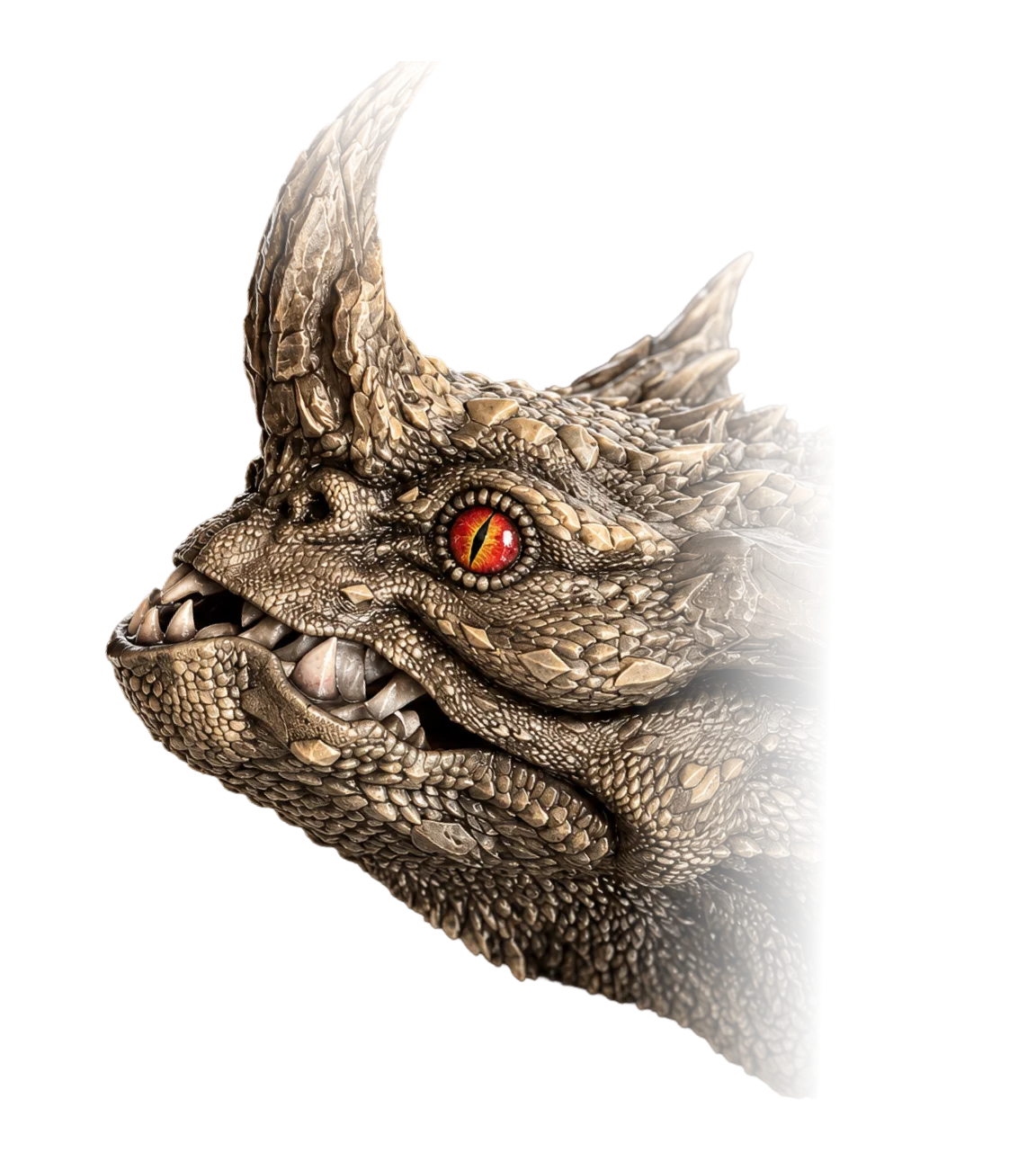
Lettering, logos, threads, knurling, and fine strands of hair come through in the geometry itself, crisp enough for resin printers that catch every line.
Exclusive for MakerWorld creators
More ideas, more models, more prints. Hyper3D turns a photo or a few words into a print-ready 3D model, so your next upload is never far away. Share a link to your MakerWorld work to see your offer.
Create a free Hyper3D account or log in to claim it. Keep this tab open and we will continue here automatically.
Next, you will confirm the profile is yours with a short code.
 Secure payment by Stripe. Cancel anytime before your intro period ends.
Create your free Hyper3D account to activate it. Taking you to sign up now…


Check your offer, confirm your profile if needed, and start exploring Hyper3D at your own pace.
Paste a link to a model you published on MakerWorld into the box above to see your eligible offer.
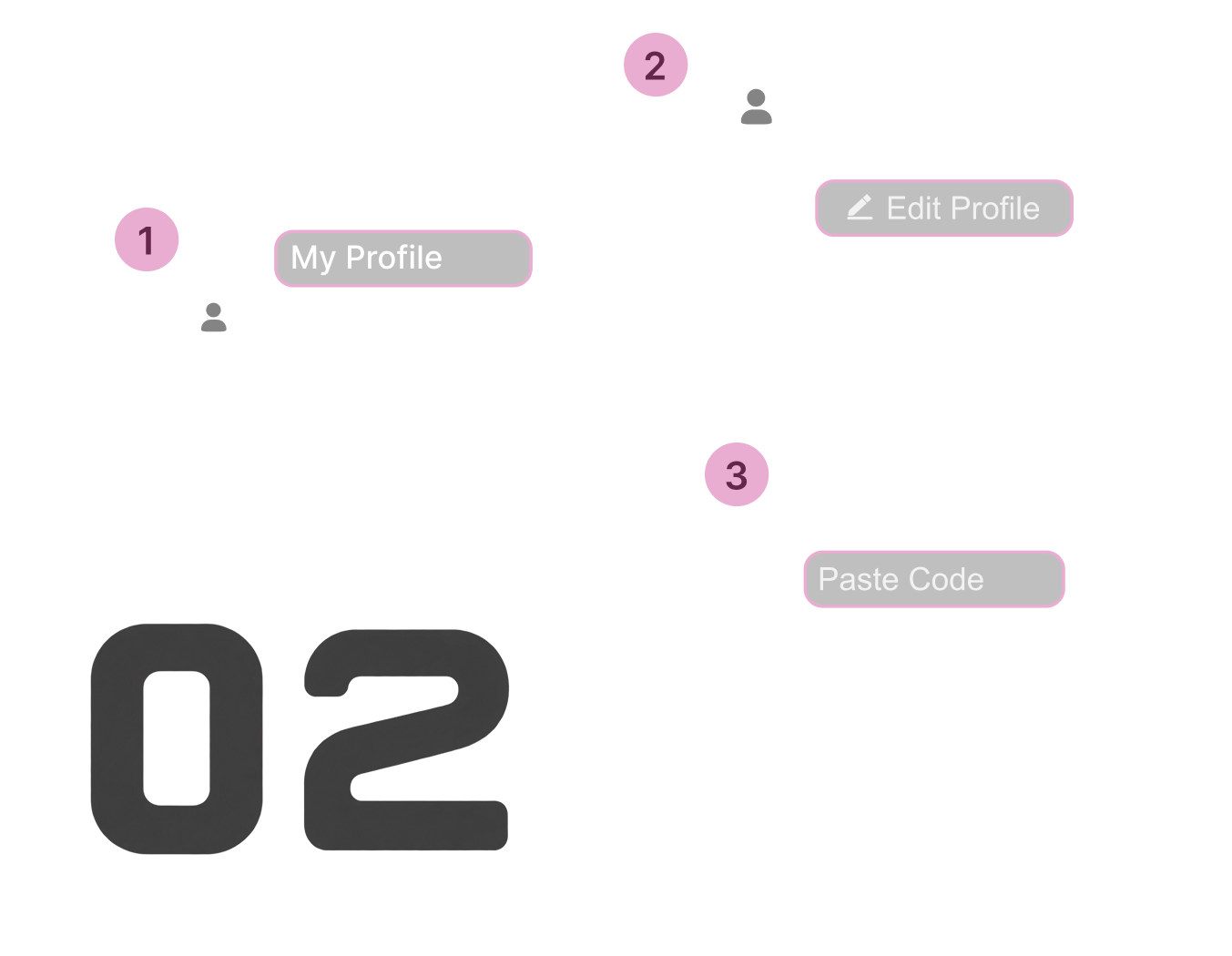
If prompted, add the one-time code to your MakerWorld profile bio and select Verify. You can remove it afterwards.
Select Creator or Business and complete your purchase. Your free period starts immediately after activation.
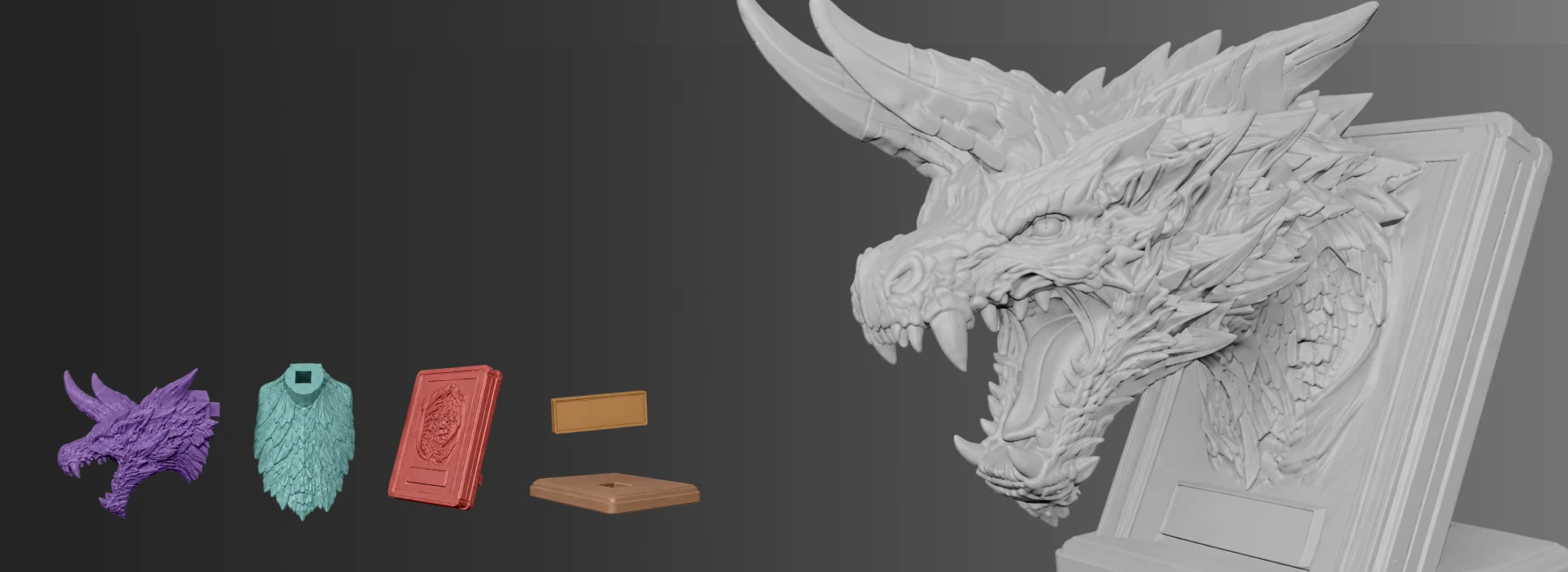
Every Rodin model comes out watertight and manifold, ready to slice. When you want to go further, OmniCraft adds optional tools to edit and fine-tune for your printer.
Lettering, logos, threads, knurling, and fine strands of hair come through in the geometry itself, crisp enough for resin printers that catch every line.
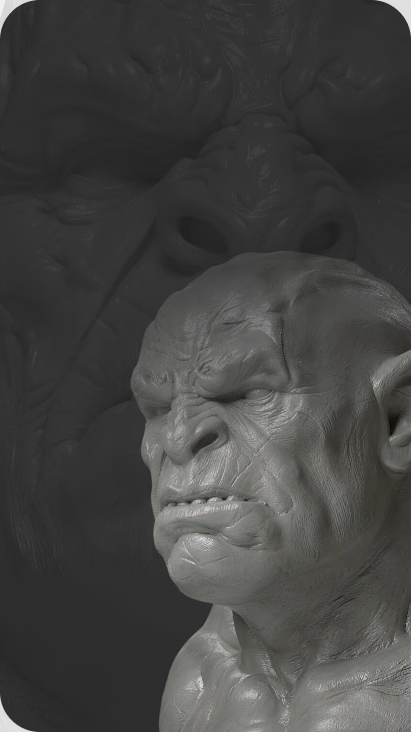
Set a target polygon count and get clean topology to match. When you need more control, OmniCraft adds optional retopology, voxel remeshing, decimation, and smoothing.
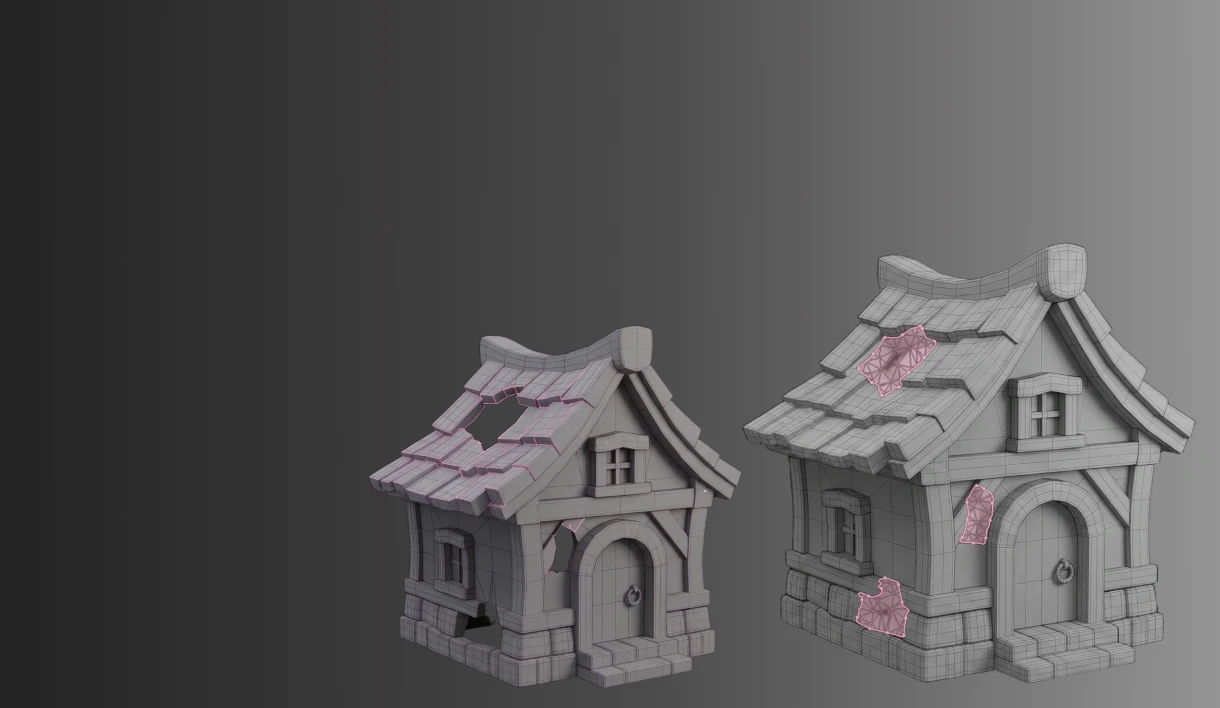
No holes to patch, no flipped normals to fix. Rodin models are closed, manifold, and consistent out of the box, so they go straight from download to slicer.
Export watertight STL for common slicing workflows, with additional standard 3D formats available for other creative uses.

Three differences you will see from your very first model.
If close-up detail matters to your work, Hyper3D gives you more headroom: up to 10M faces at Extreme-High and textures up to 12K, where Meshy and Tripo list 8K. Rodin generates at your target polycount instead of reducing a dense mesh, so sharp edges and smooth curves hold together, and quad topology goes up to 200K.
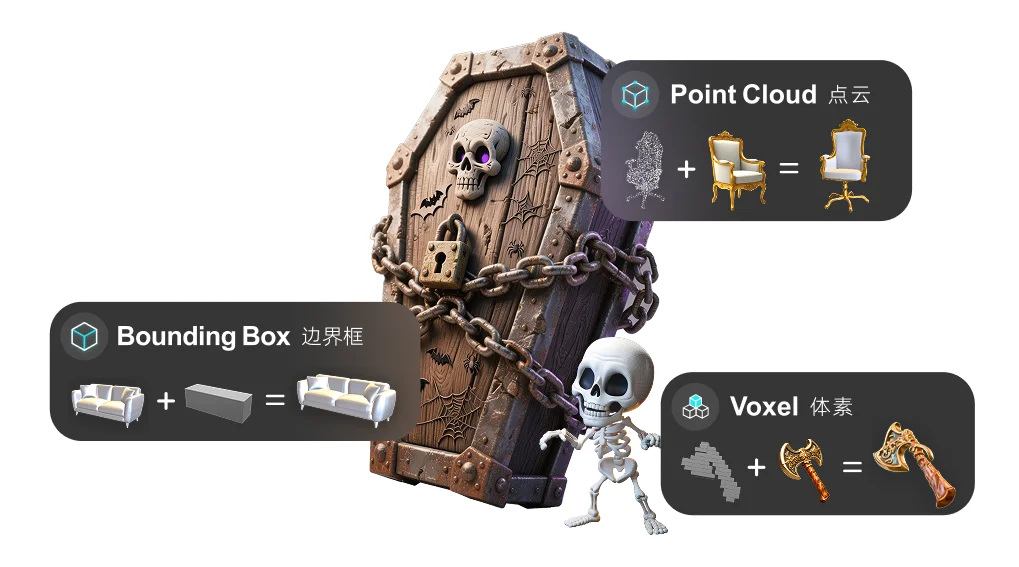
If you shoot references freehand, Hyper3D takes up to 5 images from any angle, while Meshy and Tripo accept up to 4 views, typically front, back, left, and right. You can also set shape and size with our 3D Control Net, pick any target from 500 to 2M faces, and keep editing existing models with text prompts.
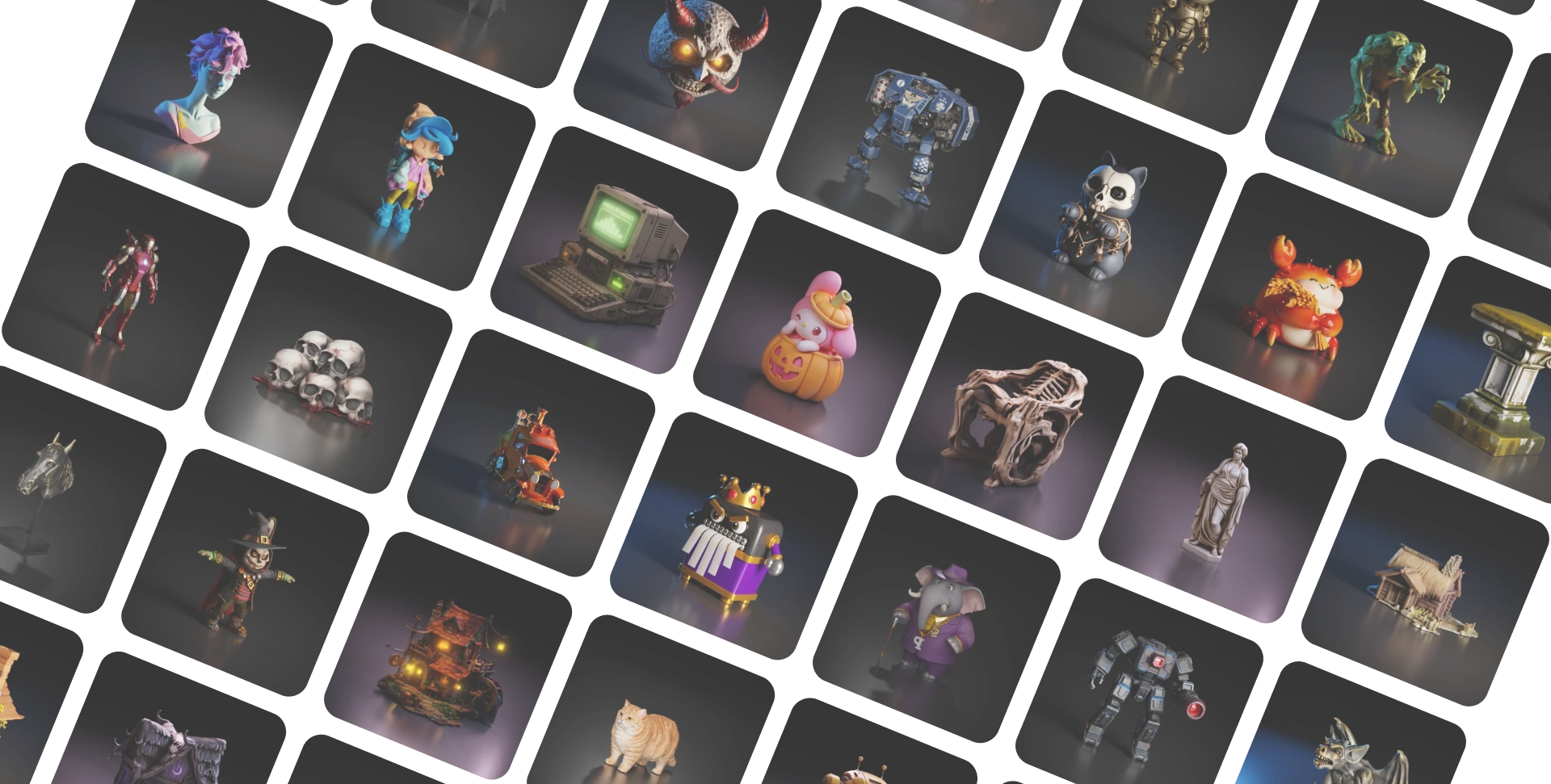
If your projects move from rough drafts to final assets, Hyper3D lets you choose from five quality tiers, from Extreme-Low drafts in about 4 seconds to Extreme-High detail. 21 style presets set the look in one step, smart low poly retopology prepares real-time assets, and scene generation builds a full environment from a single image.
See the award-winning research behind Rodin and what creators say after using it.
Three years in a row, from 2024 to 2026, the research team behind Rodin has been recognized at top conferences, including SIGGRAPH, the leading event for computer graphics. The papers below power features you use in Hyper3D today.
Best Paper

SIGGRAPH 2025
A Physics- and Occlusion-Aware Scene Reconstruction Method
Best Paper Honorable Mention
SIGGRAPH 2024
The First Controllable Large-Scale 3D Generative Model
Top 10 Fast Forward
SIGGRAPH 2025
A New Paradigm For 3D Asset Decomposition
Best Paper Honorable Mention
SIGGRAPH 2024
A Text-Driven 3D Garment Generation Framework
Outstanding Award Finalist

RSS 2026
GPU-Accelerated Nonlinear Robust Trajectory Optimization

I tried Hyper3D Agentic Mode by @DeemosTech for 3D assets for my own games. I have to say, I was pleasantly surprised by how good the models turned out.
Alexey Fateev@superaleshaI made a learning site for grades 1–7 with books for math, English, and science. My kids loved it. … What stood out was the speed and quality. Rodin gave me richly detailed, high-quality, production-ready assets for the site. You can see the detail in the metalwork on the candelabra and lantern.
Mengto@MengtoAbout your creator offer and adding Hyper3D to the way you already create.


I’ve been messing around with AI 3D tools lately, and I honestly didn’t expect this to work as well as it did. It feels less like “generate a 3D model and download it” and more like having something you can actually keep iterating on.
J.JJOY JULIET@JoyJuliet_AI