3D Model from Image Free: Best AI Tools
Turning a single 2D image into a three-dimensional object used to be the stuff of science fiction. Today, this technology is accessible to anyone with a web browser. A growing number of AI tools can take a photograph, sketch, or digital drawing and generate a 3D model from it in minutes, often for free.
This is where 3d model from image free tools really show their value.
Platforms like Hyper3D, Tripo AI, and Meshy AI each offer a unique approach to image-to-3D conversion. Whether you're a professional looking to speed up your workflow or a hobbyist exploring a new passion, there?? a free tool that can help you bring your 2D concepts to life in 3D.
For anyone exploring 3d model from image free options, this matters.
What is Image-to-3D Generation and How Does It Work? with 3D Model From Image Free
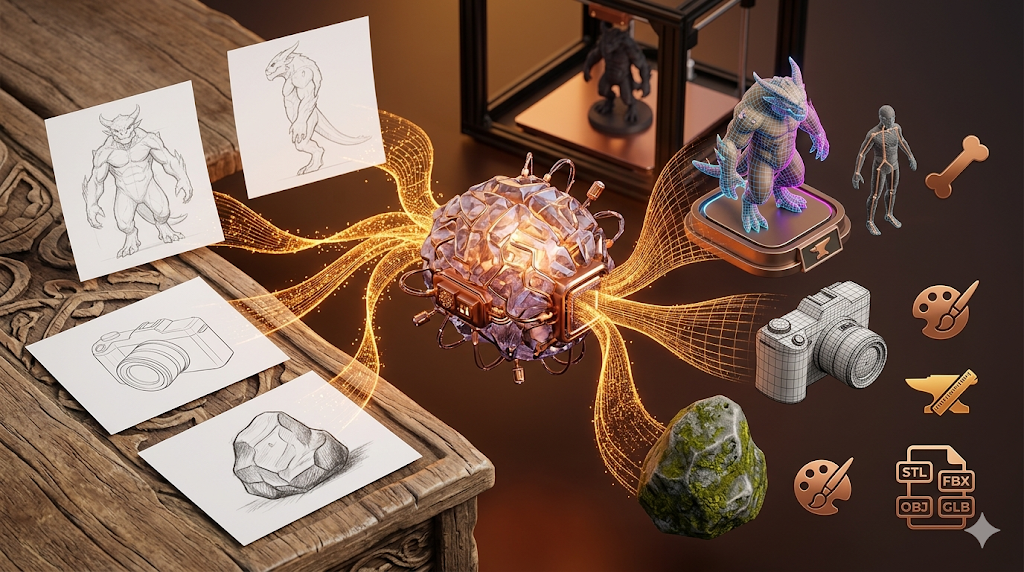
Image-to-3D generation is the process of using artificial intelligence to create a 3D model from a 2D image. The AI analyzes the input image to understand its shape, depth, and texture, then constructs a 3D mesh that represents the object. This process, which once required hours of manual work by skilled 3D artists, can now be completed in seconds.
The 3d model from image free workflow makes this straightforward.
3D Model From Image Free: The Technology Behind AI 3D Model Generation
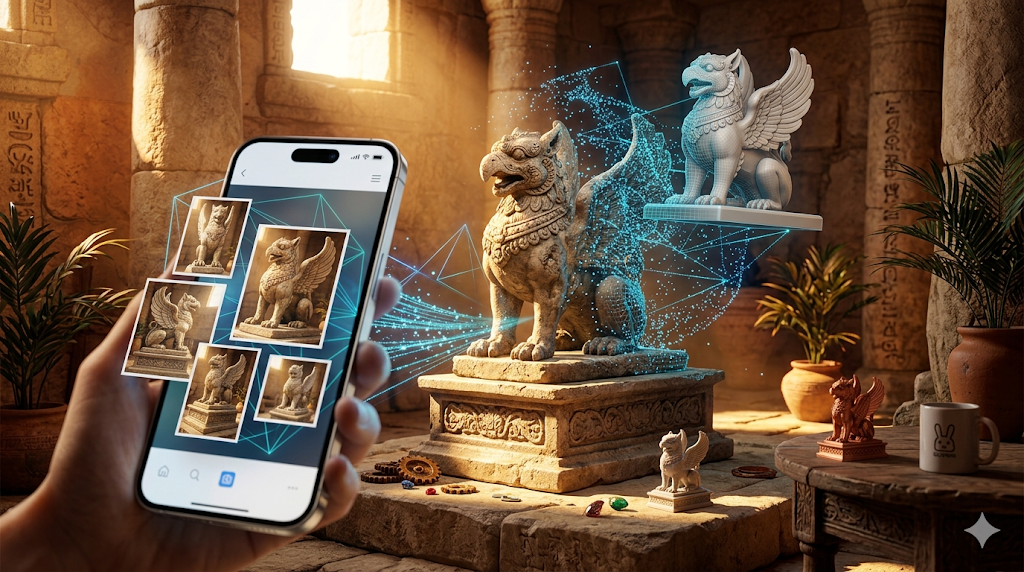
Early methods often relied on photogrammetry, which requires multiple photos from different angles. Modern tools, however, can often work from a single image. They use technologies like:
That's a key advantage of modern 3d model from image free technology.
- Neural Radiance Fields (NeRFs): This technology excels at creating 3D scenes from a collection of images, capturing how light interacts with objects to produce stunningly realistic results.
When it comes to 3d model from image free, the details matter.
- Large Reconstruction Models (LRMs): Trained on massive datasets of 3D objects, LRMs learn to infer 3D shapes from 2D images with remarkable accuracy. Hyper3D's AI 3D model generator is a great example of this technology in action.
- Diffusion Models: Originally used for generating 2D images, diffusion models are now being adapted for 3D content creation. They start with random noise and gradually refine it into a coherent 3D shape based on the input image or text prompt.
Why is it Becoming so Popular?
The rise of free image-to-3D tools is democratizing 3D content creation. It lowers the barrier to entry, allowing individuals who lack the time or resources to learn complex 3D modeling software like Blender or Maya to create their own 3D assets.
Top Tools Compared
Choosing the right free AI tool for generating a 3D model from an image depends on your specific needs. Some tools excel at creating clean, production-ready models, while others are better for quick ideation or specific art styles.
| Tool | Best For | Top Strength | Key Limitation |
|---|---|---|---|
| Meshy AI | Texturing & UX | Best textures | Rougher geometry |
| Tripo AI | Game dev pipelines | Auto-rigging | STL export issues |
| Hyper3D | Topology & ecosystem | Cleanest geometry | Less versatile for stylized |
| Hunyuan3D | Free/budget | 20 free/day | Chinese interface |
| Luma AI | Rapid prototyping | Speed | Triangle soup topology |
Meshy AI
Meshy AI is a popular choice for users who prioritize high-quality textures and a polished user experience. Its texturing engine is widely considered one of the best, capable of producing detailed and realistic materials for generated models.
- Pros: Excellent texturing, intuitive and user-friendly interface, good library of stylistic options like voxel and low-poly.
- Cons: The geometry of the generated meshes can sometimes be less refined, especially for complex objects.
- Best for: Artists and designers who need visually impressive models with high-quality textures right out of the box.
Tripo AI
Tripo AI is a favorite among game developers, largely due to its speed and features tailored for game development pipelines. It offers a generous number of free credits and includes built-in tools for auto-rigging and segmentation, which are huge time-savers.
- Pros: Very fast generation, built-in auto-rigging, generous free plan.
- Cons: Some users have reported issues with the normals on STL exports, and it's less specialized for creating detailed character avatars.
- Best for: Game developers who need to create pipeline-ready assets quickly.
Hyper3D (Rodin)
Hyper3D, with its Rodin AI engine, stands out for its ability to produce models with exceptionally clean topology. This makes it a strong choice for creating character models and other assets that require a high degree of geometric precision. Its integrated image to 3D tool is a powerful feature.
- Pros: Produces the cleanest geometry and topology, offers an all-in-one workflow with the OmniCraft suite, and supports multi-view inputs.
- Cons: It is more specialized for characters and avatars, and may be less versatile for creating stylized or non-organic props.
- Best for: Users who need high-quality, production-ready models with clean geometry, especially for characters and avatars.
Tencent Hunyuan3D
Hunyuan3D from Tencent is a powerful, free tool that offers a surprisingly high level of quality. It's a great option for users on a budget who still need excellent results.
- Pros: Offers 20 free generations per day, which is very generous, and the quality is competitive with paid tools.
- Cons: The interface is in Chinese, requiring browser auto-translation, and it is not available on mobile devices.
- Best for: Budget-conscious users who need high-quality models and are comfortable using translation tools.
Luma AI (Genie)
Luma AI's Genie is designed for speed and is an excellent tool for rapid prototyping and concept sketching. It allows you to quickly visualize ideas in 3D without getting bogged down in details.
- Pros: Extremely fast generation, perfect for early-stage ideation and brainstorming.
- Cons: The generated models often have messy
topology, often referred to as "triangle soup," which requires significant cleanup in a 3D modeling program like Blender.
- Best for: Designers and artists who need to quickly iterate on 3D concepts and are comfortable with post-processing the models.
My First-Hand Experience with Hyper3D Rodin
To get a real feel for how these tools work, I took Hyper3D's Rodin for a spin. I navigated to the Rodin AI page, which presents a clean, dark-themed workspace with a central area for uploading an image or entering a text prompt. The interface felt intuitive, with generation modes and other options clearly laid out in a sidebar.
I decided to test the image-to-3D capabilities. I uploaded a picture of a person's face to see how it would handle a common use case for avatar creation. I first tried the 'Default' generation mode. Within about a minute, Rodin produced a 3D model with surprisingly clean facial features and a well-structured mesh. The topology was much better than what I've seen from other tools that often produce lumpy, uneven surfaces.
Next, I wanted to compare the generation modes. I ran the same image through the 'Focal' mode. The result was a model with a higher level of detail, particularly around the eyes and mouth. It seemed like 'Focal' mode is optimized for capturing finer details, making it ideal for creating realistic avatars. The 'Speedy' mode, as expected, was faster but produced a slightly less detailed model, which would be perfect for quick previews or background assets.
After generation, I explored the OmniCraft suite of tools in the sidebar. I used the AI Texture Generator to apply a realistic skin texture to the model, which worked smoothly. I also checked the export options and was pleased to see a wide range of formats, including FBX, OBJ, GLB, and USDZ, making it easy to import the model into other software like Blender or Unity.
Step-by-Step Guide to Creating a 3D Model from an Image
Creating your first 3D model from an image is a straightforward process with most modern AI tools.
1. Choose Your Tool: Select a platform based on your project's needs. For high-quality characters, Hyper3D is a great choice. For quick game assets, Tripo might be better. For stunning textures, consider Meshy.
2. Prepare Your Image: For best results, use a clear, well-lit image. If you're creating a model of an object, try to use an image with a neutral background. For faces, a front-on portrait works well.
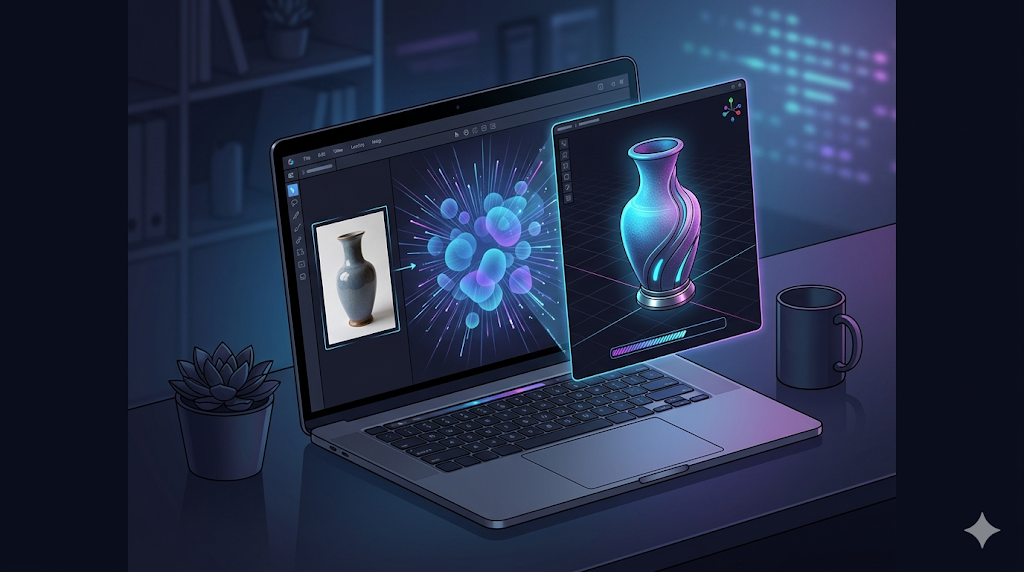
3. Upload and Generate: Navigate to the image-to-3D tool on your chosen platform and upload your image. Select your desired generation settings, such as the mode (e.g., Speedy, Focal) and resolution, and start the generation process.
4. Preview and Refine: Once the model is generated, use the platform's 3D viewer to inspect it from all angles. Many tools, including Hyper3D's OmniCraft suite, offer post-generation tools to refine the mesh, apply textures, or simplify the model. You can use a GLTF Viewer to inspect the final model.
5. Export Your Model: When you are happy with the result, export the model in a format compatible with your target application. Common formats include OBJ, FBX, GLB, and STL. For example, you might need to convert a GLB to USDZ for AR applications on Apple devices.
Use Cases and Applications
The ability to create a 3D model from a free image has a wide range of applications across various industries.
- Game Development: Indie game developers can create custom 3D assets for their games without needing a large budget or extensive 3D modeling skills. This allows for more unique and personalized game worlds.
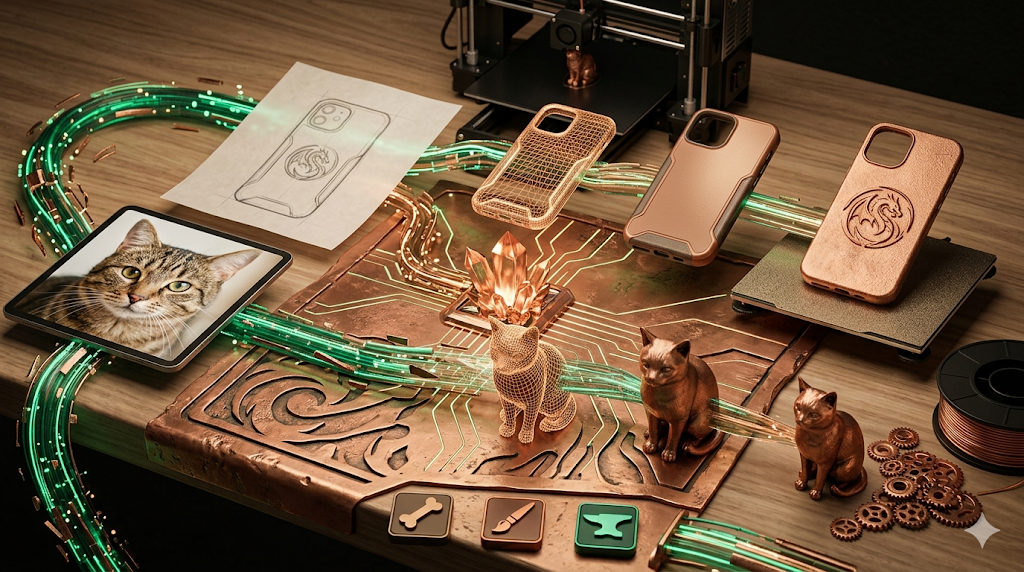
- 3D Printing: Hobbyists and professionals can turn photographs of real-world objects into 3D printable models. This is perfect for creating custom figurines, replacement parts, or prototypes.
- Augmented Reality (AR) and Virtual Reality (VR): 3D models are the building blocks of AR and VR experiences. With free image-to-3D tools, creators can easily produce assets for interactive AR filters, VR environments, and more.
- E-commerce: Online retailers can create 3D models of their products, allowing customers to view them from all angles before making a purchase. This can lead to higher engagement and conversion rates.
- Education: Teachers and students can use these tools to create 3D models for presentations, projects, and interactive learning experiences. For example, a history student could create a 3D model of an ancient artifact from a photograph.
FAQ
What is the best free AI for turning an image into a 3D model?
There is no single "best" tool, as the ideal choice depends on your goal. For creating high-quality character models with clean geometry, Hyper3D's Rodin is an excellent option. If you need to quickly generate game-ready assets with features like auto-rigging, Tripo AI is a strong contender. For users who prioritize the best possible textures, Meshy AI is often the top pick.
Can I get a production-ready 3D model from a single image?
Yes, tools like Hyper3D are capable of producing production-ready models with clean topology directly from a single image. However, the quality of the result will always depend on the quality of the input image and the complexity of the object. For professional use, you should expect to perform at least minor cleanup or adjustments in a dedicated 3D modeling software.
Do I need a powerful computer to use these AI tools?
No. Almost all of these image-to-3D generators are cloud-based web applications. This means all the heavy processing is done on their servers, not your local machine. You can use them from any computer with a modern web browser and a stable internet connection.
What are the limitations of free 3D model generation?
Free tiers often come with limitations. These can include a limited number of free generations per day or month, lower resolution outputs, and watermarks on the final models. Some platforms may also restrict access to advanced features, such as high-resolution texturing or specific export formats, to their paid plans.
Can I use the 3D models I create for commercial projects?
This depends on the terms of service of the specific tool you use. Most platforms allow commercial use of the models you create, even on their free plans, but it is crucial to read the license agreement for each service to be sure. Some may require attribution or have other restrictions.