3D Model Viewer Online: Best Free Browser Viewers
In the world of 3D design and development, being able to quickly view and share your models is essential. Whether you're a seasoned professional or just starting, a reliable 3D model viewer online can make all the difference. These browser-based tools eliminate the need for expensive software and allow you to inspect your creations from anywhere, on any device. From architects sharing their latest designs to game developers collaborating on new assets, the use cases are endless. In this article, we'll explore some of the best free online 3D viewers available, so you can find the perfect fit for your needs.
Why Use an Online 3D Model Viewer?
Before we dive into the top platforms, let's talk about why you might choose an online viewer over a traditional desktop application. The most significant advantage is accessibility. With a browser-based viewer, you can easily share your models with clients, colleagues, or friends without worrying about software compatibility. This is particularly useful for collaborative projects where team members might be using different operating systems or devices. Also, many online viewers offer features that go beyond simple model inspection, such as real-time collaboration, annotation tools, and even augmented reality (AR) integration. For those looking for a hassle-free way to showcase their 3D work, an online viewer is an excellent choice.
Top Free 3D Model Viewers Online
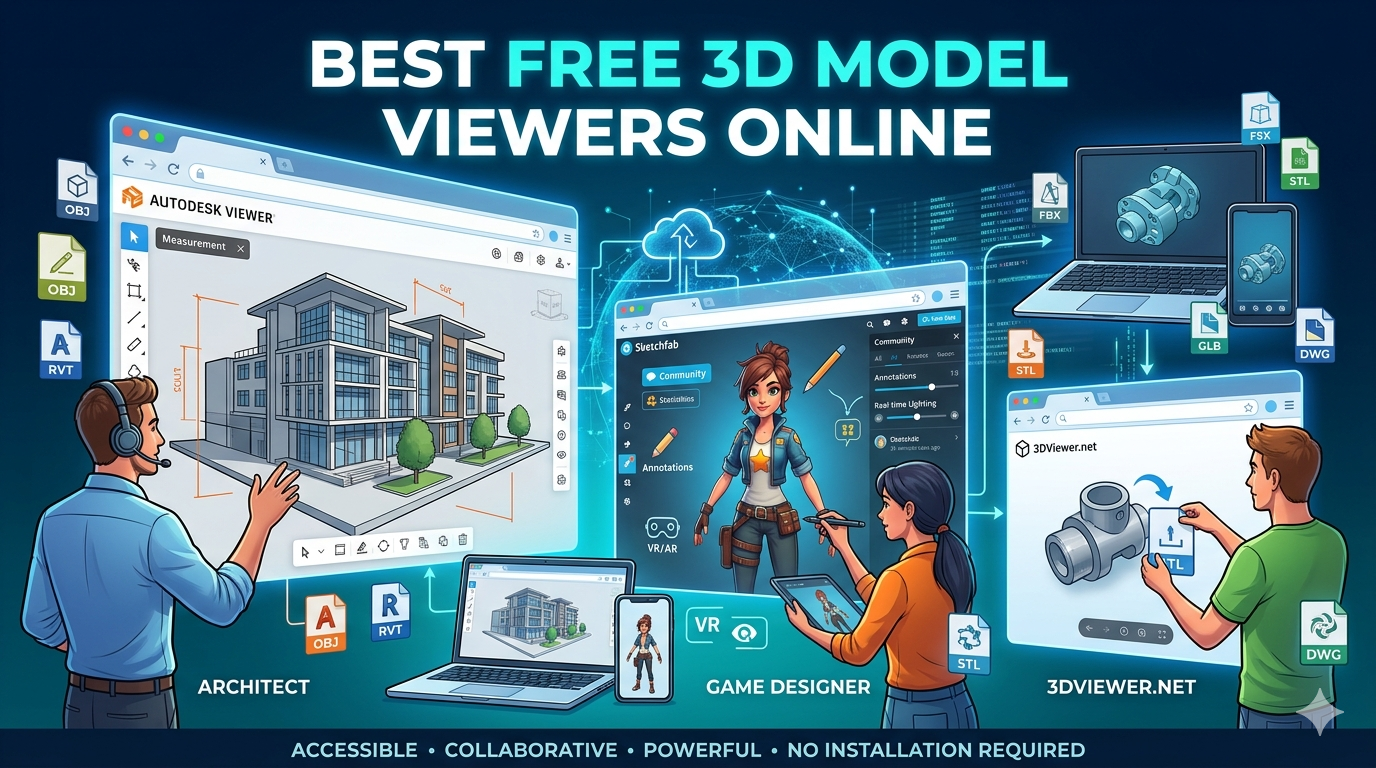
There are many great options out there, but we've narrowed it down to a few of the best. We'll take a closer look at Sketchfab, Autodesk Viewer, and 3DViewer.net, as well as some other notable alternatives.
Sketchfab: The Community Hub for 3D Models
Sketchfab is more than just a 3D model viewer online; it's a massive community of artists and creators. With millions of models to explore, it's a fantastic resource for inspiration and a great place to showcase your own work. The platform's viewer is incredibly powerful, offering high-quality rendering, customizable lighting, and even VR and AR support. You can also add annotations to your models, making it easy to highlight specific features or provide feedback.
Supported Formats: Sketchfab supports a wide range of file formats, including OBJ, FBX, STL, and GLB. This makes it a versatile option for users working with various 3D modeling software.
Pros & Cons:
- Pros: Large community, powerful viewer, great for showcasing work, excellent format support.
- Cons: Can be overwhelming for beginners, some advanced features require a paid plan.
Autodesk Viewer: Professional-Grade Viewing for Free
For those working in architecture, engineering, or manufacturing, the Autodesk Viewer is an excellent choice. This professional-grade tool supports a wide range of 2D and 3D file formats, including DWG, RVT, and IPT. The viewer offers a comprehensive set of tools for inspecting models, including sectioning, measurement, and markup capabilities. It also allows for real-time collaboration, making it easy to review designs with team members and stakeholders.
Supported Formats: Autodesk Viewer supports over 50 file formats, including those from Autodesk's own software suite as well as neutral formats like STEP and IGES.
Pros & Cons:
- Pros: Professional-grade tools, excellent for technical designs, supports a wide range of file formats.
- Cons: The interface can be complex for new users, focused more on technical and engineering models.
3DViewer.net: A Simple and Straightforward Option
If you're looking for a no-frills 3D model viewer online, 3DViewer.net is a great choice. This open-source tool is incredibly easy to use: just drag and drop your model into the browser window, and you're ready to go. While it may not have all the bells and whistles of Sketchfab or Autodesk Viewer, it's a fast and reliable way to view your models. It supports a good range of common file formats and is perfect for quick checks and sharing.
Supported Formats: 3DViewer.net supports a variety of file formats, including OBJ, STL, and GLTF.
Pros & Cons:
- Pros: Simple and easy to use, open-source, no registration required.
- Cons: Limited features compared to other viewers, basic rendering quality.
My First-Hand Experience
I've spent a good amount of time with each of these viewers, and they all have their strengths. For a recent project, I needed to share a detailed architectural model with a client. I opted for the Autodesk Viewer, and it was a fantastic experience. The ability to create section views and take precise measurements was incredibly helpful for communicating my design intent. The client was able to navigate the model with ease, and the real-time collaboration feature made it simple to address their questions and feedback.
For my personal projects, I tend to use Sketchfab. I love being able to upload my models and see them rendered in such high quality. The community aspect is also a huge plus; it's a great way to get feedback on my work and see what other artists are creating. I've even embedded some of my models on my portfolio website, which is a great way to showcase my skills to potential clients.
Objective Comparison
| Feature | Sketchfab | Autodesk Viewer | 3DViewer.net |
|---|---|---|---|
| Best For | Artists, designers, and hobbyists | Engineers, architects, and professionals | Quick and simple model viewing |
| Supported Formats | Wide range, including OBJ, FBX, STL, GLB | 50+ formats, including DWG, RVT, STEP | Common formats like OBJ, STL, GLTF |
| Key Features | High-quality rendering, VR/AR support, annotations | Sectioning, measurement, real-time collaboration | Drag-and-drop interface, open-source |
| Ease of Use | Moderate | Moderate to complex | Very easy |
Ultimately, the best 3D model viewer online for you will depend on your specific needs. If you're a creative professional looking to showcase your work, Sketchfab is an excellent choice. If you're an engineer or architect who needs to collaborate on technical designs, the Autodesk Viewer is a powerful tool. And if you just need a quick and easy way to view a model, 3DViewer.net is a great option.
Frequently Asked Questions About 3D Model Viewer Online Tools (FAQs)
What is the best free 3D model viewer online?
There's no single "best" viewer, as it really depends on your needs. Sketchfab is great for artists, while Autodesk Viewer is ideal for professionals. For a simple, no-frills option, 3DViewer.net is a good choice.
Can I view 3D models on my phone?
Yes, most online 3D viewers are mobile-friendly and allow you to view models on your smartphone or tablet. Some, like Sketchfab, even offer AR functionality so you can view your models in the real world.
Are online 3D viewers secure?
Most reputable online viewers take security seriously and have measures in place to protect your files. However, it's always a good idea to be cautious when uploading sensitive or proprietary information.
Do I need to create an account to use an online 3D viewer?
Some viewers, like 3DViewer.net, allow you to view models without creating an account. Others, like Sketchfab and Autodesk Viewer, require you to sign up for a free account to access their full range of features.
What is an STL file viewer?
An STL file viewer is a specialized type of 3D viewer that is designed to open and view STL files. STL is a common file format used for 3D printing, so these viewers are popular among makers and hobbyists.
Beyond Viewing: Editing and Converting Your 3D Models
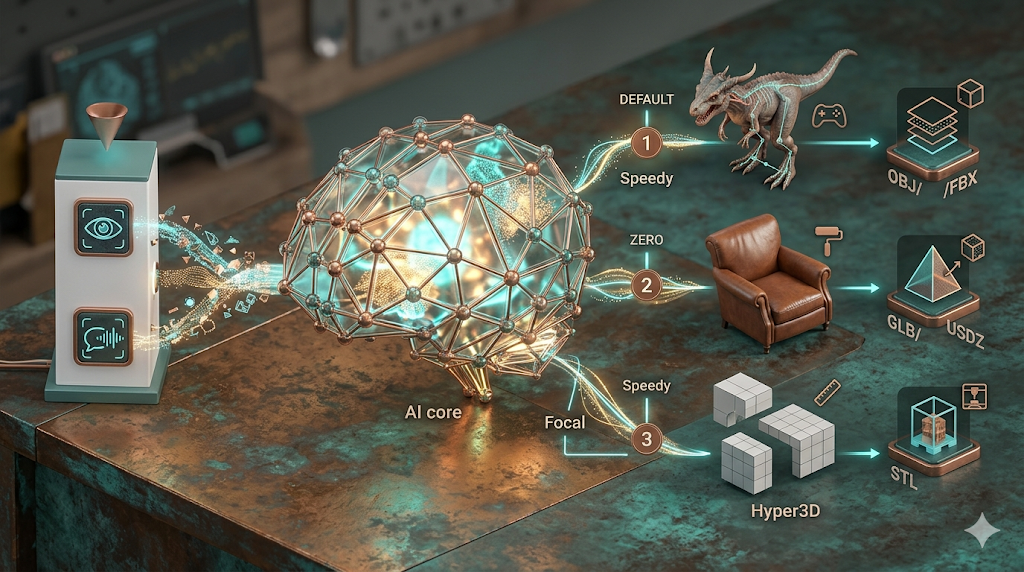
While a 3D model viewer online is great for inspecting your creations, you'll eventually need to edit or convert them. That's where a tool like Hyper3D's OmniCraft comes in. OmniCraft is a powerful online 3D editor and converter that allows you to not only view your models but also make changes to them. You can use it to clean up messy geometry, optimize your models for different platforms, or even convert them to different file formats. For those looking to take their 3D workflow to the next level, a tool like OmniCraft is a must-have. You can also explore other tools like Rodin for 3D generation, OmniCraft Format Converter for file conversions, and the Image to 3D tool for creating 3D models from images.