# Hyper3D: An Honest Review of the Full AI 3D Ecosystem
The world of 3D content creation is changing fast, and AI is leading the charge. For years, making 3D models was a complex and time-consuming process, reserved for those with specialized skills and expensive software. But now, a new generation of AI-powered tools is making it possible for anyone to create stunning 3D assets from simple text prompts or images. This has opened up a world of possibilities for game developers, 3D artists, and hobbyists alike.
In this article, we'll take a close look at the Hyper3D ecosystem, which includes Rodin, ChatAvatar, and OmniCraft. We'll provide an objective, hands-on comparison to help you decide if it is the right fit for your needs.
Summary: Hyper3D Pros & Cons
Before we dive into the specifics of each tool, here is a quick summary of what we found during our testing.
| Aspect | Details |
|---|---|
| Pros | Exceptional photorealistic textures; Clean, sharp geometry; Comprehensive suite (Rodin, ChatAvatar, OmniCraft); Multiple generation modes (Gen-2, Default, Focal, Zero, Speedy); Wide range of export formats (STL, FBX, OBJ, GLB, USDZ). |
| Cons | Steeper learning curve for beginners; Premium pricing model; Models may require manual repair for 3D printing. |
| Best For | Professional 3D artists, game developers, and VFX artists who need high-fidelity assets and have the budget for a premium tool. |
My First-Hand Experience with AI 3D Generators
As a 3D printing enthusiast, I've been following the development of AI 3D model generators with great interest. I've spent countless hours experimenting with different platforms, and I've been consistently impressed with the rapid pace of innovation in this space. To put these tools to the test, I decided to try a simple project: creating a 3D model of a classic fantasy creature, a griffin. I used the same image prompt for each platform to ensure a fair comparison.
My journey began with Tripo, which was incredibly fast and easy to use. Within minutes, I had a decent-looking model. Next, I tried Meshy, which produced a model with much cleaner geometry, especially after using its repair tools. Finally, I turned to Hyper3D. The level of detail and texture quality in the model generated by Hyper3D's AI 3D model generator was on another level entirely. However, it also required more tweaking to get the model ready for 3D printing. This experience highlighted the unique strengths and weaknesses of each platform, which we'll explore in more detail below.
Rodin: The Core AI 3D Generator
Rodin is the heart of the Hyper3D platform. It is designed to generate 3D models from text prompts or images, and it does so with remarkable fidelity.
One of the most significant advantages of Rodin is the exceptional quality of its models. The geometry is clean and sharp, and the textures are incredibly photorealistic, thanks to its advanced Gen-2 architecture. This makes it an ideal choice for creating high-fidelity assets for games, films, and other professional applications. You can learn more about the detailed Rodin AI features to understand its full capabilities.
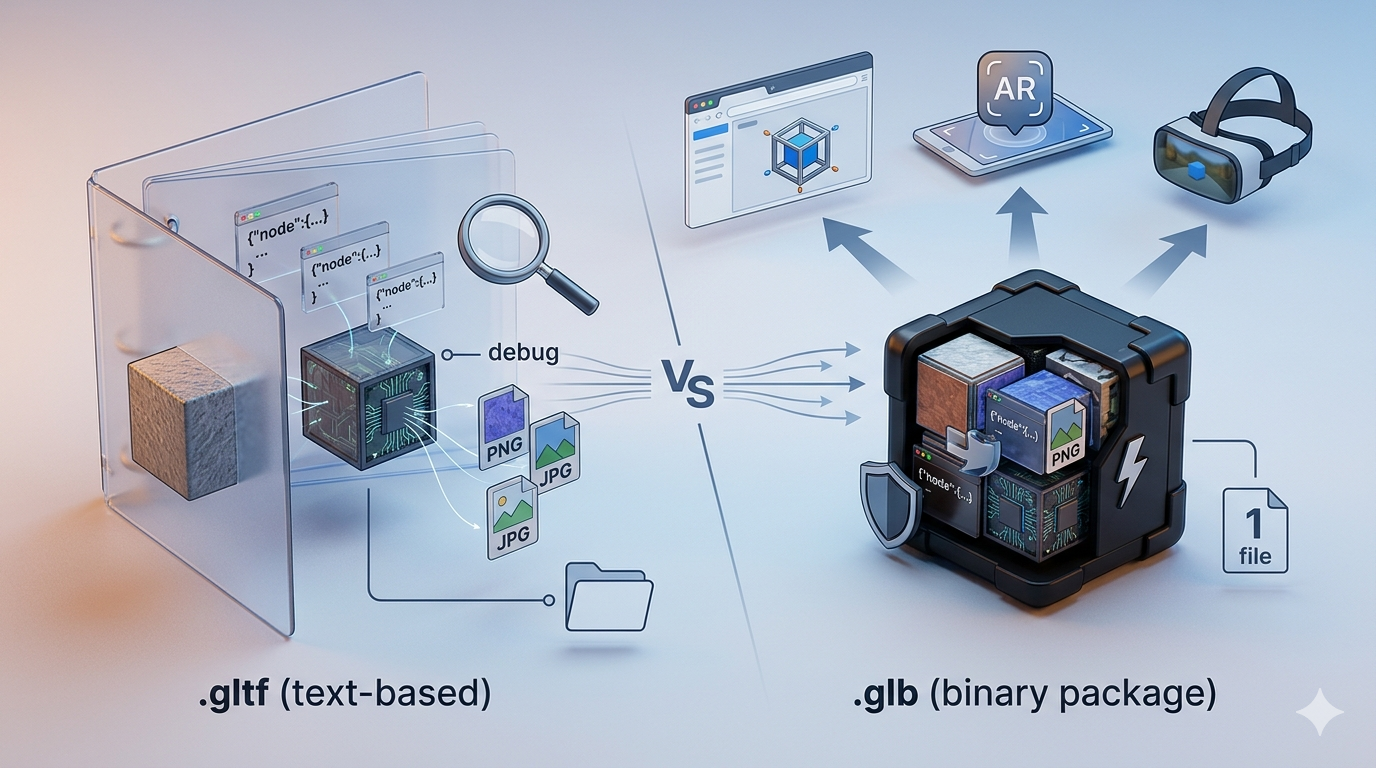
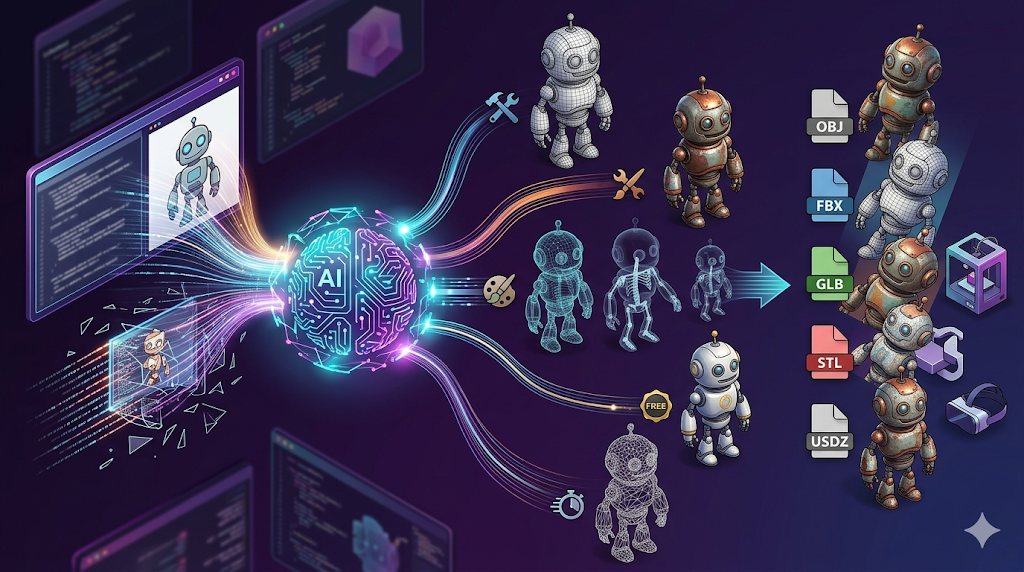
Rodin also offers various generation modes like Gen-2, Default, Focal, Zero, and Speedy, allowing for a high degree of control over the final output. The platform supports a wide range of export formats, including STL, FBX, OBJ, GLB, and USDZ, making it easy to integrate into existing workflows.
However, while Rodin is incredibly powerful, it does have a steeper learning curve than some of the other tools on the market. The sheer number of features and options can be overwhelming for beginners. Additionally, while the models are visually stunning, they often require some manual repair work to make them suitable for 3D printing.
ChatAvatar: Realistic Human Avatars
ChatAvatar is a specialized tool within the Hyper3D ecosystem designed specifically for creating realistic human avatars. This is a complex task that many general-purpose AI 3D generators struggle with, but ChatAvatar handles it with impressive results.
The tool allows you to generate highly detailed faces and bodies from photos or text descriptions. The resulting avatars have realistic skin textures, hair, and facial features. This makes ChatAvatar an excellent resource for game developers creating NPCs, or for anyone who needs a lifelike digital representation.
The focus on human anatomy means that ChatAvatar is less versatile than Rodin for general objects, but for its specific use case, it is a powerful addition to the suite.
OmniCraft: The Editing and Conversion Suite
OmniCraft is the editing and format conversion tool that ties the Hyper3D ecosystem together. Once you have generated a model with Rodin or ChatAvatar, OmniCraft allows you to refine and prepare it for your final application.
This tool is essential for professionals who need to ensure their models meet specific technical requirements. It provides options for adjusting geometry, optimizing textures, and converting files into the formats needed for different software pipelines.
The inclusion of OmniCraft is what makes Hyper3D a complete solution rather than just a standalone generator. It bridges the gap between AI generation and professional 3D workflows.
Frequently Asked Questions (FAQ)
What makes Hyper3D different from other AI 3D generators?
Hyper3D is a comprehensive suite of tools (Rodin, ChatAvatar, and OmniCraft) designed for professional use, focusing on high-fidelity models and photorealistic textures rather than just speed or basic shapes.
Is Hyper3D suitable for beginners?
While beginners can certainly use Hyper3D, it has a steeper learning curve due to its advanced features and multiple generation modes. Beginners might find simpler tools easier to start with, but Hyper3D offers more control and better quality in the long run.
Can I use Hyper3D models for 3D printing?
Yes, but you may need to perform some manual repair work on the models to ensure they are watertight and suitable for 3D printing.
How much does Hyper3D cost?
Hyper3D operates on a premium pricing model, reflecting its professional-grade capabilities. It is generally more expensive than basic or hobbyist-focused AI 3D tools.
What file formats does Hyper3D support?
Hyper3D supports a wide range of export formats, including STL, FBX, OBJ, GLB, and USDZ.
Conclusion
The world of AI 3D modeling is an exciting and rapidly changing field. Hyper3D brings a powerful, professional-grade ecosystem to the table with Rodin, ChatAvatar, and OmniCraft. While it may not be the fastest or cheapest option on the market, its focus on detail, texture fidelity, and its comprehensive editing suite make it a compelling choice. If you're a professional looking for high-quality assets, we highly recommend you start creating 3D models with Hyper3D to see the results for yourself.