# Rodin Gen-2 Edit: AI-Powered 3D Model Editing
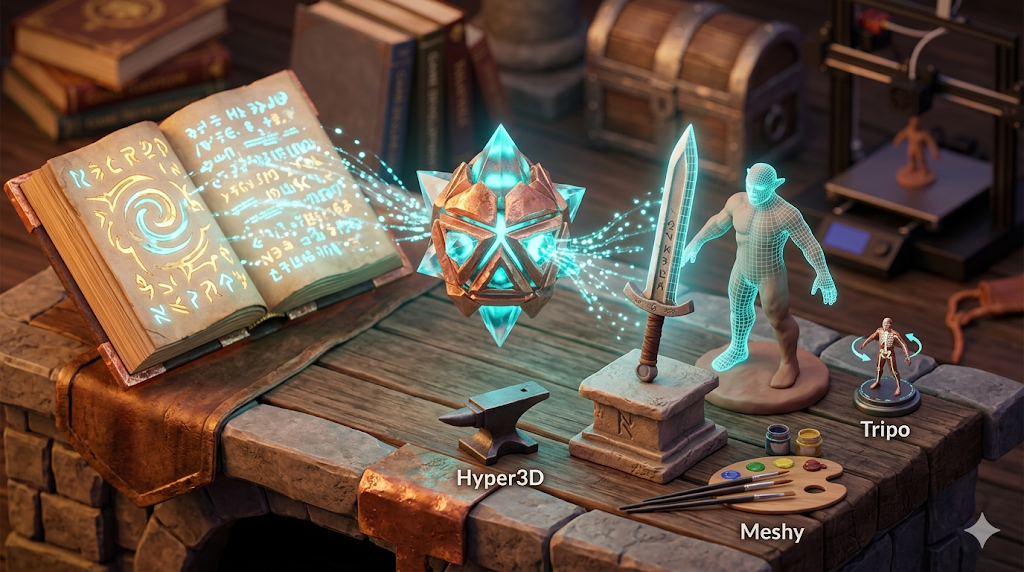
Creating 3D models has traditionally been a complex and time-consuming process, often requiring specialized software and years of experience. With the rise of AI, a new generation of tools is making 3D content creation more accessible than ever. The demand for 3D content is exploding across various industries, from gaming and entertainment to e-commerce and virtual reality. Platforms like Hyper3D's Rodin, Tripo3D, and Scenario are leading the way of this shift, offering powerful text-to-3D and image-to-3D capabilities. This article explores the exciting world of AI-powered 3D model editing, with a special focus on the new Rodin Gen 2 Edit feature from Hyper3D, a tool that is set to redefine the boundaries of 3D content creation.
Rodin Gen 2: The Evolution of AI in 3D Modeling
The journey from manual 3D modeling to AI-driven generation has been a rapid one. Early AI tools focused on simple object generation, but the technology has quickly evolved. When working with rodin gen 2, today, we have sophisticated models that can create detailed, high-poly meshes from a single image or a text prompt. This has opened up new possibilities for artists, game developers, and designers, allowing them to bring their ideas to life with unprecedented speed and ease. This new generation of AI is a prime example of this evolution.
Rodin Gen 2: From Text to Texture: The Rise of Generative AI
Generative AI models are trained on vast datasets of 3D models and images, enabling them to understand and interpret a wide range of concepts. When a user provides a text prompt, the AI analyzes the text and generates a 3D model that matches the description. When working with rodin gen 2, this process, known as text-to-3D, has been a major breakthrough in the field. Similarly, image-to-3D tools can take a 2D image and extrapolate it into a three-dimensional object, complete with textures and details. These advancements are not just about creating models faster; they are about enabling a new level of creativity, where the only limit is one's imagination.
The Importance of High-Quality Meshes
A key factor in the quality of a 3D model is its mesh. A clean, well-structured mesh is essential for animation, rendering, and 3D printing. When working with rodin gen 2, the latest AI models are capable of generating high-poly quad meshes that are production-ready. This means that the models can be used in professional workflows without the need for extensive cleanup or retopology. The ability to generate high-quality meshes directly from a prompt or image saves countless hours of manual labor and allows creators to focus on the artistic aspects of their work.
A Deeper Look at the Technology
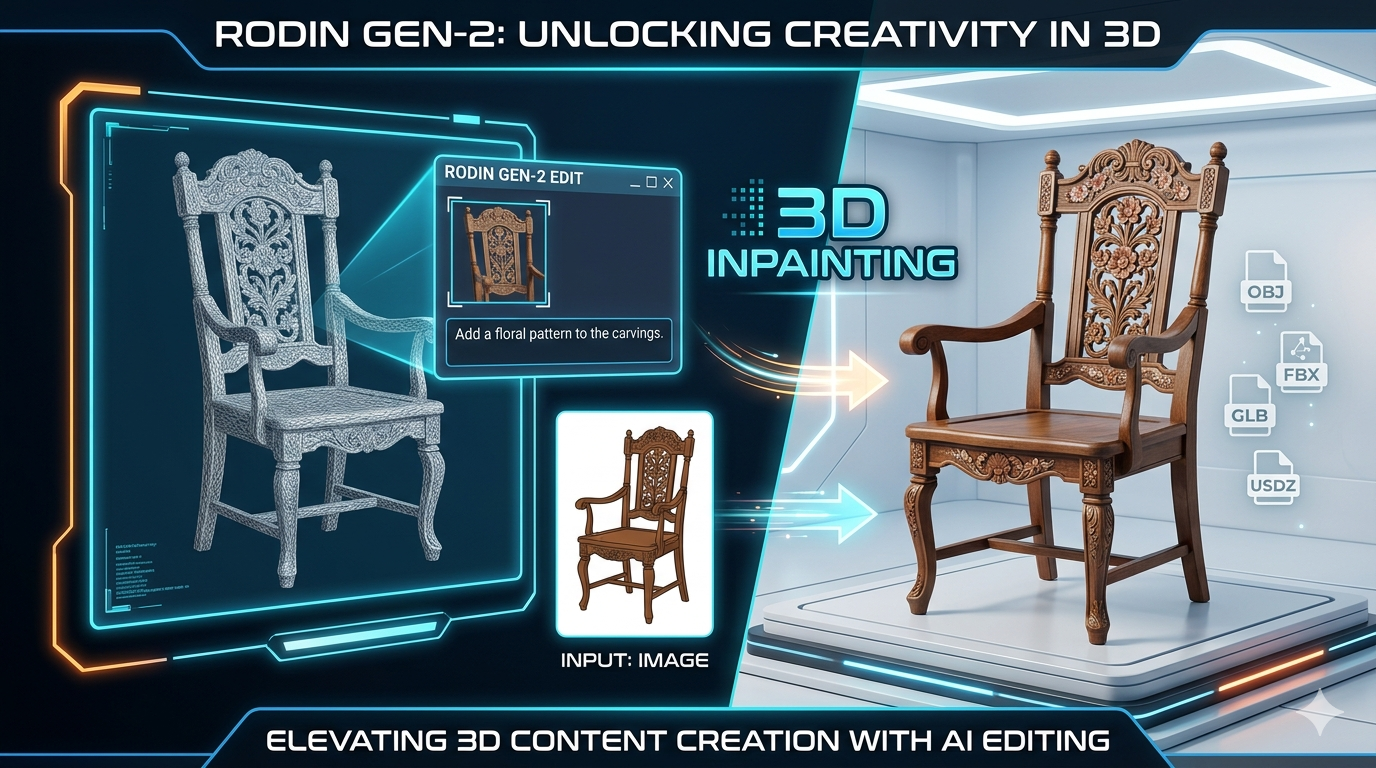
The platform is built on a sophisticated architecture that combines a large-scale diffusion model with a novel 3D representation. This allows it to generate and edit 3D models with a high degree of fidelity and control. When working with rodin gen 2, the model is trained on a massive dataset of 3D assets, which enables it to understand a wide variety of objects, styles, and textures. The "3D Inpainting" feature, in particular, is a testament to the power of this technology. It uses a masked diffusion process to intelligently fill in the missing or modified parts of a model, resulting in seamless and natural-looking edits.
Exploring the Edit Feature
Hyper3D's Rodin has been a popular choice for AI-powered 3D model generation, and the new Edit feature takes it to the next level. This powerful tool allows users to not only generate 3D models but also edit them with an intuitive, AI-driven workflow. The "3D Inpainting" feature is particularly noteworthy, as it allows for targeted edits within a selected area of the model. This is a significant leap forward from traditional 3D editing software, which often involves complex and tedious manual adjustments.
My First-Hand Experience
To get a feel for the platform, I decided to try it out for myself. I started by using the text-to-3D model generator to create a simple object. I typed in "a vintage wooden chair with intricate carvings" and was impressed with the initial result. The model was detailed and had a clean mesh, but I wanted to make a few changes. This is where the Edit feature came in handy.
I used the drag-and-box selection tool to isolate the back of the chair. Then, with a simple text prompt, I instructed the AI to "add a floral pattern to the carvings." Within seconds, the model was updated with the new feature. The process was incredibly intuitive and felt more like a conversation with a creative partner than a technical task. I also experimented with the image to 3D feature, uploading a picture of a classic car. The Rodin AI 3D generator did an excellent job of creating a 3D model from the image, and I was able to use the editing tools to refine the details, such as adding a metallic finish to the paint and adjusting the shape of the headlights. The level of control and the speed at which I could iterate on my ideas were truly impressive. I then decided to push the limits of the platform by generating a complex architectural model. I used the prompt "a futuristic skyscraper with organic curves and glowing blue lights." The initial model was stunning, but I wanted to add a rooftop garden. Using the selection tool, I isolated the top of the building and prompted the AI to "add a lush garden with trees, flowers, and a small pond." The result was breathtaking. The AI smoothly integrated the garden into the existing structure, creating a harmonious and visually striking composition.
Objective Comparison: The Platform vs. Other Tools
While this platform is a powerful tool, it's not the only option on the market. Here's an objective look at how it compares to some of the other popular AI 3D modeling tools:
| Feature | Rodin Gen 2 | Tripo3D | Scenario |
|---|---|---|---|
| Ease of Use | Very intuitive, with a simple drag-and-box editing workflow. | User-friendly interface, but editing can be less direct. | More geared towards technical users, with a steeper learning curve. |
| Mesh Quality | High-poly quad meshes, production-ready. | Good quality meshes, but may require some cleanup. | Focuses on game-ready assets, with optimized meshes. |
| Editing Capabilities | Advanced AI-powered editing with "3D Inpainting". | Basic editing features, less powerful than the competition. | Limited editing capabilities, more focused on generation. |
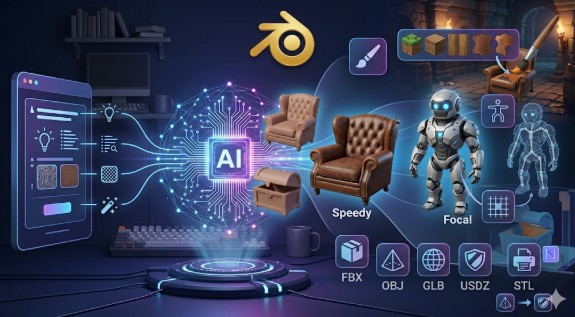
| Export Formats | STL, FBX, OBJ, GLB, USDZ | Multiple formats, including BLEND. | Optimized for game engines like Unity and Unreal. |
Pros and Cons:
- The Platform:
- Pros: Intuitive editing, high-quality meshes, great for both beginners and professionals.
- Cons: As a newer tool, the community and resources are still growing.
- Tripo3D:
- Pros: Large community, wide range of export formats.
- Cons: Editing tools are not as advanced as this platform.
- Scenario:
- Pros: Excellent for creating game-ready assets, integrates well with game engines.
- Cons: Not as user-friendly for beginners, less focused on general-purpose 3D modeling.
Ultimately, the best tool for you will depend on your specific needs. For artists and designers who want an intuitive and powerful tool for creating and editing high-quality 3D models, this platform is an excellent choice. For game developers, Scenario might be a better fit. Tripo3D is a good all-around option with a large community.
The Future of 3D Model Editing
The advancements in AI-powered 3D modeling are truly exciting. These tools are democratizing 3D content creation, making it accessible to a wider audience. As the technology continues to evolve, we can expect to see even more powerful and intuitive tools that will further blur the lines between human creativity and artificial intelligence. The ability to edit 3D models with simple text prompts is a significant step forward, and it will be interesting to see what new possibilities emerge as these tools become more sophisticated. For those looking to dive deeper into 3D modeling, exploring tools like OmniCraft for mesh editing and format conversion can provide a more comprehensive workflow. The future of 3D is not just about creating static models; it's about creating dynamic, interactive experiences, and this technology will play a central role in making that a reality.
FAQ
What is this platform?
This platform is an AI-powered 3D model generation and editing tool from Hyper3D. It allows users to create 3D models from text or images and then edit them using intuitive, AI-driven features.
How does the editing feature work?
The editing feature uses a technique called "3D Inpainting." Users can select a part of the model and then use a text prompt to describe the desired changes. The AI then updates the model accordingly.
What are the advantages of using this tool?
The main advantages are its intuitive editing workflow, high-quality mesh generation, and accessibility for both beginners and professionals.
Can I use it for professional work?
Yes, the tool generates production-ready, high-poly quad meshes that can be used in professional workflows for animation, rendering, and 3D printing.
What file formats does it support for export?
It supports a variety of export formats, including STL, FBX, OBJ, GLB, and USDZ.
Is it difficult to learn?
No, the platform is designed to be user-friendly and intuitive, even for those with no prior experience in 3D modeling. The text-based editing makes it easy to get started and create impressive results quickly.
What kind of support is available?
Hyper3D provides comprehensive documentation and tutorials to help users get the most out of the platform. There is also a growing community of users who are happy to share tips and tricks.
You can also try the 3D format converter for quick results.