ZBrush Alternative: Free AI-Powered Sculpting Tools
For years, ZBrush has been the undisputed king of digital sculpting. Its powerful tools and ability to handle incredibly high-poly meshes have made it an industry standard for character artists, game developers, and 3D printing enthusiasts. However, the world of 3D modeling is constantly evolving, and a growing number of artists are searching for a capable ZBrush alternative. Whether it's due to the subscription cost, the steep learning curve, or simply the desire for a more modern workflow, there are now more options than ever before.
This article explores the best free and AI-powered ZBrush alternative solutions available today. Finding the right ZBrush alternative is key. We'll compare their features, discuss their pros and cons, and help you decide which tool is the right fit for your creative needs. From the versatile and completely free Blender to the innovative AI-powered platforms like Hyper3D, the landscape of 3D sculpting is more accessible than ever. We'll even dive into some personal experiences to give you a real-world perspective on how these tools perform.
Why Look for a ZBrush Alternative?
While ZBrush is an exceptional piece of software, it's not without its drawbacks. For many artists, the primary barrier to entry is the cost. The subscription model can be a significant investment, especially for hobbyists or those just starting out. Beyond the price, ZBrush has a notoriously steep learning curve. Its unique interface and workflow can be intimidating for beginners, and even experienced artists can find themselves spending more time navigating menus than actually sculpting.
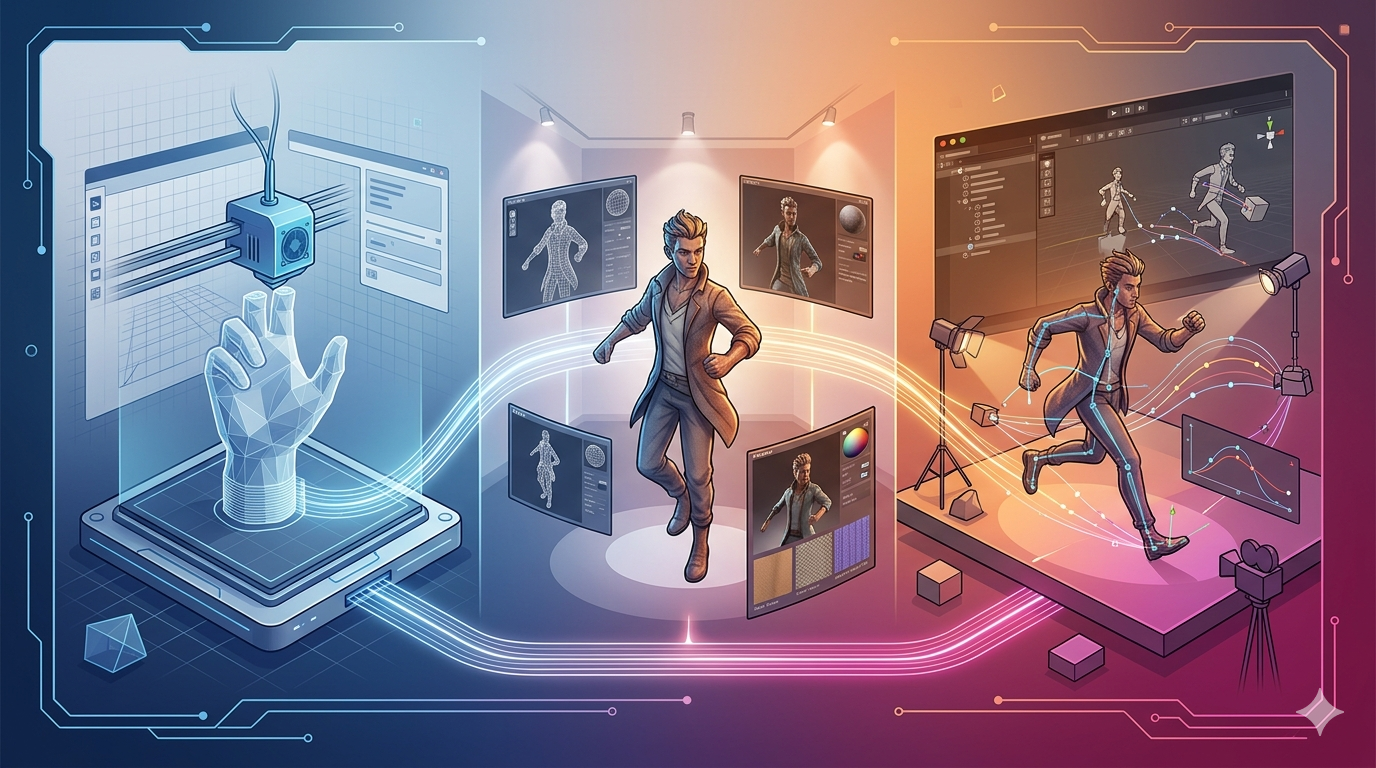
Performance can also be a concern. While ZBrush is known for its ability to handle high-poly counts, it can still struggle with extremely complex models, leading to slowdowns and crashes. Finally, ZBrush is a specialized tool. If your workflow involves more than just sculpting, such as animation or rendering, you'll need to incorporate other software into your pipeline. These factors have led many artists to seek out a powerful ZBrush alternative that better suits their budget, workflow, and creative goals.
Top ZBrush Alternative Options for 3D Sculpting: A Detailed Comparison
When looking for a ZBrush alternative, you have many great options. Here are some of the best ZBrush alternative options available, with a focus on free and AI-powered options:
Blender: The All-in-One Powerhouse
Blender is a complete 3D creation suite, and its sculpting tools have become a top-tier ZBrush alternative. It's a fantastic free ZBrush alternative for artists who want a single application for their entire 3D workflow, from sculpting and modeling to animation and rendering. It's a fantastic free ZBrush alternative for artists who want a single application for their entire 3D workflow, from sculpting and modeling to animation and rendering. The community is massive, and there are countless tutorials and resources available to help you get started.
Pros:
- Completely free and open-source.
- A full 3D pipeline in one application.
- Constantly being updated and improved.
- Large and active community.
Cons:
- The sheer number of features can be overwhelming for beginners.
- May not handle ultra-high-poly meshes as smoothly as ZBrush.
Nomad Sculpt: Sculpting on the Go
For those who need a mobile ZBrush alternative, Nomad Sculpt is a powerful sculpting app for mobile devices. It's a great option for artists who want to sculpt on the go, or for those who prefer a more tactile sculpting experience with a stylus. While it may not have all the features of a desktop application, it's surprisingly capable and can produce professional-quality results.
Pros:
- Affordable one-time purchase.
- Intuitive and easy-to-use interface.
- Excellent performance on mobile devices.
Cons:
- Limited to mobile devices.
- Not as feature-rich as desktop applications.
Sculptris: The Free and Easy Entry Point
Sculptris is a free and intuitive digital sculpting tool, making it a great entry-level ZBrush alternative from the makers of ZBrush. It's a great starting point for beginners who want to try digital sculpting without the commitment of a paid application. Its dynamic tessellation feature allows you to sculpt without worrying about the underlying geometry, making it a very freeing and creative experience.
Pros:
- Completely free.
- Very easy to learn and use.
- Dynamic tessellation is great for beginners.
Cons:
- No longer in active development.
- Lacks the advanced features of other applications.
Hyper3D: The AI-Powered Future of 3D Modeling
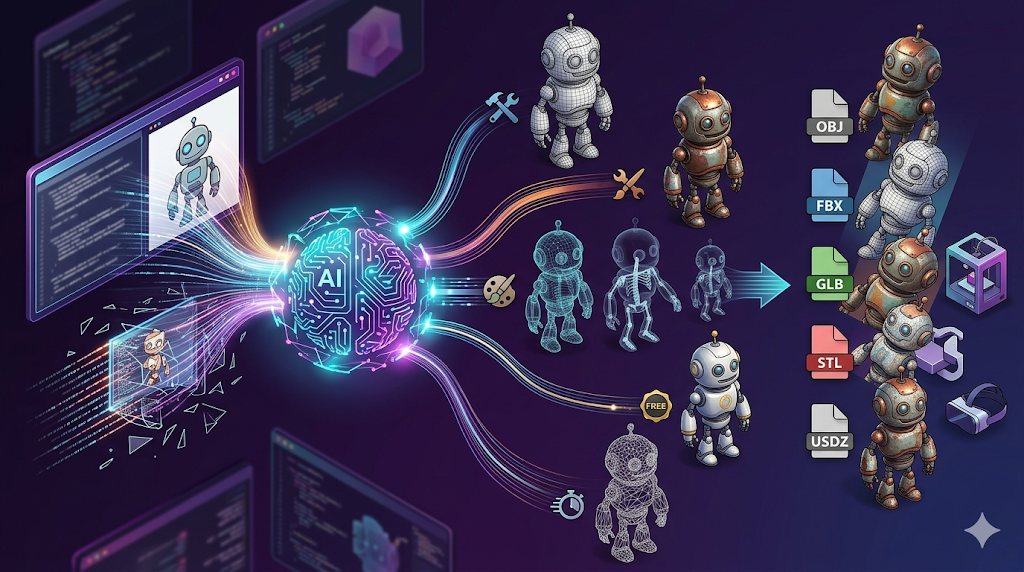
Hyper3D is a suite of AI-powered 3D modeling tools that represents a new kind of ZBrush alternative. With tools like an AI 3D model generator and an AI 3D model editor, Hyper3D offers a new and intuitive way to create 3D assets. You can generate models from text prompts with the text to 3D model tool, or from images with the image to 3D tool, and even generate textures with the AI texture generator. It's a powerful ZBrush alternative for artists who want to embrace the future of 3D creation.
Pros:
- Innovative AI-powered workflow.
- Intuitive and easy to use.
- Multiple generation modes for different needs.
Cons:
- As a newer technology, it may not have all the traditional sculpting features.
- The AI-generated models may require some cleanup.
Meshy: Another AI-Powered Contender
Meshy is another AI-powered ZBrush alternative and 3D creation platform that offers a suite of tools for generating and editing 3D models. It's a strong competitor to Hyper3D, and offers a similar set of features. The choice between the two will likely come down to personal preference and which platform's results you prefer.
Pros:
- AI-powered workflow.
- Easy to use.
Cons:
- Still a developing technology.
- The quality of the AI-generated models can vary.
My First-Hand Experience with ZBrush Alternatives
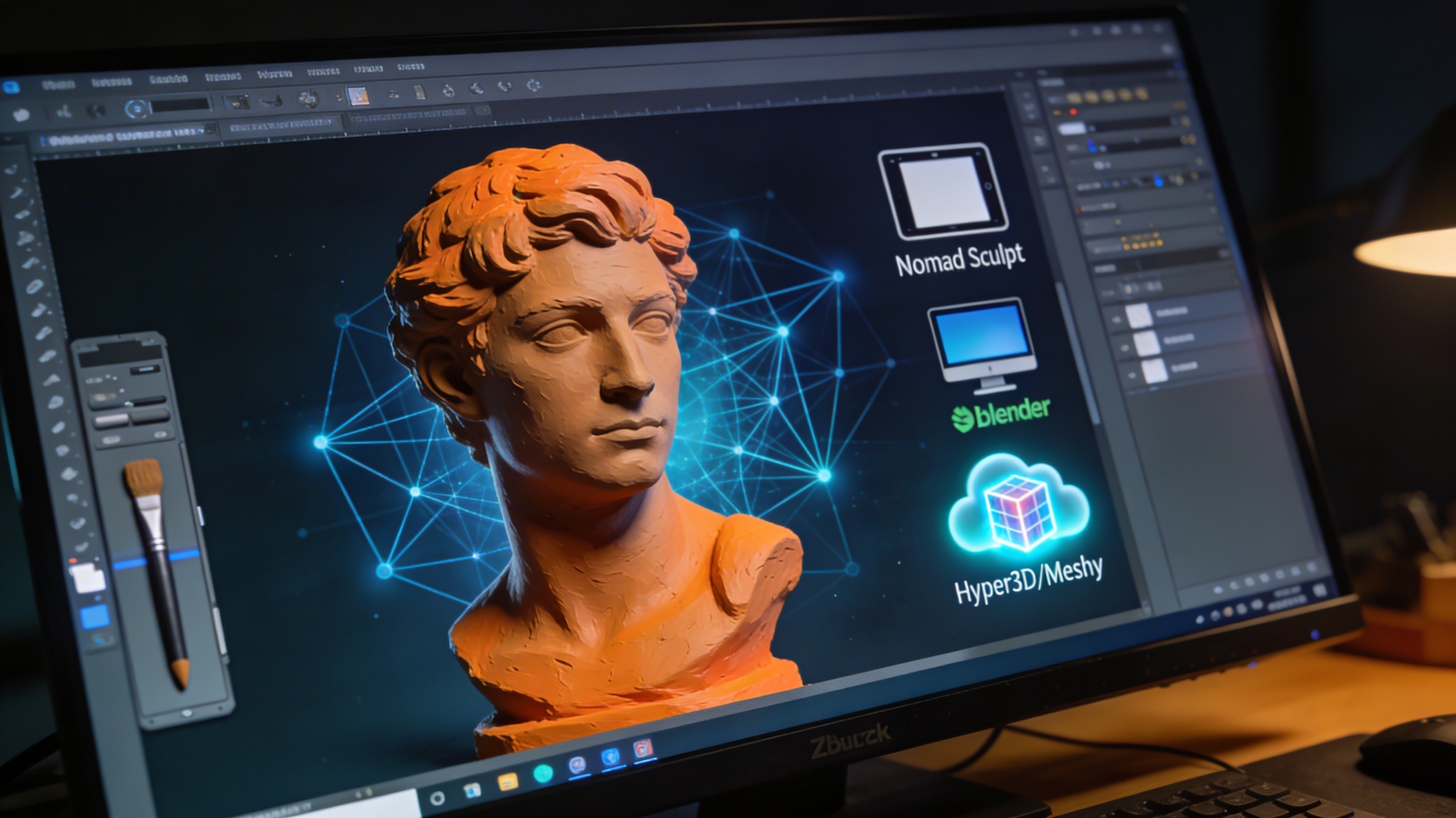
As a 3D artist, I've spent countless hours in ZBrush, and I appreciate its power. But I've also felt the pain points. So, I decided to spend some serious time with these alternatives to see how they stack up. I focused on a simple character bust project to test the sculpting experience in each.
Blender's sculpting workspace has come a long way. The sheer number of brushes and the control you have over them is impressive. I was able to quickly block out the major forms and then dive into the details. The performance was great, even as the poly count started to climb. The biggest win for me was being able to switch to the modeling workspace to create some hard-surface accessories for my character without ever leaving the application.
Nomad Sculpt on my tablet was a revelation. The freedom of sculpting on the couch with a stylus is a major shift for creativity. I was surprised at how responsive and intuitive it was. I could easily sketch out ideas and even create a fairly detailed sculpt. While I wouldn't use it for a final, high-poly production asset, it's an amazing tool for concepting and getting ideas down quickly.
Hyper3D was a completely different experience. I started with a text prompt in the AI 3D model generator and was amazed at the initial result. It wasn't perfect, but it gave me a fantastic starting point. I then took the model into the AI 3D model editor to refine the shapes and add details. The AI-powered tools felt like a glimpse into the future of 3D modeling. It's a very different workflow from traditional sculpting, but it's incredibly fast and intuitive.
Feature Comparison Table
To help you get a better sense of how these tools stack up, here is a comparison table highlighting their key features:
| Feature | Blender | Nomad Sculpt | Sculptris | Hyper3D | Meshy |
|---|---|---|---|---|---|
| Cost | Free | $15 (one-time) | Free | Freemium | Freemium |
| Platform | Desktop | Mobile | Desktop | Web | Web |
| Primary Use | Full 3D Pipeline | Mobile Sculpting | Beginner Sculpting | AI Model Generation | AI Model Generation |
| Learning Curve | Medium-High | Low | Very Low | Very Low | Very Low |
| AI-Powered | No | No | No | Yes | Yes |
| Internal Links | N/A | N/A | N/A | AI 3D model generator, AI 3D model editor | N/A |
How to Choose the Right ZBrush Alternative for You
Choosing the right ZBrush alternative is a personal decision that depends on your specific needs and creative goals. There is no single best ZBrush alternative for everyone. Here are a few recommendations based on different types of users:
- For the All-in-One Artist: If you want a single application that can handle everything from sculpting and modeling to animation and rendering, Blender is the clear winner. It's an incredibly powerful and versatile tool that can handle almost any task you throw at it.
- For the Mobile Artist: If you love the idea of sculpting on the go, Nomad Sculpt is an essential tool. It's a joy to use with a stylus, and it's surprisingly powerful for a mobile app.
- For the Complete Beginner: If you're new to digital sculpting and want a gentle introduction, Sculptris is a great place to start. It's free, easy to learn, and will help you grasp the basic concepts of digital sculpting.
- For the Innovator and AI Enthusiast: If you're excited by the possibilities of AI-powered 3D creation, you should definitely explore Hyper3D. The ability to generate models from text and images is a major shift, and the AI 3D model editor makes it easy to refine the results. It's a glimpse into the future of 3D modeling.
Frequently Asked Questions (FAQ)
What is the absolute best free ZBrush alternative?
For a truly comprehensive and free ZBrush alternative, Blender is the undisputed top choice. It is the best free ZBrush alternative for most users. It offers a complete 3D suite that goes far beyond sculpting, including modeling, animation, and rendering. If you're looking for a simpler, more focused free sculpting experience, Sculptris is also a great starting point, though it is no longer in active development.
Can I use a ZBrush alternative for professional-level work?
Absolutely. A good ZBrush alternative is perfectly suitable for professional work. Many professional artists and studios use Blender, a popular ZBrush alternative, for a wide range of tasks, including sculpting. While ZBrush is still an industry staple for high-frequency detail, tools like Blender are more than capable of producing professional-quality work for games, film, and 3D printing.
Is AI-powered 3D modeling better than traditional sculpting?
AI-powered 3D modeling isn't necessarily better, but it is a fundamentally different approach. Tools like the AI 3D model generator from Hyper3D excel at rapidly generating concepts and base meshes. Traditional sculpting gives you more precise control over the final details. Many artists are finding that a hybrid workflow, using AI to start and traditional tools to refine, is the most efficient way to work.
What are the limitations of mobile sculpting apps?
Mobile sculpting apps like Nomad Sculpt are incredibly powerful, but they have limitations. They are generally not suited for extremely high-polygon counts that you might see in a professional production pipeline. They also lack the full feature sets of desktop applications, such as advanced rendering options or animation tools. However, for concepting, sketching, and creating mid-poly models, they are fantastic.
How important is a graphics tablet for digital sculpting?
A graphics tablet is highly recommended for any serious digital sculpting, regardless of the software you use. The pressure sensitivity of a tablet and pen allows for a much more natural and intuitive sculpting experience, giving you greater control over your strokes and details. While you *can* sculpt with a mouse, it is a much more clunky and less precise process.