




Use ChatAvatar to create consistent, nearly production-ready avatar packages from prompts or reference images. Each package includes a detailed face, matching body mesh, PBR materials, and built-in facial controls for supported real-time avatar workflows.
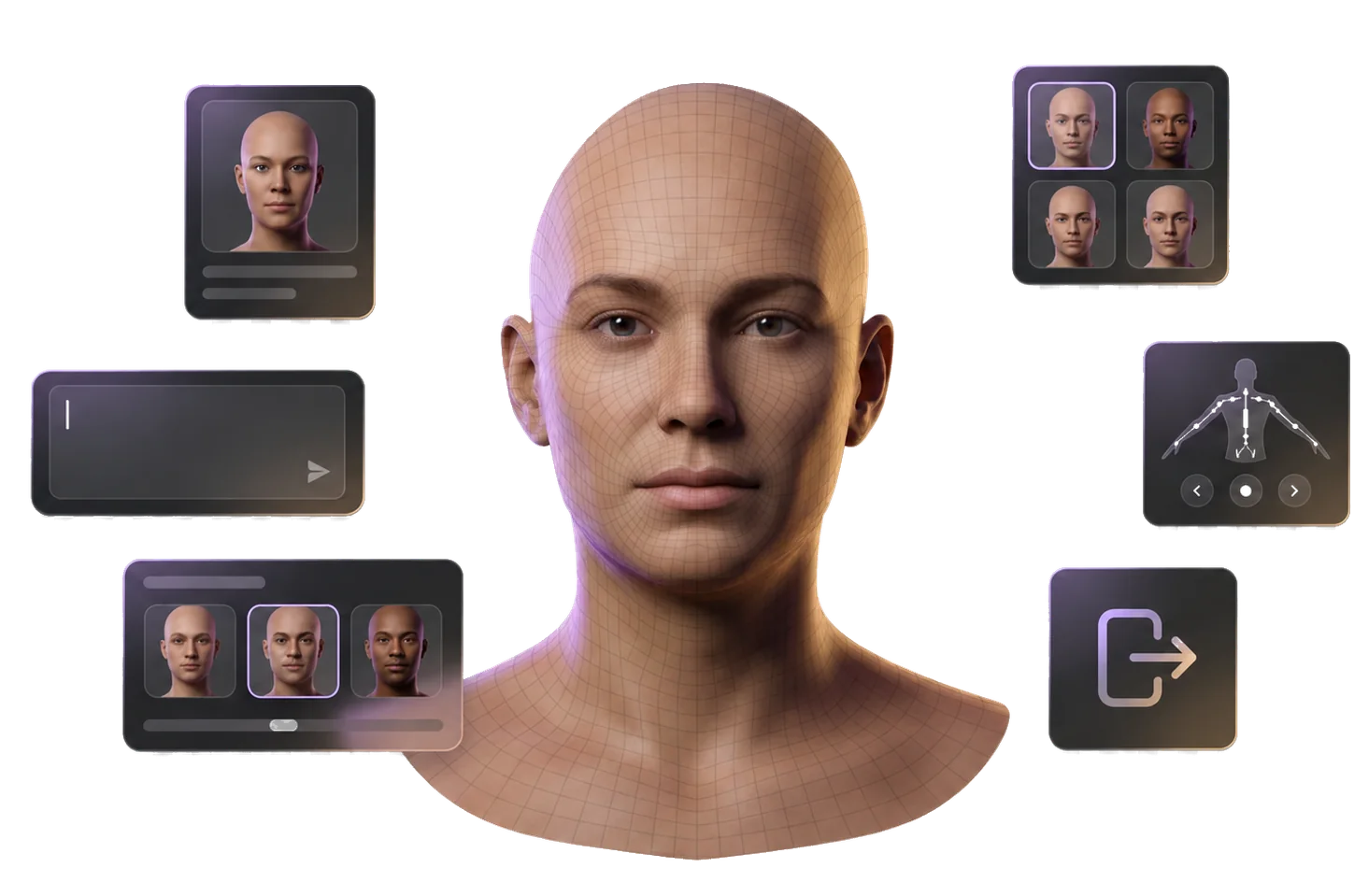


How ChatAvatar Turns Prompts and Images Into Avatar Assets
Move from a character idea to a complete, nearly production-ready ChatAvatar asset with a detailed face and matching body mesh.
1
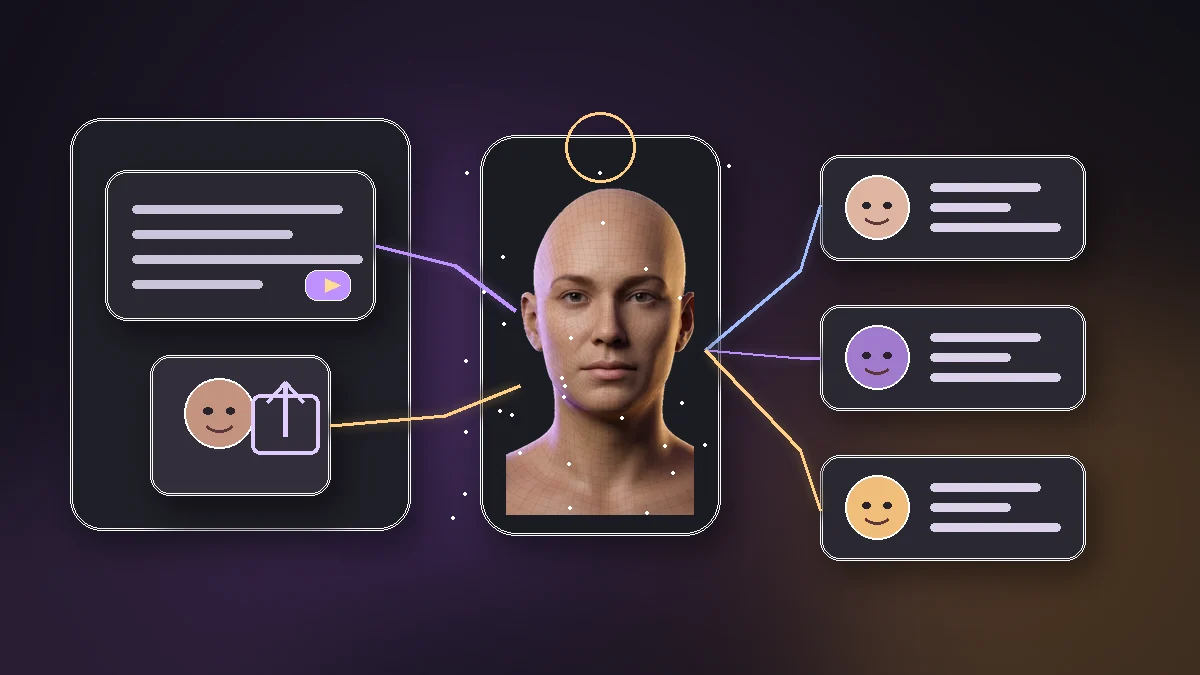
Start From Text or a Reference Image
Describe a character, upload a face or concept image, and give ChatAvatar the identity cues, style, and production intent.
2
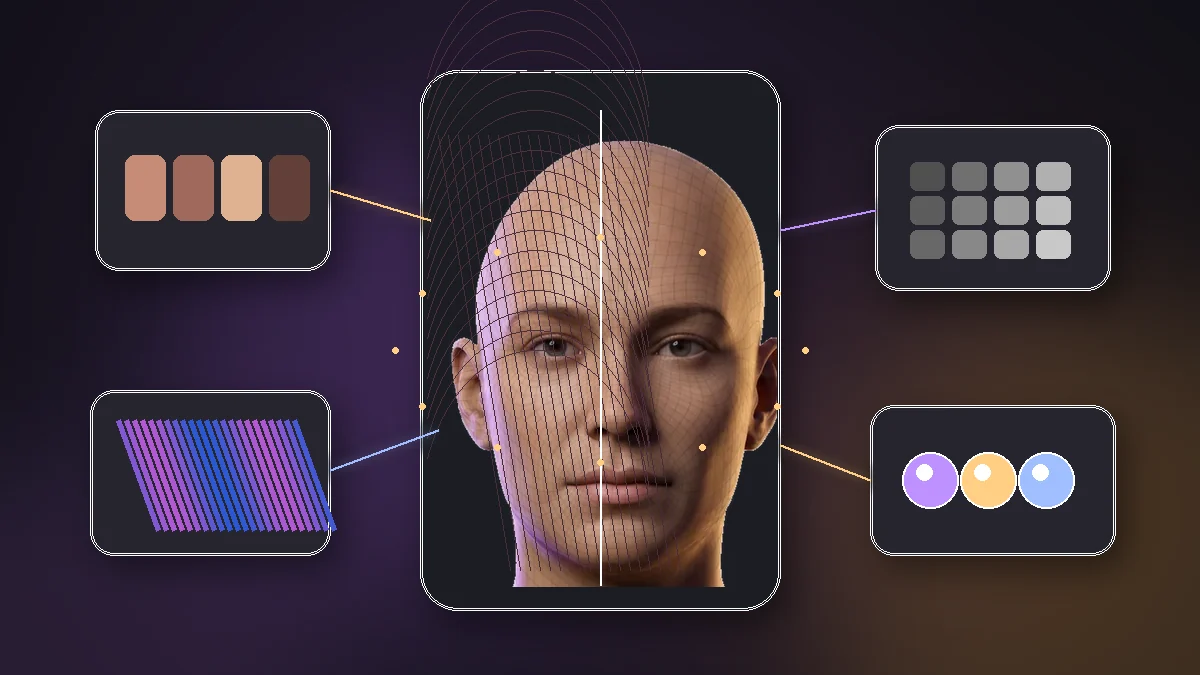
Generate a Detailed Face and Matching Body Mesh
Create a complete ChatAvatar asset with a detailed face, matching body mesh, believable proportions, rich surface detail, and PBR materials.
3
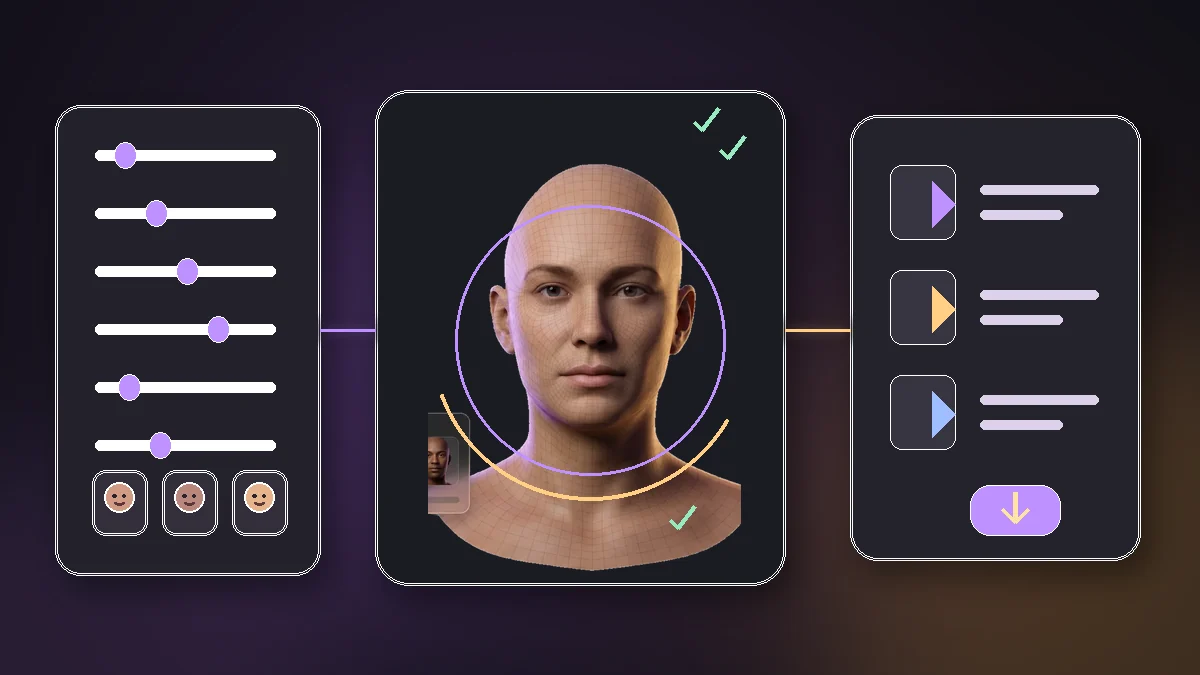
Review and Export the Complete ChatAvatar Asset
Review the complete ChatAvatar asset, refine the look when desired, and export it for supported avatar workflows.
Why Choose Hyper3D for ChatAvatar?
ChatAvatar creates a nearly production-ready 3D avatar package from text prompts or reference images, including a detailed head and facial asset, a matching body mesh, PBR materials, facial controls, blendshapes, ARKit-compatible expressions, visemes, lip-sync, and expression presets.
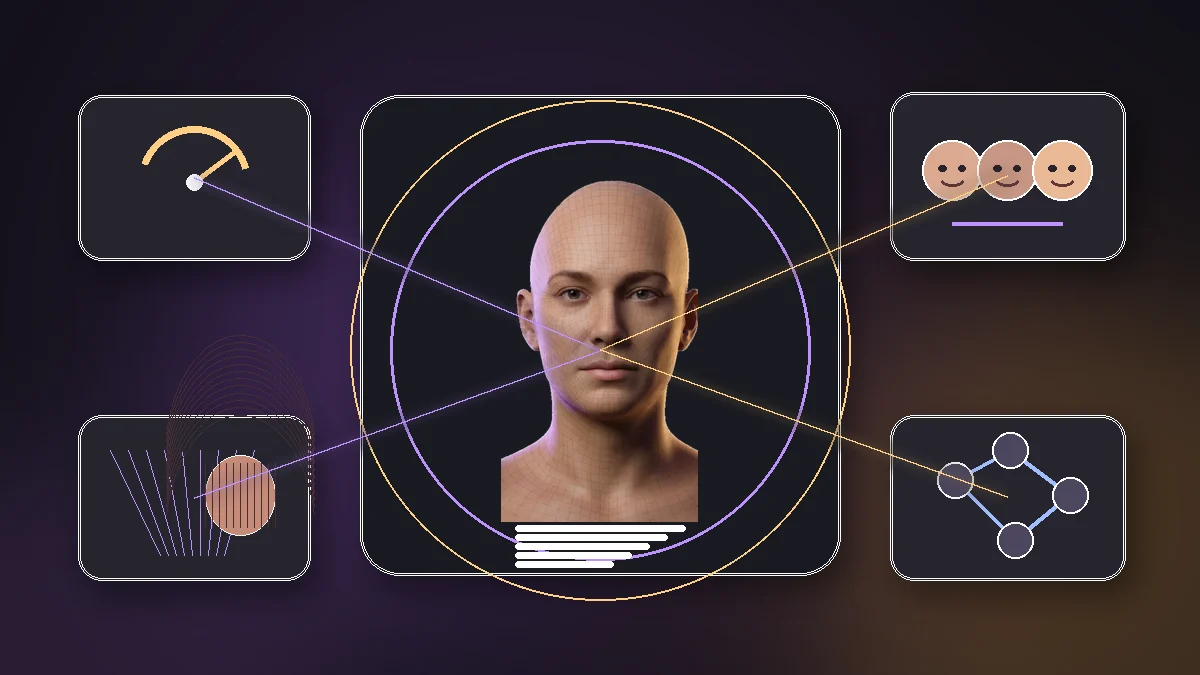
Built for Complete Avatar Creation
ChatAvatar helps teams create complete digital humans, NPCs, virtual presenters, and stylized characters with detailed faces and matching body meshes.
Where ChatAvatar Fits
Create avatar assets for teams building characters, virtual identities, and real-time experiences.
Character Design
Character Design
Create complete character assets with detailed faces, matching body meshes, and flexible realistic or stylized directions.
Games and Real-Time Avatars
Games and Real-Time Avatars
Create complete NPC and player-avatar assets with detailed faces and matching body meshes for game and real-time workflows.
Digital Hosts and Virtual Presenters
Digital Hosts and Virtual Presenters
Create complete ChatAvatar assets for digital hosts, virtual presenters, NPCs, and social identities.
VR/AR and Virtual Identity
VR/AR and Virtual Identity
Create lifelike or stylized digital identities with a detailed face and matching body mesh for immersive experiences and social spaces.
Frequently Asked Questions
Answers for creators and teams evaluating ChatAvatar workflows.