


















How to Convert Image to 3D Model in 3 Steps
Convert image to 3D model files in three steps: upload an image, set speed and shape, then check and export.
1
Upload Your Image
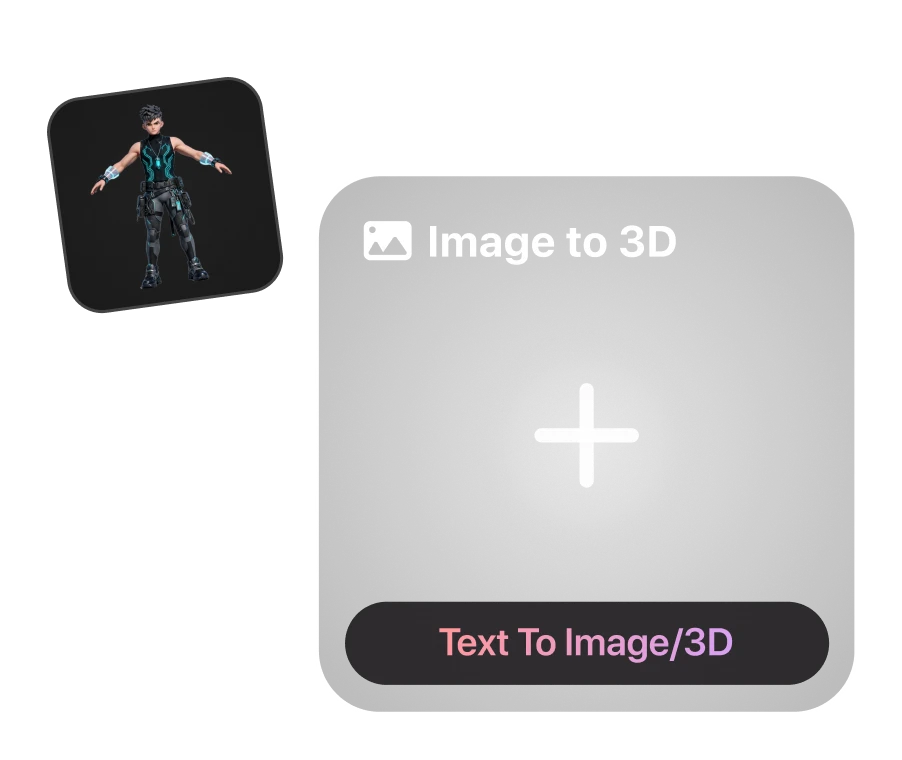
Upload one clear image with the whole subject in view. A single picture to 3D model works for most objects. To control the back and sides, add up to 4 more views from any angle. If you need an image, create one first with our AI image generator.
2
Choose Your Speed and Control the Shape
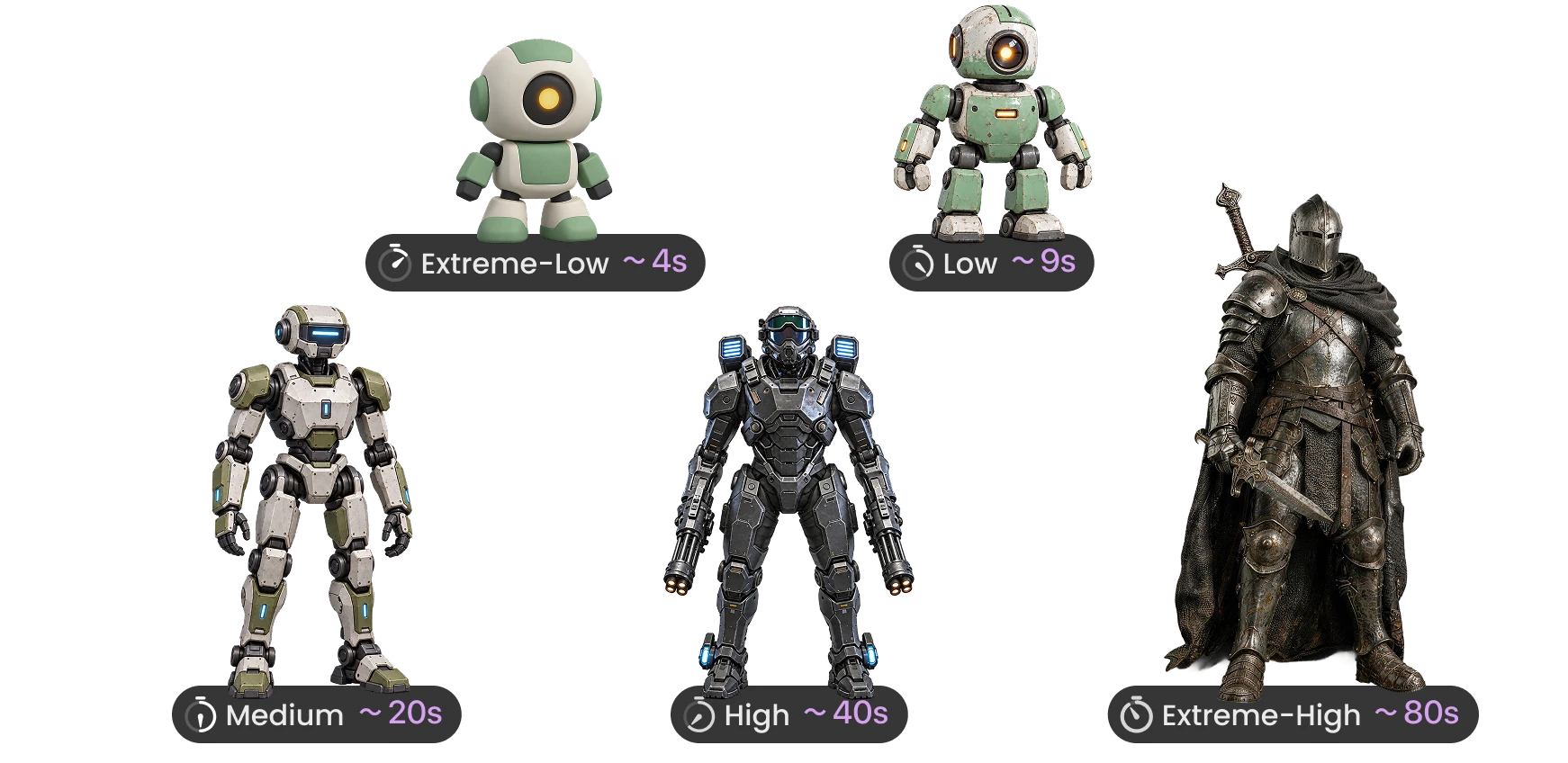
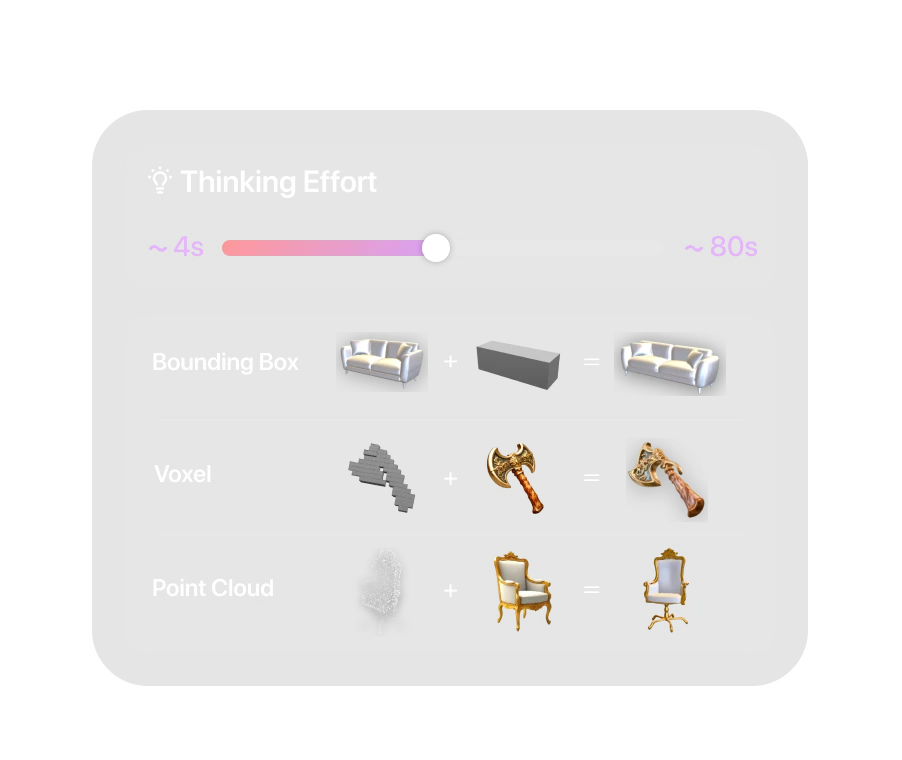
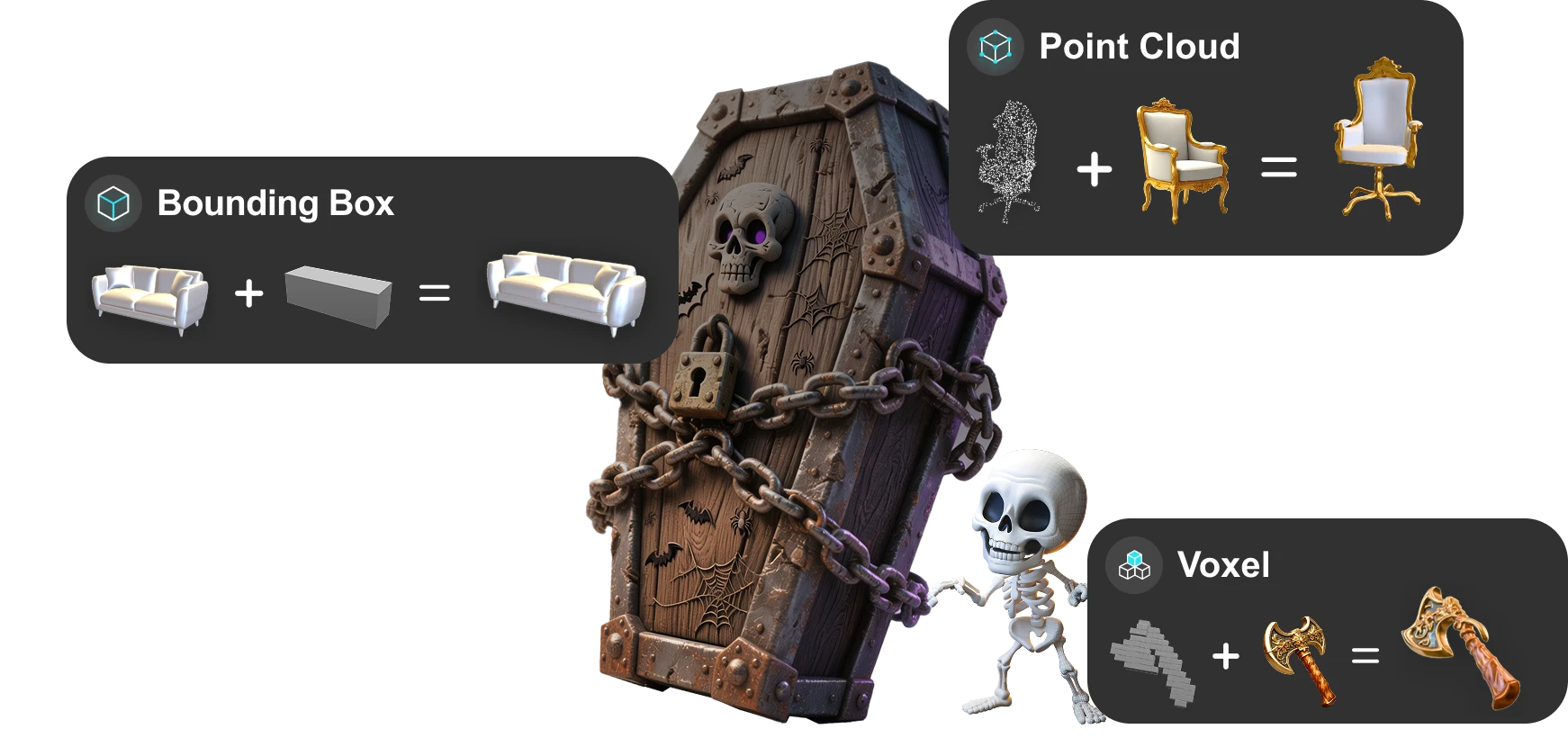
Pick a Thinking Effort level, from about 4 seconds for a quick draft to up to 80 seconds for the finest detail. For more precise control over shape and proportions, use Bounding Box, Voxel, or Point Cloud to guide the geometry. Then click Generate.
3
Inspect, Refine, and Export
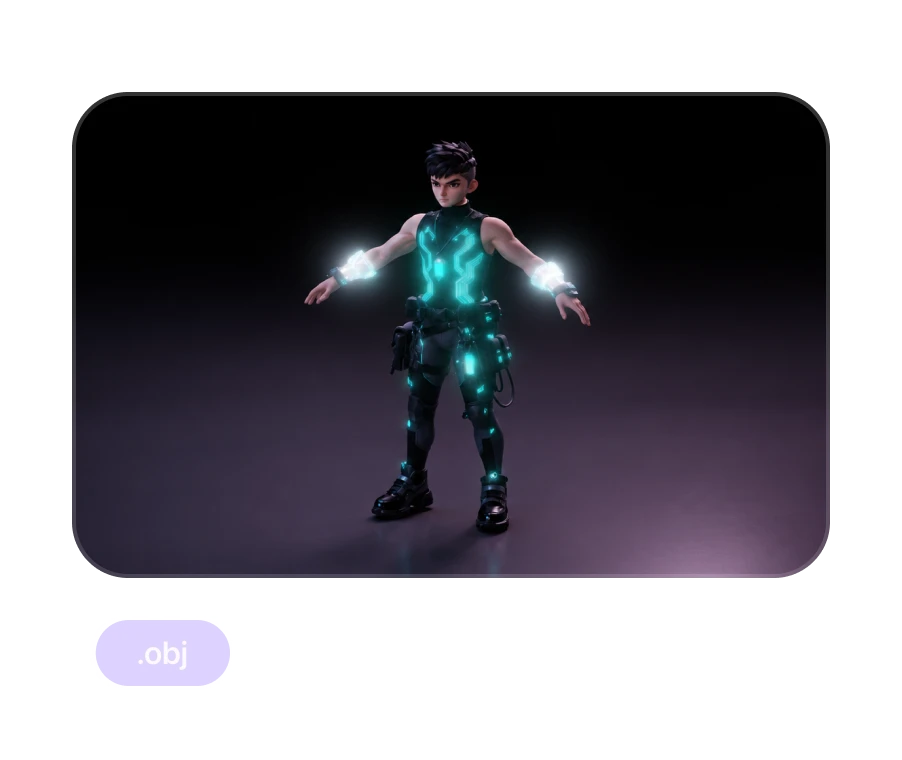
Rotate your model to check the back, thin structures, and textures. Regenerate or refine any areas that need adjustment. Export as OBJ, FBX, GLB, USDZ, or STL, ready for game engines, 3D software, or 3D printing workflows.
Single Image or Multi Views? Any Angle Works
Start with a single image, or use multi image to 3D when you have multiple views of the same object. Rodin supports up to five images from any angle, with no fixed front, side, or back shots required, and works out how they fit together.
One Image, Fastest Start
Best for quickly testing a shape, style, or concept. Rodin fills in the sides your image doesn't show, so a clear image with the full subject in view works best. Only have an idea? Start from a description with our text to 3D model generator.
See Every Detail of an Image to 3D Model
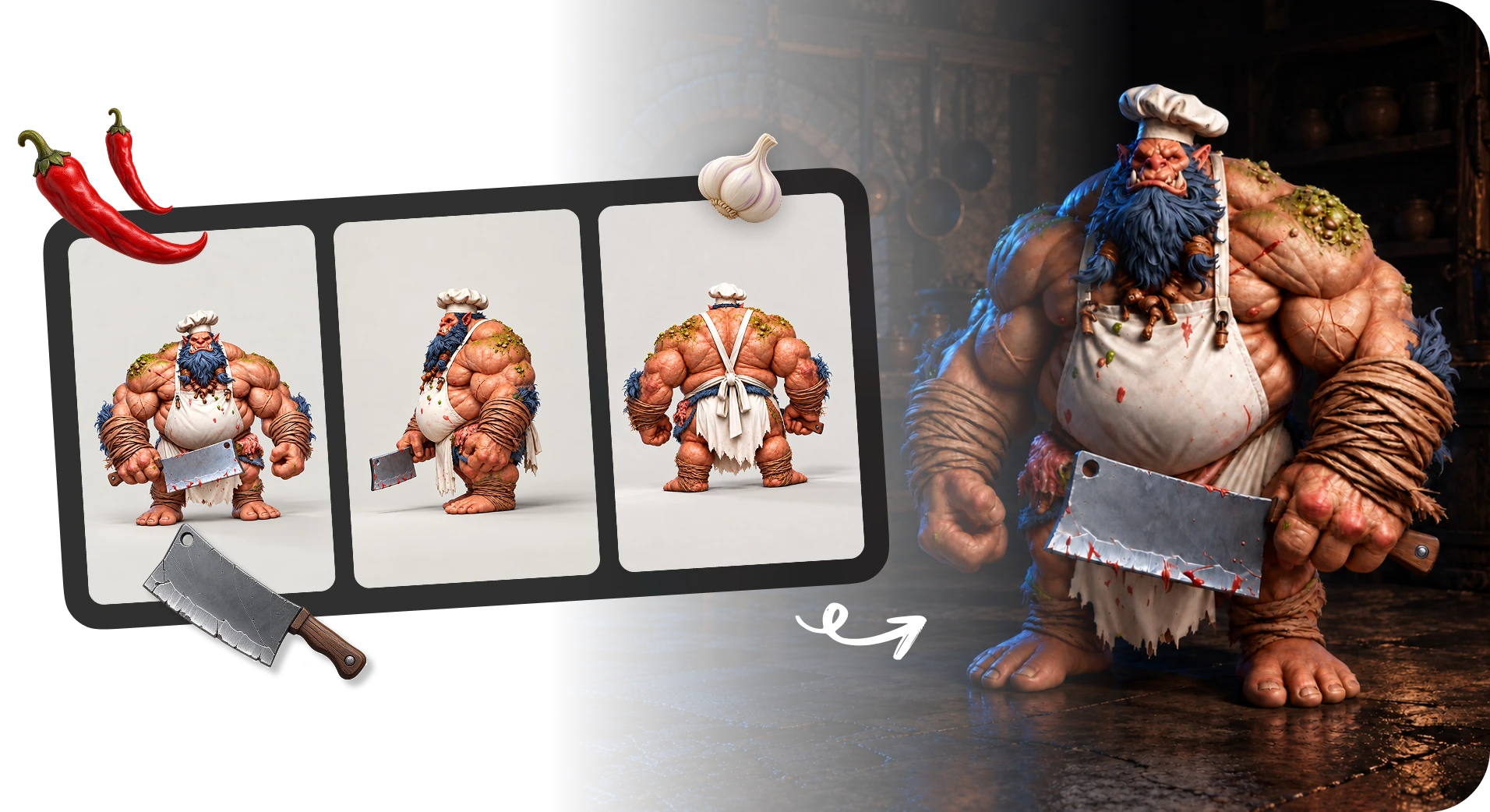
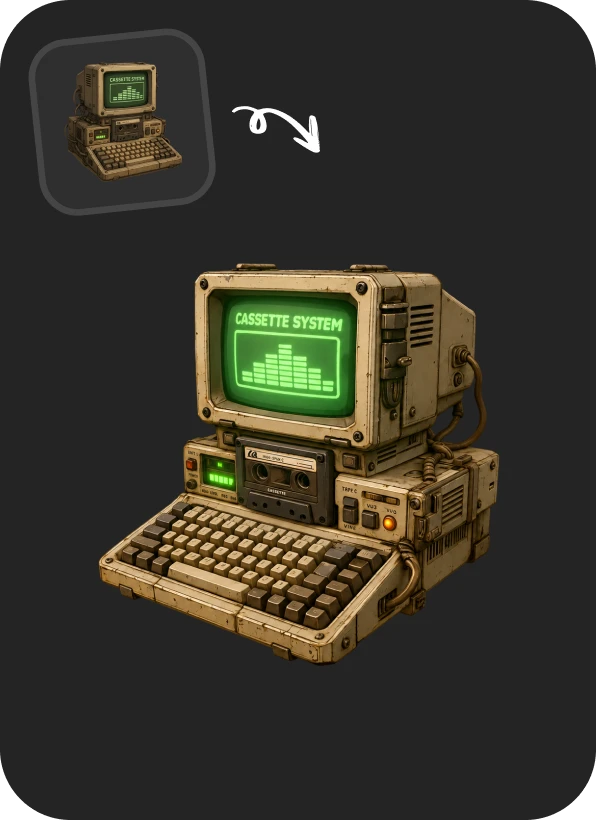
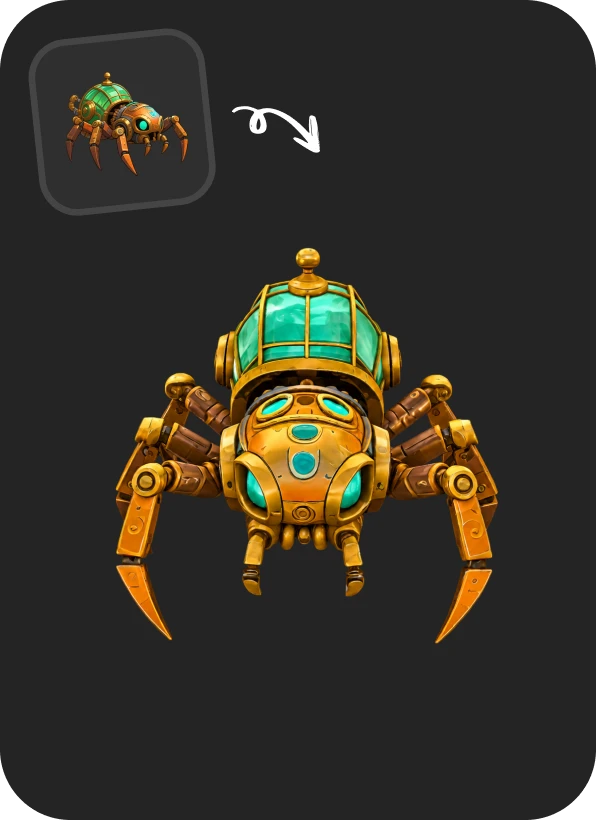
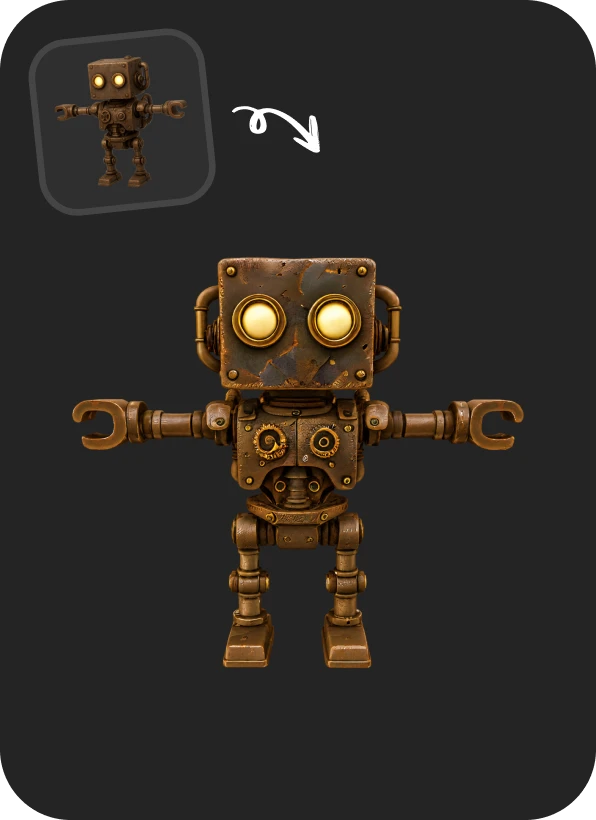
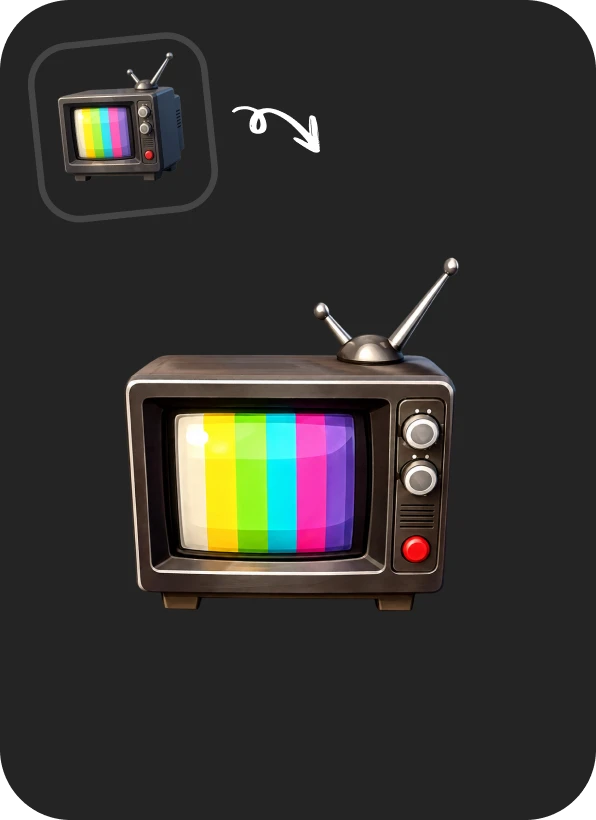
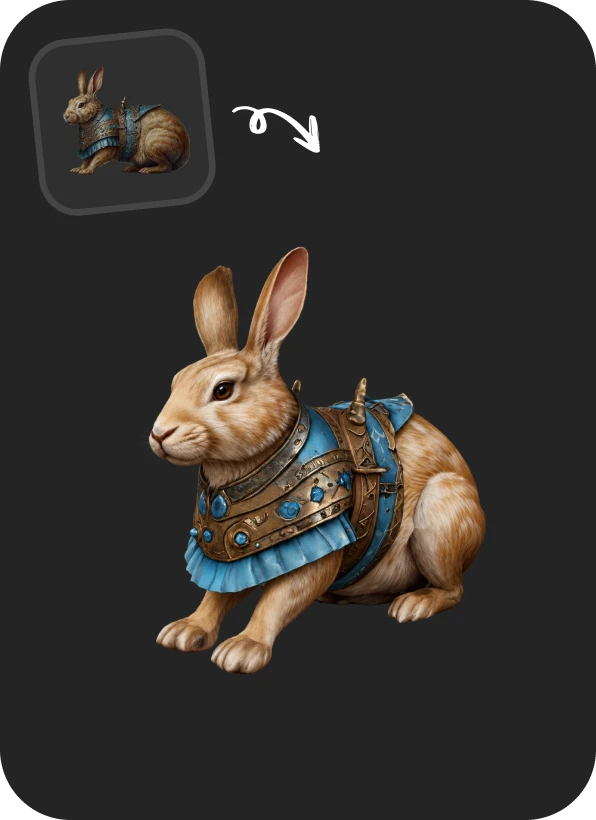
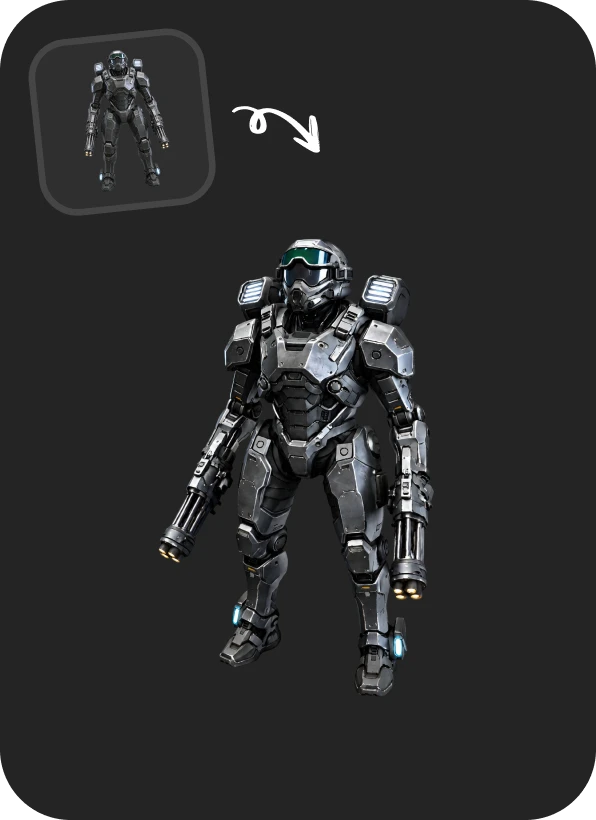
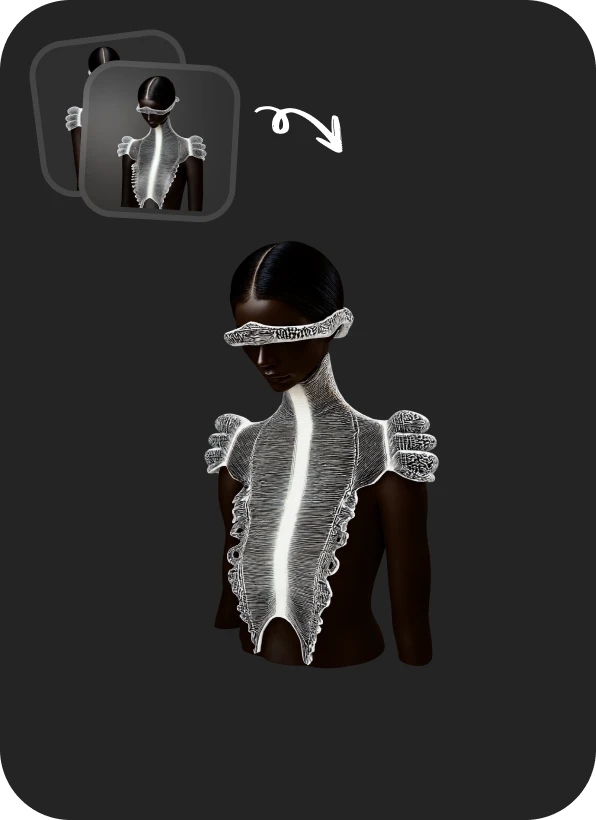
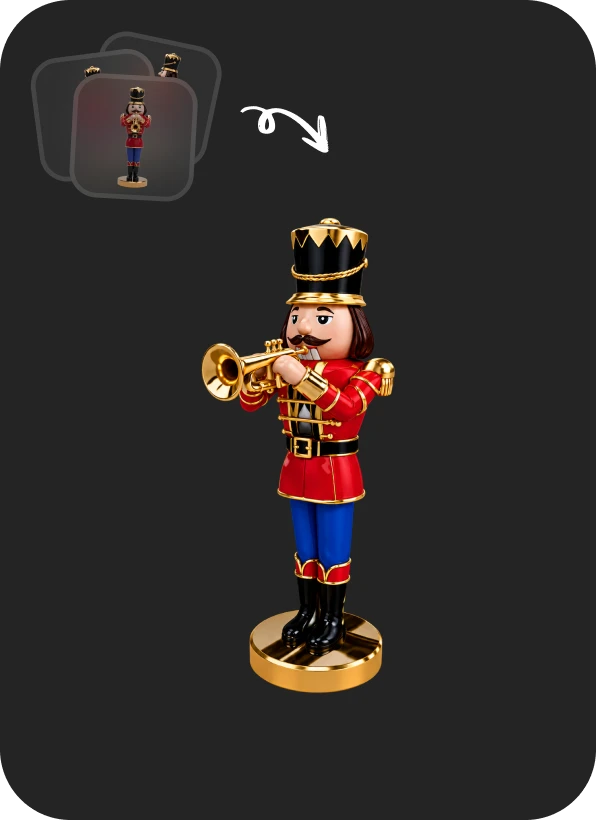
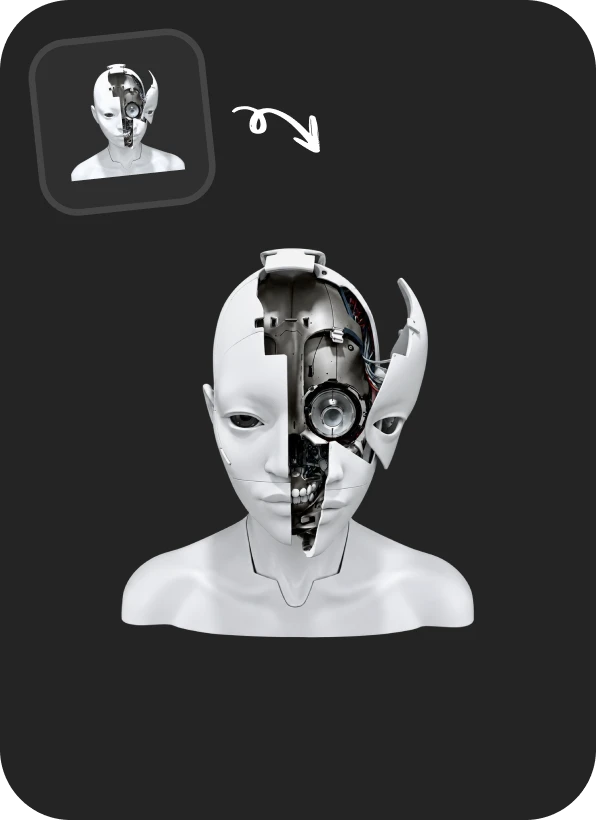
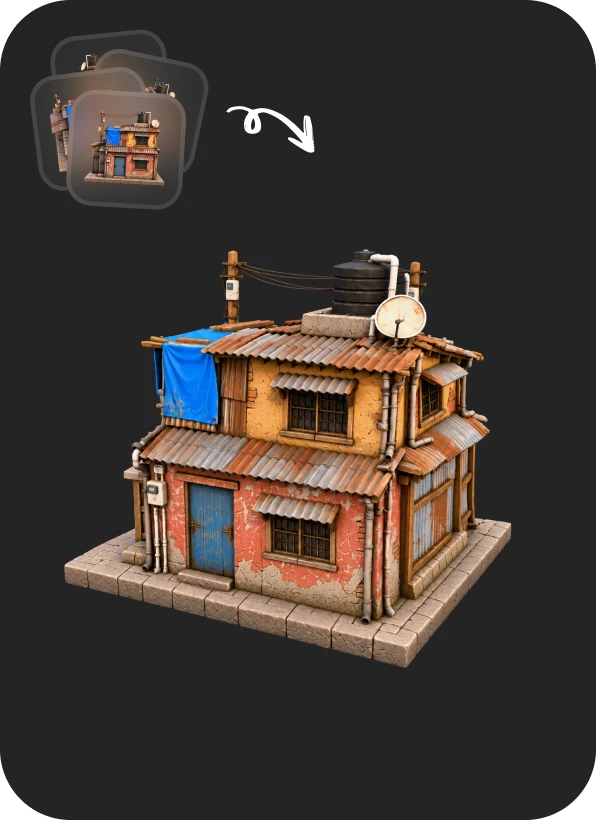
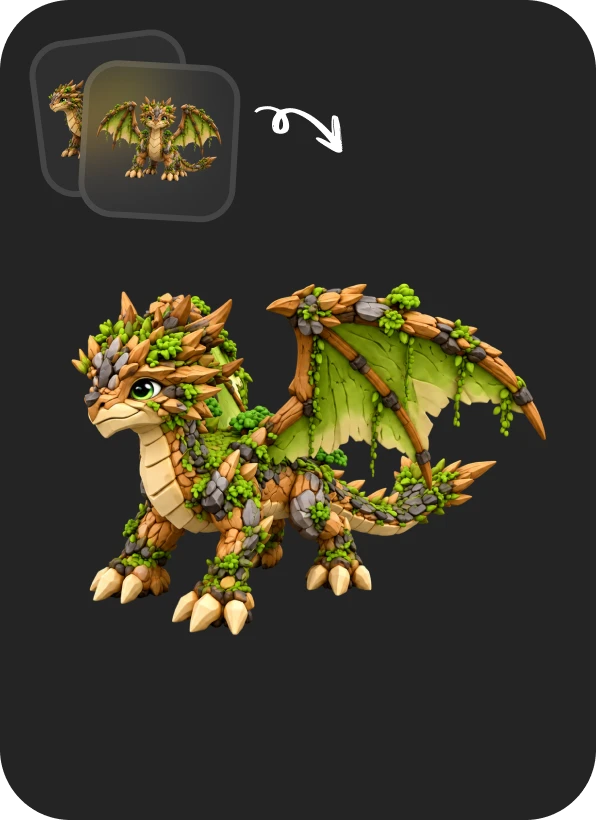
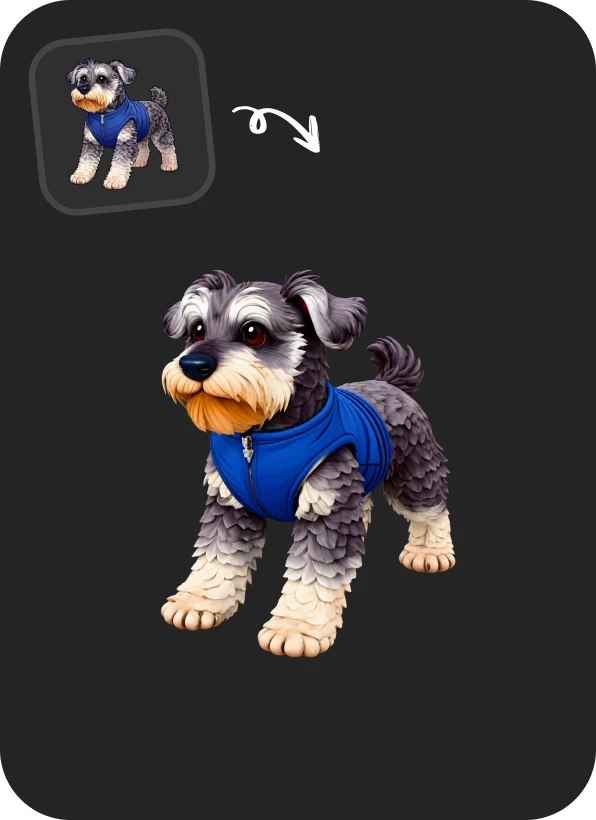
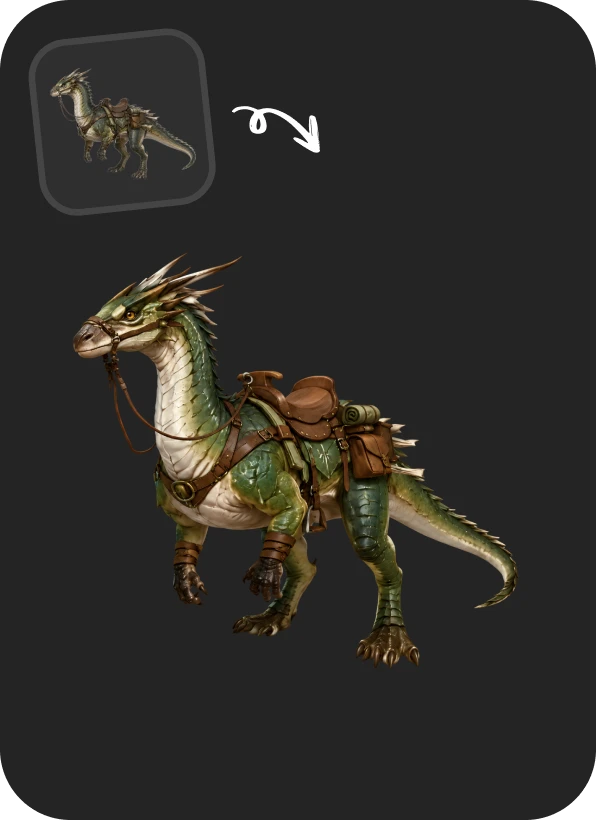
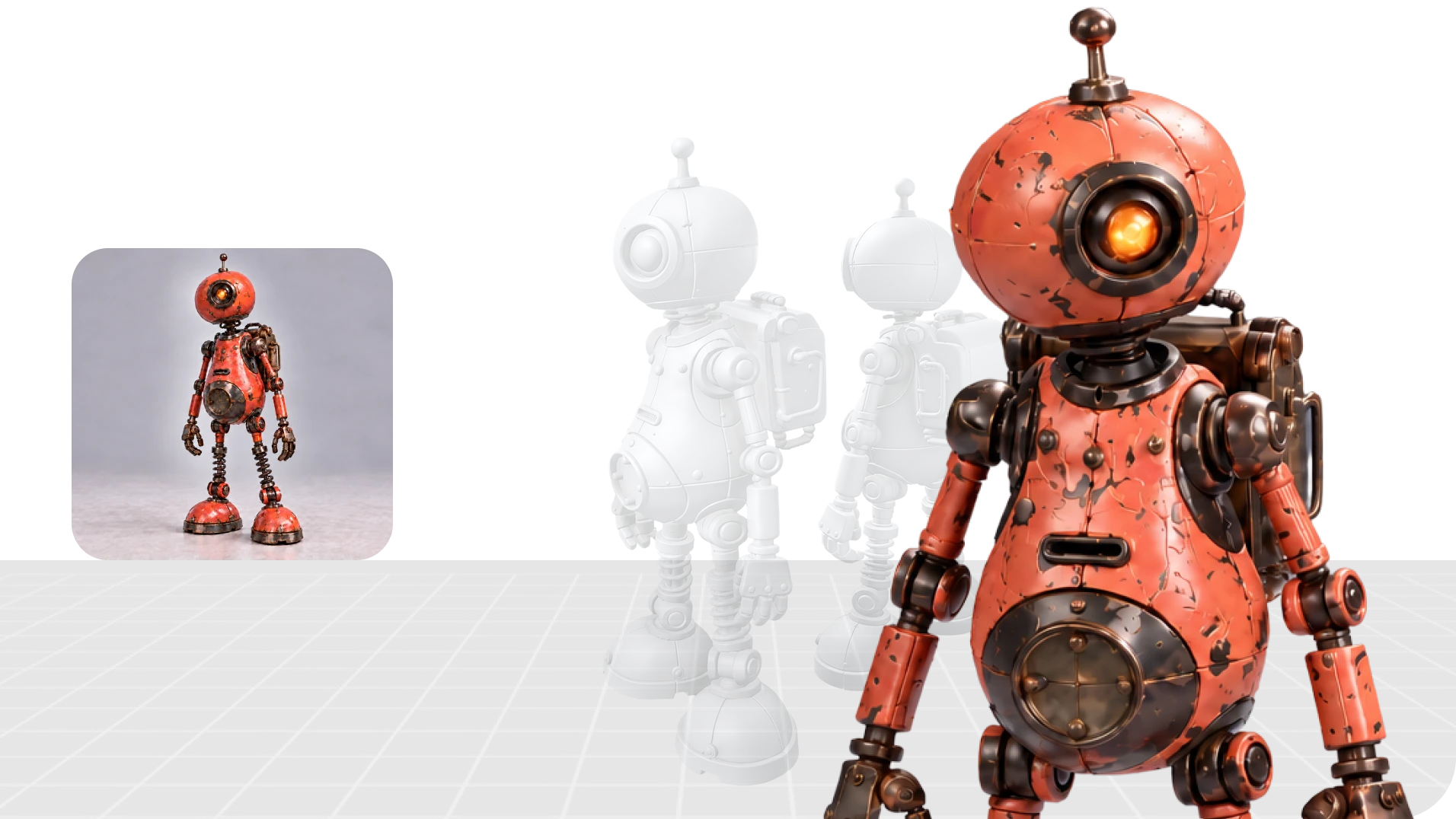
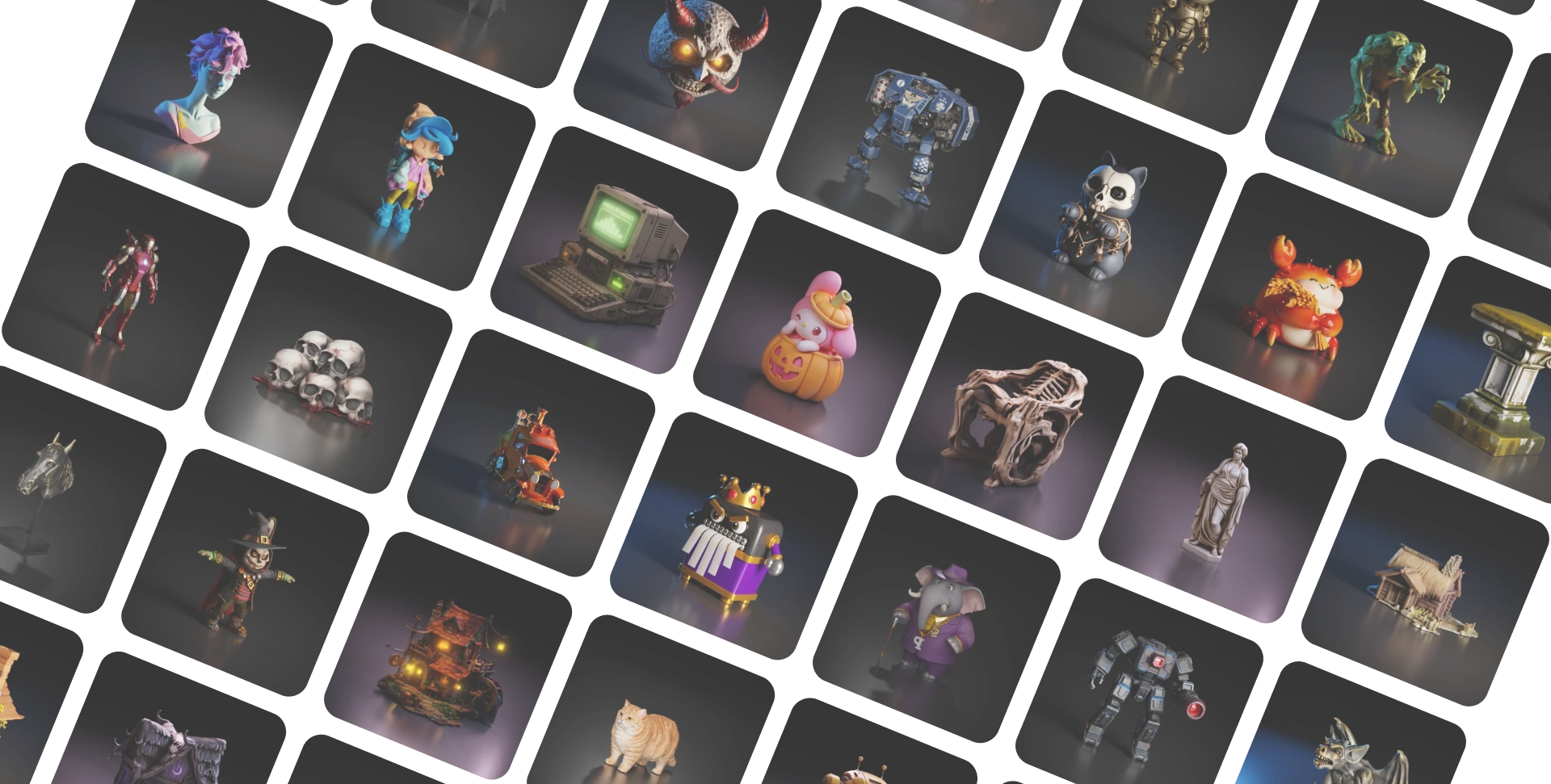
From a game prop to a product shot, see how each photo to 3D model holds on to fine details like crisp edges and surface textures. Pick a category to compare the input image with the finished model. Characters · Game Props · Products · Figures & Collectibles · Scene
Why Creators Choose Rodin for Image to 3D
Rodin is built by the research team behind CLAY and CAST, a SIGGRAPH 2025 Best Paper. That research gives control over the shape before it's generated, and preserves fine details for games, rendering, and 3D printing.
From One Image to Every 3D Workflow
Use 3D model across game development, product design, 3D printing, and film, with export options for each pipeline.
Game Development
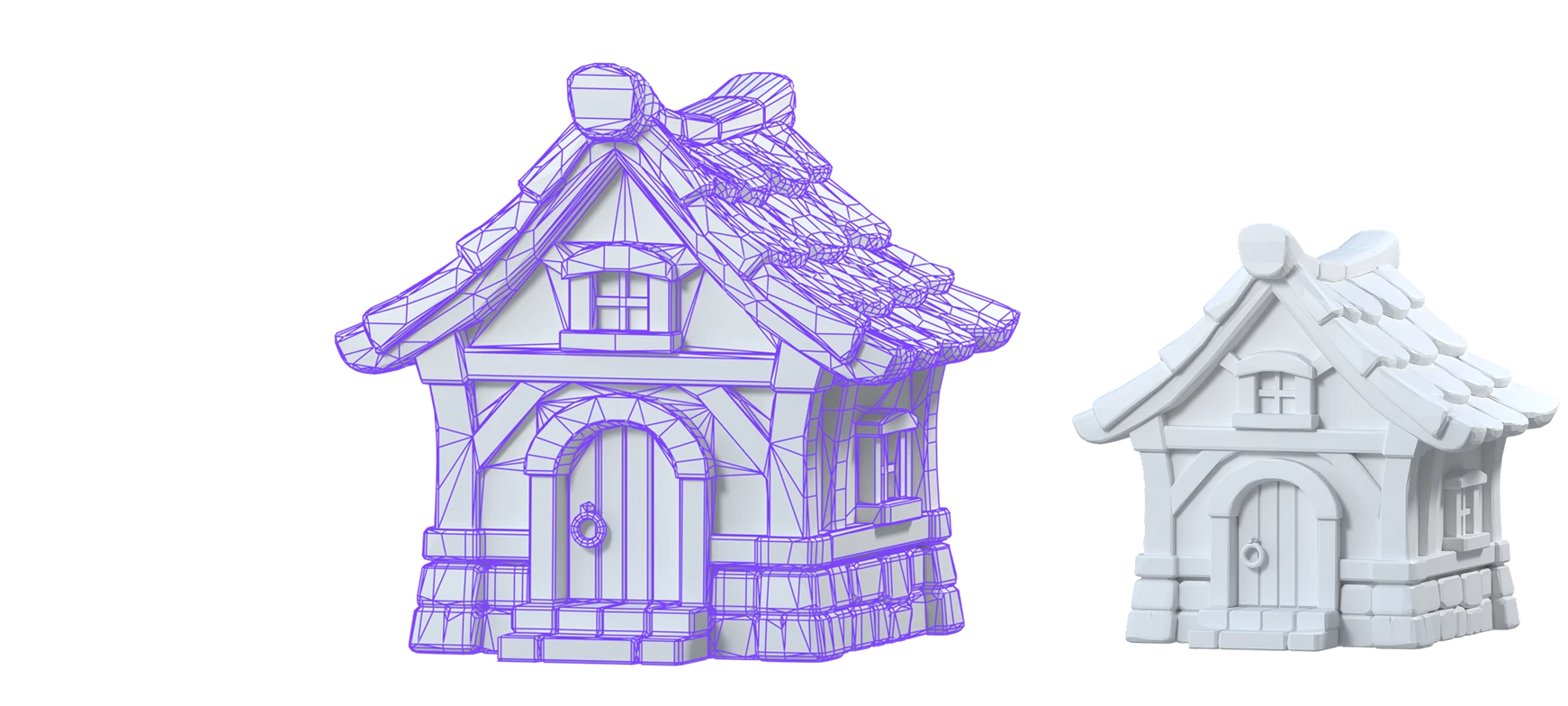
Concept art to game-ready 3D in seconds. Smart Topology delivers low-poly meshes for Unity, Unreal, Godot, and more with Hyper3D MCP.
Product Design & Prototyping
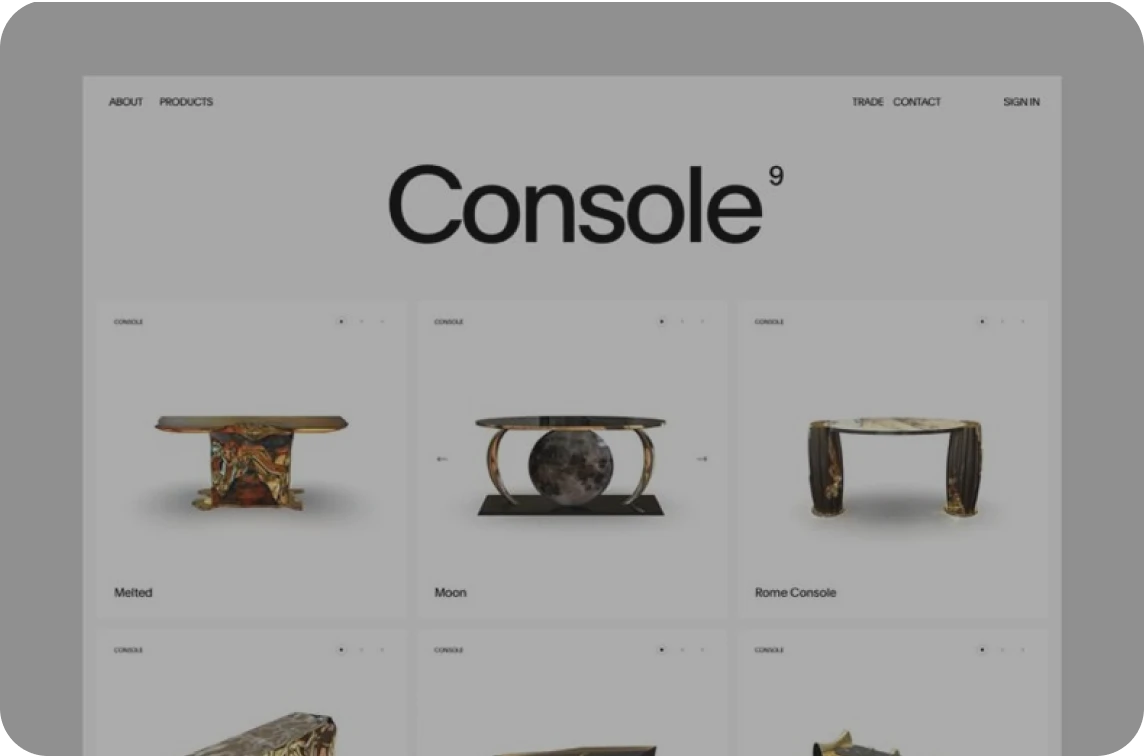
Turn a product photo into a 3D model at exact proportions. Lock size with 3D ControlNet, preview in AR, or scale up via the image-to-3D API
3D Printing
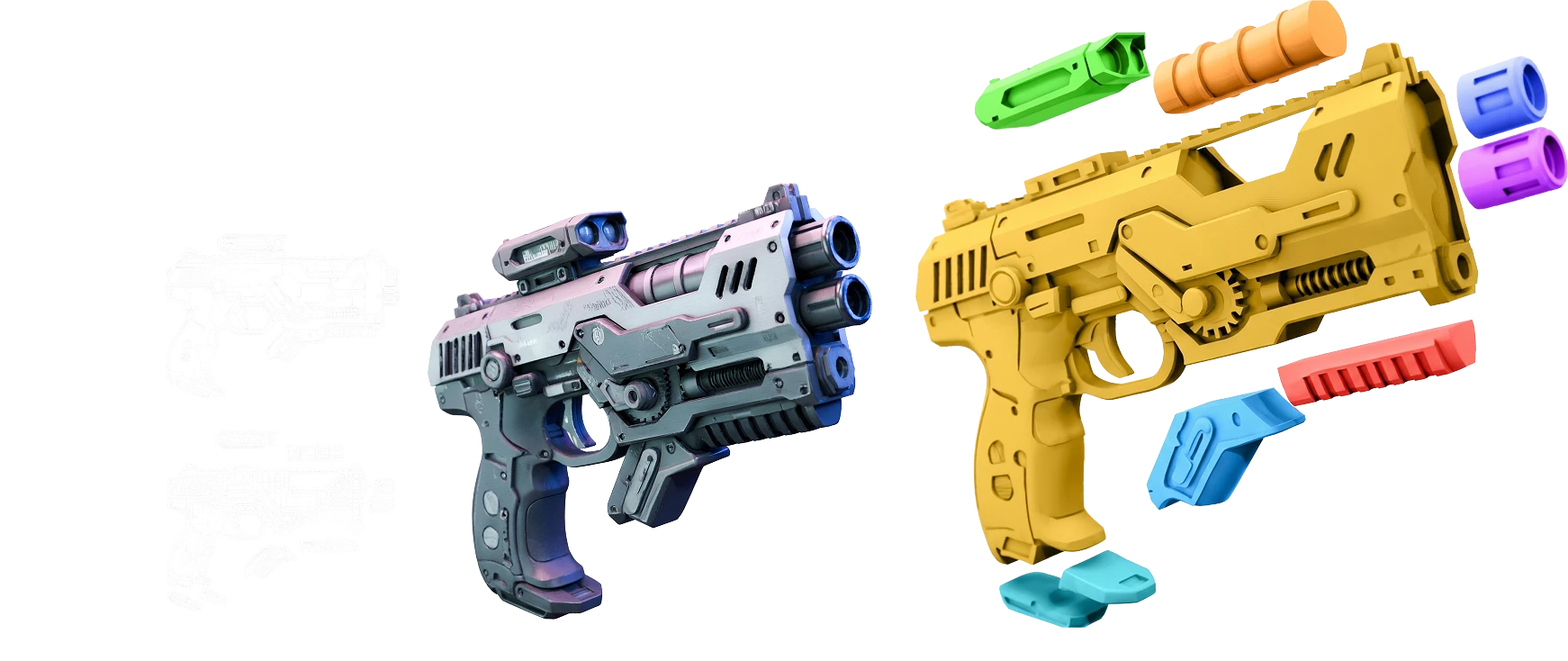
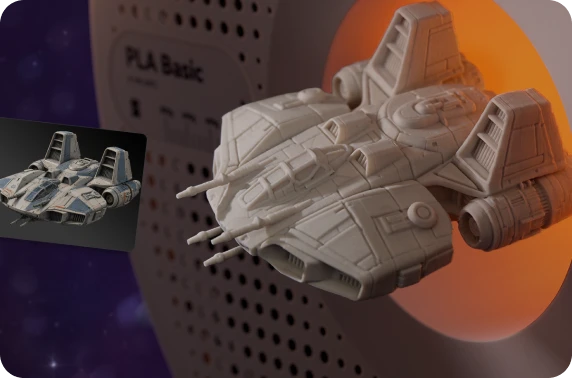
Print watertight figures, miniatures, and replacement parts from one image, with STL export or Bang to Parts for multi-color prints.
Art & Film
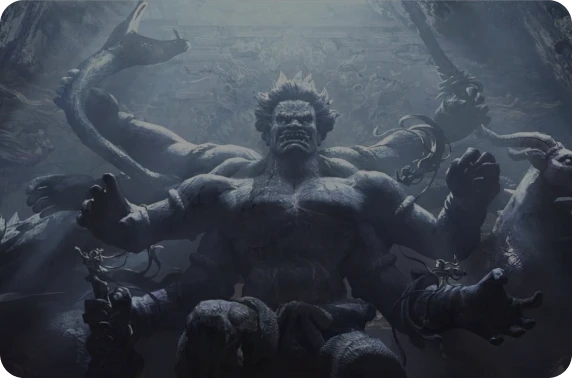
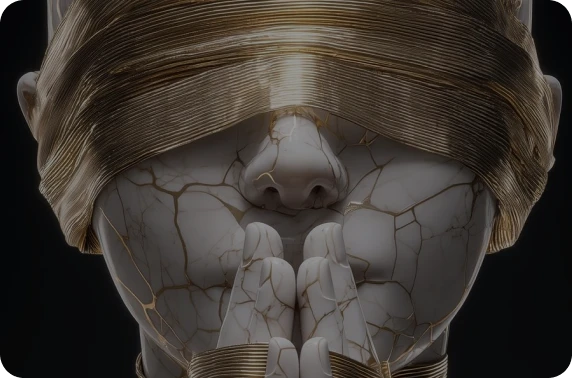
Bring illustrations and character designs into 3D with rich detail that holds up in close-ups, look development, and cinematic scenes.
From SIGGRAPH Stage to Your Workspace
Three years in a row, from 2024 to 2026, the research team behind Rodin has been recognized at top conferences, including SIGGRAPH, the leading event for computer graphics. The papers below power features you use in Hyper3D today.
Best Paper

SIGGRAPH 2025
CAST
A Physics- and Occlusion-Aware Scene Reconstruction Method
Best Paper Honorable Mention
SIGGRAPH 2024
CLAY
The First Controllable Large-Scale 3D Generative Model
Top 10 Fast Forward
SIGGRAPH 2025
BANG
A New Paradigm For 3D Asset Decomposition
Best Paper Honorable Mention
SIGGRAPH 2024
DressCode
A Text-Driven 3D Garment Generation Framework
Outstanding Award Finalist

RSS 2026
CuNRTO
GPU-Accelerated Nonlinear Robust Trajectory Optimization


Loved by 1,000,000,000+ Creators Worldwide

I tried Hyper3D Agentic Mode by @DeemosTech for 3D assets for my own games. I have to say, I was pleasantly surprised by how good the models turned out.
Alexey Fateev@superaleshaI made a learning site for grades 1–7 with books for math, English, and science. My kids loved it. … What stood out was the speed and quality. Rodin gave me richly detailed, high-quality, production-ready assets for the site. You can see the detail in the metalwork on the candelabra and lantern.
Mengto@MengtoExplore More Ways to Create with Hyper3D
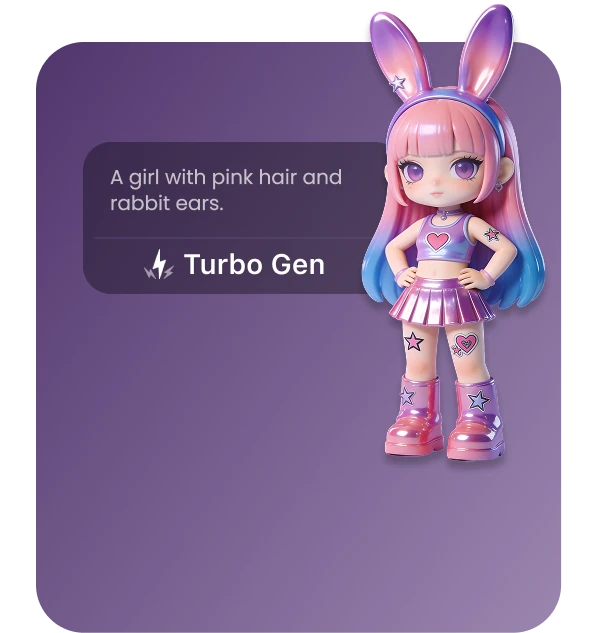
Text to 3D
Describe your idea with a text prompt and let our text to 3D model generator build it.
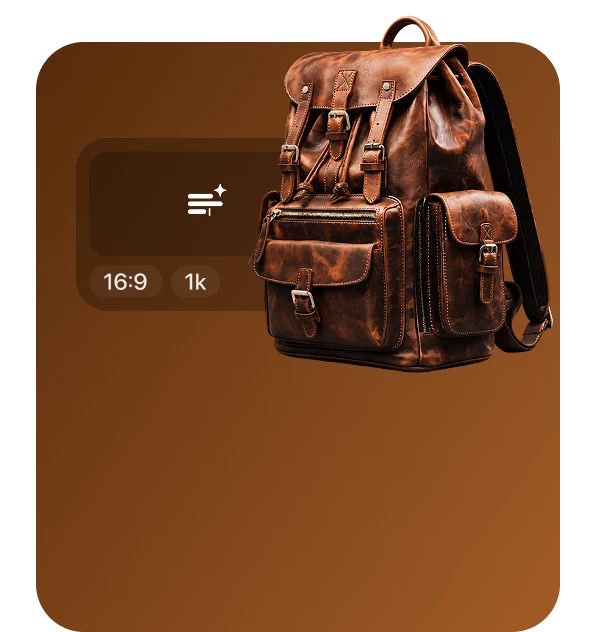
AI Image Generator
Create a clean reference image with our AI image generator, then turn it into 3D.
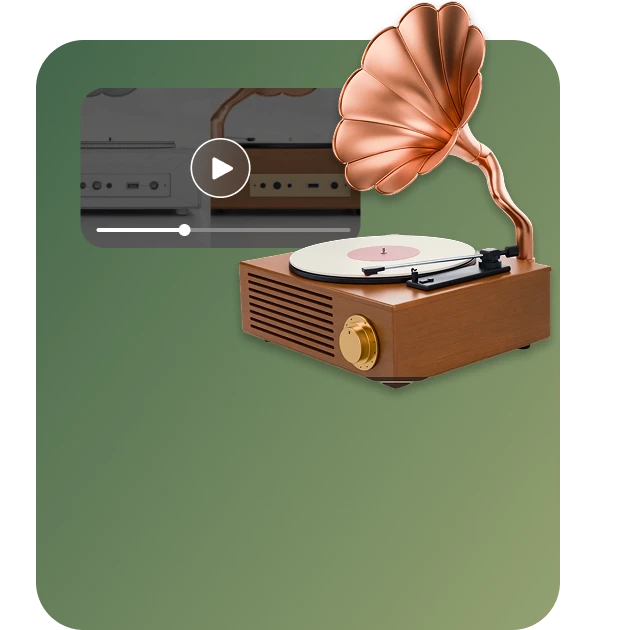
AI Video Generator
Bring your images and ideas to life as short videos for previews and social posts.
API
Integrate Hyper3D into your app or production pipeline to automate 3D generation at scale.
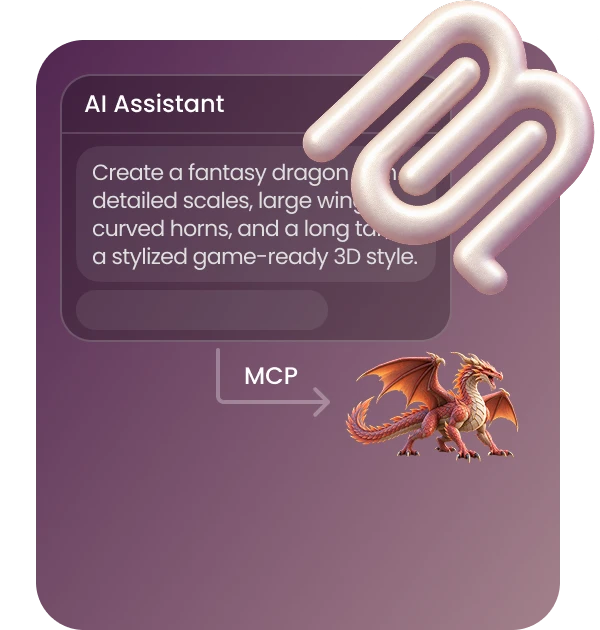
MCP
Generate 3D models directly in your AI assistant with Hyper3D MCP.
I’ve been messing around with AI 3D tools lately, and I honestly didn’t expect this to work as well as it did. It feels less like “generate a 3D model and download it” and more like having something you can actually keep iterating on.
J.JJOY JULIET@JoyJuliet_AI