Free 3D Design Software Online: Your Guide to Browser-Based Tools
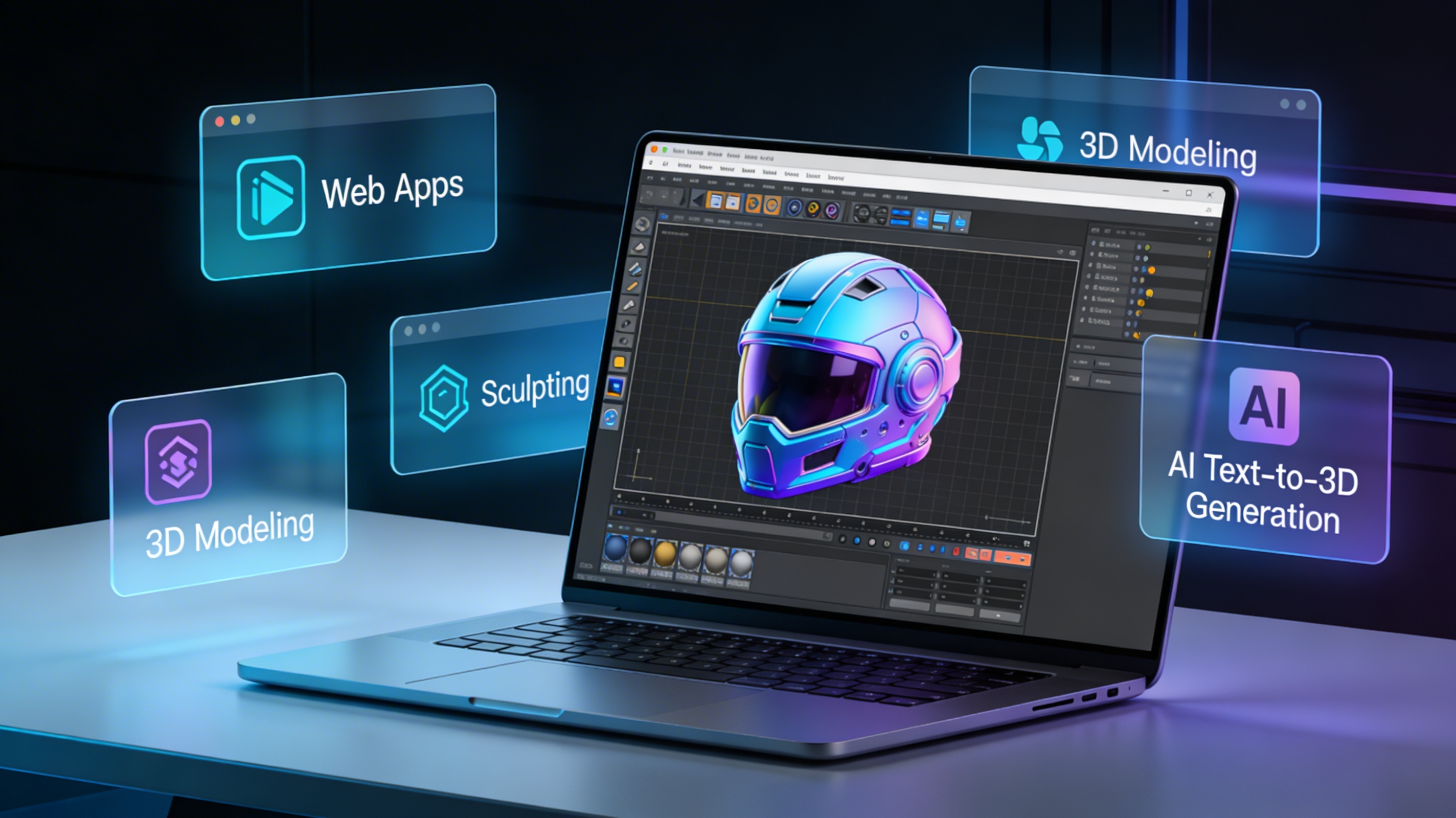
The world of 3D design is more accessible than ever, thanks to a growing number of powerful, free 3D design software online. These browser-based applications eliminate the need for expensive hardware and lengthy installations, allowing anyone with an internet connection to start creating. Whether you're a hobbyist, a student, or a professional looking for a quick way to prototype, platforms like Hyper3D, TinkerCAD, and SketchUp Free offer a surprisingly solid set of features right in your web browser.
What is Free 3D Design Software Online?
fundamentally, free 3D design software online refers to applications that run directly in your web browser to create, edit, and view three-dimensional models. Unlike traditional desktop software that requires a powerful computer and a paid license, these tools are typically free to use and accessible from any device. They provide a range of functionalities, from simple geometric modeling to complex sculpting and texturing. This accessibility has opened up the world of 3D creation to a much wider audience, democratizing a field that was once the exclusive domain of professionals.
The Rise of Browser-Based Tools
The shift towards cloud-based software has been a major catalyst. As internet speeds have increased and web technologies have become more sophisticated, developers have been able to deliver rich, interactive experiences that rival their desktop counterparts. This means you can work on your projects from anywhere, collaborate with others in real-time, and save your work to the cloud without worrying about local storage.
Who Are These Tools For?
These platforms cater to a diverse range of users. Beginners and students can learn the fundamentals of 3D modeling in an intuitive, low-stakes environment. Hobbyists and makers can design custom parts for 3D printing. Even professional designers and artists often use these tools for quick mockups, concept art, or for accessing their work on the go. The ease of use and collaborative features make them ideal for educational settings and team projects.
How Does Browser-Based 3D Design Work?
Browser-based 3D design tools use technologies like WebGL (Web Graphics Library) to render 3D graphics directly within the browser. This allows them to tap into the computer's graphics processing unit (GPU) for smooth, real-time performance. The user interface is typically designed to be intuitive, with familiar tools and workflows that are easy to pick up for those new to 3D.
Core Technologies
Most online 3D software is built on a foundation of HTML5, CSS3, and JavaScript. The 3D rendering itself is handled by WebGL, a JavaScript API that provides a low-level interface to the GPU. This enables the creation of complex scenes with lighting, shadows, and textures, all running at a smooth frame rate. Many platforms also integrate cloud storage, allowing you to save and access your projects from any device.
User Interface and Workflow
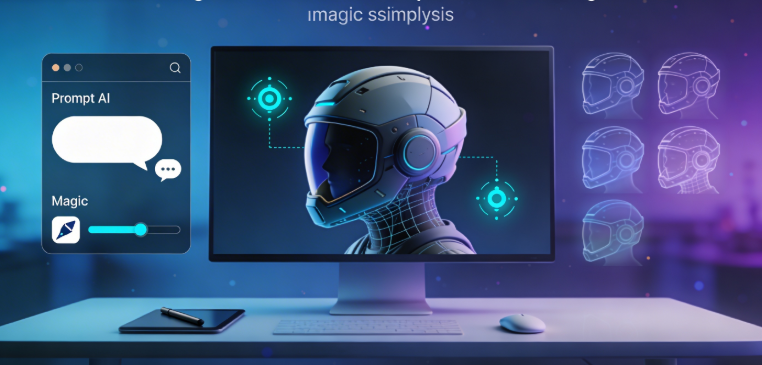
The workflow in a browser-based tool is often simplified compared to professional desktop software. You typically start with a basic shape or primitive, which you can then modify using a variety of tools. These might include tools for sculpting, extruding, and combining shapes. Many platforms, like the free 3D model generator from Hyper3D, even allow you to generate models from text prompts, further simplifying the creation process.
Top Free 3D Design Software Online: A Comparison
Choosing the right tool depends on your specific needs and skill level. Here?? a breakdown of some of the most popular options available today, with a focus on their strengths and weaknesses.
| Tool | Best For | Pros | Cons |
|---|---|---|---|
| Hyper3D | AI-powered generation & editing | Intuitive AI tools, powerful editing with OmniCraft, multiple export formats (STL, FBX, OBJ, GLB, USDZ) | Newer platform, some advanced features are still in development |
| TinkerCAD | Absolute beginners & education | Extremely easy to learn, great for simple geometric designs | Very limited toolset, not suitable for complex or organic models |
| SketchUp Free | Architectural & geometric modeling | Powerful for its price (free), large user community | Steeper learning curve, limited features compared to the pro version |
| Vectary | Product design & AR mockups | Great for creating realistic product visuals, built-in AR features | Can be slow with complex scenes, some features are behind a paywall |
| SculptGL | Digital sculpting | Simple and intuitive sculpting tools, great for organic shapes | Limited to sculpting, no texturing or rendering features |
| Clara.io | All-in-one modeling & rendering | Comprehensive feature set, including animation and rendering | Can have a steep learning curve, interface can feel cluttered |
| Meshy | AI-based mesh processing | Powerful AI tools for mesh cleanup and optimization | Focused on mesh processing, not a full modeling suite |
Hyper3D
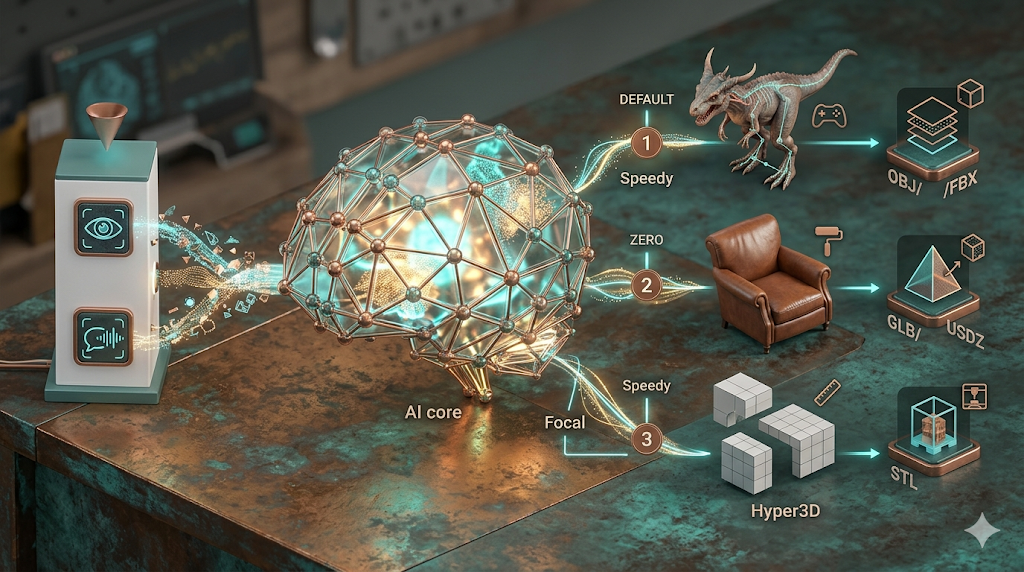
Hyper3D is a newer player in the field, but it?? quickly making a name for itself with its powerful AI-driven tools. You can generate models from text with a text to 3D model tool, or even from a single image to 3D. The platform also includes the AI 3D model editor, OmniCraft, for more traditional mesh editing and format conversion. With a range of generation modes and export options, it?? a versatile tool for both beginners and more experienced users.
TinkerCAD
TinkerCAD is often the first stop for anyone new to 3D design. Its block-based approach is incredibly intuitive, allowing you to create complex shapes by combining and subtracting simple primitives. While it?? not the most powerful tool on this list, its simplicity is its greatest strength. It?? an excellent choice for children, educators, and anyone who wants to dip their toes into 3D modeling without feeling overwhelmed.
My First-Hand Experience: Crafting a Model from Scratch
To get a real feel for these platforms, I decided to create a simple model of a sci-fi helmet across a few of them. In Hyper3D, I started with a text prompt in Rodin, their generation tool, using "futuristic pilot helmet, sleek, white with blue visor." The initial result was impressive, giving me a solid base to work with. I then took the model into OmniCraft to refine the mesh, sharpening some of the edges and adding a few extra details. The process was smooth, and the AI tools saved me a significant amount of time.
I then tried to replicate the process in TinkerCAD. While I could create a basic helmet shape by combining spheres and cubes, achieving the same level of detail and organic curvature was challenging. SketchUp Free offered more precision, but the learning curve was steeper, and I spent a good amount of time just figuring out the basic tools. For pure sculpting, SculptGL was a lot of fun, but it lacked the texturing and rendering capabilities to create a finished product. This experience highlighted the unique strengths of each platform and reinforced the idea that the "best" tool really depends on the project.
Step-by-Step Guide to Your First 3D Model
Ready to create your first model? Here?? a simple guide to get you started using a tool like Hyper3D.
1. Sign Up and Log In: Head to the Hyper3D website and create a free account.
2. Choose Your Tool: For beginners, the Rodin generator is a great place to start. You can find it under the "generation" tab.
3. Write Your Prompt: In the text box, describe the object you want to create. Be as specific as you can. For example, instead of "car," try "vintage sports car, red, convertible."
4. Generate and Refine: The AI will generate a model based on your prompt. You can then refine it using the built-in tools or take it into the OmniCraft editor for more advanced edits.
5. Add Textures: Use the AI texture generator to create custom materials for your model. You can apply these to different parts of the mesh to add color and detail.
6. Export Your Model: Once you??e happy with your creation, you can export it in a variety of formats, including STL for 3D printing or GLB for use in web applications.
Advanced Tips for Browser-Based Modeling
Once you??e mastered the basics, here are a few tips to take your skills to the next level.
- Learn Keyboard Shortcuts: Most platforms have a range of keyboard shortcuts that can significantly speed up your workflow.
- Use Reference Images: Even when using AI generation, having reference images can help you refine your prompts and guide your edits.
- Understand Topology: For more advanced modeling, learning the basics of mesh topology will help you create cleaner, more efficient models.
- Experiment with Lighting: Good lighting can make a huge difference in how your model looks. Play around with different lighting setups to find what works best for your scene.
Frequently Asked Questions (FAQ)
What is the best free 3d design software online for beginners?
For absolute beginners, TinkerCAD is often recommended due to its simple, intuitive interface. However, AI-powered tools like Hyper3D can also be a great starting point, as they allow you to create complex models with simple text prompts.
Can I use free 3d design software online for 3D printing?
Yes, most of these platforms allow you to export your models in STL format, which is the standard file format for 3D printing. Always be sure to check your model for errors before sending it to the printer.
Do I need a powerful computer to use these tools?
No, one of the biggest advantages of browser-based software is that it doesn?? require a powerful computer. As long as you have a stable internet connection and a modern web browser, you should be able to use these tools without any issues.
Can I collaborate with others on my projects?
Many online 3D design platforms offer collaboration features, allowing you to share your projects with others and work on them together in real-time. This makes them a great choice for team projects and educational settings.
Are there any limitations to using free 3d design software online?
While these tools are incredibly powerful, they do have some limitations compared to professional desktop software. You may find that they lack some of the advanced features and customization options of their paid counterparts. Additionally, your performance may be limited by your internet connection speed.