Free STL Files for 3D Printing: Best Sites and AI Generation
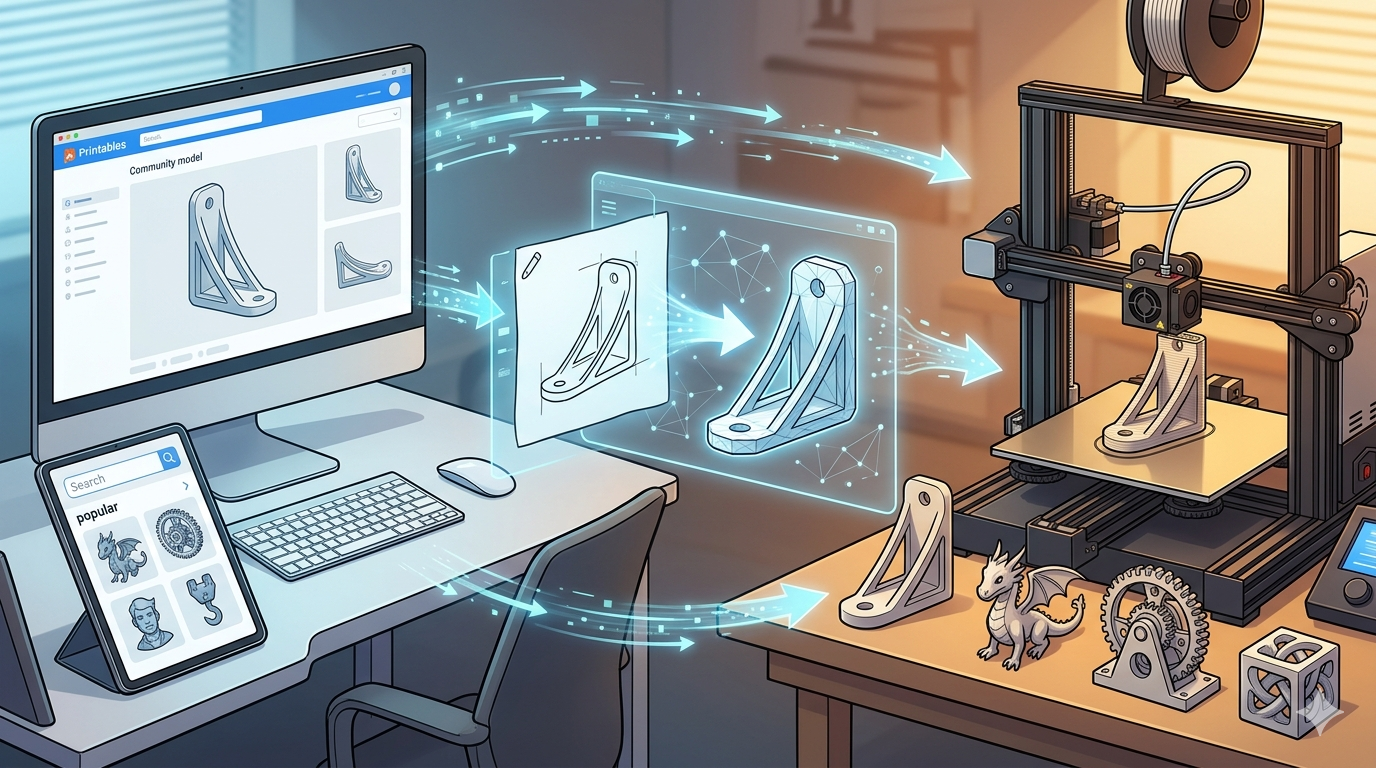
Finding the right design is the first step in any 3D printing project. For years, makers have relied on community-driven websites to download shared models. These platforms host millions of designs, from simple household gadgets to complex artistic creations. Now, a new alternative is emerging: AI-powered tools that can generate custom 3D models from text or images. This article explores the best places to find free STL files for 3D printing, comparing the most popular repositories and introducing the capabilities of AI generation. For anyone in the 3d printing community, knowing where to find free stl files for 3d printing is essential.
What Are STL Files and Why Are They So Popular?
Before diving into where to find them, it?? helpful to understand what STL files are and their role in the 3D printing workflow. They are the de facto standard for sharing printable models.
The Standard for 3D Printing
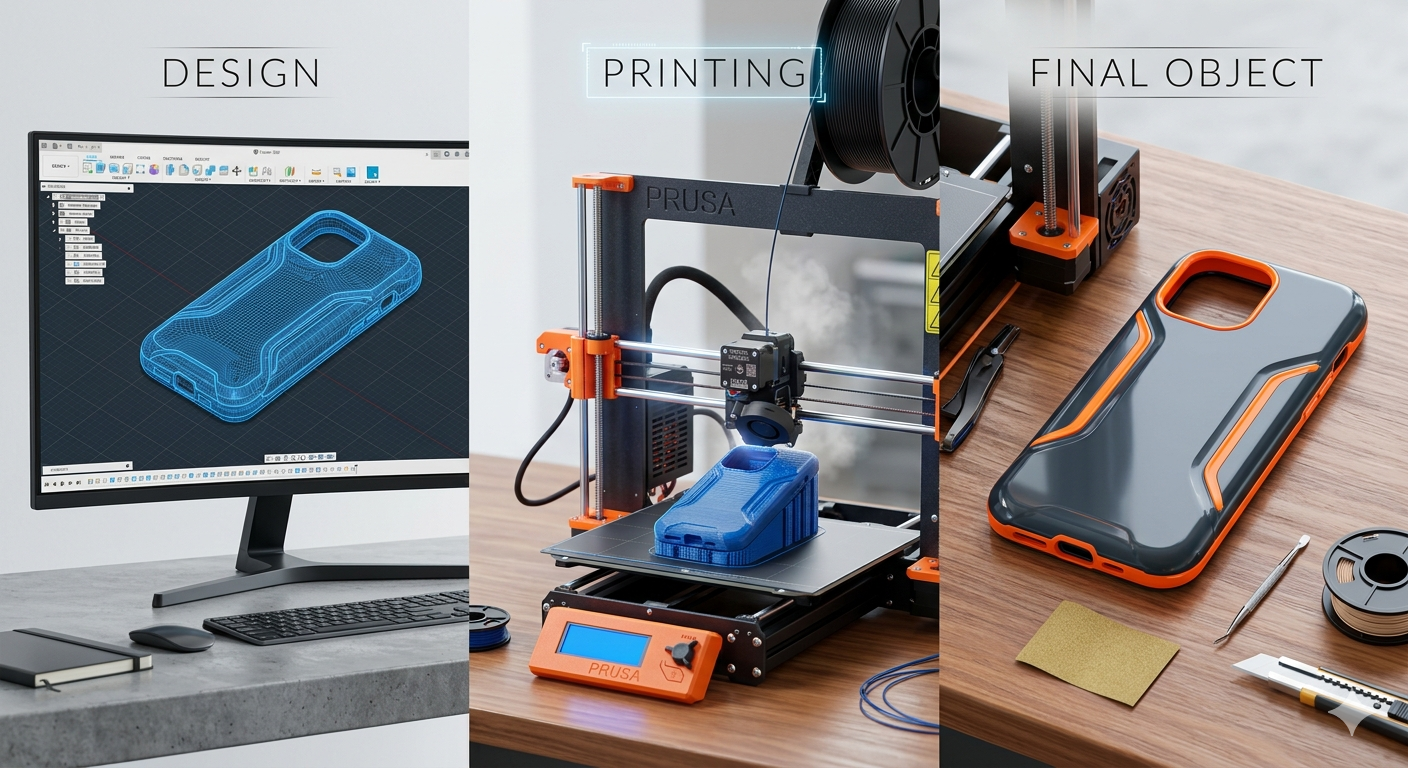
STL, which stands for stereolithography, is a file format that represents a 3D model's surface geometry using a mesh of interconnected triangles. Think of it as a digital blueprint that tells your 3D printer the shape of the object you want to create. Nearly every 3D printer and slicer software in the world accepts this format, making it a universal standard for the industry. When you download a model, you are almost always downloading an STL file.
Why Free STL Files Are in High Demand
The demand for free STL files comes from all corners of the 3D printing community. Hobbyists use them to print fun gadgets, tabletop miniatures, and home repairs. Professionals and engineers often start with a base model from a public repository before customizing it for a specific application. The accessibility of these files lowers the barrier to entry, allowing anyone with a 3D printer to start creating without needing advanced 3D modeling skills. The availability of these files is a cornerstone of the maker community.
Top Websites for Free STL Files for 3D Printing
Several major platforms have become the go-to sources for the 3D printing community. Each has its own strengths and weaknesses, catering to different types of users and projects. Here?? a look at the most popular options.
| Website | Best For | Key Feature |
|---|---|---|
| Thingiverse | Massive variety | Largest single repository of models |
| Printables | High-quality, reliable prints | Excellent community and contests |
| MyMiniFactory | Curated, guaranteed models | Strong focus on tabletop gaming |
| Cults3D | Trendy and artistic designs | Mix of free and paid professional models |
Thingiverse
As one of the oldest and largest repositories, Thingiverse is often the first stop for anyone looking for a 3D model. It hosts millions of free designs for nearly anything you can imagine. Its sheer size is its biggest advantage, but it can also be a drawback, as the quality of models varies significantly and the website has been known to have performance issues.
- Pros: Unmatched selection of models, long-standing community.
- Cons: Inconsistent model quality, slow site performance at times.
Printables
Developed by Prusa Research, one of the most respected names in desktop 3D printing, Printables has quickly grown into a favorite within the community. It has a strong emphasis on quality and printability, with a clean interface and an active user base that provides feedback and shares photos of their prints. The regular design contests also encourage the creation of new and exciting content.
- Pros: High-quality and well-tested models, great user interface, active community.
- Cons: Smaller library compared to Thingiverse.
MyMiniFactory
MyMiniFactory sets itself apart with a curated approach. Many of the models, especially the free ones, are tested by the community to ensure they print successfully. It has a strong focus on the tabletop gaming community, with a vast selection of highly detailed miniatures and terrain. While it has a large collection of free files, many of the premium designs are paid.
- Pros: Curated and tested models, fantastic for gaming miniatures.
- Cons: A significant portion of the best content is behind a paywall.
Cults3D
Cults3D is a marketplace that features a mix of free and paid designs from a wide range of independent designers. You can find many unique and artistic models here that aren't available elsewhere. Because it operates as a marketplace, the focus is often on professional-quality designs, but there is still a substantial library of free files to explore.
- Pros: Unique and trendy designs, supports independent creators.
- Cons: The interface can feel cluttered, quality of free models can vary.
The Rise of AI in 3D Model Generation
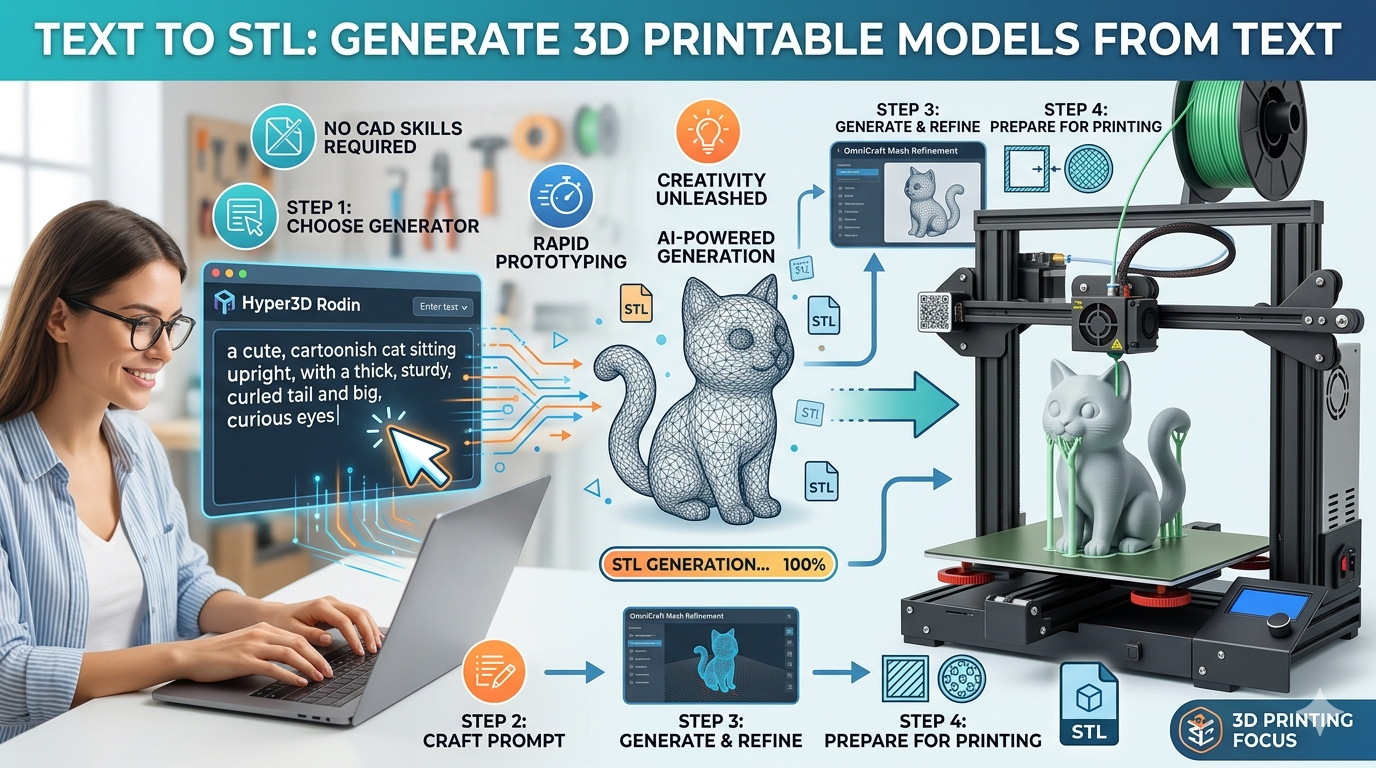
What if you can?? find the exact model you need? In the past, your only option was to design it yourself using complex CAD software. Today, AI offers a powerful new alternative. AI model generators can create unique 3D models from simple text prompts or 2D images, opening up a new world of custom possibilities.
How AI Creates 3D Models
AI 3D generation works by interpreting your input??hether it's a description like "a small, stylized dragon" or a picture of a car??nd building a 3D mesh to match it. These tools are trained on vast datasets of 3D shapes and images, allowing them to understand spatial relationships and object properties. This technology makes it possible for anyone to create custom models without any prior 3D modeling experience.
Hyper3D: Your AI-Powered 3D Printing Model Generator
For those looking to explore AI generation, Hyper3D offers a suite of powerful and accessible tools. You can turn a simple drawing into a printable object with an image to STL converter, making the process as simple as uploading a picture. The platform?? core 3D printing model generator allows for even more creative freedom.
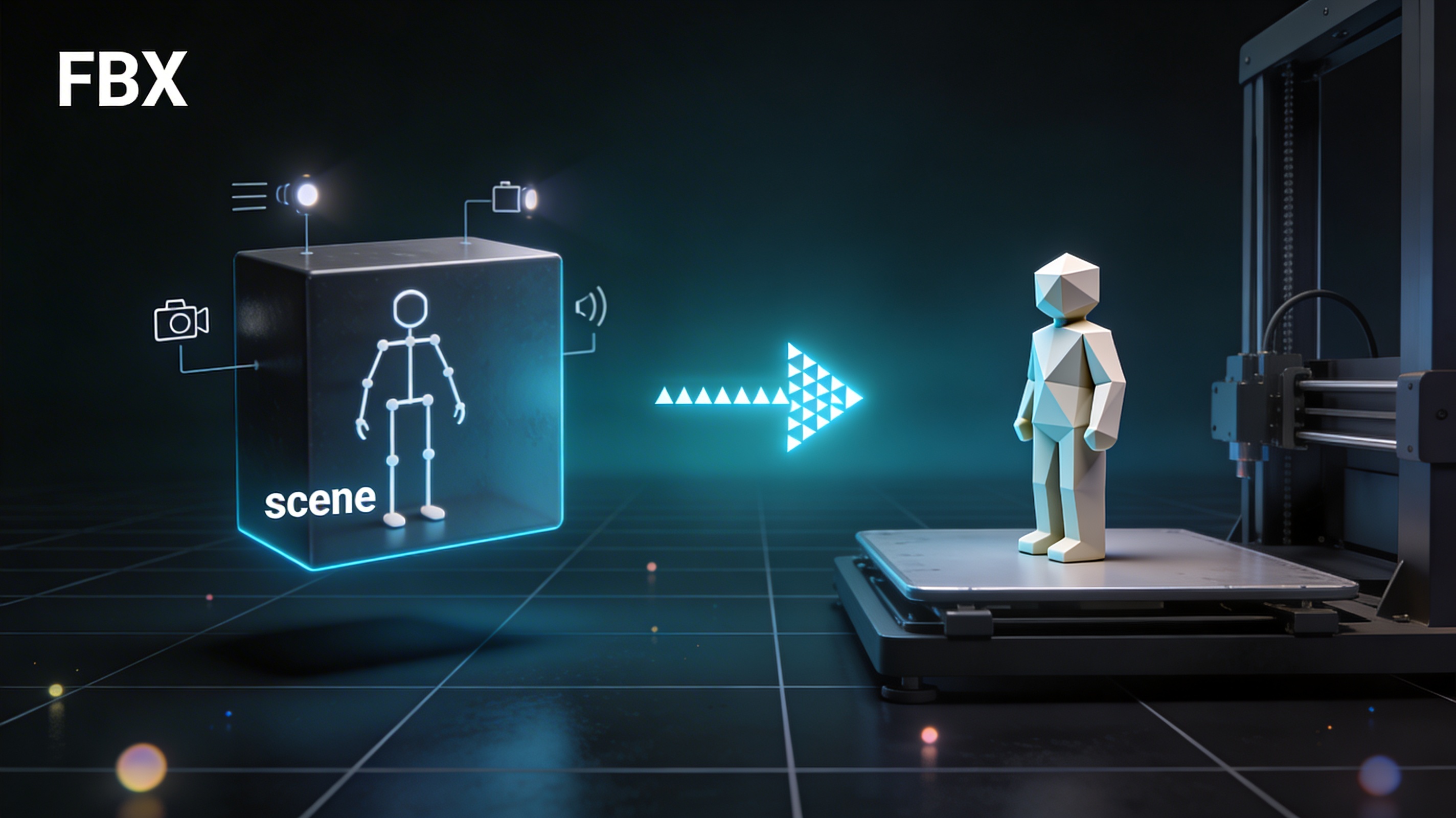
If you have an idea, you can use the image to 3D tool to bring it to life. Once your model is generated, you can inspect it from every angle with the built-in STL file viewer to ensure it?? perfect before you print. And if you need your file in a different format, the 3D format converter can export your creation to OBJ, FBX, GLB, and USDZ.
My First-Hand Experience: From Idea to Printed Object
I recently needed a very specific bracket to mount a small camera, but after searching on Thingiverse and Printables, I couldn?? find anything that fit my exact requirements. The designs were either too bulky or didn't have the mounting holes in the right place.
Instead of firing up complicated modeling software, I decided to try an AI approach. I drew a simple black-and-white sketch of the bracket I needed and uploaded it to Hyper3D's image to STL converter. I selected the "Focal" generation mode to ensure the details were captured accurately. Within a minute, the AI had processed the image and produced a 3D model that was remarkably close to my sketch.
I downloaded the STL and opened it in the STL file viewer to double-check the dimensions and overall shape. It looked perfect. After a quick slice, I sent it to my printer, and a short while later, I had a custom-designed, perfectly functional bracket in my hands. The entire process was incredibly straightforward and saved me hours of design work.
Advanced Tips for Working with STL Files
Once you have your STL file, there are a few more things to keep in mind to ensure a successful print.
Repairing and Modifying STL Files
Not all STL files are created equal. Sometimes you'll download a model that has holes or other errors in its geometry, which can cause printing failures. Free tools like Meshmixer and Blender are excellent for repairing these issues. They can also be used to make simple modifications, like adding text or combining multiple models into one.
Slicer Settings are Key
The STL file is just the starting point. Your slicer software??he program that converts the STL into G-code that your printer can understand??lays a critical role in the quality of your final print. Experimenting with settings like layer height, infill density, and print speed can have a dramatic impact on the strength and appearance of your object.
FAQ: Your Questions on Free STL Files for 3D Printing Answered
Is it legal to download and print free STL files?
Yes, for the most part. The majority of models on free sites are shared under permissive licenses like Creative Commons, which allow for personal use. However, you should always check the license for each model, as some may have restrictions against commercial use.
Can I sell prints made from free STL files?
This depends entirely on the license. Many designers do not allow their work to be sold commercially without permission. If you plan to sell your prints, look for models with a commercial-use license or purchase the rights from the designer.
What are the best alternatives to Thingiverse for free stl files for 3d printing?
Printables is widely considered the best modern alternative due to its high-quality models, excellent user experience, and strong community features. MyMiniFactory and Cults3D are also great options, especially if you are looking for curated or more artistic designs.
How accurate are AI 3D model generators?
AI generators have become surprisingly accurate for creating custom models, a great alternative to searching for files, especially for organic shapes and stylized objects. For precise engineering parts, traditional CAD software is still the better choice. However, for creative projects and custom designs, AI can produce excellent results quickly.
Do I need a powerful computer to work with STL files?
Not at all. Viewing and slicing the STL files you download can be done on almost any modern computer. While 3D modeling and repairing complex files can be more demanding, the basic workflow of downloading and printing is very accessible.