

Free AI Image to 3D Model Generator
Convert a picture, product photo, or concept image to a textured 3D model in seconds. Our AI image to 3D generator creates export-ready assets for games, AR, and 3D printing online.


 Image to 3D
 Remix Gen
 Turbo Gen


How to Convert an Image to a 3D Model
Upload a photo, generate AI 3D geometry and textures, then export a usable 3D model for your pipeline.
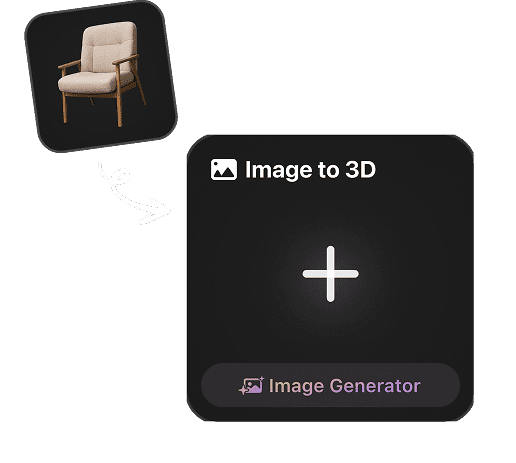
Upload One or More Images
Start with a product photo, character reference, 2D cartoon, concept image, or multiple views when your image to 3D model needs extra detail.
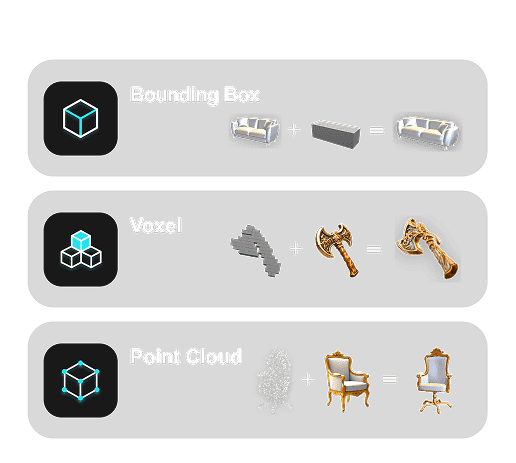
Generate AI 3D Geometry and Textures
Hyper3D analyzes depth, silhouette, structure, and surface detail to turn your photo to 3D model output with clean geometry and AI texturing.
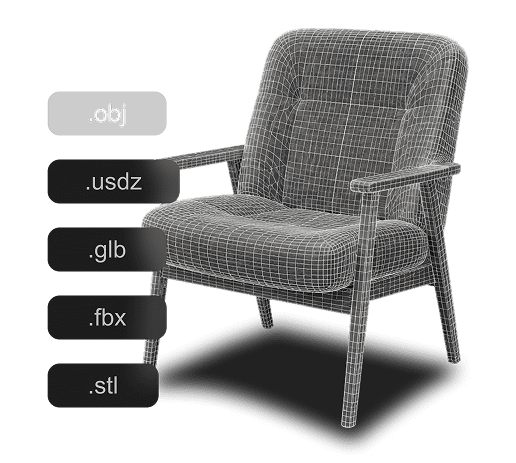
Preview, Refine, and Export
Review the generated 3D model, refine the result, and export image to 3D assets for GLB, OBJ, FBX, USDZ, STL, and real-time workflows.
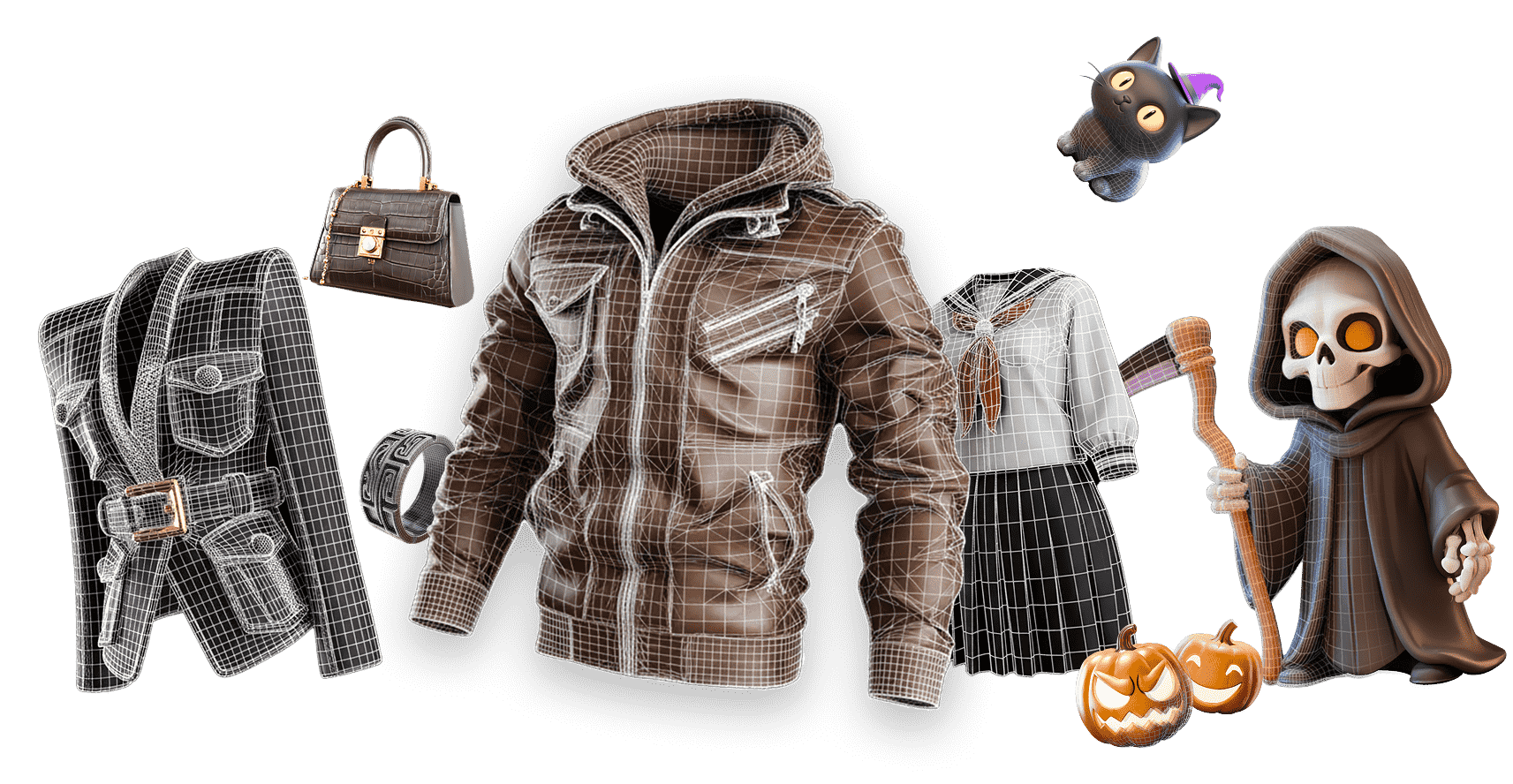
Why Choose Hyper3D for Image to 3D Conversion?
Hyper3D turns flat 2D images into detailed, textured 3D models with a workflow built for creators, studios, and product teams. Move from picture to 3D model faster while keeping the output practical for downstream tools.
Who Uses Hyper3D?
AI image to 3D generation for teams that need usable 3D assets quickly.
Game Developers
Convert concept art, 2D cartoons, and reference images to 3D assets for Unity, Unreal Engine, and rapid game prototyping.
Product Teams
Turn product images to 3D models for interactive product views, configurators, marketplace previews, and visualization.
Educators & Students
Use picture to 3D model generation to bring biology, architecture, history, and classroom references into 3D.
Advanced AI Behind Image to 3D
Image understanding, 3D reconstruction, and AI texturing shaped for production-ready image to 3D output.

Image Understanding
Read object boundaries, visual cues, and source-image context before generating the 3D model.

3D Reconstruction
AI image to 3D algorithms interpret shape, depth, texture, and lighting to rebuild realistic object geometry.

AI Texture Generation
AI models create high-quality surface materials from input images, helping photo to 3D model results look complete.

Pipeline-Ready Output
Specialized image to 3D processing helps transform visual references into practical assets for design, CAD, AR, and 3D printing.
Frequently Asked Questions
Answers for creators comparing AI image to 3D generators, photo to 3D model workflows, and export-ready 3D assets.
How do I turn a picture into a 3D model?

Can I convert one image to a 3D model?
Is Hyper3D free for image to 3D generation?
What image formats work best for image to 3D?
Can I export models for games, AR, or 3D printing?
Do I need 3D modeling experience?
Can I use generated 3D models commercially?
What 3D file formats does Hyper3D support?
Try Hyper3D's AI Image to 3D Generator Today
Your next 3D model starts with a single image. Turn photos, pictures, and concept art into textured 3D assets with Hyper3D for free.