




Roblox 3D Models
Browse Roblox-themed assets by tag and compare their shapes in the model previews. Before bringing an asset into Roblox Studio, inspect its mesh, scale, textures, and usage terms on the model page and in your editing tools.
Browse by Tag
Find the most common Roblox model types by tag, sorted by model volume.
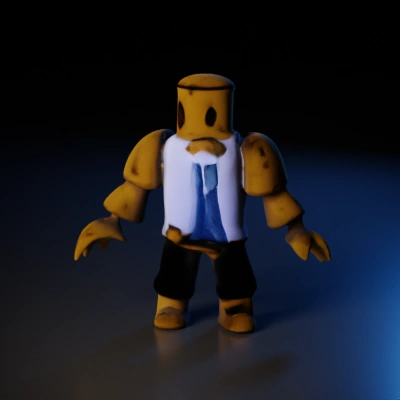
Featured Free Roblox 3D Models
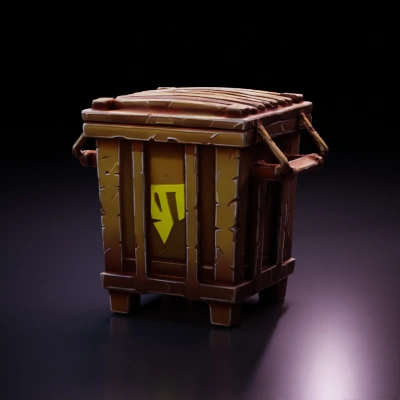
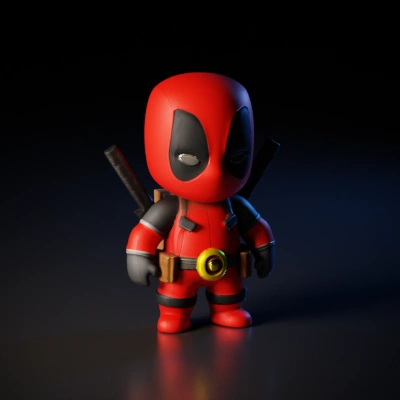
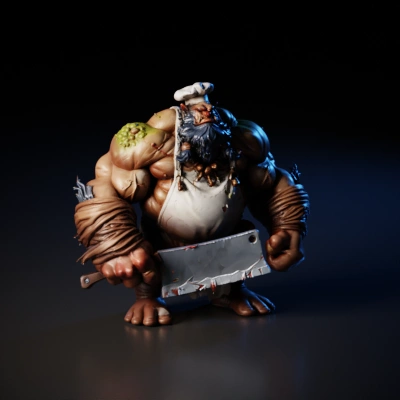
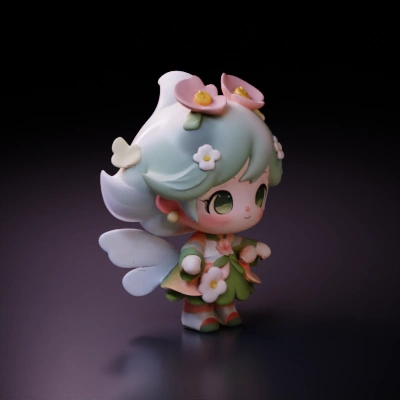
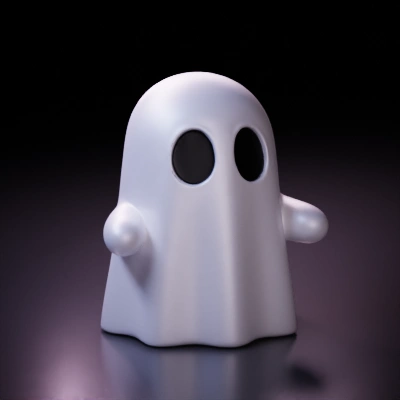
Preview popular Roblox assets, then open the Rodin model page to inspect, download, or keep editing.

Generate Custom Roblox 3D Models
Need a specific Roblox model? Generate a custom 3D asset from a text prompt or image reference with Hyper3D Rodin.
Also in Gaming
Explore nearby Gaming subcategories to compare more downloadable 3D assets.
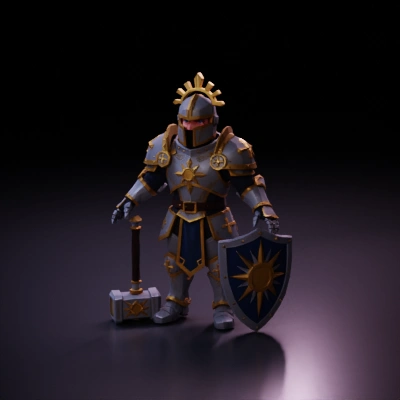
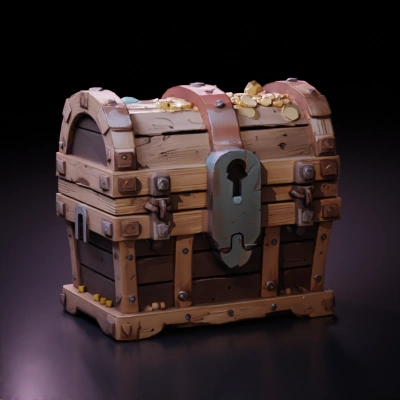
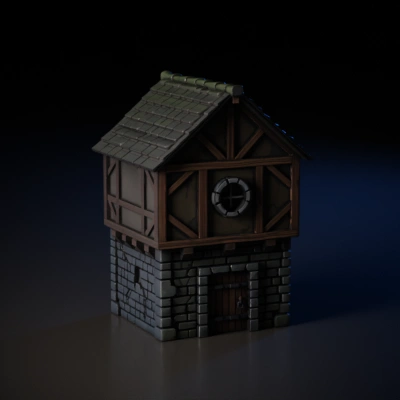
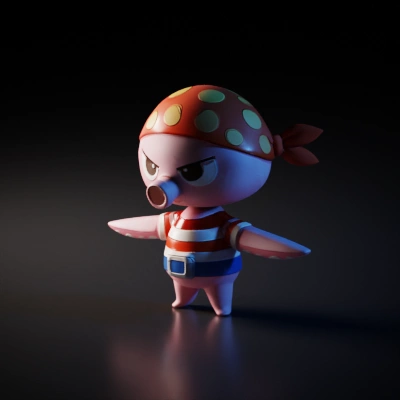
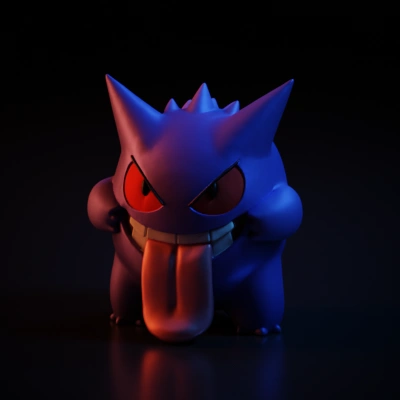
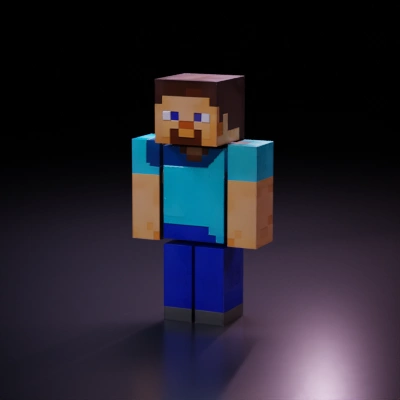
You May Also Like
Discover related 3D model categories for broader asset searches and generation ideas.

Free Roblox 3D Models FAQ
Are these models ready to import into Roblox Studio?
A Roblox tag does not guarantee import compatibility. Check the available file format, mesh complexity, scale, and textures, then test the asset in your own Studio project.
How should I choose a model for my Roblox project?
Start with the shape and style shown in the preview. Inspect the individual model and its usage terms, then check whether it needs mesh or texture adjustments for your scene.