AI 3D Model Editing: Modify 3D Models with Text Prompts
AI 3D model editing represents a major shift in how creators approach 3D asset modification. Instead of relying exclusively on traditional, complex software with steep learning curves, artists and designers can now use simple text prompts to guide the editing process. This new method allows for intuitive and rapid iteration, making 3D modeling more accessible to a broader audience. Several platforms, including Hyper3D, Meshy, and Tripo, are leading of this technology, each offering unique tools and workflows for text-based 3D model editing.
This is where ai 3d model editor tools really show their value.
The core idea behind AI 3D model editing is to bridge the gap between human language and 3D geometry. By typing commands like "add a spoiler to this car" or "make the legs of this chair longer," users can see their models update in near real-time. This approach not only speeds up the creative process but also opens up new possibilities for those without extensive training in 3D modeling. Whether you're a game developer, a product designer, or a hobbyist, these tools offer a powerful new way to bring your ideas to life.
For anyone exploring ai 3d model editor options, this matters.
Ai 3D Model Editor: What is AI 3D Model Editing?
AI 3D model editing is the process of using artificial intelligence, particularly natural language processing (NLP) and generative models, to modify and refine 3D models. Unlike traditional 3D modeling software that requires manual manipulation of vertices, edges, and faces, AI-powered editors allow users to describe the desired changes in plain English. This can range from simple adjustments like changing colors and textures to more complex modifications like altering the shape or adding new components to a model.
The ai 3d model editor workflow makes this straightforward.
The Technology Behind the Magic
The ability to edit 3D models with text is made possible by a combination of advanced AI techniques. At the basic level, the technology relies on large models trained on vast datasets of 3D models and their corresponding text descriptions. These models learn to associate words and phrases with specific geometric features and transformations.
How It Works
When a user enters a text prompt, the AI model interprets the command and applies the corresponding changes to the 3D model's underlying geometry. This process often involves a diffusion model, which starts with a noisy or incomplete representation of the model and gradually refines it based on the text prompt. The result is a modified 3D model that reflects the user's instructions, all without the need for manual modeling.
Top Tools Compared
Several powerful AI tools are available for 3D model editing, each with its own strengths and weaknesses. Here's a comparison of some of the top platforms on the market:
| Tool | Best For | Top Strength | Key Limitation |
|---|---|---|---|
| Meshy AI | Texturing & UX | Best textures | Rougher geometry |
| Tripo AI | Game dev pipelines | Auto-rigging | STL export issues |
| Hyper3D | Topology & ecosystem | Cleanest geometry | Less versatile for stylized |
Meshy AI
Meshy AI is a popular choice for artists and designers who prioritize high-quality texturing and a polished user experience. Its texturing engine is widely regarded as one of the best in the industry, allowing for the creation of detailed and realistic materials with simple text prompts.
Pros:
- Best-in-class texturing engine
- Polished and intuitive user interface
- Great style library for various aesthetics (e.g., voxel, low-poly)
Cons:
- Geometry can be less refined on complex objects
- Can be more expensive per generation compared to some competitors
Best for: Artists and designers who need top-tier texturing and a smooth workflow.
Tripo AI
Tripo AI is a great option for game developers who need to create pipeline-ready assets quickly. It offers features like auto-rigging and segmentation, which can save a significant amount of time in the game development process. The platform is also known for its fast generation speeds and generous free credits.
Pros:
- Very fast generation speeds
- Built-in auto-rigging and segmentation features
- Generous free credits for new users
Cons:
- STL exports can sometimes have issues with normals
- Less specialized for creating character avatars
Best for: Game developers who need to create assets for their projects quickly.
Hyper3D (Rodin)
Hyper3D's Rodin AI engine is a powerful tool for creating 3D models with clean topology, especially for characters and avatars. It's part of an all-in-one ecosystem that allows users to generate, texture, edit, and export models all within the browser. The platform's OmniCraft suite includes a mesh editor and a smart low-poly tool, making it a versatile choice for a wide range of applications.
Pros:
- Excellent geometry quality, especially for characters
- All-in-one ecosystem with a comprehensive set of tools
- Multi-view input support for more accurate model generation
Cons:
- Can be less versatile for stylized background props
Best for: Creators who need high-quality character models and an integrated workflow.
My First-Hand Experience
To get a better sense of how these tools work in practice, I spent some time experimenting with Hyper3D's Rodin AI. The platform's dark-themed workspace is easy on the eyes, and the layout is intuitive, with the OmniCraft sidebar providing quick access to a range of editing tools. I started by generating a simple character model using the text prompt "a cartoon-style robot with a friendly expression."
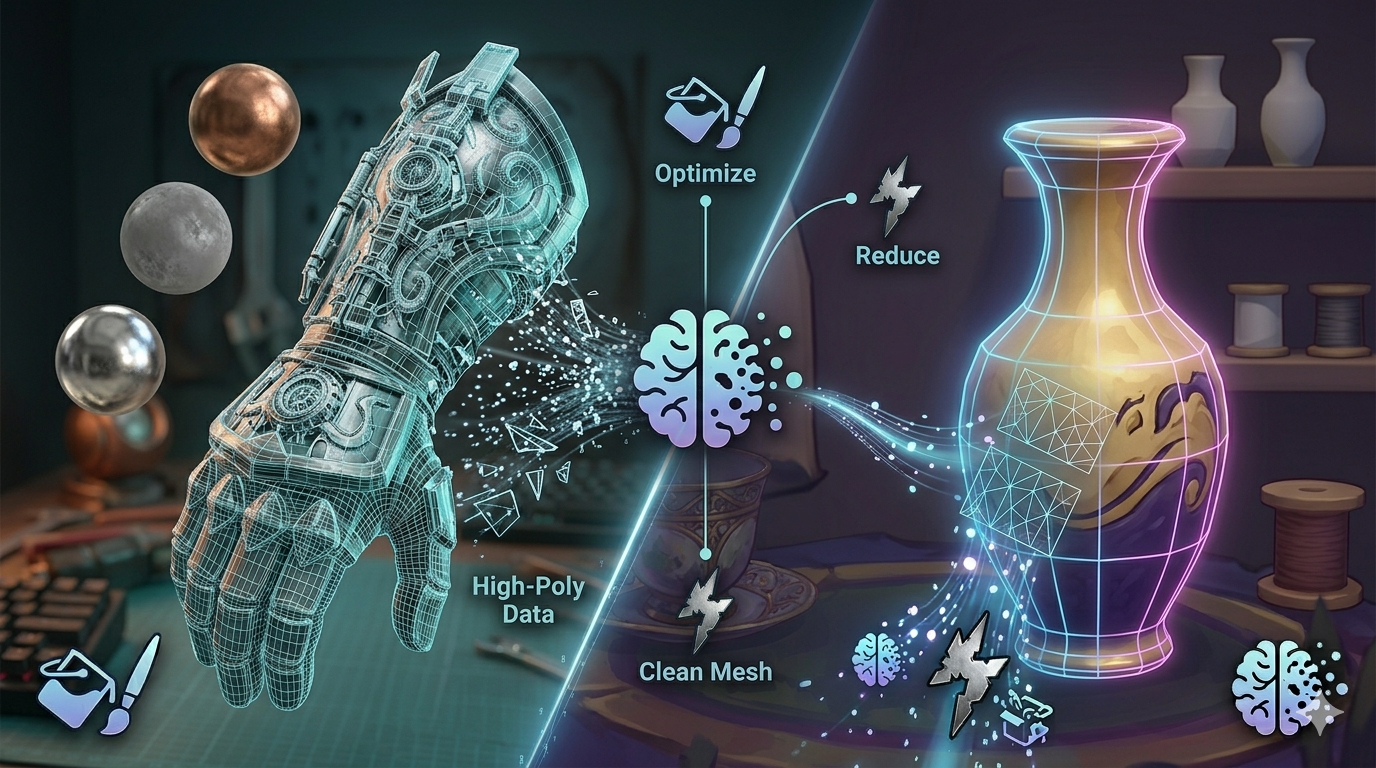
The generation process was surprisingly fast, and I was presented with a high-quality 3D model in just a few seconds. I then used the OmniCraft mesh editor to make some minor adjustments to the robot's proportions. The editor was responsive and easy to use, even for someone with limited 3D modeling experience. I also experimented with the Smart Low-poly feature, which quickly converted the model to a game-ready asset with optimized topology.
I tested the different generation modes and found that the Speedy mode was great for quick iterations, while the Focal mode produced more detailed and refined results. The GENERATE button is prominently displayed, making it easy to create new models or variations of existing ones. Overall, my experience with Hyper3D Rodin was very positive. The platform is powerful, easy to use, and offers a comprehensive set of tools for creating and editing 3D models.
Step-by-Step Guide to Editing 3D Models with AI
Editing 3D models with AI is a straightforward process. Here?? a general workflow that applies to most platforms:
1. Choose a Platform: Select an AI 3D model editor that best suits your needs. Consider factors like pricing, features, and ease of use. Platforms like Hyper3D, Meshy, and Tripo are all excellent options.
2. Import or Generate a Model: You can either import an existing 3D model or generate a new one from a text prompt or image. If you're using a text-to-3D generator, be as descriptive as possible to get the best results.
3. Use Text Prompts to Edit: Once you have a model, you can start editing it with text prompts. Use clear and concise language to describe the changes you want to make. For example, you could say "make the arms longer" or "add a metallic texture."
4. Refine and Iterate: The AI will apply the changes to your model. You can then refine the model further with additional prompts until you're happy with the result. Don't be afraid to experiment with different prompts to see what works best.
5. Export Your Model: Once you're finished editing, you can export the model in your desired format. Most platforms support a variety of formats, including FBX, OBJ, and GLB.
Use Cases and Applications
AI 3D model editing has a wide range of applications across various industries:
- Game Development: Game developers can use AI to quickly create and modify game assets, saving time and resources. The ability to generate variations of models with text prompts is particularly useful for creating diverse environments and characters.
- Product Design: Product designers can use AI to create and iterate on product prototypes. This allows for rapid visualization of ideas and can help to accelerate the design process.
- 3D Printing: AI can be used to create and customize 3D models for printing. This makes it easier for hobbyists and professionals to create unique and personalized objects.
- Virtual and Augmented Reality: AI-powered 3D model editing is essential for creating immersive VR and AR experiences. It allows for the creation of realistic and interactive virtual worlds.
FAQ
What is the best AI for text-to-3D?
There is no single "best" AI for text-to-3D, as the ideal choice depends on your specific needs. For creators who prioritize clean topology and high-quality character models, Hyper3D's Rodin AI is an excellent option. If your focus is on texturing and a polished user experience, Meshy AI is a strong contender. For game developers who need to create assets quickly, Tripo AI's speed and auto-rigging features are hard to beat.
Can I edit existing 3D models with AI?
Yes, many AI 3D model editors allow you to import and edit existing 3D models. This is a powerful feature that can save you a significant amount of time compared to traditional modeling software. You can use text prompts to make changes to the model's shape, texture, and other properties. The AI 3D model editor in Hyper3D's OmniCraft suite is a great example of a tool that supports this workflow.
What are the limitations of AI 3D model editing?
While AI 3D model editing is a powerful technology, it does have some limitations. The quality of the results can vary depending on the complexity of the model and the clarity of the text prompts. It can also be challenging to achieve precise control over the editing process, as the AI's interpretation of your prompts may not always be perfect. However, the technology is rapidly improving, and these limitations are likely to become less significant over time.
What file formats are supported by AI 3D model editors?
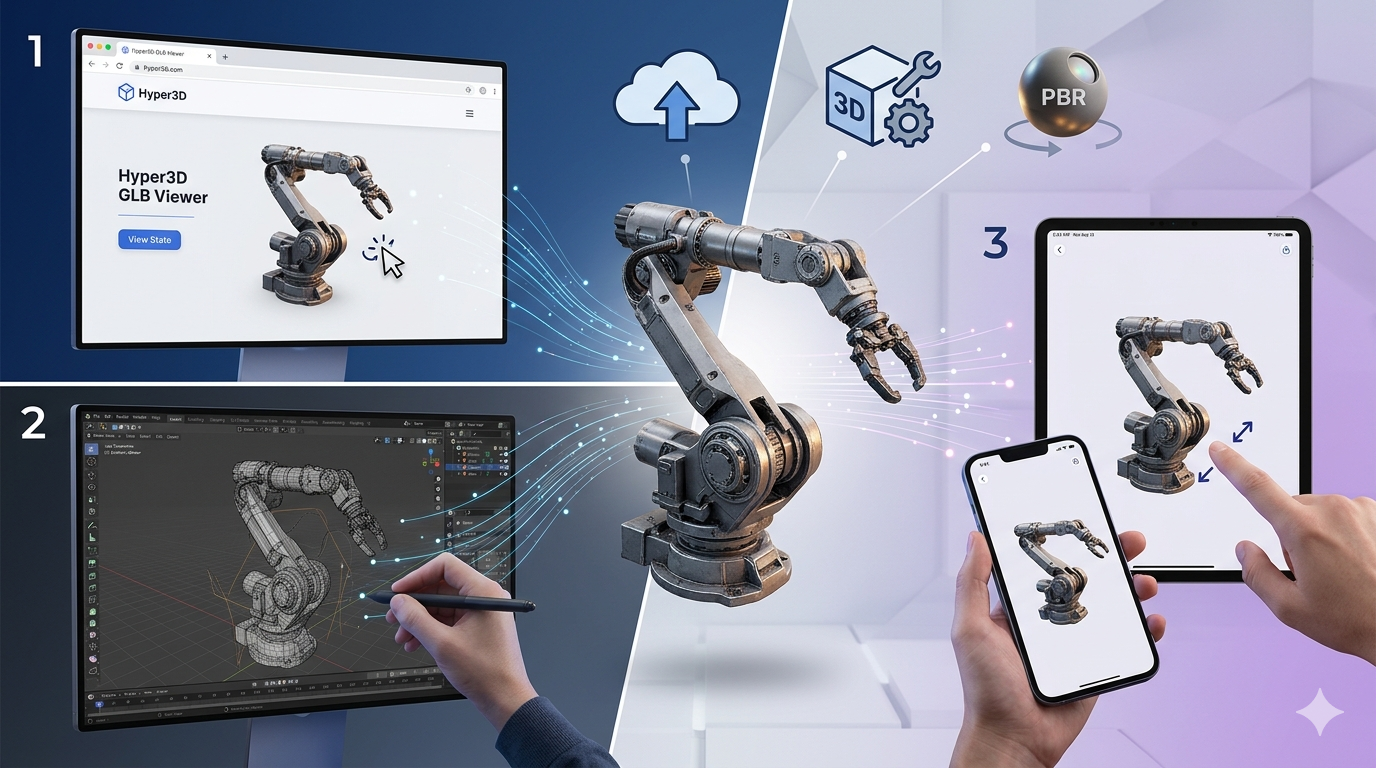
Most AI 3D model editors support a wide range of file formats, including FBX, OBJ, GLB, and STL. This makes it easy to import and export models between different software and platforms. Hyper3D, for example, supports all of these formats and also provides a GLB to USDZ converter for creating AR-ready assets.
How can I get started with AI 3D model editing?
The best way to get started with AI 3D model editing is to simply dive in and start experimenting. Many platforms offer free trials or credits, so you can try them out without any financial commitment. Start with a simple model and some basic text prompts to get a feel for how the technology works. You can also find plenty of tutorials and resources online to help you learn the ropes. The AI 3D generator from Hyper3D is a great place to start your journey.