AI Game Character Creator: Design 3D Characters Fast
Creating compelling game characters used to be a bottleneck for many developers. It required significant artistic skill, time, and resources. Now, with the rise of AI, the field is changing. AI character tools can help anyone to bring their visions to life, generating unique characters in minutes. These tools are not just for seasoned artists; they are for indie developers, writers, and hobbyists who want to create high-quality characters without a steep learning curve. This article will explore some of the best AI character creator tools available, provide a first-hand account of using one, and offer tips to get the most out of these powerful platforms.
What is an AI Game Character Creator and Why Use One?
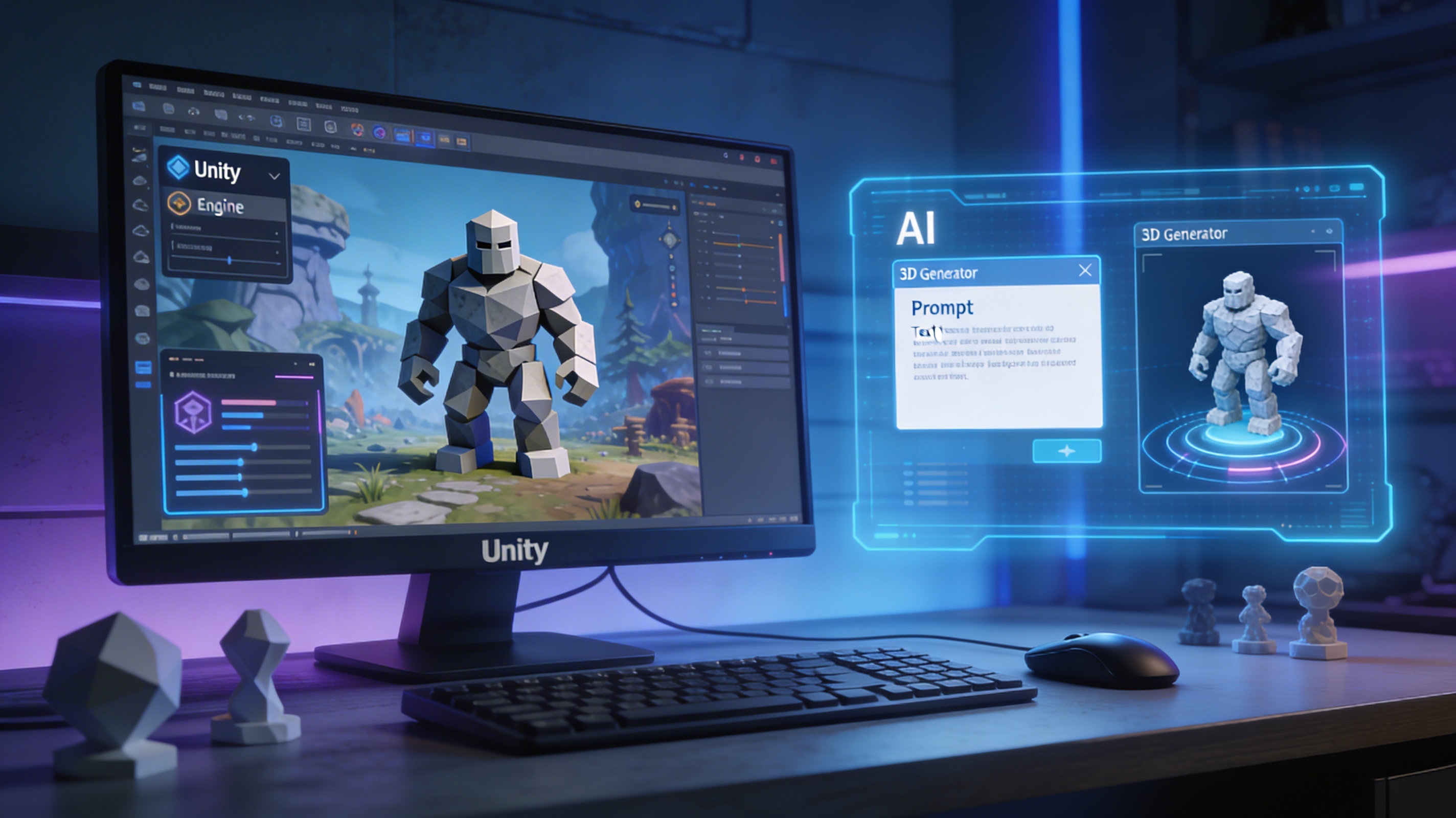
An AI game character creator is a tool that uses artificial intelligence, typically machine learning models, to generate character designs from text descriptions or existing images. Some platforms create 2D concept art, while more advanced tools like our AI 3D model generator can produce fully-realized 3D models ready for a game engine. The process is straightforward: you provide a prompt describing your desired character, and the AI interprets it to produce a visual representation.
The benefits of integrating these tools into your workflow are substantial. The most obvious advantage is the immense time savings. Instead of spending hours or days sculpting a model from scratch, you can generate multiple concepts in a fraction of the time. This speed allows for rapid iteration and exploration of different ideas. It also democratizes character creation, making it accessible to developers who may not have a dedicated art team. Also, using a single tool can help maintain a consistent artistic style across all your game's characters, which is crucial for a cohesive player experience.
How to Get Started with an AI Game Character Creator
Getting started with character creation AI is a relatively simple process, even for those new to AI tools. The first step is to have a clear vision for your character. Think about their role in your game, their personality, and their key visual features. Is your character a grizzled space marine, a nimble elven archer, or a quirky robot sidekick? The more detailed your concept, the better the AI can interpret your vision.
Once you have a concept, the next step is to translate it into an effective prompt. This is where you'll interact directly with the AI. A good prompt is specific and descriptive. Instead of just writing "a soldier," try something like, "a female soldier from a post-apocalyptic world, wearing worn leather armor and carrying a futuristic rifle." Don't be afraid to experiment with different phrasings and levels of detail. After generating your initial character, you can iterate on the design by refining your prompt or using the tool's editing features. Many platforms, including our own AI character design tool, allow for further customization. Finally, once you're happy with your creation, you can export it in a format compatible with your game engine.
Best AI Game Character Creator Tools in 2026
Choosing the right AI character tool depends on your specific needs, budget, and technical expertise. Here?? a look at some of the top contenders in 2026, each with its own strengths and weaknesses.
Hyper3D (Rodin and ChatAvatar)
For developers focused on creating 3D assets, Hyper3D offers a powerful suite of tools. Rodin, our AI 3D model generator, is designed specifically for generating game-ready 3D models from text prompts. For more specific facial generation, ChatAvatar provides a dedicated solution for creating detailed and expressive faces. And with our image to 3D tool, you can turn 2D concepts into 3D models.
Pros:
- Specializes in 3D model generation, which is a significant advantage for game development.
- Offers a complete workflow from generation to editing and format conversion with OmniCraft.
- Supports a wide range of industry-standard export formats, including FBX, OBJ, GLB, and USDZ.
Cons:
- As a professional tool, it may present a steeper learning curve for absolute beginners compared to simpler 2D generators.
MyEdit
MyEdit is a popular online image generator that has gained a following for its user-friendly interface and high-quality results. It's a great option for creating 2D character concepts and inspiration.
Pros:
- Very easy to use, making it accessible to artists and non-artists alike.
- Produces high-quality images with a variety of artistic styles.
- Supports the use of reference images to guide the AI, which is helpful for maintaining consistency.
Cons:
- Many of the more advanced features are locked behind a premium subscription.
- Being a web-based tool, it requires a constant internet connection.
Canva
Canva is a well-known design platform that has recently integrated AI-powered features, including an image generator. Its strengths lie in its ease of use and collaborative features.
Pros:
- The interface is incredibly intuitive, and the platform is designed for collaboration.
- It offers a vast library of templates and design elements that can be combined with AI-generated characters.
Cons:
- The AI image generator has a limited number of styles compared to more specialized tools.
- The platform has strict content policies that can sometimes limit creative freedom.
- The generated images often require further refinement.
Perchance
Perchance is a free and simple online image generator that is perfect for quick experiments and brainstorming.
Pros:
- It's completely free to use and doesn't require an account.
- The random prompt generator is a fun way to spark new ideas.
Cons:
- The website is supported by ads, which can be distracting.
- The image generation process can be slow, and the quality of the output is not always consistent.
My First-Hand Experience with an AI Game Character Creator
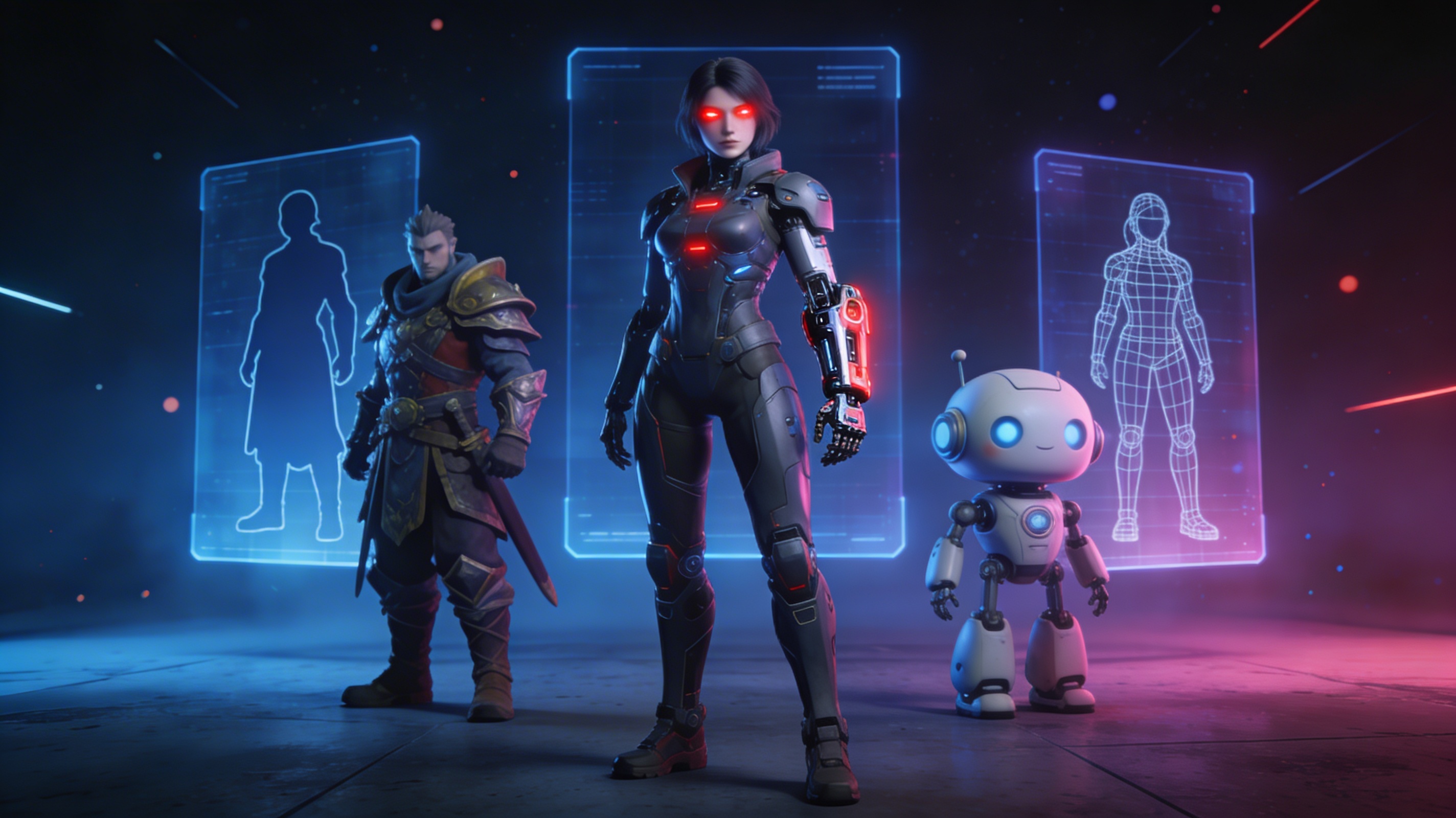
To give you a real-world example, I decided to create a character for a hypothetical sci-fi game using our own AI character design tool. My goal was to create a futuristic bounty hunter with a mix of organic and cybernetic elements. I started with a simple prompt: "A female cyborg bounty hunter with a robotic arm and glowing red eyes."
The initial results were promising, but I wanted to refine the design further. I experimented with different generation modes to see how they would affect the outcome. The 'Focal' mode produced a highly detailed character, while the 'Speedy' mode gave me a rougher but faster iteration. I settled on the 'Default' mode, which provided a good balance of quality and speed. I then used our game 3D model generator to generate a full 3D model.
What impressed me most was the level of control I had over the final output. I was able to edit the generated model in OmniCraft, our 3D editing tool, to tweak the proportions and add some extra details. The ability to export the model in various formats like FBX and GLB meant I could easily import it into my game engine of choice. The entire process, from initial concept to a game-ready asset, took less than an hour. it's a testament to how these tools can dramatically accelerate the development workflow.
Tips for Writing Great Prompts for Your AI Game Character Creator
Writing effective prompts is the key to unlocking the full potential of any character creation AI. Here are some tips to help you get the best results:
- Be Specific: The more detail you provide, the better the AI can understand your vision. Instead of "a fantasy warrior," try "a towering barbarian warrior with a braided beard, wearing fur-lined armor and wielding a massive two-handed axe."
- Use Descriptive Adjectives: Adjectives are your best friend when writing prompts. Words like "glowing," "tattered," "ancient," and "futuristic" can add a lot of flavor to your character.
- Specify the Art Style: If you have a particular art style in mind, be sure to include it in your prompt. You can try things like "in the style of a comic book," "a realistic portrait," or "a low-poly 3D model."
- Iterate and Experiment: Don't be afraid to try different variations of your prompt. You can often get interesting results by adding, removing, or changing a single word. The more you experiment, the better you'll get at guiding the AI to your desired outcome.
FAQ about AI Game Character Creators
What is the best AI for creating characters?
The "best" AI character creator really depends on your needs. For 3D game assets, a specialized tool like Hyper3D is ideal. For 2D concept art, a platform like MyEdit or Canva might be a better fit.
Can I use AI-generated characters in my commercial game?
This depends on the terms of service of the specific AI tool you are using. Most platforms, including Hyper3D, grant you the rights to use the characters you create in your commercial projects. However, it's always a good idea to check the licensing agreement before you publish your game.
How much do these tools cost?
Prices vary widely. Some tools, like Perchance, are completely free. Others, like MyEdit and Canva, offer free tiers with limited features and premium subscriptions for full access. Professional tools like Hyper3D typically have their own pricing structures.
Do I need to be an artist to use an AI game character creator?
Not at all! That's one of the biggest advantages of these tools. They are designed to be accessible to everyone, regardless of their artistic ability. If you can describe your character in words, you can create it with AI.
Can I edit the characters after they are generated?
Yes, many AI character creators, including Hyper3D, provide tools for editing and refining your generated characters. This allows you to have the final say on the design and ensure that it perfectly matches your vision.