Unity 3D Models: Generate AI Game Assets for Unity
Creating immersive worlds in Unity requires a steady stream of high-quality 3D assets. Whether you're an indie developer or part of a large studio, finding the right the format is a critical part of the development pipeline. In the past, your options were limited to creating models from scratch, which is time-consuming, or buying them from marketplaces. Today, a new option is changing the game: AI-powered generation. This article explores all the avenues for acquiring Unity 3D models, from the well-stocked Unity Asset Store to free model websites and the exciting frontier of AI tools like Hyper3D, Meshy, and Tripo.
What Are Unity 3D Models?
At their core, this method are the digital objects that populate your game environment. They represent everything the player sees and interacts with, from characters and creatures to weapons, vehicles, and the scenery itself. These models are essentially collections of points in 3D space, connected by lines and polygons to form a mesh. This mesh is then covered with textures to give it color, detail, and the appearance of a solid object.
The Building Blocks of Game Worlds
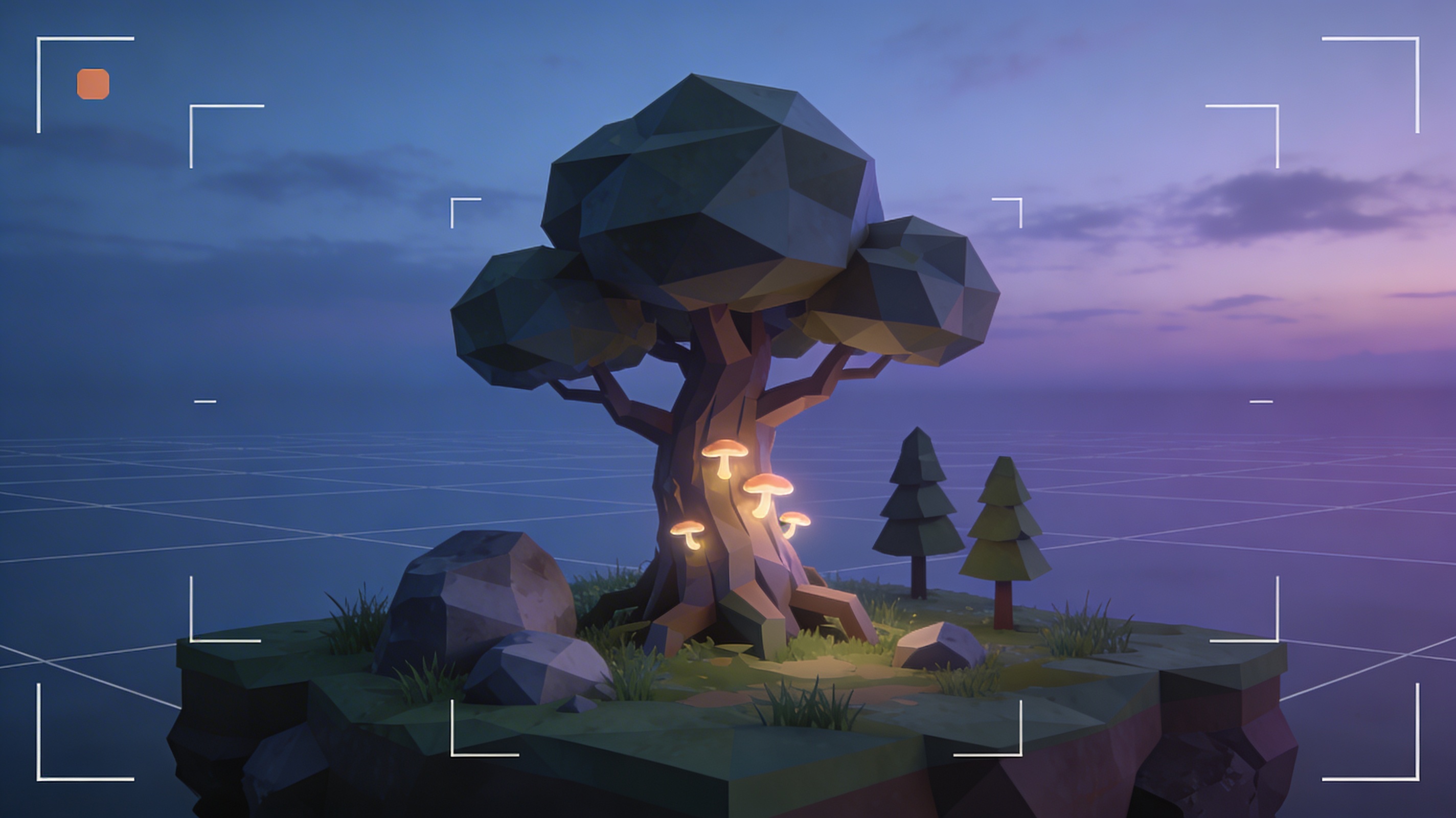
Think of 3D models as the fundamental building blocks of your game. A character model defines its shape and allows for animation. A prop model, like a sword or a chair, adds detail and interactivity to a scene. Environmental models, such as trees, rocks, and buildings, construct the world your players explore. The quality and style of these this approach directly influence the visual identity and performance of your game.
Why FBX is the Preferred Format
Unity supports several 3D model file formats, including .obj, .dae, and .3ds, but the FBX (.fbx) format is the industry standard and the most recommended for Unity projects. Developed by Autodesk, FBX files can package a wide range of data into a single file, including the 3D mesh, textures, animations, and skeletal rigs. This makes it incredibly convenient for transferring complex assets between different 3D modeling software and the Unity engine. When you import an FBX file, Unity can automatically extract and set up the materials and animations, streamlining the asset pipeline significantly.
How to Get 3D Models for Your Unity Project
Acquiring this file type for your game can be approached in several ways, each with its own benefits. Your choice will often depend on your budget, timeline, and the specific needs of your project.
The Unity Asset Store: A World of Options
The most direct source for this format is the official Unity Asset Store. It?? a massive marketplace filled with thousands of assets created by other developers and artists. You can find everything from individual models to complete environment packs. While many assets are premium, there is also a large selection of free content available, making it a great starting point for any project.
Free Model Havens: Sketchfab and TurboSquid
Beyond the official store, websites like Sketchfab and TurboSquid are treasure troves for free 3D models. These platforms host vast libraries of user-generated content. Many artists share their work under permissive licenses, allowing you to download and use their models in your projects for free. They are excellent resources for prototyping or finding specific props without spending any money.
The Rise of AI: Generating Custom Assets
The newest and perhaps most exciting method for creating Unity 3D models is through AI generation. Tools in this space are rapidly evolving, allowing you to generate unique 3D assets from simple text prompts or images. An AI 3D model generator can produce everything from characters to props in minutes. This approach offers a powerful way to create custom assets that perfectly match your artistic vision without needing deep 3D modeling skills.
Top Tools for Sourcing Unity 3D Models
Deciding where to get your this option involves weighing the pros and cons of traditional marketplaces versus the new wave of AI tools. Both have their place in a modern development workflow.
Traditional Marketplaces vs. AI Generators
| Feature | Traditional Marketplaces (e.g., Unity Asset Store) | AI Generators (e.g., Hyper3D) |
|---|---|---|
| Customization | Low (pre-made assets) | High (generate from specific prompts) |
| Speed | Instant (download existing assets) | Fast (minutes to generate) |
| Uniqueness | Low (assets used by many developers) | High (unique to your generation) |
| Cost | Varies (free to expensive) | Often subscription-based |
| Skill Requirement | Low (find and download) | Low (write a prompt) |
AI Tool Smackdown: Hyper3D vs. Meshy vs. Tripo
Several AI platforms have emerged as leaders in the 3D generation space. Here?? an objective look at three popular options:
- Hyper3D: This platform offers a suite of tools, including Rodin for text-to-3D generation and OmniCraft for editing and format conversion. It?? a strong all-in-one solution.
- Pros: Excellent for generating a variety of assets and provides a powerful 3D format converter. The ability to convert from an image to GLB is also a standout feature.
- Cons: As with any AI tool, results can sometimes be unpredictable and may require refinement.
- Meshy: Meshy is another popular AI generator known for its speed and ease of use.
- Pros: Very fast generation times and a user-friendly interface.
- Cons: The quality of the generated topology can sometimes be less clean than competitors, requiring more cleanup work.
- Tripo: Tripo focuses on creating high-quality models with good textures.
- Pros: Often produces visually impressive models with detailed textures right out of the box.
- Cons: The free tier is quite limited, and the platform can be slower than others.
My First-Hand Experience with AI Model Generation
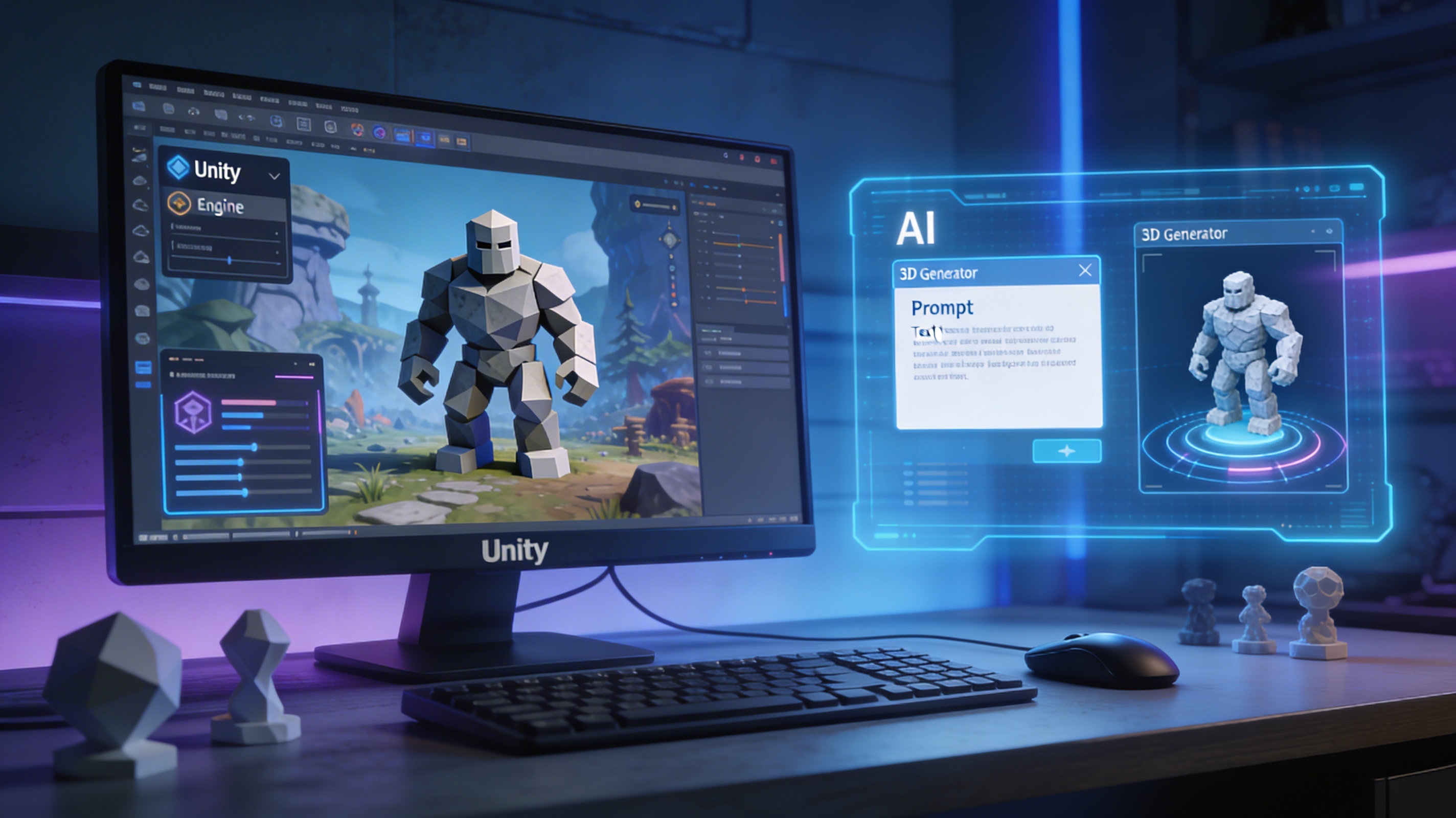
I decided to put the AI game 3D model generator to the test for a personal project. My goal was to create a stylized, low-poly "ancient stone golem" as one of my Unity 3D models to serve as an enemy in a fantasy-themed game. I needed something that looked unique but was also performant enough to be used in a real-time environment.
From Text Prompt to Unity Asset
I started with Hyper3D?? Rodin tool to generate my the format. My first prompt was simple: "ancient stone golem." The results were interesting but a bit generic. I iterated, refining my prompt to "mossy stone golem with glowing blue eyes, low-poly style." This gave me a much better starting point. I generated a few variations using the "Focal" and "Default" modes and picked the one with the most compelling silhouette. The model was generated as a GLB, so I used the OmniCraft tool to quickly convert it to FBX, the ideal format for Unity. The whole process, from prompt to having a ready-to-import FBX file, took less than ten minutes.
The Good, The Bad, and The Glitchy
The experience of generating this method was overwhelmingly positive. The speed at which I could prototype ideas for Unity 3D models was incredible. Instead of spending hours modeling, I could generate multiple concepts in a single afternoon. However, it wasn't perfect. Some generations had minor mesh artifacts or weird texture stretching. These issues were usually fixable with a bit of cleanup in a modeling tool or by adjusting the prompt and regenerating. It?? a reminder that AI is a powerful assistant, not a magic button. The key is to use it as a starting point and be prepared to do a little manual refinement.
Step-by-Step Guide: Using an AI 3D Model Generator
Ready to try it yourself? Here?? a simple workflow for creating your own this approach using an AI tool like Hyper3D. This is a great way to get custom Unity 3D models.
Step 1: Crafting the Perfect Prompt
Your prompt is the most important part of the process for creating great this file type. Be descriptive. Instead of "sword," try "ornate elven longsword with a glowing green gem in the hilt." Include details about style (e.g., "cartoonish," "realistic," "low-poly") and materials ("worn leather," "polished metal").
Step 2: Generating with Hyper3D's Rodin
Input your prompt into the Rodin generator to start creating your this format. Experiment with different generation modes like "Speedy" for quick drafts or "Focal" for more detailed results. Don't be afraid to generate several options to find the best one.
Step 3: Refining and Converting with OmniCraft
Once you have a model you like, you may need to convert your Unity 3D models. Most AI tools output in formats like GLB or OBJ. Use a tool like Hyper3D?? OmniCraft or a standalone FBX to OBJ converter to get your model into the FBX format for Unity.
Step 4: Importing into Unity
Simply drag and drop your new FBX file into your Unity project?? "Assets" folder. Unity will automatically process the file. You can then drag the model from the Project window into your scene. From there, you can adjust its materials, add components, and bring it to life.
Advanced Tips for Working with Unity 3D Models
Getting the this option into Unity is just the beginning. To ensure your game runs smoothly, you need to optimize your assets.
Optimizing Models for Performance
Pay attention to the polygon count of your the format. High-poly Unity 3D models look great but can hurt performance. Use Level of Detail (LOD) groups in Unity to switch to lower-poly versions of a model as it gets farther from the camera. Also, optimize your textures by using appropriate sizes and compression settings.
FAQ About Unity 3D Models
What is the best file format for Unity 3D models?
FBX is the recommended format because it can contain the mesh, textures, and animations all in one file, which simplifies the import process in Unity.
Can I use models from Sketchfab in my commercial game?
It depends on the license of the this method. Many models on Sketchfab are available under Creative Commons licenses. You must check the specific license for each model to see if it permits commercial use and if attribution is required.
How do AI 3D model generators work?
AI generators for this approach typically use diffusion models or other machine learning techniques trained on vast datasets of 3D objects. They learn the relationship between text descriptions and 3D shapes, allowing them to create new models based on your prompts.
Are AI-generated models ready to use in a game?
Often, the generated this file type are very close to game-ready. You might need to do some minor cleanup, such as optimizing the polygon count or adjusting the UV mapping. However, they provide a massive head start compared to modeling from scratch.
What is the difference between a high-poly and low-poly model?
A high-poly model, as one of many this format, has a large number of polygons, resulting in a smooth, detailed surface. A low-poly model has fewer polygons, leading to a more stylized, blocky look. Low-poly models are more performant and are often used in games to maintain a high frame rate.