Image to STL for 3D Printing: Best AI Tools Compared
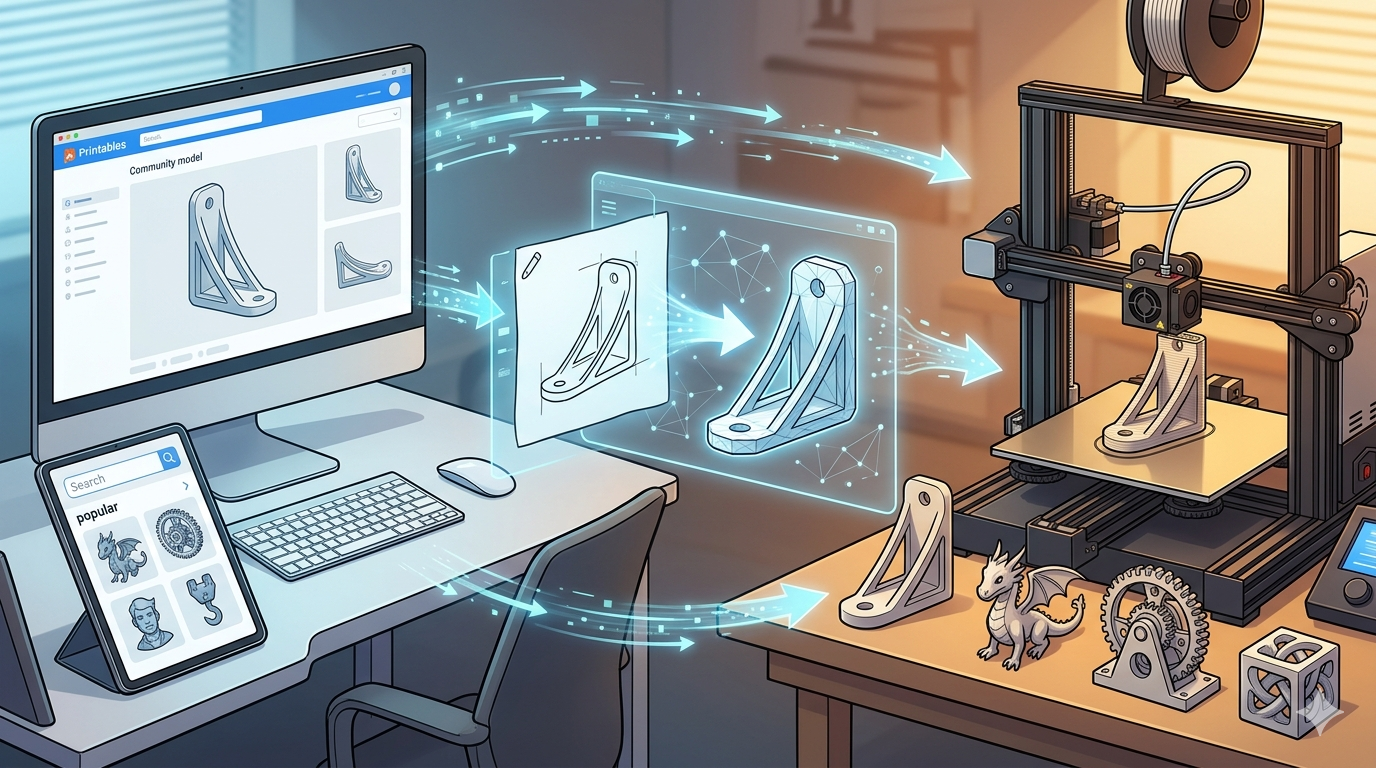
Turning a simple picture into a physical object through 3D printing feels like something out of science fiction. Just a few years ago, this process required complex software and a deep understanding of 3D modeling. Today, a new wave of AI-powered tools has made the image to STL 3D printing workflow accessible to everyone. These platforms can take a 2D image and generate a 3D printable STL file in minutes, opening up a world of creative possibilities. This article compares some of the best AI tools available, helping you choose the right one for your project.
Why Convert an Image to STL?
The most direct benefit of converting an image to an STL file is the ability to create personalized 3D prints without needing to learn traditional 3D design. You can turn a company logo into a keychain, a child's drawing into a magnet, or a photograph into a lithophane?? 3D picture that reveals its details when backlit. This technology empowers hobbyists, artists, and entrepreneurs to produce custom items quickly. For those new to 3D printing, it serves as an excellent entry point, removing the steep learning curve associated with software like Blender or ZBrush.
Top AI Tools for Image to STL Conversion
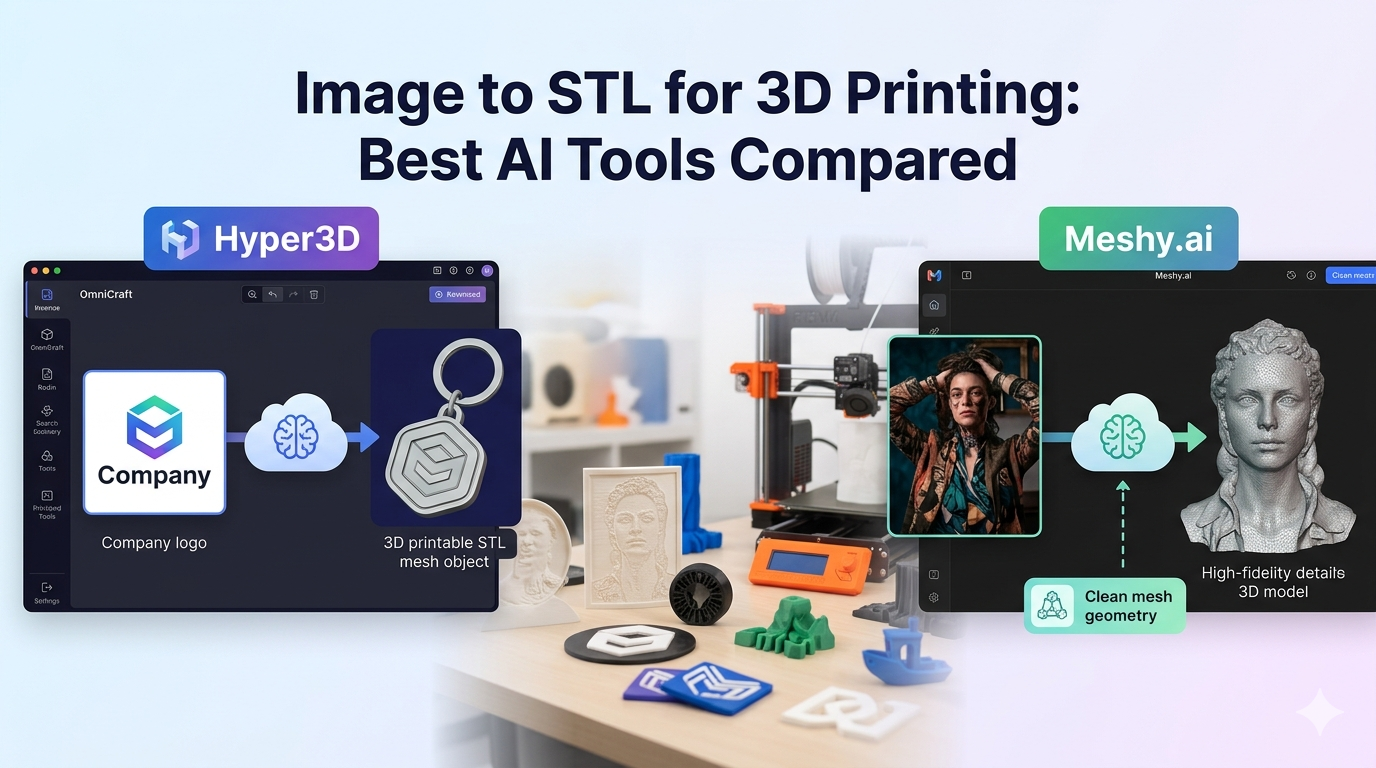
The market for AI-driven 3D modeling is growing fast, and several platforms now offer specialized tools for converting images into 3D models. Each has its own strengths and is built for slightly different users. Among the top contenders are Hyper3D, with its comprehensive suite of tools, and Meshy.ai, known for its high-quality outputs. Other services like Sloyd.ai and various free online converters also provide viable options depending on your needs.
Hyper3D: The All-in-One Solution
Hyper3D stands out by offering more than just a simple conversion tool. It's an integrated platform with different modules for various 3D tasks. For image to STL 3D printing, you'll primarily use the image to STL converter, which is part of the OmniCraft toolset. OmniCraft is designed for editing, format conversion, and applying advanced features like Vecto3D for refining models.
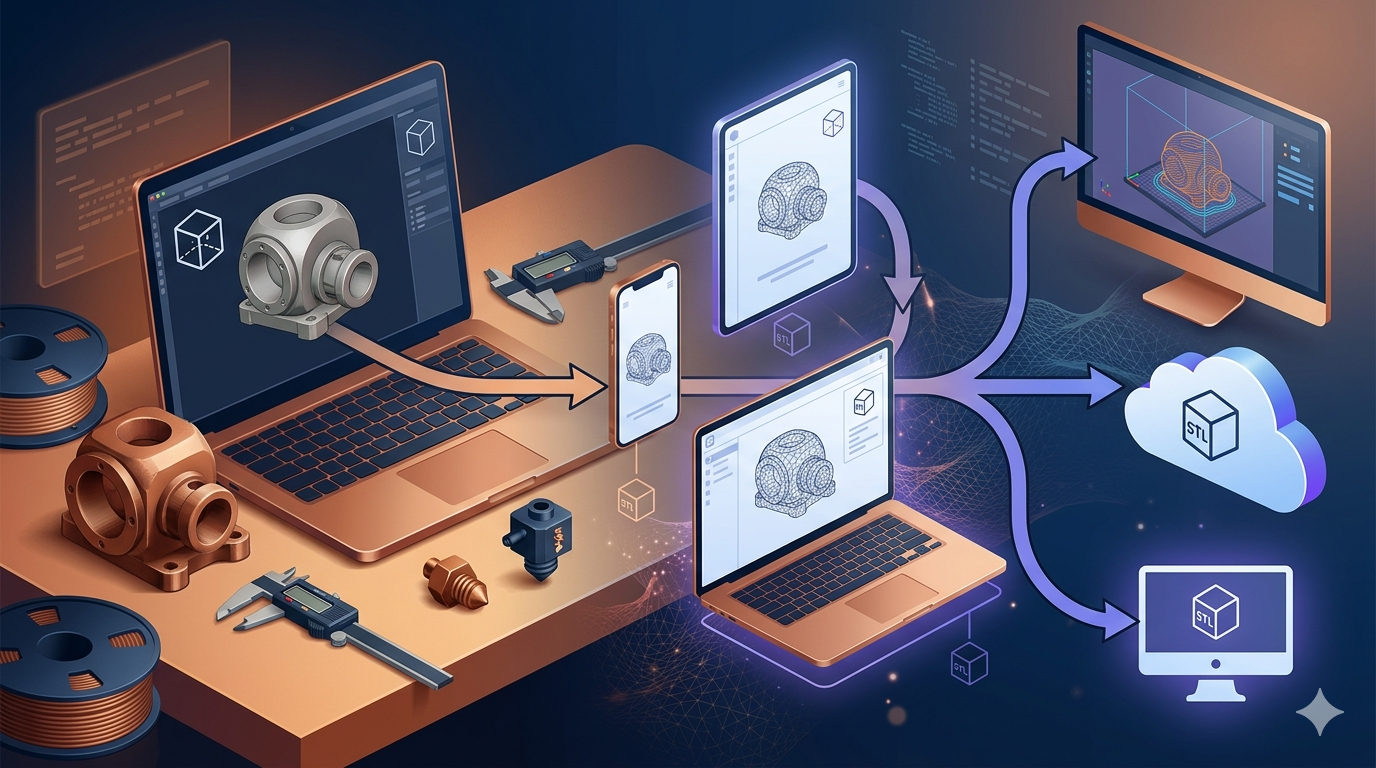
Hyper3D also includes Rodin, a powerful 3D printing model generator that can create models from text prompts or images. The platform supports a wide range of export formats, including STL, FBX, OBJ, GLB, and USDZ, making it highly flexible for different workflows. This makes it a strong choice for users who want to do more than just convert an image; they want to refine, edit, and prepare it for any 3D pipeline.
Meshy.ai: A Strong Competitor
Meshy.ai has gained a reputation for producing high-fidelity 3D models from images. It excels at capturing intricate details and generating clean, well-structured meshes. This makes it a favorite among artists and designers who require a higher level of precision for their projects. While it offers a free tier, its more advanced features and higher-quality outputs are part of its paid plans. Meshy.ai is a great tool, but it's more specialized. If your only goal is to generate a model from an image, it's a solid choice, but it lacks the broader editing and content generation features found in platforms like Hyper3D.
Other Notable Image to STL Tools
Beyond the main players, several other tools offer image-to-STL capabilities. Sloyd.ai is another AI-powered platform that includes an image-to-3D function, often praised for its speed and ease of use. You can also find dozens of free web-based tools like imagetostl.com, which offer basic conversions. While these free tools are great for simple projects like creating a basic extrusion from a logo, they often lack the advanced algorithms to create detailed, high-quality 3D models from complex photographs.
My First-Hand Experience with Image to STL Converters
To get a real sense of their capabilities, I tested Hyper3D, Meshy.ai, and a popular free online converter with the same three images: a simple black-and-white logo, a detailed grayscale portrait, and a colorful illustration. My goal was to see how each tool handled different levels of complexity and what kind of STL file they produced.
Hyper3D's image to 3D tool was straightforward. I uploaded the logo, and within about a minute, I had a clean 3D model. The portrait was more challenging. The initial result was a bit noisy, but using the Vecto3D feature in OmniCraft helped clean up the geometry and produce a printable file. The colorful illustration was interpreted as a textured model, which was impressive.
Meshy.ai produced a very detailed model from the portrait, capturing subtle shading that the other tools missed. However, the mesh was dense and required some manual reduction for efficient 3D printing. The free online tool did a decent job with the logo but failed to create anything usable from the portrait or illustration, resulting in a messy, broken mesh.
Ultimately, the experience showed that you get what you pay for. For anything beyond a simple shape, a dedicated AI platform like Hyper3D or Meshy.ai is necessary. Hyper3D's integrated editing tools gave it an edge for preparing models for printing without leaving the platform.
Objective Comparison of AI Image to STL Tools
Choosing the right tool depends entirely on your project's requirements and your budget. Here?? a breakdown of how the leading platforms stack up.
| Feature | Hyper3D | Meshy.ai | Free Online Converters |
|---|---|---|---|
| Primary Use Case | All-in-one 3D creation & editing | High-fidelity image to 3D | Basic logo/shape extrusion |
| Output Quality | Good to Excellent (with refinement) | Excellent | Low to Moderate |
| Ease of Use | Very user-friendly | User-friendly | Very simple |
| Supported Formats | STL, FBX, OBJ, GLB, USDZ | STL, OBJ, FBX, GLB | STL only |
| Editing Tools | Yes (OmniCraft) | Limited | No |
| Pricing | Free tier, paid plans | Free tier, paid plans | Free |
When to Choose Hyper3D
Hyper3D is the ideal choice for users who see image to STL 3D printing as part of a larger creative process. If you need to generate a model and then edit it, combine it with other assets, or export it in multiple formats, Hyper3D provides all the necessary tools in one place. It's perfect for creators, small businesses, and hobbyists who want a versatile and powerful Rodin story creation tool without a steep learning curve.
When to Choose Meshy.ai
Meshy.ai is best for users whose primary need is the highest possible quality from an image-to-3D conversion. If you are an artist or designer working on a project where fine detail is critical, and you are comfortable with post-processing the model in other software, Meshy.ai is a fantastic option. Its focus on pure generation quality is its biggest strength.
H2: Tips for a Better Image to STL 3D Printing ConversionStart with a Good Image: The better your source image, the better your 3D model will be. Use high-resolution images with clear contrast and minimal background noise.
- Simplify When Possible: For logos and graphics, use a version with a transparent or plain white background. This helps the AI clearly distinguish the subject.
- Understand the Process: Most tools create a heightmap, where lighter pixels are extruded higher and darker pixels lower. Keep this in mind when selecting an image.
- Post-Processing is Key: Almost all generated STL files will benefit from some cleanup. Use free software like Meshmixer or Blender to smooth surfaces, fix holes, and simplify the mesh before printing.
FAQ: Your Image to STL Questions Answered
What is the best image format for converting to STL?
PNG and JPG are the most widely supported formats. PNG is often preferred for graphics and logos because it supports transparency, which helps isolate the subject from the background and leads to a cleaner conversion.
Can I convert any image to a 3D model?
Technically, yes, but the results will vary dramatically. Images with clear subjects and high contrast work best. A blurry, low-resolution photo with a busy background is unlikely to produce a usable 3D model without significant manual cleanup.
How do I fix errors in my generated STL file?
Most STL errors, such as holes or non-manifold edges, can be fixed using 3D editing software. Meshmixer has an excellent
`Inspector` tool that can automatically find and repair many common issues. Blender also has powerful mesh repair features, though it has a steeper learning curve.
Are free image to STL converters any good?
Free converters are great for very simple tasks, like extruding a basic logo or a simple shape. However, for more complex images like photographs or detailed illustrations, they generally lack the sophistication to create high-quality, printable 3D models.
What's the difference between a lithophane and a 3D model from an image?
A lithophane is a specific type of 3D print created from a photograph. It's a thin, translucent plaque that reveals the image when backlit. A general image to STL 3D printing conversion, on the other hand, aims to create a full 3D object with depth and form based on the image's content, not just its light and dark areas.
H2: The Future of Image to STL 3D Printinge world of 3D creation is changing rapidly, thanks to AI. The ability to generate a model from a simple image is just the beginning. We are already seeing the rise of text-to-3D generators, where you can describe an object in words and have an AI build it for you. As these technologies mature, the barrier to entry for 3D printing and design will become lower than ever.
Platforms that integrate multiple AI capabilities, like Hyper3D's combination of a 3D printing model generator and advanced editing tools, are pointing the way forward. The future is not just about creating models, but about providing a seamless workflow from idea to physical object. This democratization of 3D creation will empower a new generation of makers, artists, and innovators. The journey from a simple image to STL is a perfect example of how far we've come and a glimpse into the exciting future ahead. The image to stl 3d printing process will only get easier.