




Make your next creation.
Turn your ideas into 3D assets. Start creating with Hyper3D.
Assemble a 3D city in Unity using buildings of different heights, cars, roads, billboards and an existing cartoon-city asset pack.
Download unavailable. Open the original video to save it.
Turn your ideas into 3D assets. Start creating with Hyper3D.
Follow us


State which objects must remain separate, named and editable; otherwise a visually convincing shell may still be unusable.
Ask the model to run the scene, inspect visible failures and repeat until concrete frame-rate, interaction and layout checks pass.

For large worlds, split the work into districts, assemblies or milestones and approve each section before expanding scope.

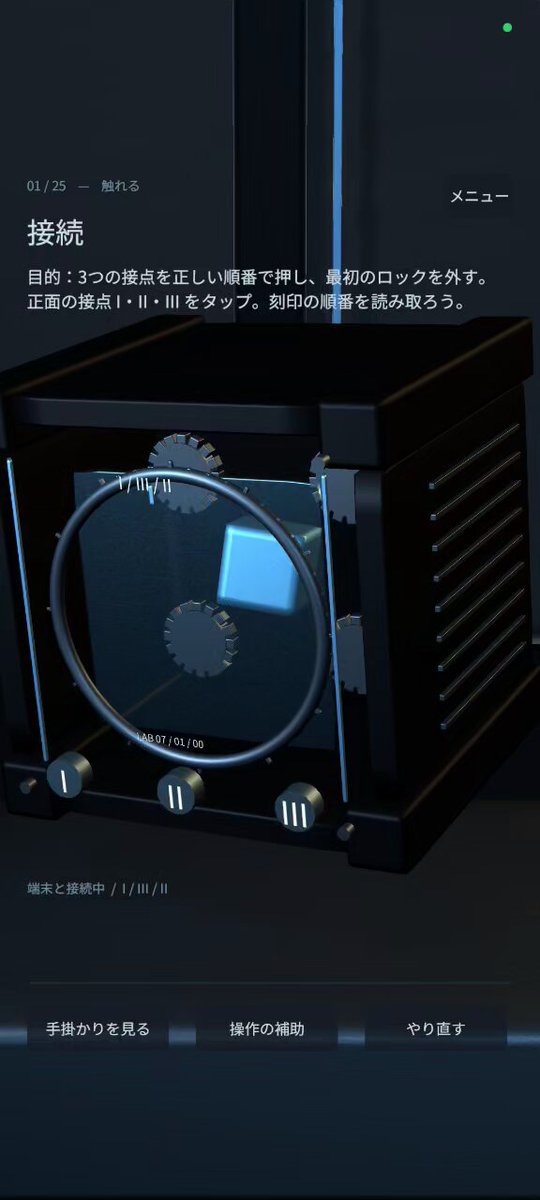
Comprehensive instructions for creating a photorealistic, portrait-mode Android 3D puzzle adventure in Unity, where players investigate a black, cube-shaped device called DEVICE. In addition to touch controls, integrate the phone’s tilt, rotation, face-down gestures, accelerometer, camera, microphone, vibration, speaker, brightness, compass, charging status, and other capabilities as puzzle inputs within the same game world. The linked article publishes these development instructions in full as entered into ChatGPT Work, and also introduces the 25-stage DEVICE demo and its Android APK.
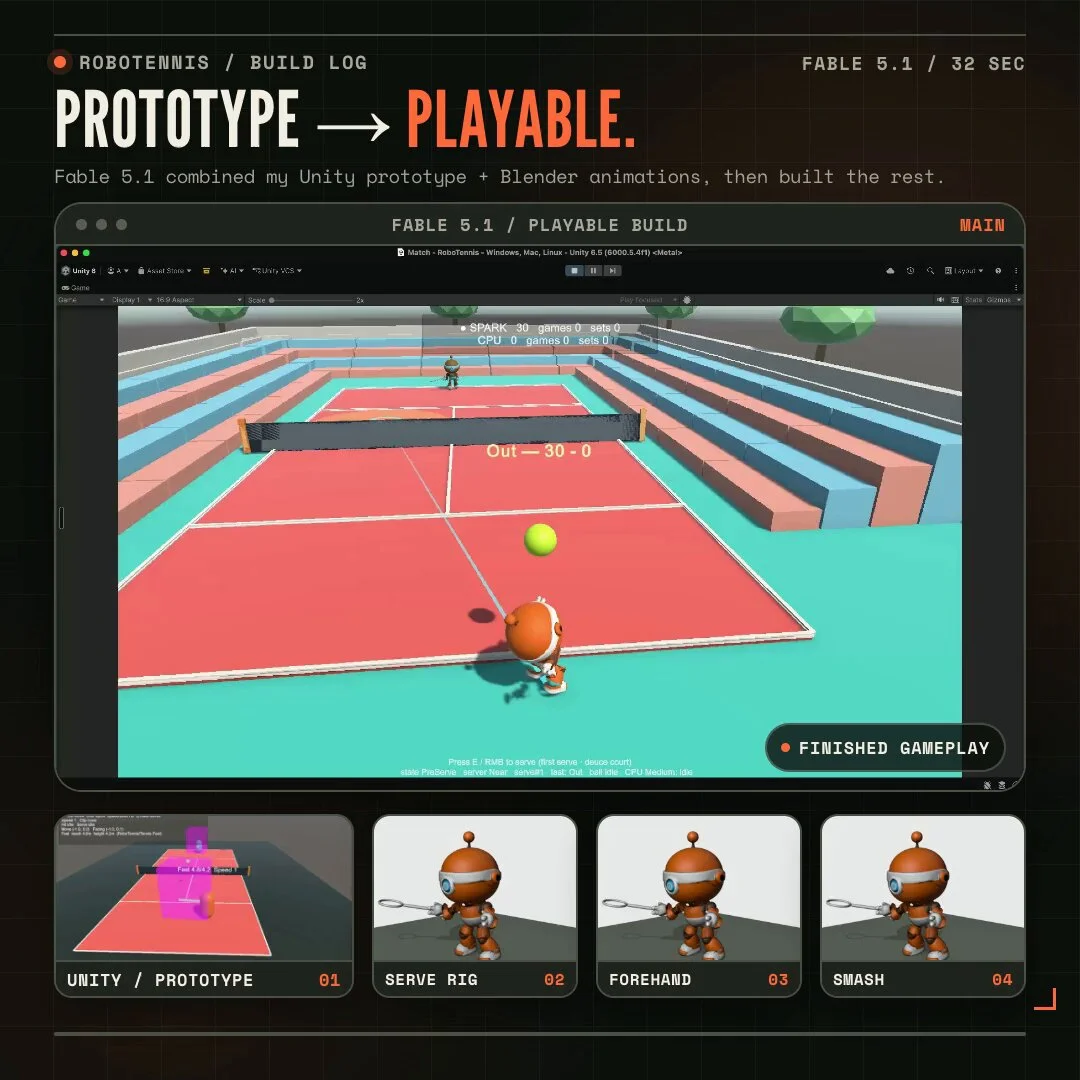
Finish a playable Unity tennis game with Blender-authored characters, reliable controls, locomotion and swing animations, ball physics, scoring, opponents and match flow.
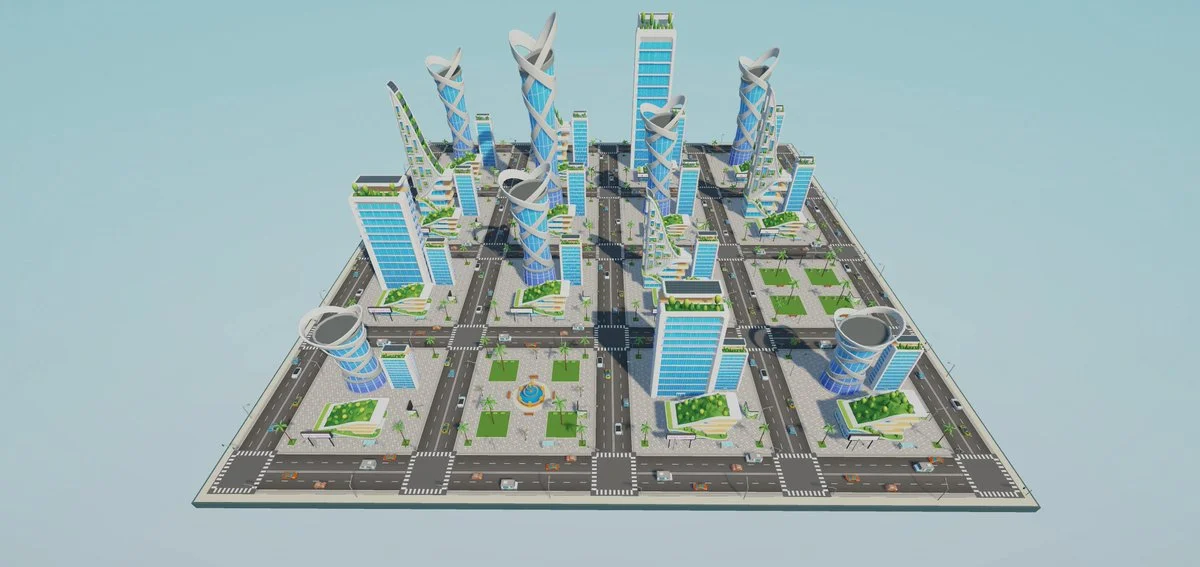
Assemble an explorable Unity city from the provided asset library. Create a coherent road network, towers, vehicles, palms, lighting and navigation, then optimize the scene and produce a stable first-person walkthrough.
