




Make your next creation.
Turn your ideas into 3D assets. Start creating with Hyper3D.
Almost all of the code was written with Claude Opus 5. But what let the project keep moving through thousands of iteration loops was not a clever prompt. It was organizing the project so the AI could find what it needed without reading the entire codebase. 1. Keep instructions next to the code, not in one central pile Every folder has its own guide with common workflows and previously discovered pitfalls. The guide loads automatically when a session starts in that folder. Work on monsters does not need to pay the context cost of the map guide. The context required before each task dropped from roughly 76,000 tokens to about 10,000. 2. Enforce rules with tools, not discipline I had it write scripts that fail the build when they detect circular imports or color values written directly at the point of use instead of being defined centrally. Do not hope the AI remembers every rule; making the commit fail is much more reliable. 3. Let TypeScript be the reminder Add a skill without its effect and the project will not compile. Add a monster without creating its model and the project will not compile. It cannot be forgotten because the type system does not allow it. 4. Make content data-driven Adding a monster, skill or item should mean adding one row instead of modifying the whole system. AI handles “add one row” much more accurately than “update five places that must stay consistent.” 5. Effective prompts define evaluation criteria, not procedures Examples: “regular monsters must die within 2 to 5 seconds,” “at least 97% of every map must be reachable,” and “no game item may have a drop rate below 3%.” Then encode those criteria as tests. Once the AI knows what good means, it can find the route and determine whether it has succeeded. In short: invest in structure and tests first, then invest in the prompt.
Download unavailable. Open the original video to save it.
Almost all of the code was written with Claude Opus 5. But what let the project keep moving through thousands of iteration loops was not a clever prompt. It was organizing the project so the AI could find what it needed without reading the entire codebase. 1. Keep instructions next to the code, not in one central pile Every folder has its own guide with common workflows and previously discovered pitfalls. The guide loads automatically when a session starts in that folder. Work on monsters does not need to pay the context cost of the map guide. The context required before each task dropped from roughly 76,000 tokens to about 10,000. 2. Enforce rules with tools, not discipline I had it write scripts that fail the build when they detect circular imports or color values written directly at the point of use instead of being defined centrally. Do not hope the AI remembers every rule; making the commit fail is much more reliable. 3. Let TypeScript be the reminder Add a skill without its effect and the project will not compile. Add a monster without creating its model and the project will not compile. It cannot be forgotten because the type system does not allow it. 4. Make content data-driven Adding a monster, skill or item should mean adding one row instead of modifying the whole system. AI handles “add one row” much more accurately than “update five places that must stay consistent.” 5. Effective prompts define evaluation criteria, not procedures Examples: “regular monsters must die within 2 to 5 seconds,” “at least 97% of every map must be reachable,” and “no game item may have a drop rate below 3%.” Then encode those criteria as tests. Once the AI knows what good means, it can find the route and determine whether it has succeeded. In short: invest in structure and tests first, then invest in the prompt.
Turn your ideas into 3D assets. Start creating with Hyper3D.
Follow us


State which objects must remain separate, named and editable; otherwise a visually convincing shell may still be unusable.
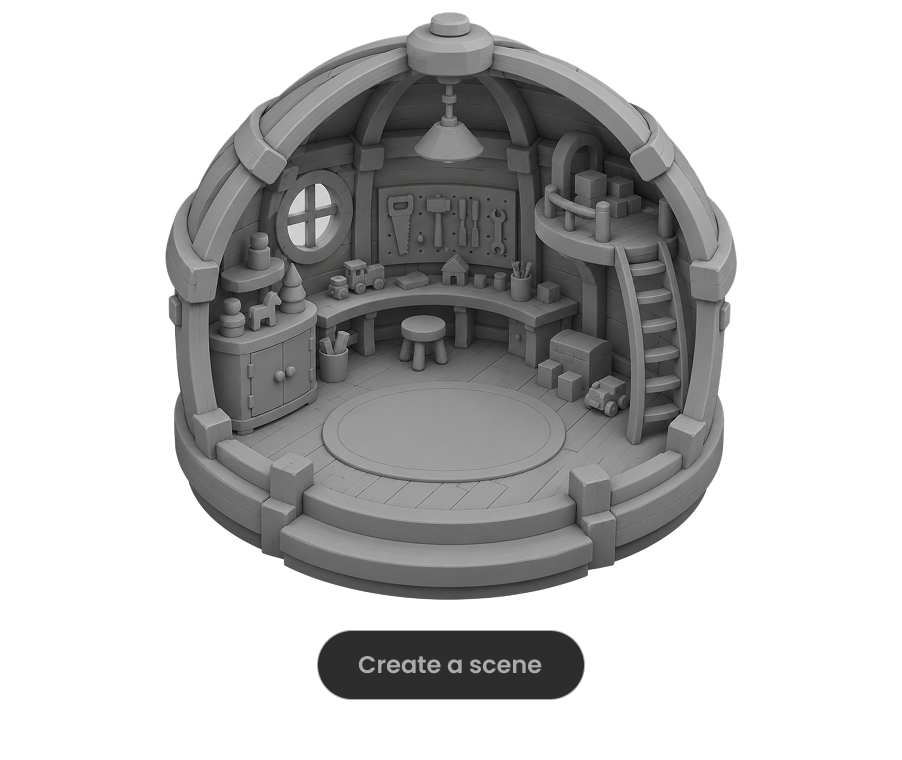
Ask the model to run the scene, inspect visible failures and repeat until concrete frame-rate, interaction and layout checks pass.

For large worlds, split the work into districts, assemblies or milestones and approve each section before expanding scope.

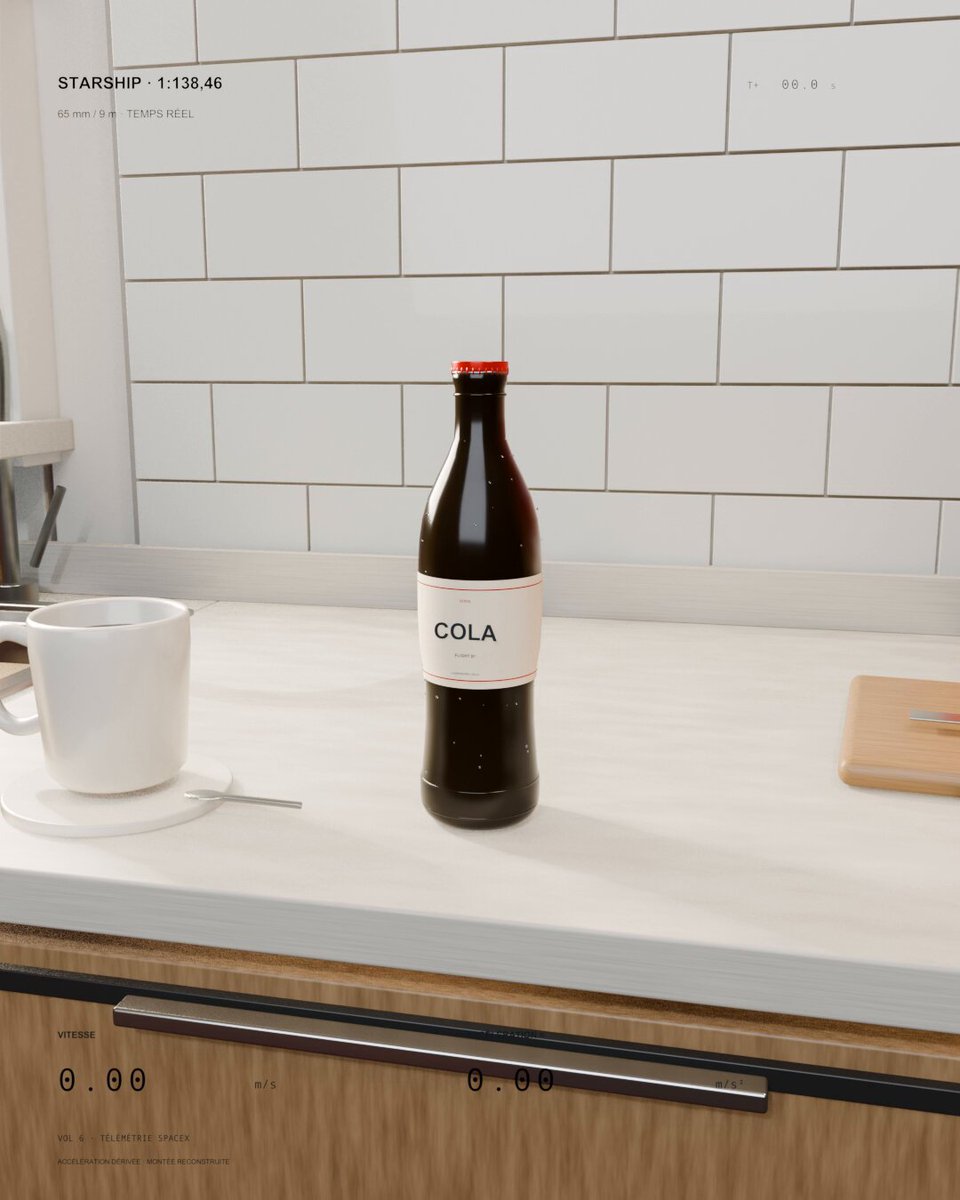
A kitchen soda bottle launches like a miniature Starship. Sol 6.1 was asked to scale real flight speed and acceleration to the bottle and keep everyday objects visible for scale.
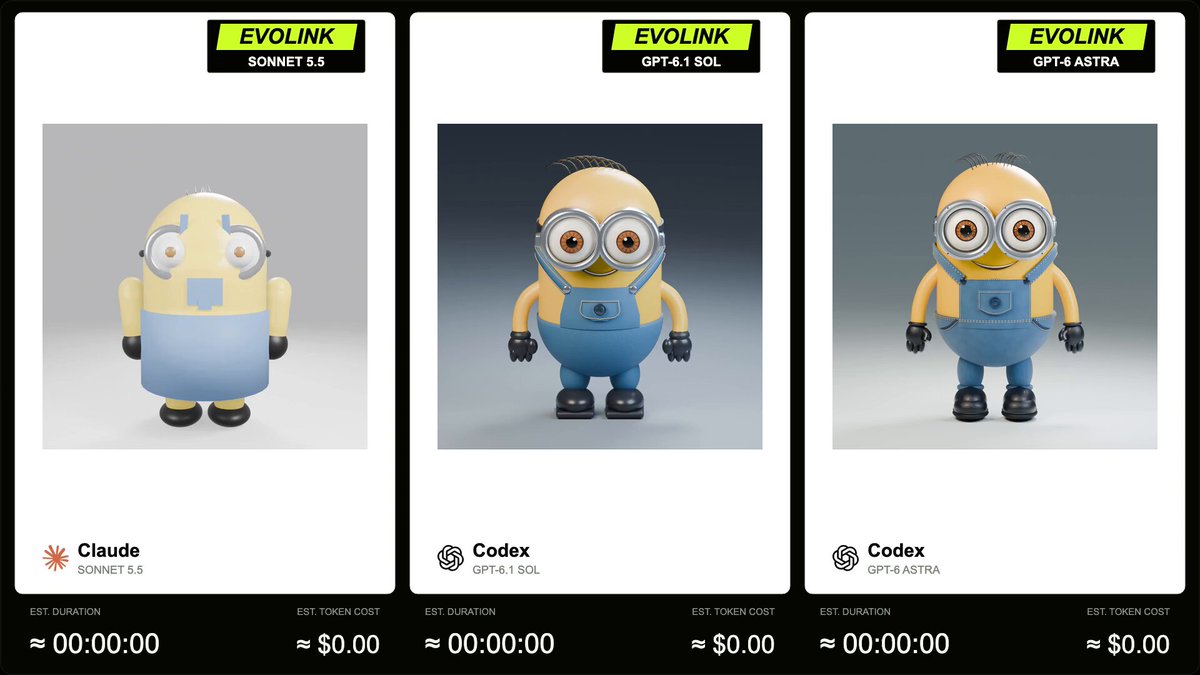
EvoLink compares GPT-6.1 Sol, Sonnet 5.5 and GPT-6 Astra on a Blender Minion model with a 5-second, square, 360-degree turntable animation. The author supplies the full prompt in a reply.
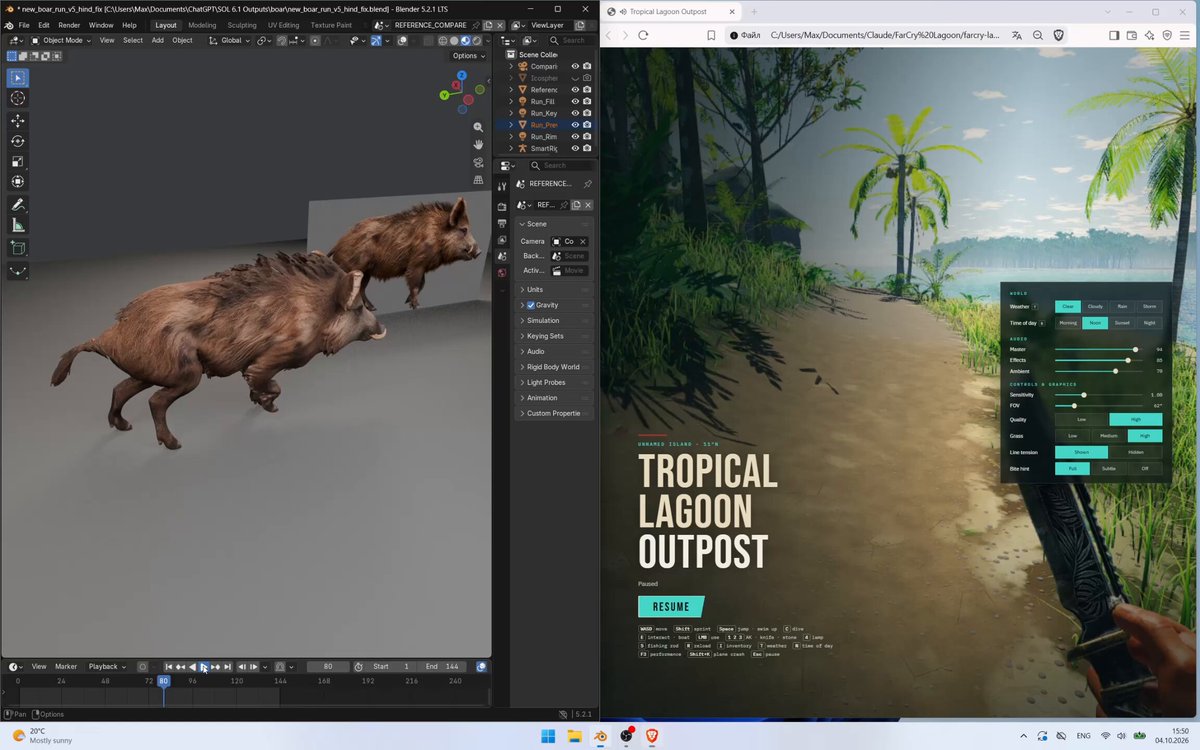
A Meshy-rigged boar is refined in Blender against a synchronized video reference over five iterations. The public prompt specifies a 144-frame, 24 fps comparison and detailed gait and contact checks.
