




Make your next creation.
Turn your ideas into 3D assets. Start creating with Hyper3D.
Set up expression variants of a 3D character in Blender before rigging. Align the meshes and switch them discretely, shrinking inactive variants inside the head. Do not imply smooth blending or VRM compatibility.
Download unavailable. Open the original video to save it.
Set up expression variants of a 3D character in Blender before rigging. Align the meshes and switch them discretely, shrinking inactive variants inside the head. Do not imply smooth blending or VRM compatibility.
Turn your ideas into 3D assets. Start creating with Hyper3D.
Follow us


State which objects must remain separate, named and editable; otherwise a visually convincing shell may still be unusable.
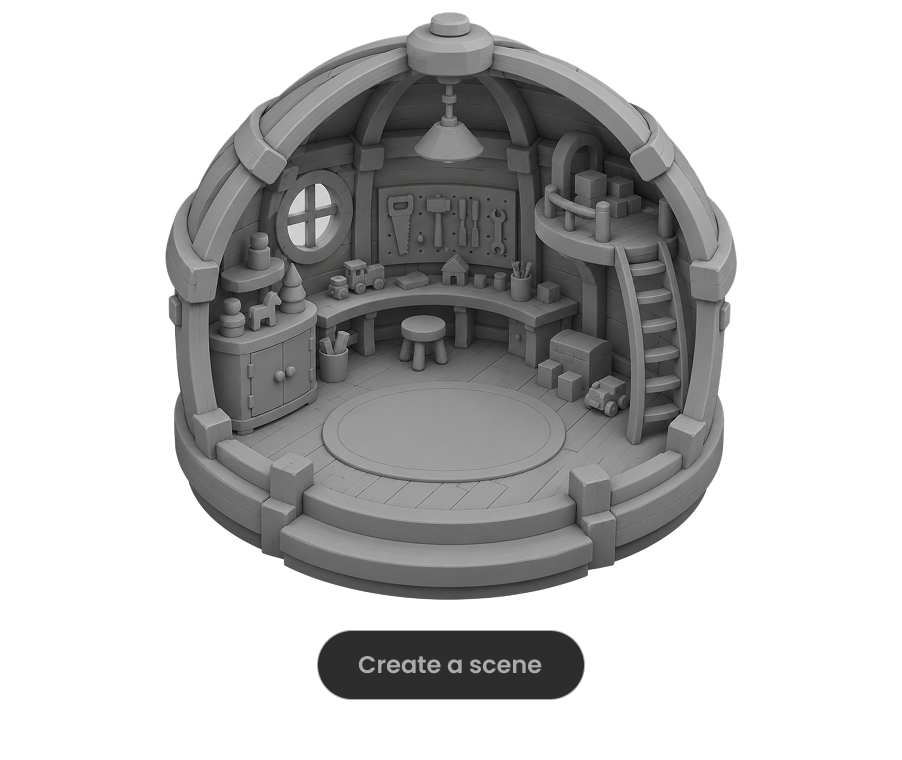
Ask the model to run the scene, inspect visible failures and repeat until concrete frame-rate, interaction and layout checks pass.

For large worlds, split the work into districts, assemblies or milestones and approve each section before expanding scope.

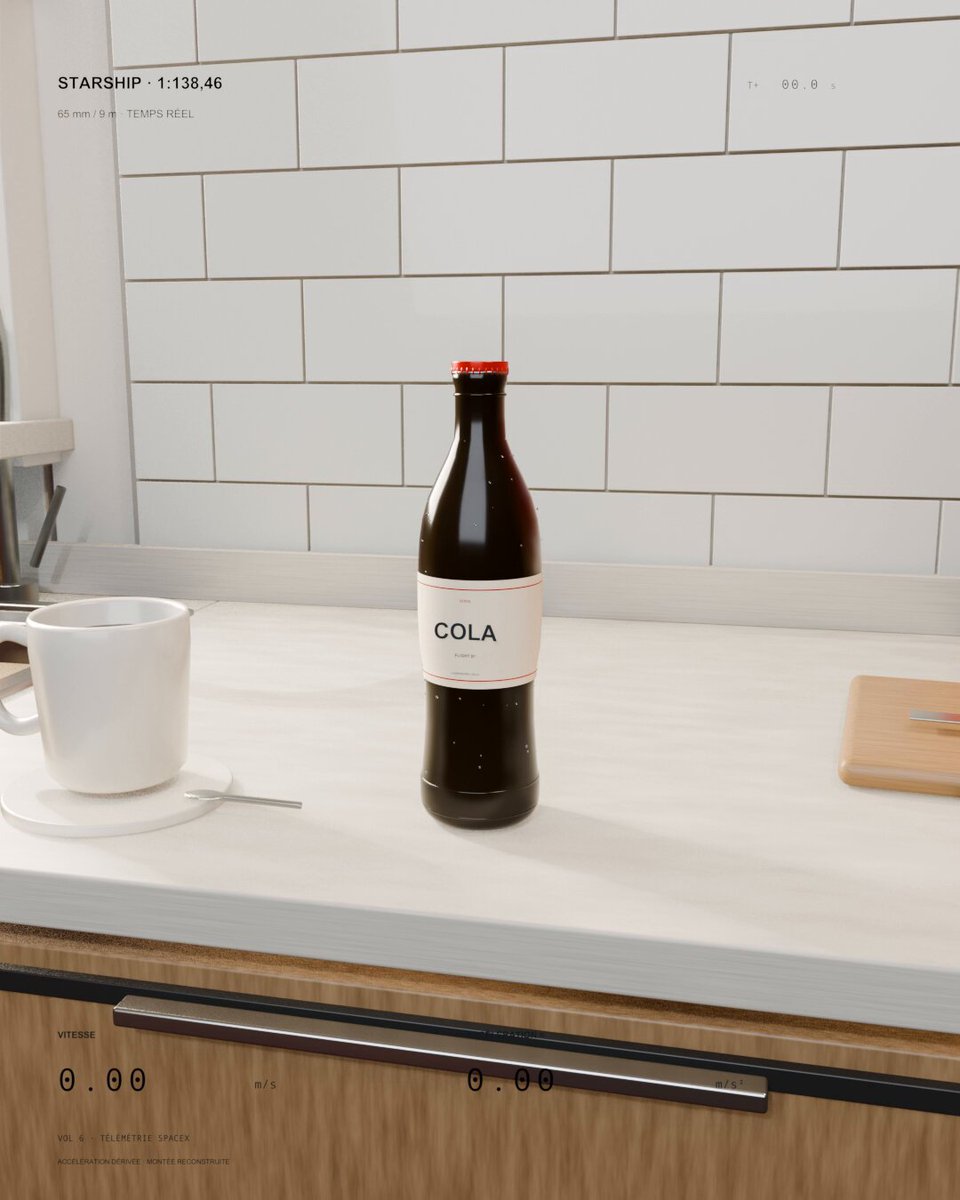
A kitchen soda bottle launches like a miniature Starship. Sol 6.1 was asked to scale real flight speed and acceleration to the bottle and keep everyday objects visible for scale.
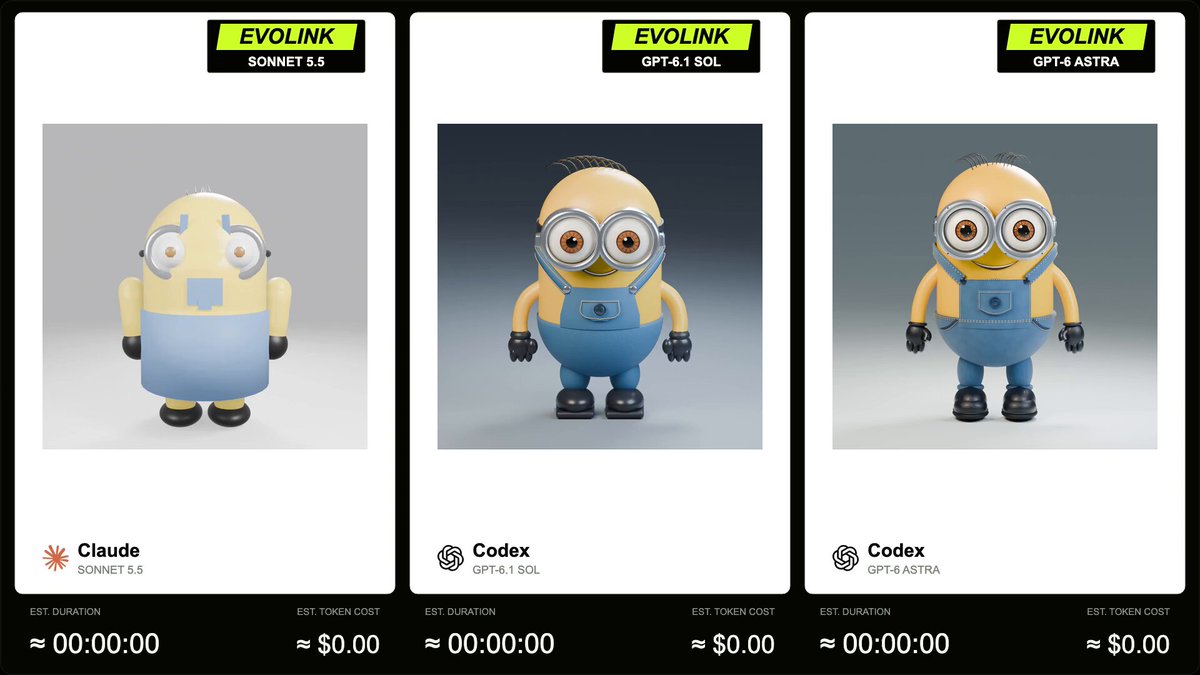
EvoLink compares GPT-6.1 Sol, Sonnet 5.5 and GPT-6 Astra on a Blender Minion model with a 5-second, square, 360-degree turntable animation. The author supplies the full prompt in a reply.
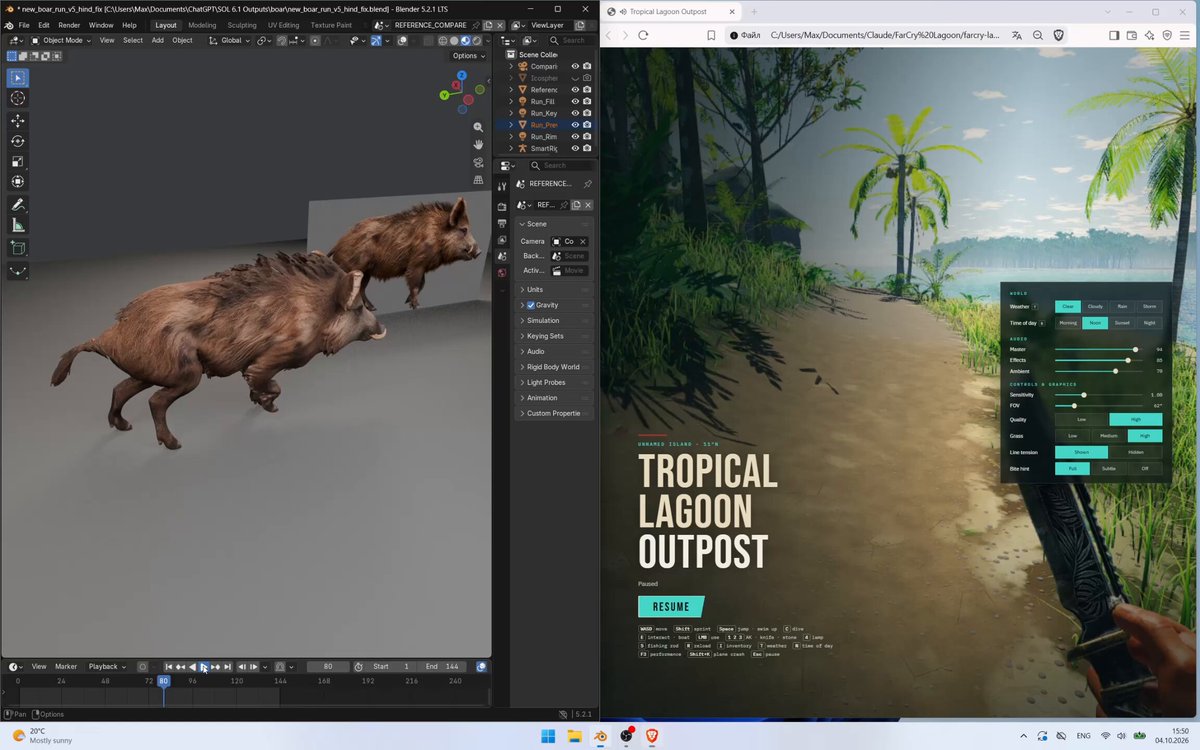
A Meshy-rigged boar is refined in Blender against a synchronized video reference over five iterations. The public prompt specifies a 144-frame, 24 fps comparison and detailed gait and contact checks.
