




Make your next creation.
Turn your ideas into 3D assets. Start creating with Hyper3D.
リギング前に、Blenderで3Dキャラクターの表情バリエーションを設定してください。メッシュを位置合わせし、非アクティブなものを頭部内に縮小して、離散的に切り替えてください。滑らかなブレンドやVRM互換性があると示唆しないでください。
Download unavailable. Open the original video to save it.
Turn your ideas into 3D assets. Start creating with Hyper3D.
フォローする


どのオブジェクトを独立させ、名前を付け、編集可能な状態に保つかを明示しましょう。見た目がよくできていても、実際には使えない場合があります。
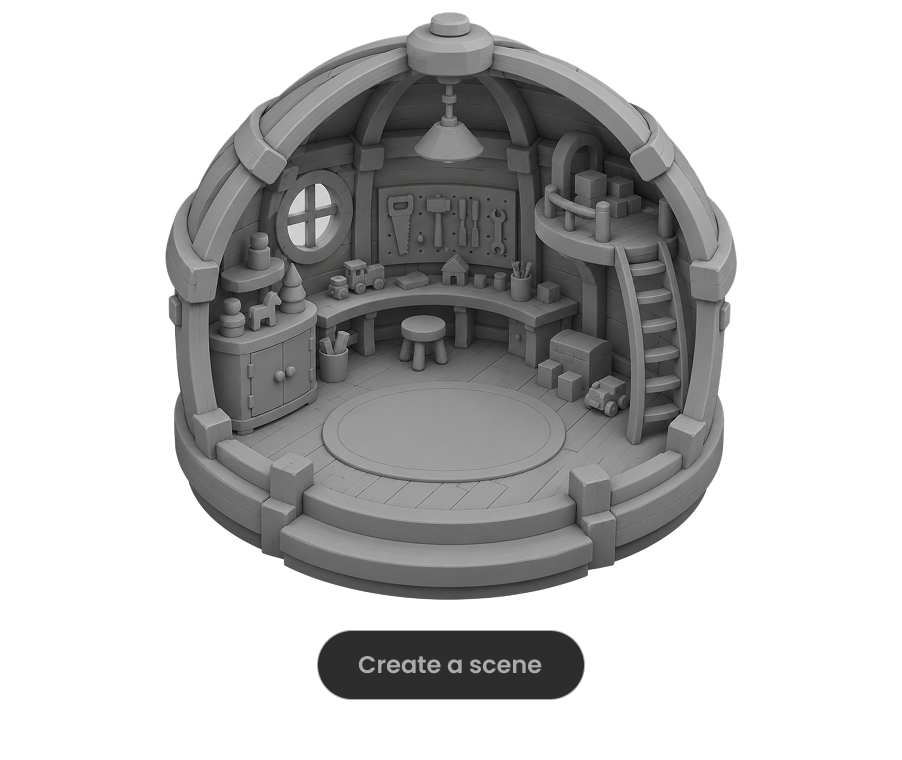
モデルにシーンを実行させ、目に見える不具合を確認し、フレームレート・操作・レイアウトの具体的なチェックをすべて通過するまで修正を繰り返すよう指示しましょう。

大きなワールドを制作する場合は、作業をエリア、パーツのまとまり、マイルストーンに分け、各部分を確認してから範囲を広げましょう。

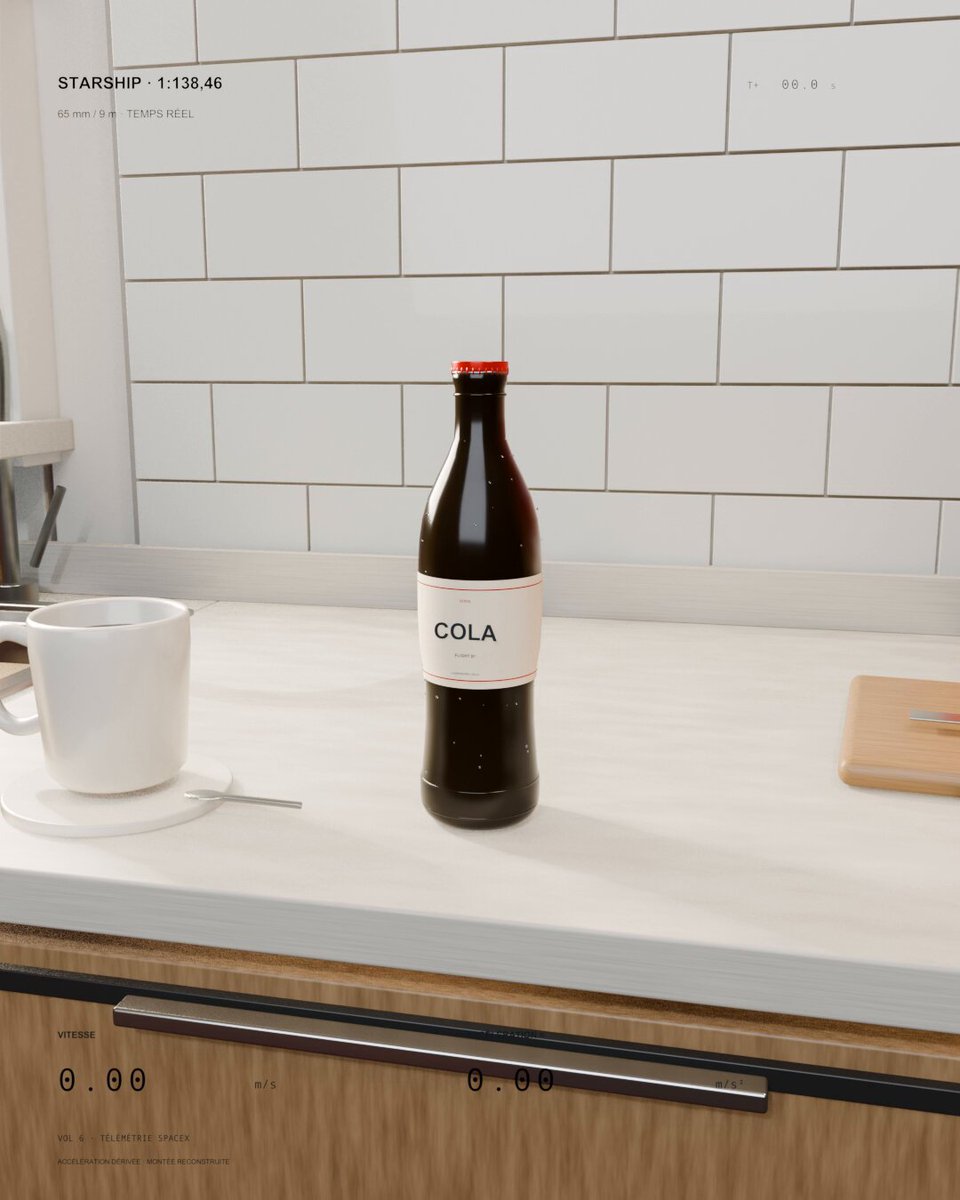
キッチンの炭酸飲料ボトルが小型の Starship のように打ち上がります。Sol 6.1 には、実際の飛行速度と加速度をボトルの大きさに合わせて縮小し、スケールの目安となる日用品を画面に残すよう依頼しています。
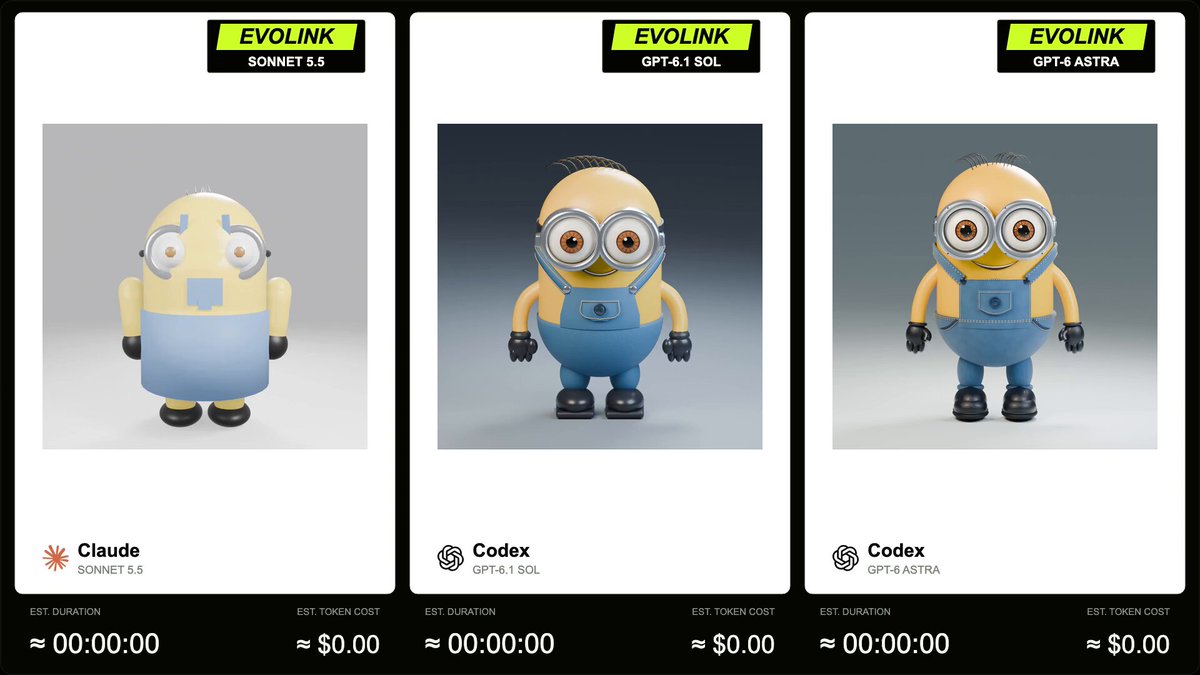
EvoLink は、5 秒の正方形・360 度ターンテーブルアニメーション付きの Blender Minion モデルで GPT-6.1 Sol、Sonnet 5.5、GPT-6 Astra を比較しています。作者は返信で完全なプロンプトを公開しています。
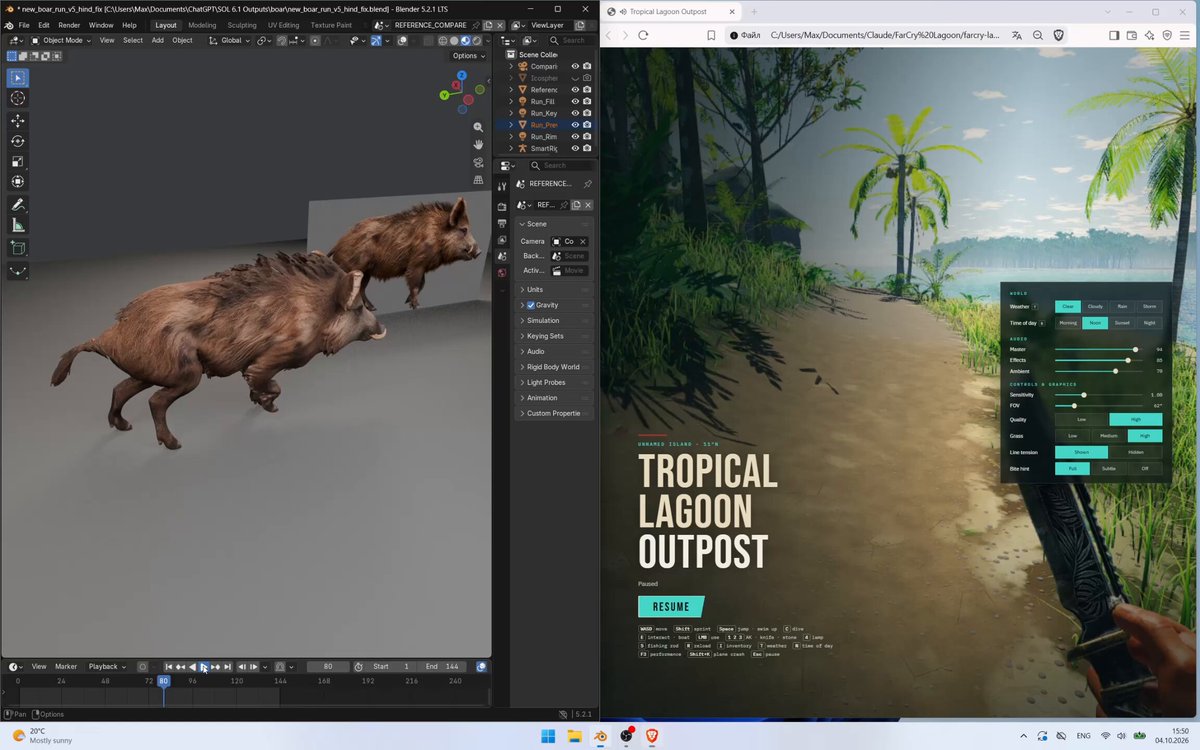
Meshy でリギングされたイノシシを Blender で同期した参照動画と比較し、5 回の反復で改善しています。公開プロンプトでは 144 フレーム、24 fps の比較と、歩容や接地の詳細な確認を指定しています。
