




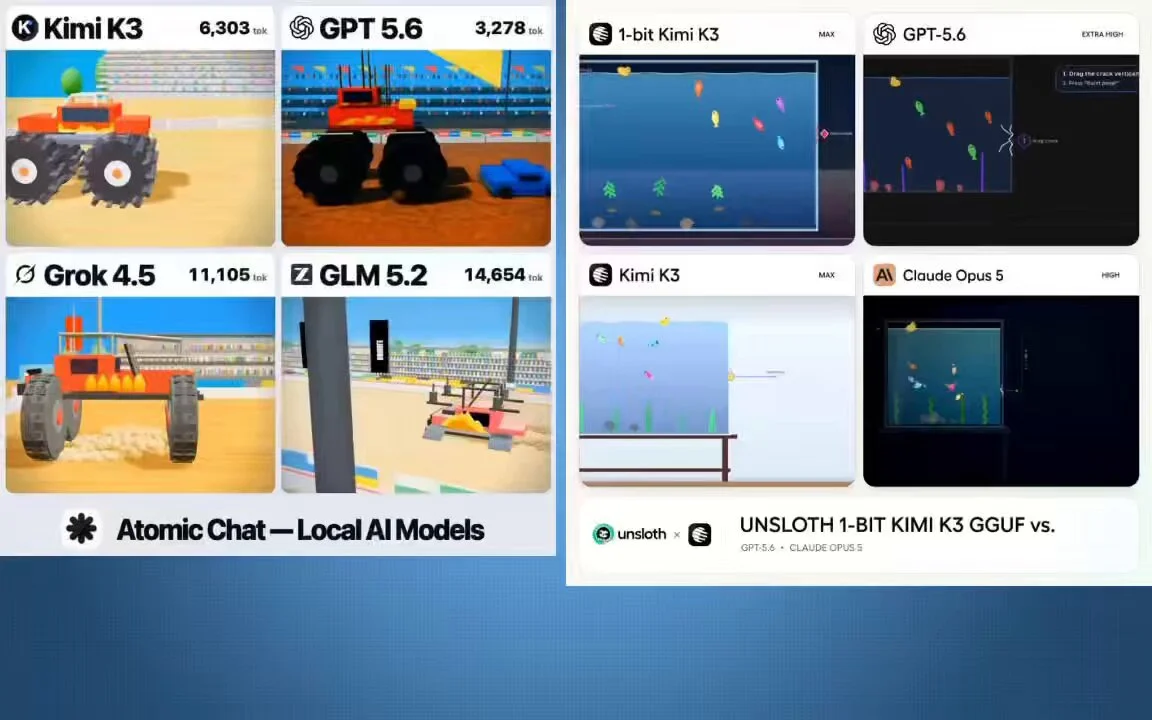
Kimi K3
3D destruction physics prompts for self-contained HTML scenes
A monster truck crushing a row of cars Two cars jumping a canyon and colliding head-on mid-air A giant anvil flattening cars one by one
Unable to update the order. Please try again.
A monster truck crushing a row of cars Two cars jumping a canyon and colliding head-on mid-air A giant anvil flattening cars one by one
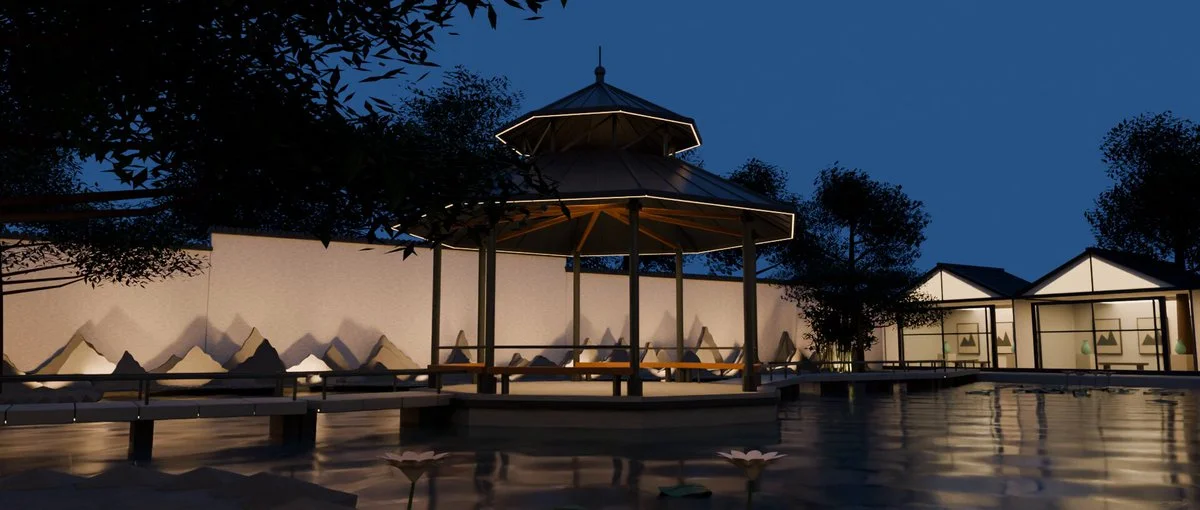
Use a webpage about the Suzhou Museum as reference to recreate its garden in Blender. Produce a continuous walkthrough that preserves the relationship between modern architecture and traditional Chinese landscaping.
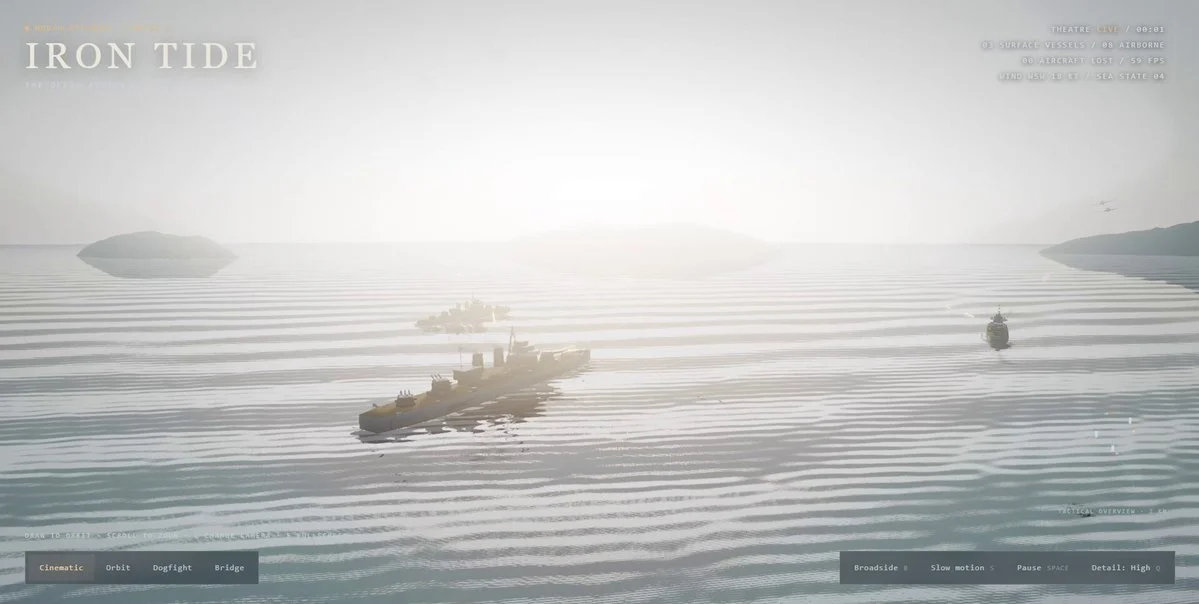
Create a detailed naval battle in Three.js in one turn. Include several distinct ships, physically convincing water interaction, wakes and spray, aerial action, explosions, cinematic lighting, camera motion and performance-aware rendering.
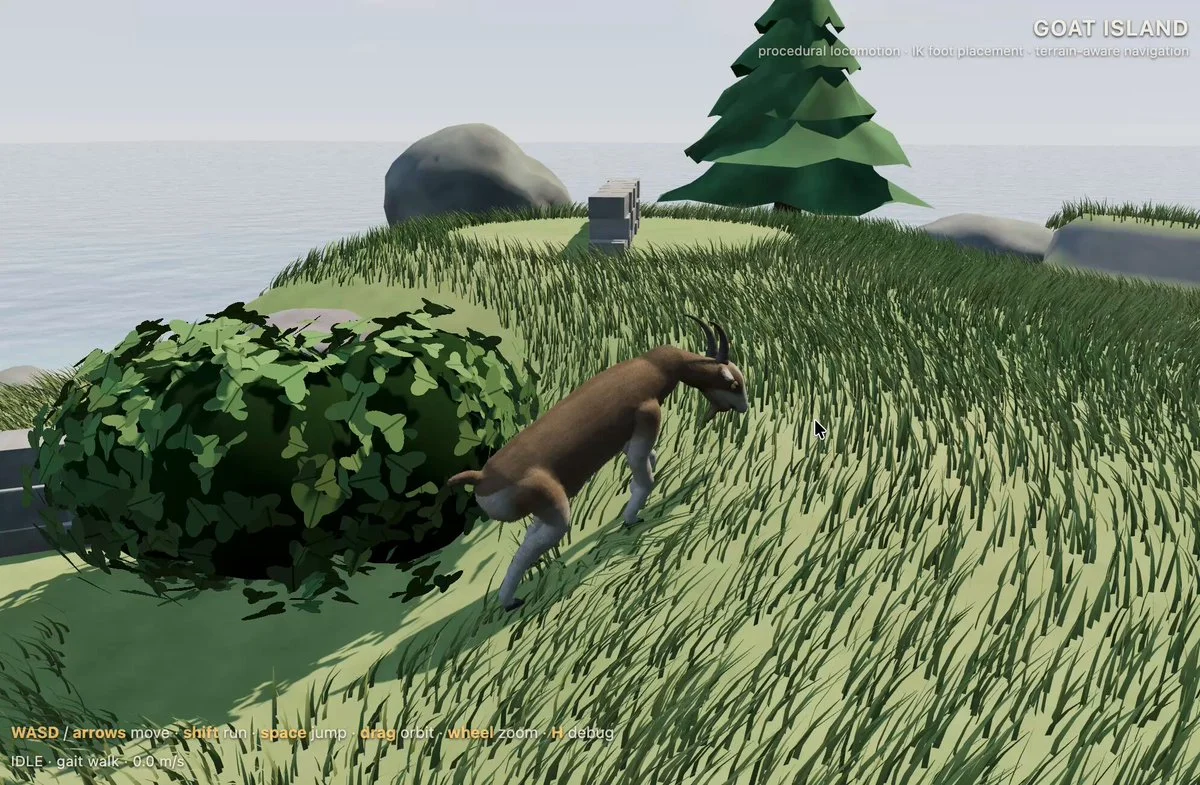
Create a small explorable Three.js island with a pet goat that follows, reacts and plays, plus cozy environmental details and simple daily interactions.
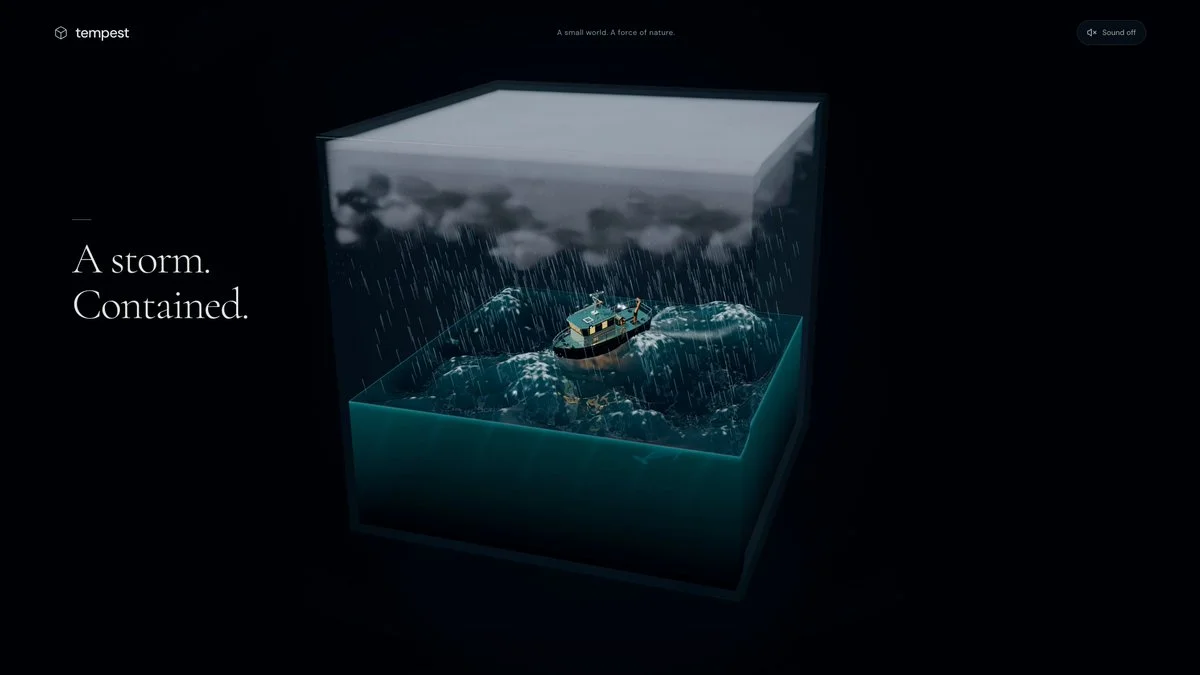
Generate a storm trapped in a cube with weather you can control in Three.js.
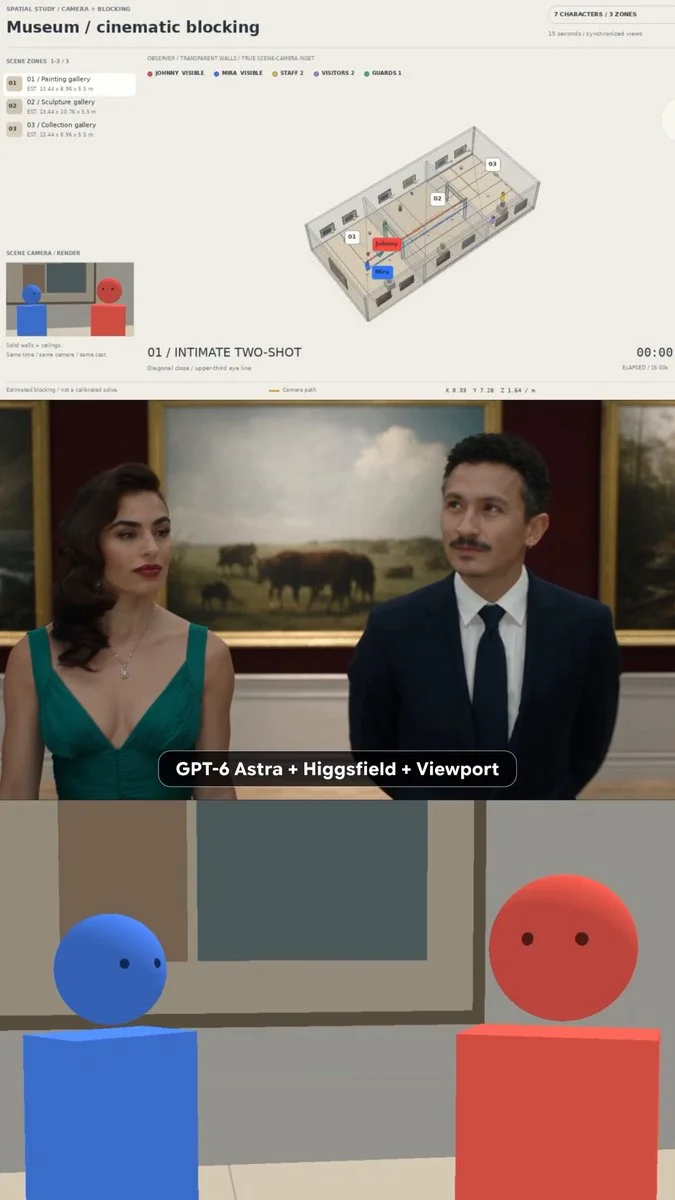
Build a 3D museum previsualization that maps the location, cast positions, camera blocking and shot list. Keep every setup inside the physical viewport, then export consistent guides for downstream video generation.
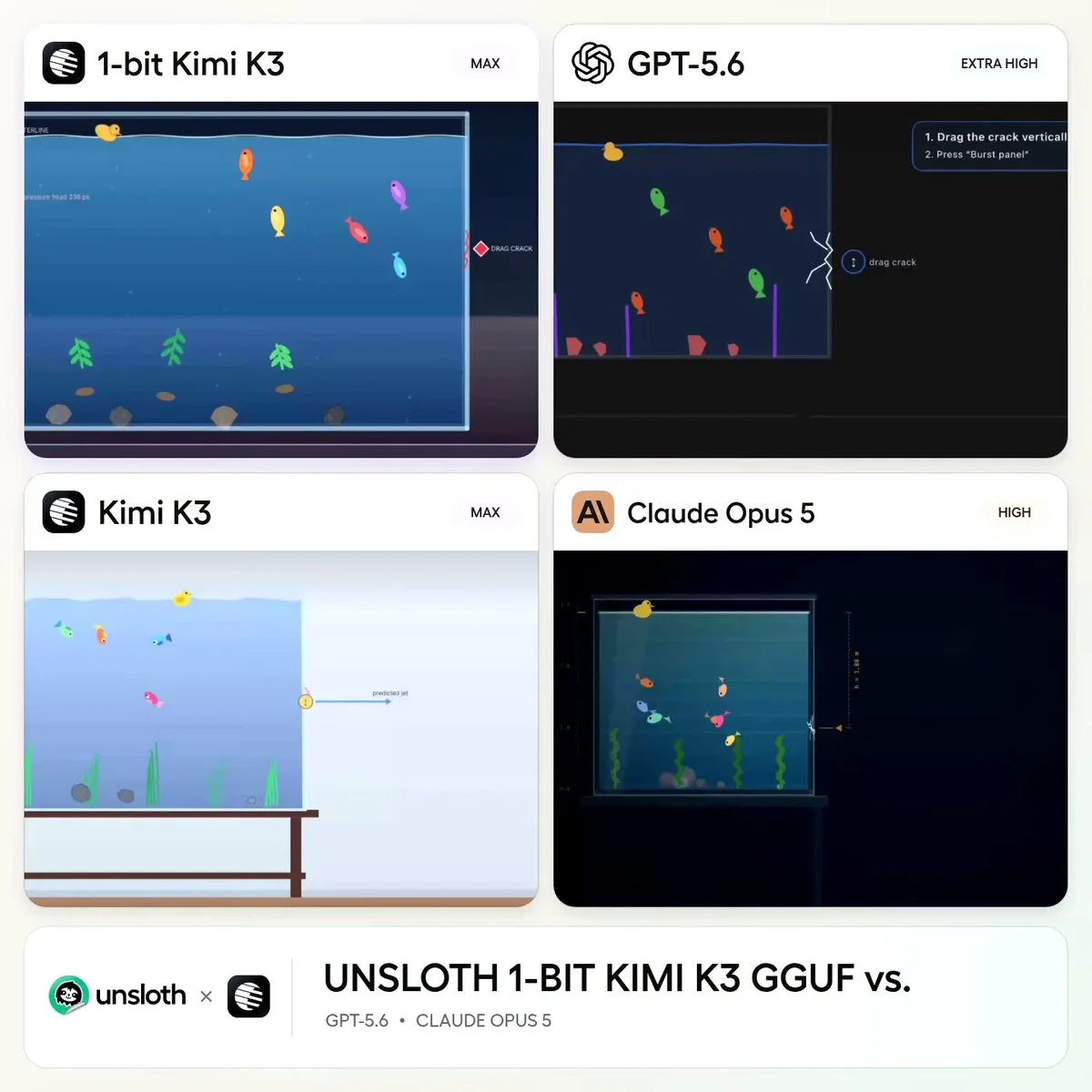
Create a glass aquarium whose side panel develops a visible crack and then bursts.
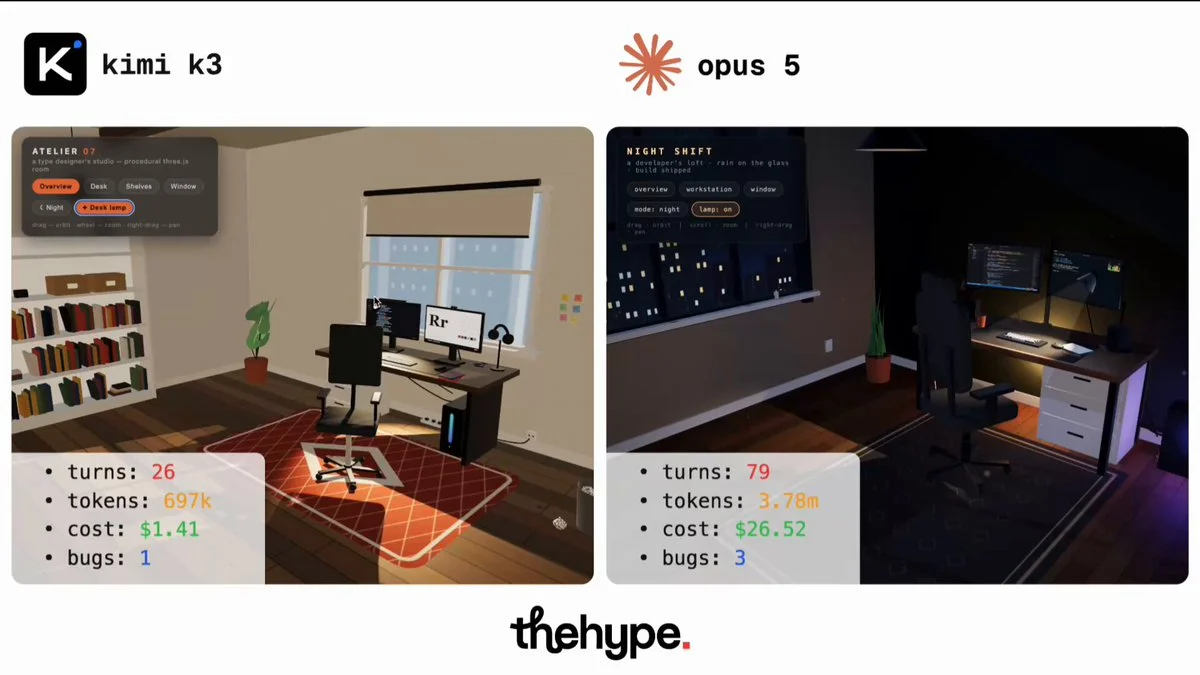
build an explorable 3d room around a computer workstation, single self-contained html file, Three.js via importmap, procedural geometry only, no meshes, no image textures, no layout or style specified. "you are the designer. surprise me"
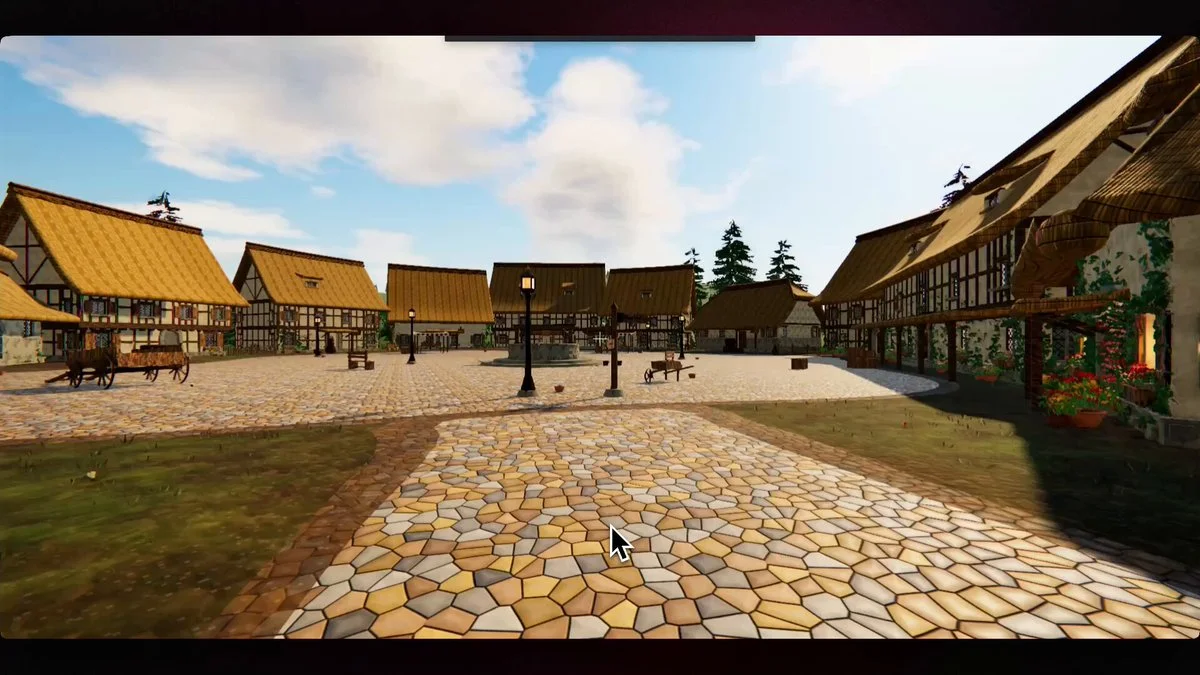
Build an explorable 3D world in Three.js based on the attached image. Requirements First-person controls (WASD + mouse look), collision detection, no clipping through geometry AAA visuals: PBR materials, HDRI-based lighting, real shadows, post-processing (tone mapping, bloom, AA) Physics on anything that moves or can be interacted with 60fps on a mid-range GPU Process Split the work into independent streams: terrain, props/geometry, materials/textures, lighting, physics, controls/camera, performance. Assign one sub-agent per stream. Each sub-agent owns its stream end to end and reports what it built plus what is still weak. Integrate, then run a review pass: walk the world, list every visible defect, fix them. Repeat that loop until a full pass produces zero defects, or until 5 loops. Report anything unresolved either way. Deliver a single runnable project plus launch instructions.
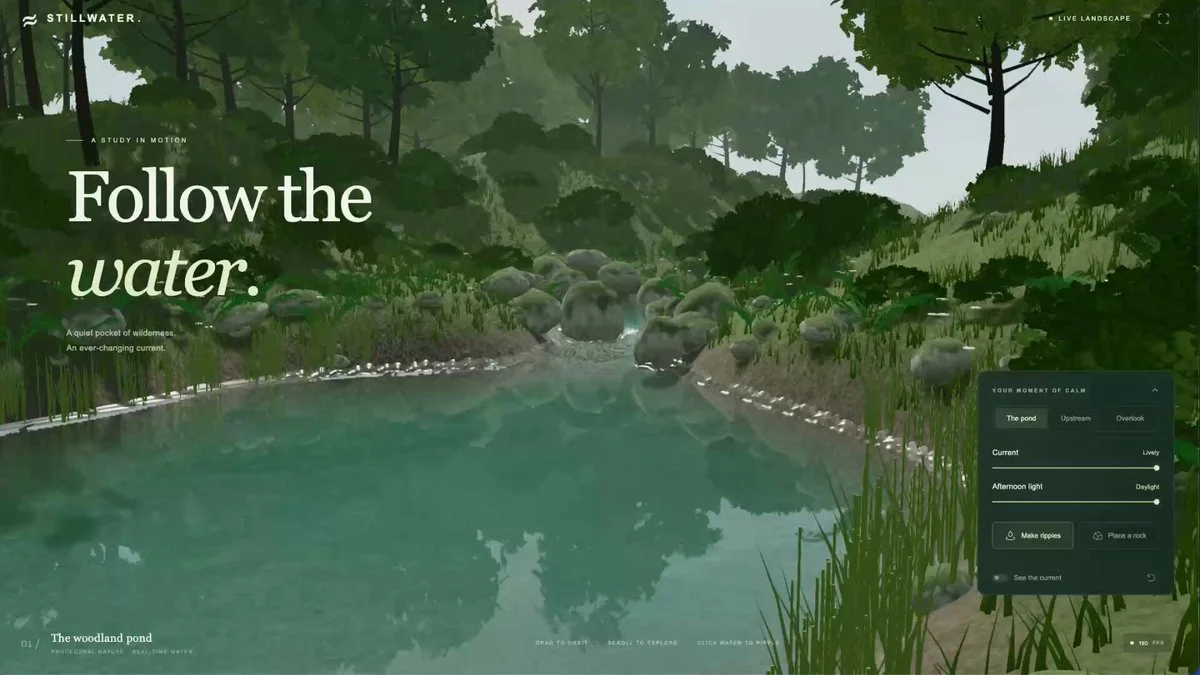
Create an interactive river scene that runs in the browser. Establish a working real-time water prototype, then inspect and refine the visual result.
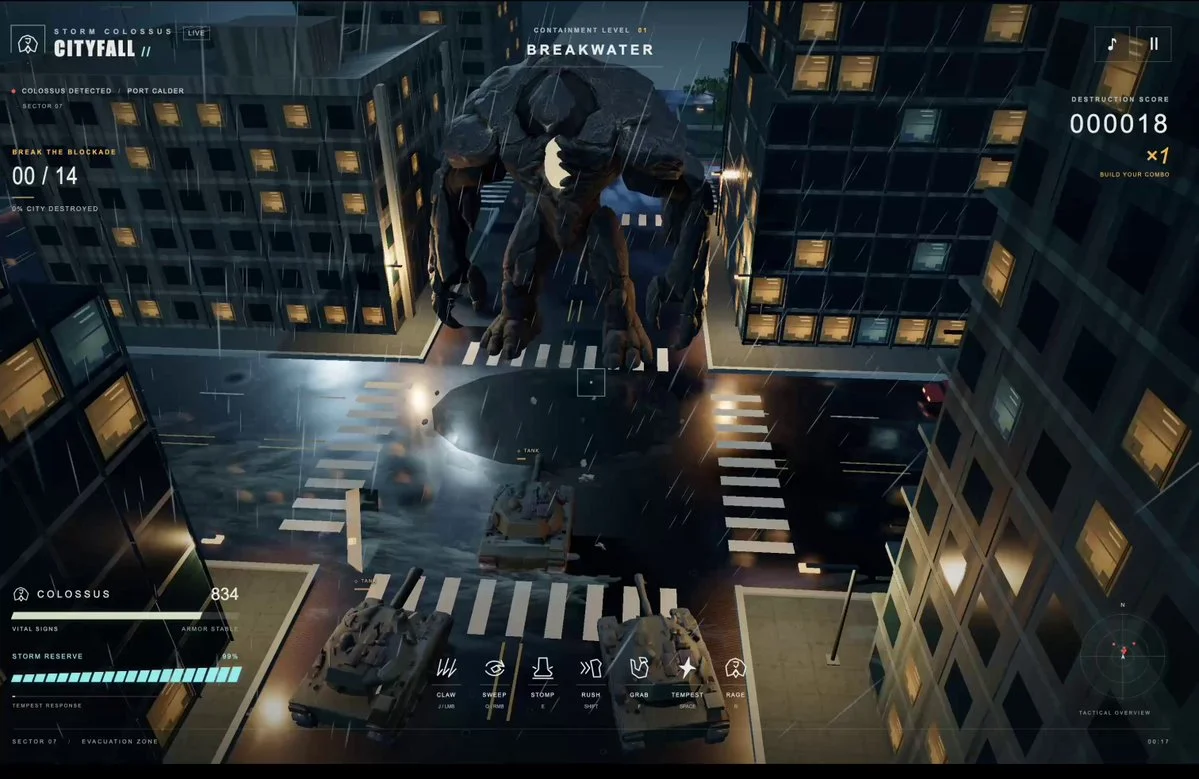
Build a kaiju-inspired Three.js game using generated creature models and sound effects. Create readable giant-scale combat and an environment that communicates the size of the creatures.
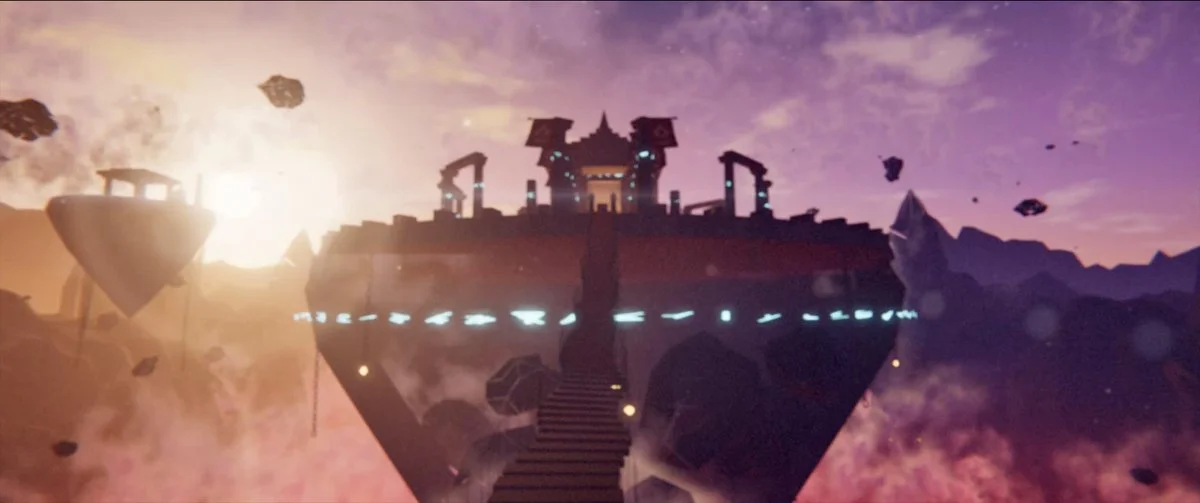
Create a procedural Three.js scene of an ancient temple floating above a glowing canyon at dusk, with cloth in the wind, god rays, lightning and a cinematic approach.
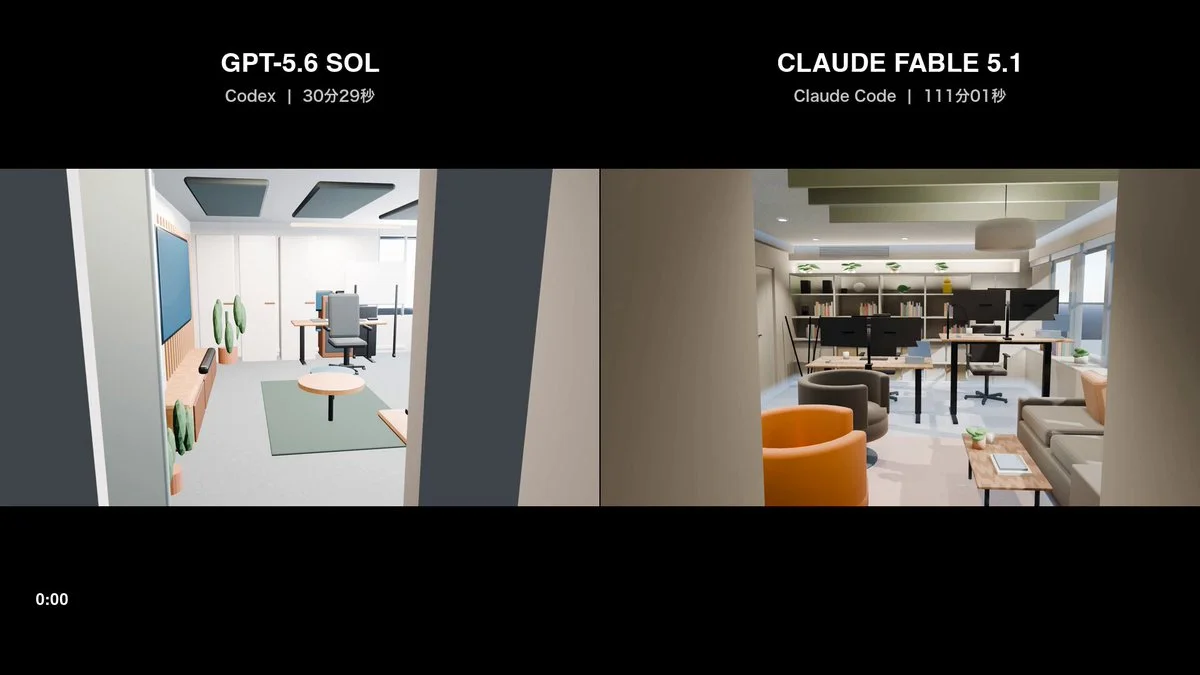
Use the supplied floor plan to create an accurate Blender 3D model, render a set of representative still images and produce a coherent walkthrough video.
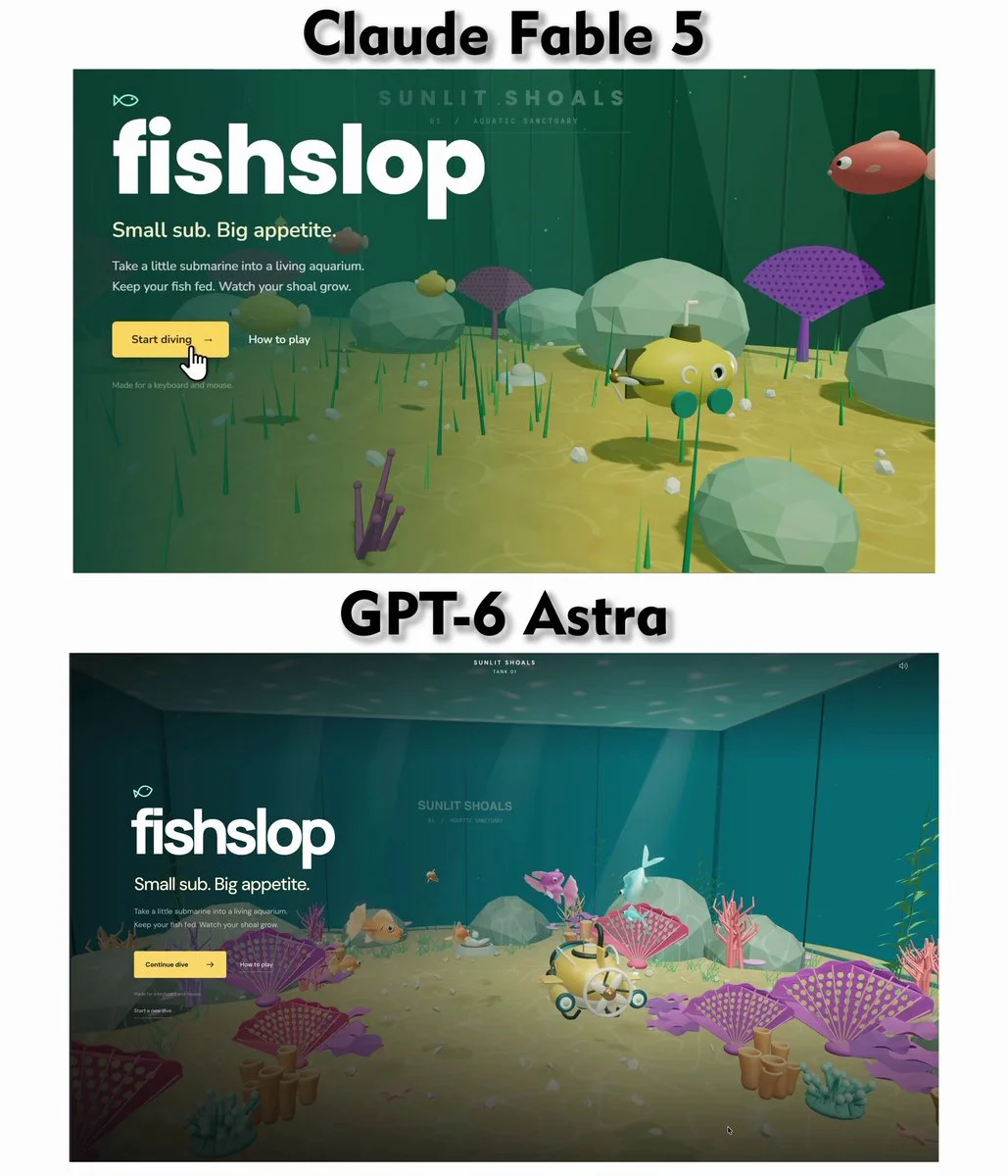
From the supplied reference image, build a 3D aquarium game with one prompt. Match the layout and mood, add lively fish behavior, water caustics, orbit controls and a small interaction loop suitable for comparing model outputs.
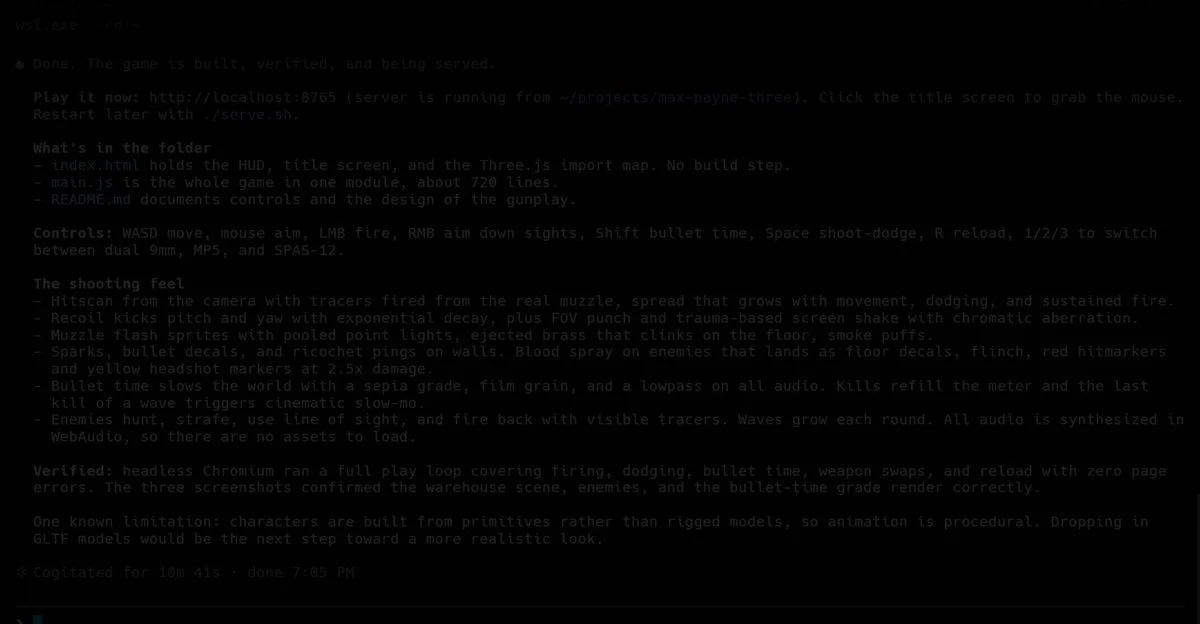
Create a small Three.js game in ten minutes with a clear objective, responsive controls, readable hazards and a complete win or fail state. Then review the playable result and refine the visuals, pacing and feedback through follow-up edits.
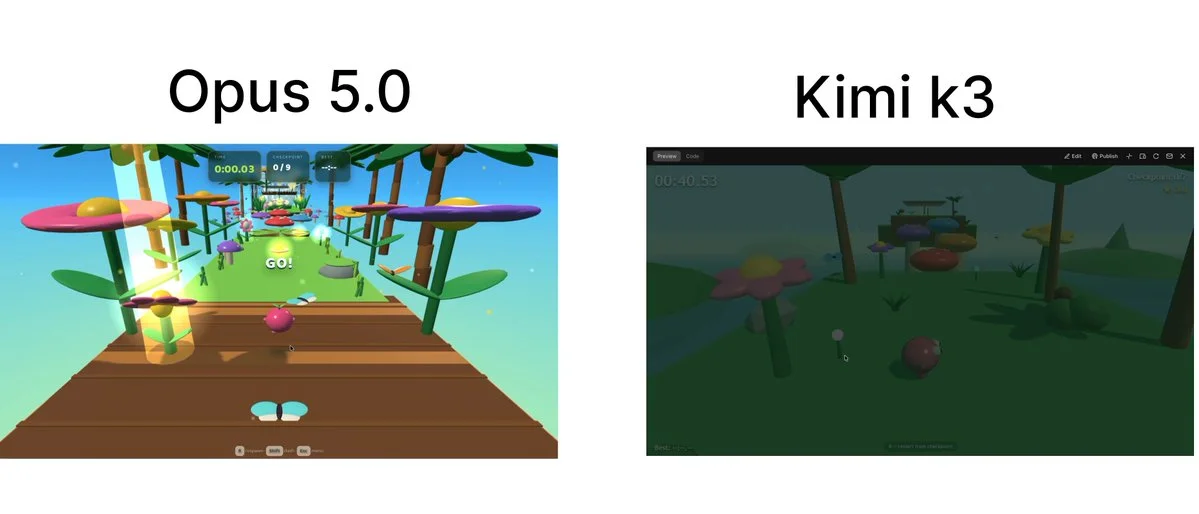
Prompt - Build a complete browser-based 3D game called "Jelly Jungle" using Three.js with plain HTML, CSS, and JavaScript (unless the existing project already uses a framework). Create an original arcade obstacle course inspired by colorful toy worlds and jungle playgrounds. Do

Create a Ramayana-inspired cinematic in HTML and Three.js. A forgotten jungle temple awakens a colossal vanara guardian; build the setting, animation and background score in code.
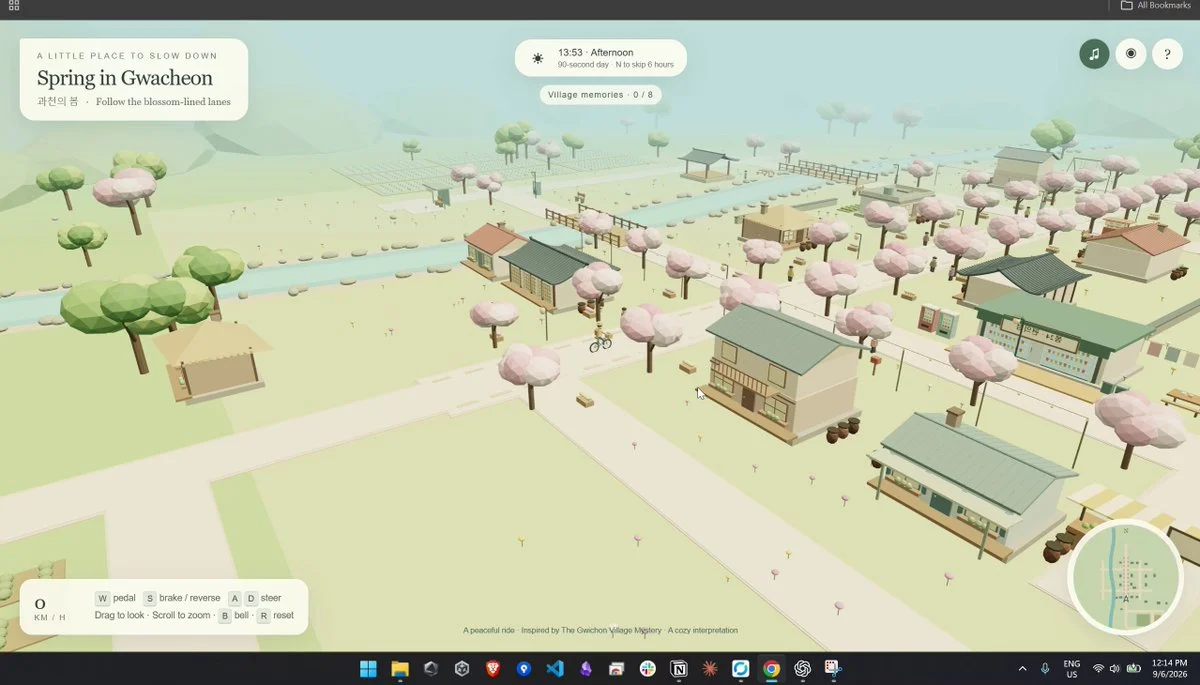
Create a cozy, explorable low-poly village inspired by Gwacheon in a single HTML file. Combine procedural 3D scenery, atmosphere, interface and interactions.
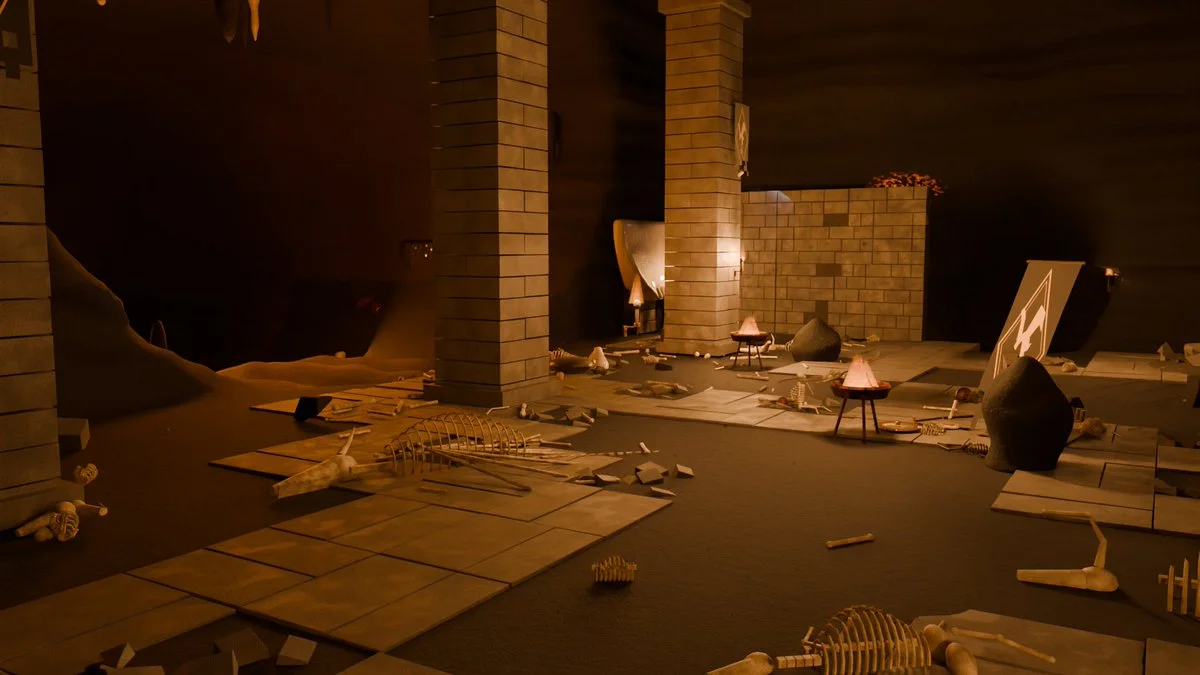
Build a dramatic dragon-lair scene in Blender with a focal dragon, cavern scale, treasure, smoke, firelight, layered composition and a cinematic camera.
Almost all of the code was written with Claude Opus 5. But what let the project keep moving through thousands of iteration loops was not a clever prompt. It was organizing the project so the AI could find what it needed without reading the entire codebase. 1. Keep instructions next to the code, not in one central pile Every folder has its own guide with common workflows and previously discovered pitfalls. The guide loads automatically when a session starts in that folder. Work on monsters does not need to pay the context cost of the map guide. The context required before each task dropped from roughly 76,000 tokens to about 10,000. 2. Enforce rules with tools, not discipline I had it write scripts that fail the build when they detect circular imports or color values written directly at the point of use instead of being defined centrally. Do not hope the AI remembers every rule; making the commit fail is much more reliable. 3. Let TypeScript be the reminder Add a skill without its effect and the project will not compile. Add a monster without creating its model and the project will not compile. It cannot be forgotten because the type system does not allow it. 4. Make content data-driven Adding a monster, skill or item should mean adding one row instead of modifying the whole system. AI handles “add one row” much more accurately than “update five places that must stay consistent.” 5. Effective prompts define evaluation criteria, not procedures Examples: “regular monsters must die within 2 to 5 seconds,” “at least 97% of every map must be reachable,” and “no game item may have a drop rate below 3%.” Then encode those criteria as tests. Once the AI knows what good means, it can find the route and determine whether it has succeeded. In short: invest in structure and tests first, then invest in the prompt.
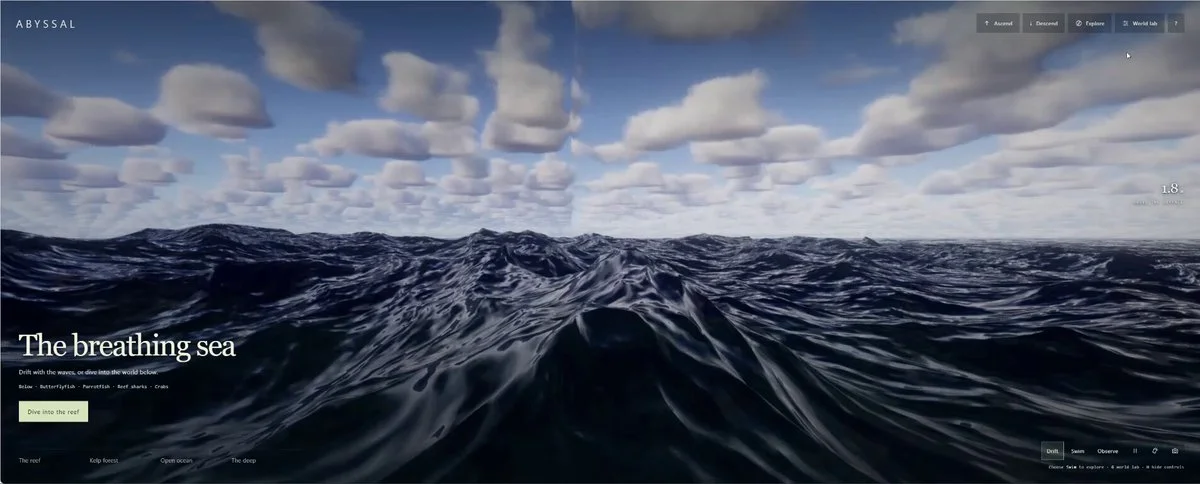
Extend the supplied single-file ocean-surface storm generator into a complete procedural ocean. Add reefs, deep water, believable weather, animal populations with emergent behavior, ecosystem interactions and a camera that can move between surface and underwater.
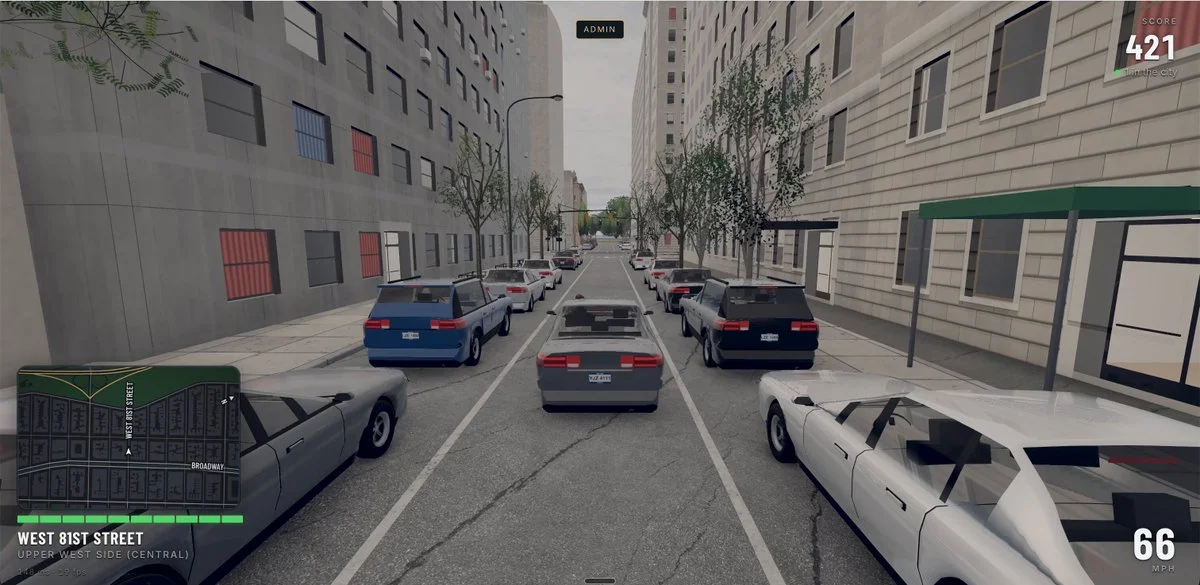
Build an early GTA-style open-world multiplayer prototype set in New York City, with driving, on-foot movement, city traffic, missions and a convincing living-world loop.
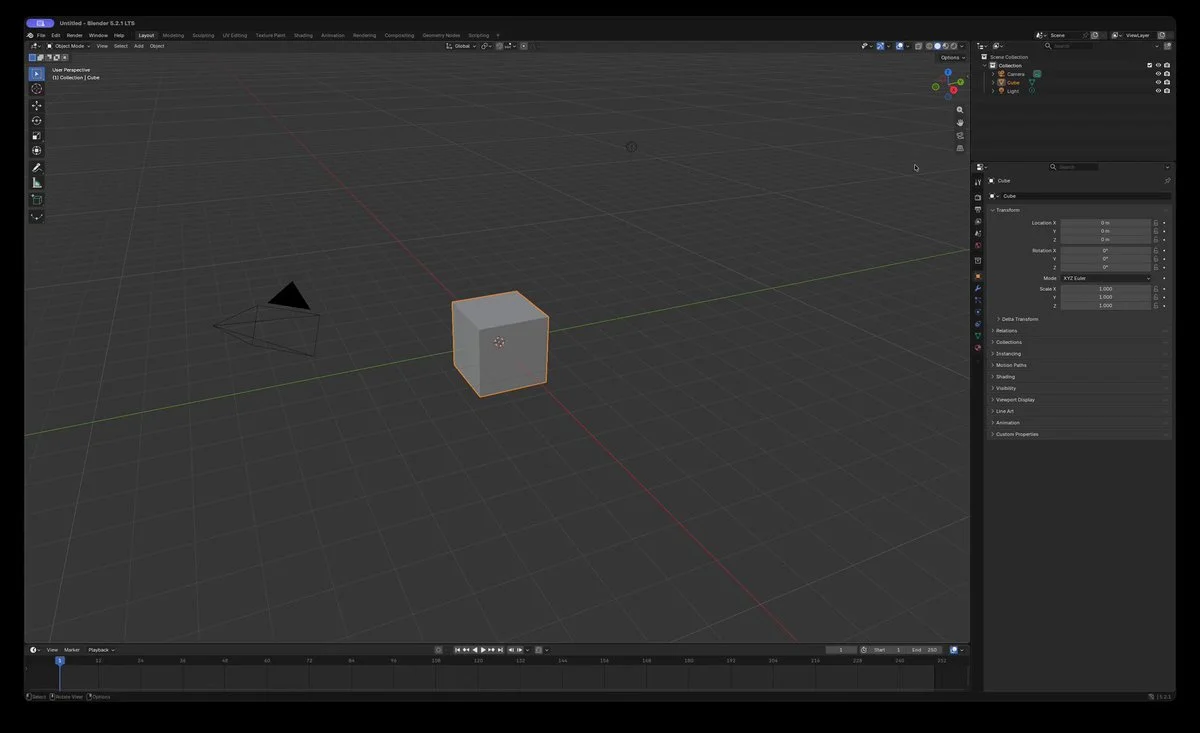
Create a 3D Formula One model in Blender with computer use.
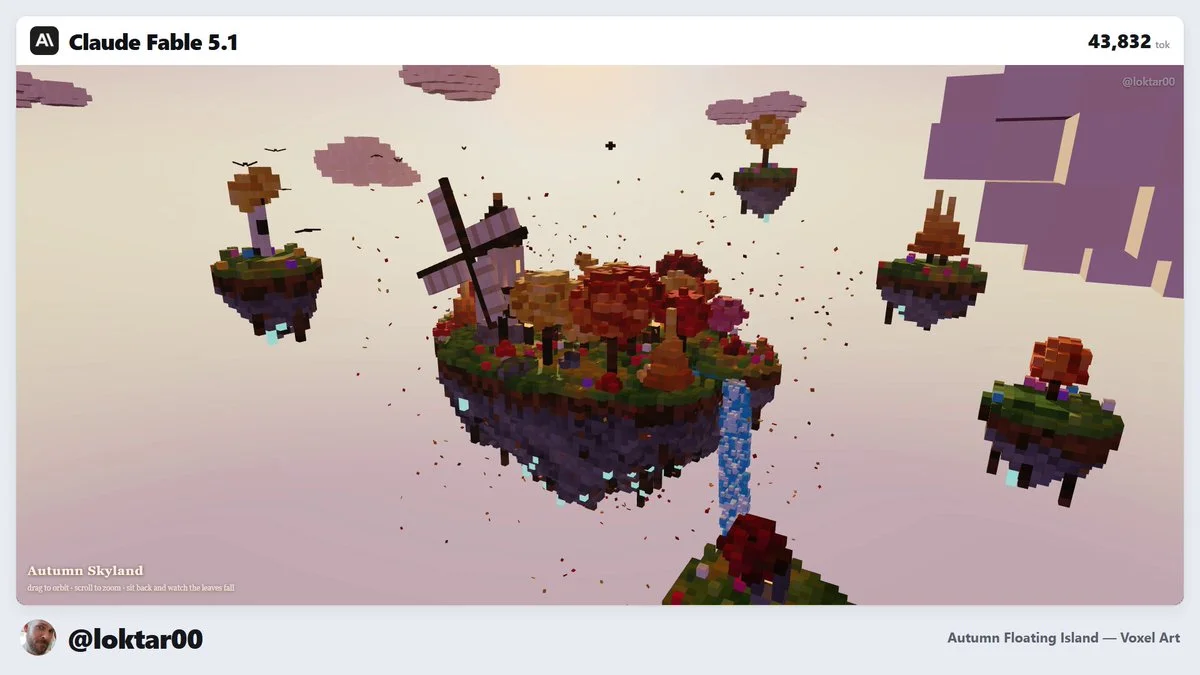
Build a floating voxel island with readable terrain layers, vegetation, water, structures, ambient motion and a camera that can orbit and inspect the whole scene.